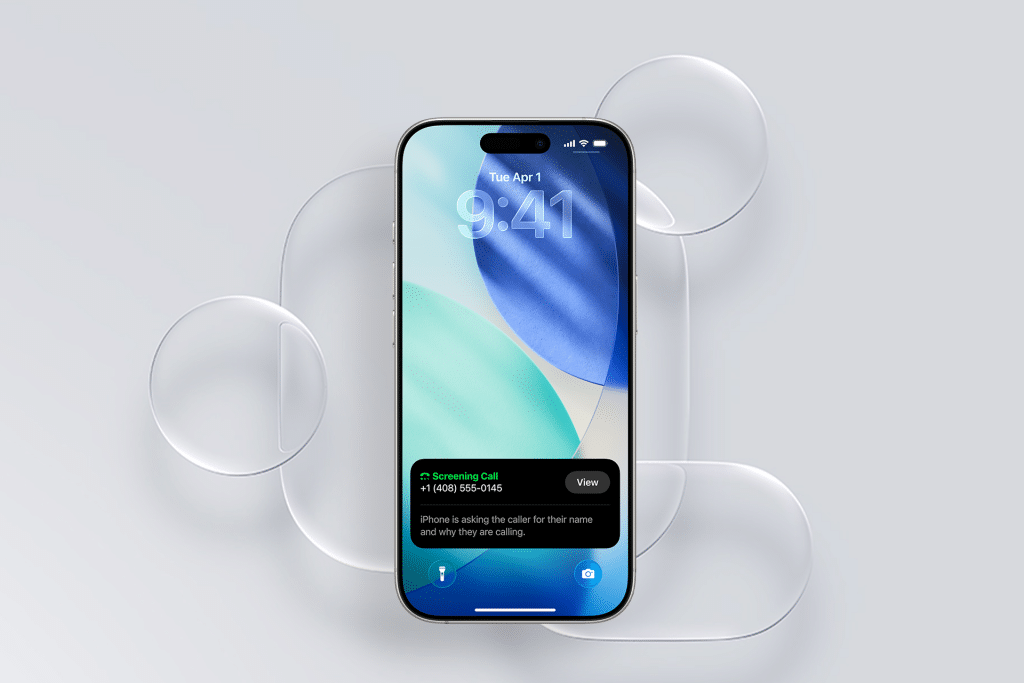
Apple has officially released iOS 26.2, the latest incremental update to the iOS 26 operating system. This version builds on the earlier iOS 26 redesign and functionality improvements with a series of refinements, practical enhancements, and bug fixes. The update is rolling out now to all compatible iPhones, and Apple is recommending users install it to benefit from improved system behavior, additional features, and security patches.
Updating your iPhone to iOS 26.2 is straightforward:
Settings → General → Software Update and follow the on-screen prompts.
Eligible devices include iPhone 11 and later models as well as the second-generation iPhone SE.
What iOS 26.2 Brings to Your iPhone
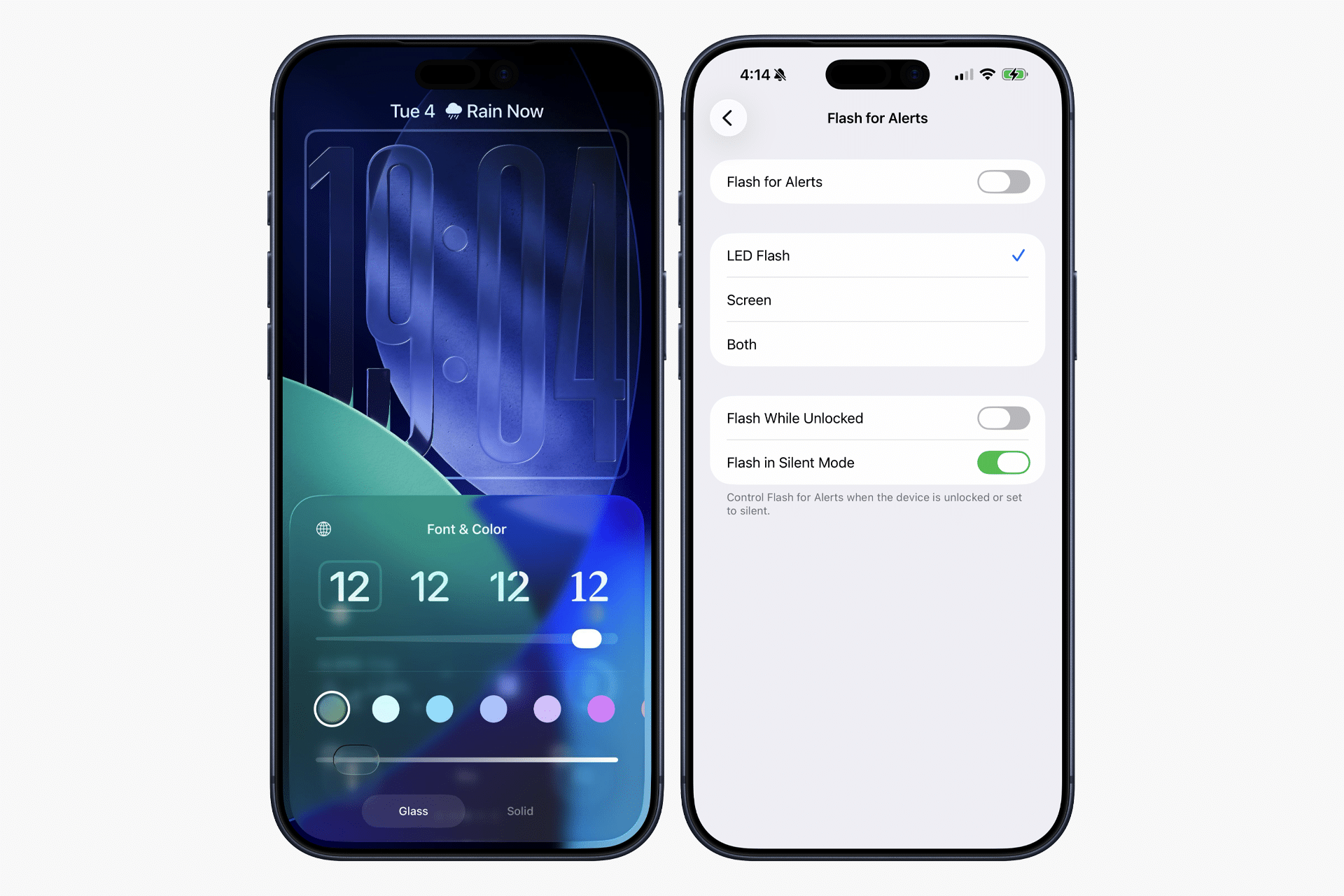
Rather than introducing a sweeping overhaul, iOS 26.2 focuses on refinements that improve how you use core features throughout the day. One of the most visible additions is a new customization option on the Lock Screen — a Liquid Glass slider lets you adjust the transparency of the clock and other overlays, giving more control over how your home and lock screens look.
The Reminders app gets a practical upgrade in iOS 26.2 with the ability to set alarms for reminders. This means important tasks now come with audible alerts that act more like traditional clocks or alarms when “Urgent” is toggled, helping ensure you don’t miss time-sensitive items.
AirDrop receives a key security improvement: sharing with someone who isn’t in your contacts can now be protected with a one-time code. The code authenticates the transfer and can remain valid for a set period, making ad-hoc file sharing safer and more convenient.

Daily media experiences also see upgrades. Apple Podcasts now can generate automatic chapters for episodes that lack them, making it easier to navigate content, and the update surfaces related shows or mentions within episodes. Apple News receives navigation enhancements that help surface topics like sports, puzzles, and politics more efficiently.
Additional system and accessibility enhancements include:
-
Offline lyrics support in Apple Music, letting you view lyrics without network connectivity.
-
Revised Sleep Score metrics that better align with real sleep patterns when paired with Watch data.
-
New animation and interface refinements across menus and system panels, delivering more fluid interaction.
Why You Should Install iOS 26.2 Now
Apple’s rollout of iOS 26.2 is not just about adding features; it’s also about improving stability and addressing issues discovered since the launch of the original iOS 26 release. The company’s stronger recommendation to adopt the latest version indicates a focus on bringing more users onto a stable, secure foundation before future feature releases.
Security updates and bug fixes included with iOS 26.2 help protect your iPhone against known vulnerabilities and ensure that apps and system services behave as expected. In many cases, waiting to install incremental updates can leave devices exposed to resolved issues that Apple has already addressed.
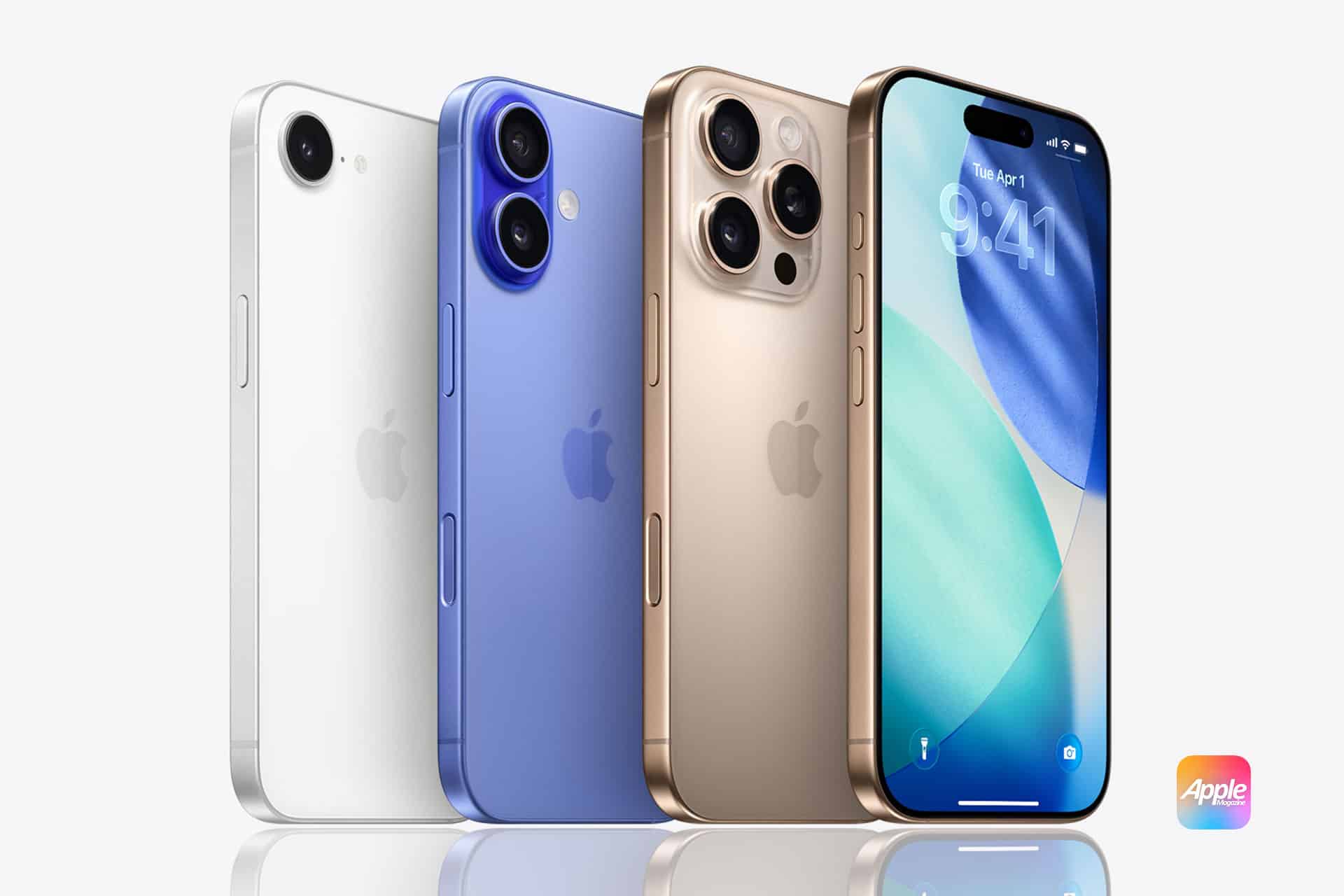
Installing iOS 26.2 also ensures compatibility with companion updates across Apple’s ecosystem. Alongside the iPhone update, Apple has released iPadOS 26.2, macOS Tahoe 26.2, watchOS 26.2, tvOS 26.2, and visionOS 26.2, each bringing related refinements to their respective platforms.
Preparing for iOS 26.2 Installation
Before initiating the update, it’s a good practice to ensure your device is backed up via iCloud or a local computer. Adequate battery level (or a charger connected) and a stable Wi-Fi connection help avoid interruptions during the download and installation process. Once installed, your iPhone will reboot into the refined iOS 26.2 experience with smoother performance and updated capabilities.
Whether you’re already enjoying iOS 26, still running earlier versions, or upgrading from iOS 18 or iOS 25, iOS 26.2 represents a polished, feature-rich update worth installing now.