


iOS 26.5 security update is a reminder that user trust in iPhone is not built only through hardware, privacy marketing, or visible features. It also depends on the quiet work Apple does behind the scenes when it patches vulnerabilities across the operating system, browser engine, kernel, networking layers, app permissions, file handling, and system services.
The update was released on May 11, 2026, for iPhone 11 and later, alongside iPadOS 26.5 for supported iPad models. Apple’s security notes list a long set of fixes across components including ImageIO, IOHIDFamily, IOKit, IOSurfaceAccelerator, Kernel, LaunchServices, mDNSResponder, Model I/O, Networking, Quick Look, SceneKit, Shortcuts, Spotlight, Status Bar, Storage, and WebKit. That range shows why software protection is a systemwide job, not a single privacy toggle.
Some of the fixes address memory corruption, kernel memory disclosure, unexpected app or system termination, maliciously crafted image or web content, local network denial-of-service risks, and sensitive data access. One Shortcuts fix added an additional user-consent prompt after Apple found that an app could potentially access user-sensitive data. A Networking fix addressed a risk where an attacker could track users through their IP address. A Status Bar issue addressed a scenario where an app could capture a user’s screen.
Those details matter because iPhone security depends on layers. The browser has to resist malicious web content. The kernel has to protect memory. Apps have to stay inside permission boundaries. Shortcuts has to ask for the right consent. Networking has to limit tracking risks. File previews and image processing have to safely handle content sent through messages, email, websites, and apps.
That is why installing iOS 26.5 is not only about getting new features. It is about keeping the device inside Apple’s current protection model.
Security Updates Protect the Invisible Parts of iPhone
iOS 26.5 security fixes mostly affect areas users rarely see directly. That can make updates feel less urgent than a new Lock Screen, Messages feature, or camera tool. The opposite is often true. The most important security fixes are often invisible because they close gaps before most users ever understand the risk.
WebKit is a good example. Safari and many web views across iOS depend on WebKit, which means a browser-engine issue can affect more than ordinary web browsing. Apple’s iOS 26.5 notes include a WebKit fix where maliciously crafted web content could prevent Content Security Policy from being enforced. Content Security Policy helps websites limit what scripts and resources can run. If that protection can be bypassed, the web becomes more dangerous.
Image and file handling are another example. iPhones constantly process photos, screenshots, PDFs, attachments, previews, thumbnails, and web images. Apple fixed issues in ImageIO, Model I/O, Quick Look, and SceneKit involving maliciously crafted images or files that could corrupt memory or cause unexpected app termination. Those are the kinds of bugs attackers look for because images and files move easily through messages, websites, email, and shared folders.
Kernel fixes are even more sensitive. The kernel is one of the deepest parts of the operating system. Apple’s iOS 26.5 security notes include multiple kernel-related fixes involving memory disclosure, unexpected system termination, buffer overflow, race conditions, and sensitive kernel state. A normal user does not interact with the kernel directly, but the kernel helps enforce the trust boundary between apps, hardware, and system resources.
This is why a security update can feel boring and still be important. The fixes protect parts of iPhone that users rely on without thinking about them.


Trust Depends on Fast, Regular Patching
iOS 26.5 security update also shows how Apple maintains trust after a device is sold. A secure phone is not secure forever because new vulnerabilities are discovered constantly. Researchers, companies, attackers, and Apple’s own teams keep finding weaknesses in complex software. The trust question is whether Apple patches them quickly and distributes fixes broadly.
Apple’s software-update model gives the company an advantage. When an update is ready, Apple can send it directly to supported iPhones and iPads without waiting for carriers or device makers to customize the release. That is one reason iPhone security is tied so closely to iOS updates. The protection is not only in the device; it is in the speed of the patch pipeline.
The same update also arrived during a broader Apple software cycle that included iPadOS, macOS, watchOS, tvOS, and visionOS updates. That matters because Apple devices are connected. A vulnerability in a shared framework, web engine, file parser, or cloud-related feature can affect more than one platform. Users increasingly move between iPhone, iPad, Mac, Apple Watch, Apple TV, and Vision Pro, so software protection has to follow the ecosystem.
Regular updates also help preserve confidence in older supported devices. iOS 26.5 covers iPhone 11 and later. Other recent Apple security releases have also patched older operating-system branches when a fix is important enough for devices that cannot run the newest software. That long-tail support is part of Apple’s value argument: devices remain safer because Apple keeps updating them for years.
To install the update:
Settings > General > Software Update
Users who delay updates often do so because they worry about battery life, app compatibility, or storage space. Those concerns can be real, but security fixes are one of the strongest reasons not to wait too long. A small inconvenience is usually better than leaving known vulnerabilities open.
RCS Encryption Adds a Visible Privacy Upgrade
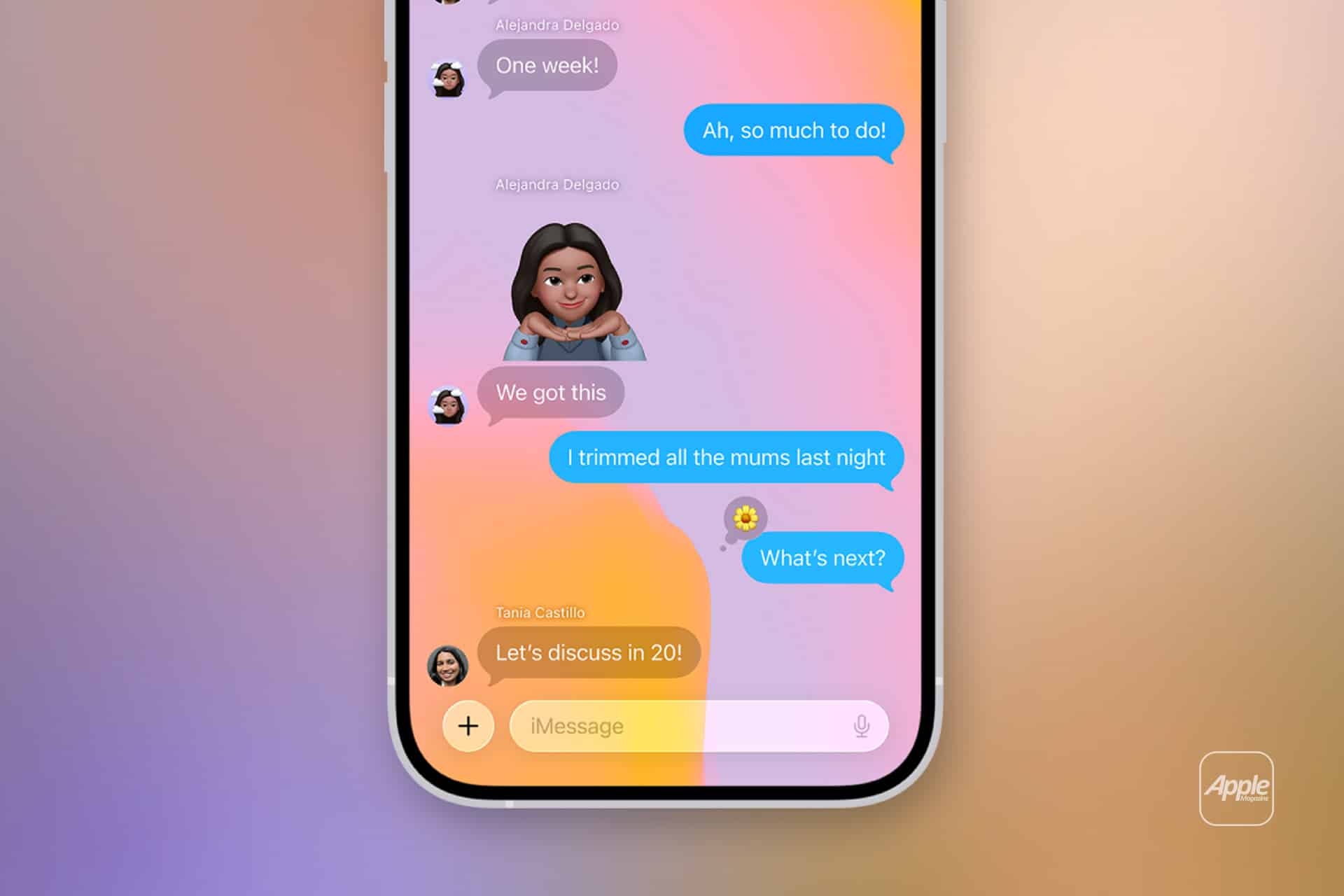
iOS 26.5 security is not only about patches. The update also brings a major visible privacy change: end-to-end encrypted RCS messaging begins rolling out in beta for iPhone-to-Android conversations when supported conditions are met. Apple and Google worked with industry partners to bring encryption to Rich Communication Services, making cross-platform messaging more private than traditional SMS.
This is one of the update’s most user-facing trust improvements. iMessage has long been end-to-end encrypted between Apple devices. RCS gave iPhone and Android chats better media quality, read receipts, typing indicators, and group messaging, but cross-platform encryption was the missing piece. With iOS 26.5, supported RCS conversations can show a lock icon when encryption is active.
That does not make RCS the same as iMessage. Availability depends on iOS version, carrier support, the Android user’s Google Messages version, and rollout timing. But it does move green-bubble chats in a safer direction. For families, friend groups, school chats, work contacts, and mixed-device conversations, encryption reduces one of the biggest weaknesses of SMS-era messaging.
To check RCS settings:
Settings > Apps > Messages > RCS Messaging
The lock icon remains the easiest sign that an RCS conversation is encrypted. Users should still remember that encryption protects messages in transit, not against scams, screenshots, compromised devices, or someone sharing the conversation. Security is stronger, but judgment still matters.
Software Protection Is a Habit
iOS 26.5 security update should be treated as part of a regular iPhone maintenance habit. Most users do not need to read every CVE, understand kernel memory, or follow WebKit bug reports. They do need to keep the device updated, use strong authentication, manage app permissions, and avoid ignoring security prompts.
A few habits help. Turn on automatic updates. Keep enough free storage for updates to install. Review app privacy permissions occasionally. Use Face ID or Touch ID with a strong passcode. Avoid installing configuration profiles unless they are absolutely trusted. Be cautious with links, attachments, and unexpected prompts. Keep important apps updated through the App Store.
To enable automatic updates:
Settings > General > Software Update > Automatic Updates
To review app permissions:
Settings > Privacy & Security
This is especially important because iPhone now holds more sensitive information than ever. Messages, photos, passwords, passkeys, Wallet cards, health data, location history, banking apps, school accounts, work files, and identity credentials may all live on the same device. A security update protects the system that keeps those categories separated and controlled.
User trust depends on that separation. People trust iPhone because apps should not freely read each other’s data, websites should not easily break browser protections, local attackers should not access kernel memory, and sensitive actions should require consent. iOS 26.5 reinforces those boundaries.
The Quiet Side of Apple’s Security Promise
iOS 26.5 security update is not a flashy release, but it is exactly the kind of release that supports Apple’s broader privacy promise. Privacy features are only convincing if the underlying software is maintained aggressively. A beautiful privacy dashboard means less if the system has unpatched flaws in file handling, networking, permissions, or the browser engine.
Apple’s security notes are intentionally technical and brief, but the message is clear. The company fixed issues that could affect memory safety, sensitive data access, IP tracking, app permissions, system stability, web protections, and local network behavior. Some were found by independent researchers. One IOHIDFamily issue was credited to Google’s Threat Analysis Group, showing how cross-industry security research contributes to platform protection.
That is the real trust model. Apple builds the system, researchers find weaknesses, Apple patches them, users install the update, and the device becomes safer. The cycle never ends because software is never finished.
For most iPhone owners, the conclusion is simple. iOS 26.5 should be installed not only for encrypted RCS or smaller feature changes, but because security updates keep the iPhone aligned with the threats Apple already knows about. A device that is updated is not invulnerable, but it is much harder to exploit than one left behind.
The iPhone’s security reputation is not maintained by one headline feature. It is maintained by updates like this one, where dozens of quiet fixes protect the device before most users ever notice something was wrong.