


The iOS 27 Home app is becoming more than a control panel for lights, locks, cameras, thermostats, and sensors. A small change in iOS 27 beta 2 suggests Apple is also preparing the Home app to manage more of the hardware that keeps a smart home running.
In the latest beta, Apple added Apple TV to the Updates section inside the Home app’s Settings interface. Tapping the Apple TV update button can install the latest tvOS software remotely, instead of requiring someone to open Settings directly on Apple TV. It is a small adjustment, but it points to a larger shift: Apple wants Home to feel more like a central management layer for the devices that power the household.
Apple TV already plays that role quietly. Along with HomePod and HomePod mini, Apple TV can work as a home hub, allowing accessories to be controlled remotely, automations to run, and smart home features to remain available when an iPhone is away. The problem is that many users do not think of Apple TV as infrastructure. They think of it as a streaming box. Putting Apple TV software updates into the Home app makes the device’s home-hub role more visible.
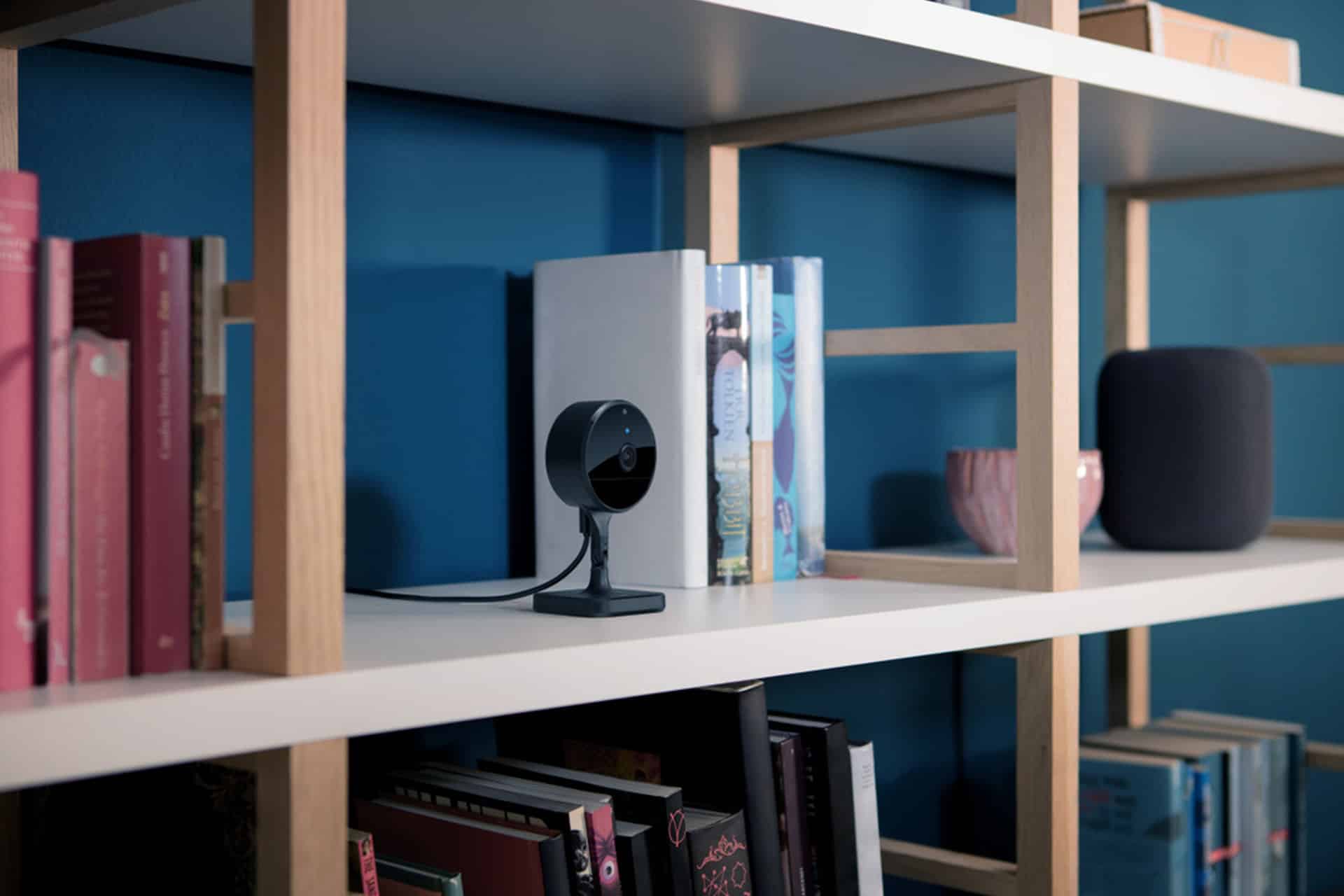
That matters because Apple’s smart home strategy is moving toward more intelligence, more automation, and more device coordination. iOS 27 adds Apple Intelligence features in the Home app, including smarter HomeKit Secure Video notifications, activity descriptions, natural language search for camera clips, and support for higher-resolution camera streams. A home that depends on those features needs its hubs updated, trusted, and easier to maintain.
This is where the Home app change becomes more interesting than the button itself. Apple appears to be reducing the distance between the user, the home hub, and the software layer that keeps everything working.
iOS 27 Home App Makes Apple TV Feel Like Infrastructure
The iOS 27 Home app update gives Apple TV a more formal place inside smart home maintenance. Until now, updating Apple TV usually meant navigating tvOS Settings on the television. That is fine when Apple TV is treated as a living-room device, but less ideal when it is part of the home’s automation backbone.
A smart home may include cameras, locks, lights, thermostats, doorbells, sensors, Matter accessories, and automations. If Apple TV is acting as the hub behind those devices, its software state matters. An outdated hub can affect compatibility, reliability, or access to newer Home features. Placing Apple TV updates inside Home makes that relationship clearer.
It also fits Apple’s broader design pattern. Apple increasingly wants one app to manage the context around a device, not only the device itself. The Watch app manages Apple Watch from iPhone. The Home app manages accessories and hubs. Wallet manages cards, passes, keys, and transaction-related updates. Settings remains the system core, but specialized apps are becoming more responsible for the everyday management layer.
For the smart home, that central layer has to be Home. Users should not need to remember which device is the active hub, which software version it runs, or which screen must be opened on the television. If Home can show that a hub needs attention and let the user update it from iPhone or iPad, the system becomes easier to trust.
That is especially relevant for households with more than one Apple TV, HomePod, or smart home location. The more devices Apple adds to the home, the more important centralized maintenance becomes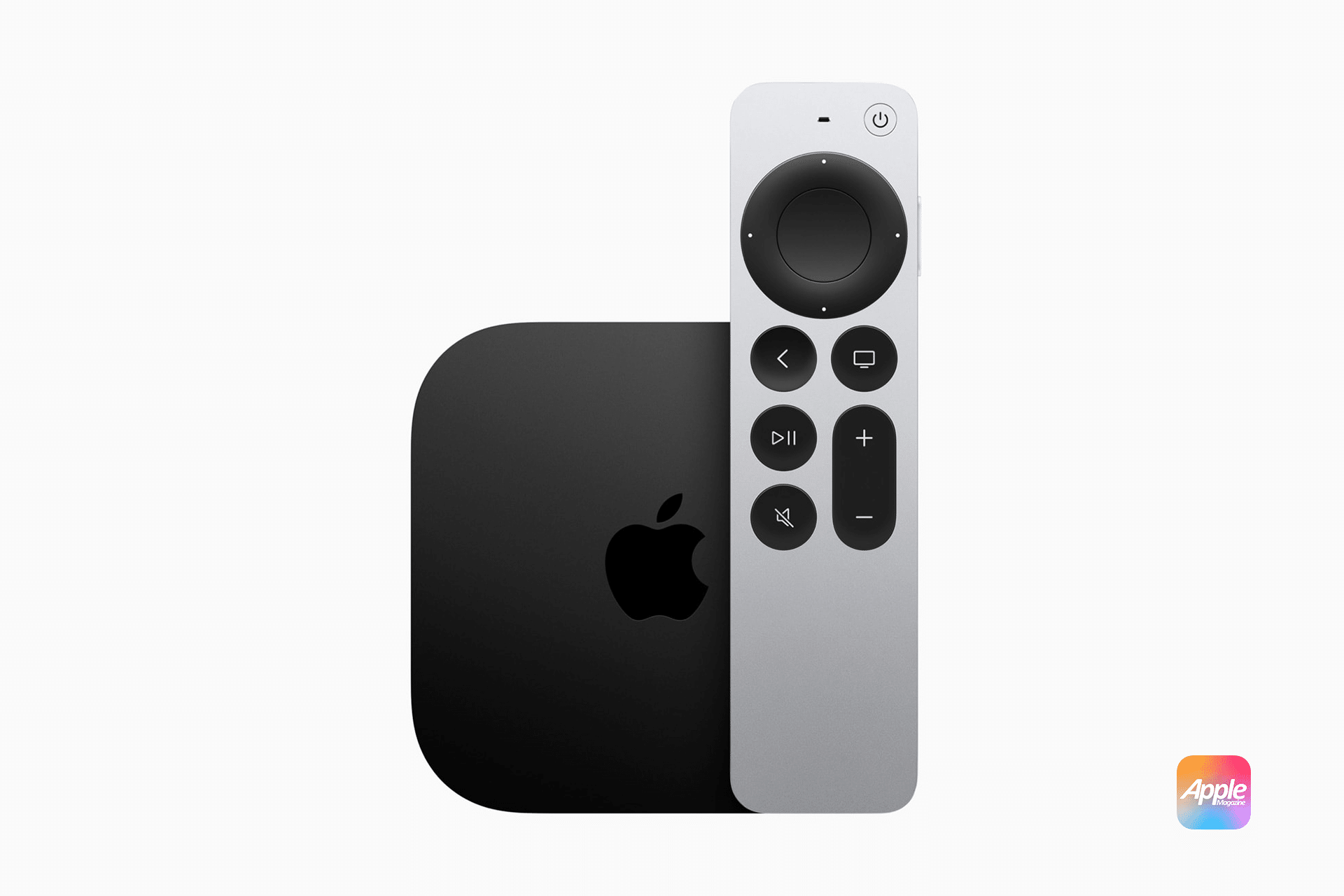

.
A Small Step Toward the Long-Rumored Home Hub
The timing also connects to Apple’s long-rumored Home hub ambitions. Reports have pointed for years to a dedicated Apple smart home display or tabletop device that would combine Home controls, FaceTime, Siri, widgets, Apple apps, and family information in one shared screen. Apple has not announced such a product, but iOS 27 continues to move the software foundation in that direction.
A dedicated Home hub would need more than a screen. It would need a mature Home app, reliable device management, strong Apple Intelligence integration, shared household controls, software updates for connected hubs, and a clear relationship with Apple TV and HomePod. The new Apple TV update control in Home does not confirm a new product, but it does show Apple treating Home as a place for device administration, not only accessory control.
That is the kind of groundwork a future hub would need. A family-facing home device cannot feel like a collection of disconnected settings. It needs to show cameras, alerts, energy data, accessories, automations, media controls, intercom features, calendars, reminders, and household status in a unified way. It also needs to manage the devices behind that experience.
Apple TV is central because it already connects the living room, media, home automation, Thread support on supported models, and remote access. HomePod is central because it brings voice, Siri, audio, and sensors into rooms. A dedicated Home hub would likely sit between those roles, acting as a visible interface for a system that already depends on Apple TV and HomePod behind the scenes.
The iOS 27 Home app update points to that future by making the home’s infrastructure easier to see and maintain from iPhone.
Why Remote Updates Matter
Remote Apple TV updates may sound minor, but smart home reliability depends on small maintenance tasks being simple. Many smart home problems come from devices falling out of sync: an accessory needs new firmware, a hub is not updated, a router changes, a Matter device loses connection, or a platform feature requires a newer software version.
Most users do not want to troubleshoot that. They want the home to keep working. If Apple can make Home show relevant update information and provide a direct action, it reduces one of the most common smart home frustrations: not knowing where the problem starts.
This is also useful for less technical households. A parent, roommate, or family member may not know how to update Apple TV through tvOS Settings, especially if the Apple TV is in another room or connected to a television that is not currently being used. Updating from iPhone through Home is more natural.
It may also help in second homes, rentals, offices, or family homes where one person manages the Apple Home setup remotely. Apple already allows remote control through a home hub. Software maintenance is the next logical layer.
There will still be limits. Apple TV must remain connected to power and the network during updates. Beta features can change before final release. The feature may behave differently across devices and software versions. But the direction is useful: fewer maintenance steps and more control from the device people already have in hand.
Apple Intelligence Raises the Stakes for Home
The iOS 27 Home app update also arrives as Apple Intelligence becomes part of the smart home experience. Apple says the Home app can combine related activity notifications, describe what happened in HomeKit Secure Video footage, and let users search clips based on what occurred. Supported cameras can also stream and record in 4K.
Those features make the Home app more useful, but they also make the hub layer more important. Smarter camera alerts, higher-resolution video, Matter accessories, automations, remote access, and Siri AI all depend on a reliable foundation. A home with more intelligence needs better device coordination.
That is why Apple TV update control fits the moment. If Apple wants Home to become more intelligent, it cannot leave hub maintenance feeling hidden or optional. The system has to guide users toward the software versions required for the best experience.
This also helps Apple differentiate from smart home rivals. Google, Amazon, Samsung, and others have spent years trying to make the smart home easier, but fragmentation remains a problem. Apple’s advantage is that it can tie iPhone, iPad, Apple TV, HomePod, Apple Watch, Siri, Apple Intelligence, iCloud, and HomeKit together under one account system and privacy model.
The challenge is making that system feel less technical. A Home hub should not feel like a network appliance. It should feel like part of the household. Moving Apple TV updates into Home is a small but practical step in that direction.
Home Becomes the Control Room
Apple’s Home app has often felt like an accessory dashboard. iOS 27 moves it closer to a control room. It can manage devices, interpret camera activity, surface smarter notifications, support newer accessory categories, and now help update Apple TV as part of the home system.
That matters for the rumored Home hub because hardware alone will not solve Apple’s smart home problem. A screen on a counter would only work if the software behind it is ready. The Home app needs to become reliable, understandable, and central enough that a dedicated device makes sense.
The iOS 27 beta 2 change is not proof that Apple’s Home hub is imminent. It is better read as evidence of direction. Apple is treating the smart home less like a collection of accessories and more like an ecosystem that needs administration, intelligence, and maintenance from one place.
For users, the benefit is simple. If Apple TV is part of the home’s foundation, the Home app should know when it needs an update and help install it. That is the kind of small system-level improvement that does not make a keynote by itself but can make Apple’s smart home feel more complete.
Apple’s rumored Home hub will only make sense if Home becomes the place where household technology is managed naturally. iOS 27 is moving the app closer to that role, one quiet update button at a time.