

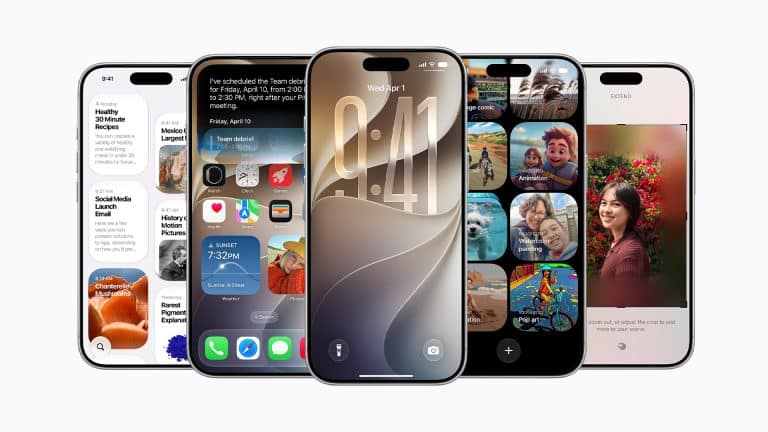
iOS 27 performance has become one of the update’s most interesting features, particularly for owners of older iPhones. Apple says apps can launch up to 30% faster, new photos can appear in the library up to 70% faster and AirDrop transfers can complete up to 80% faster.
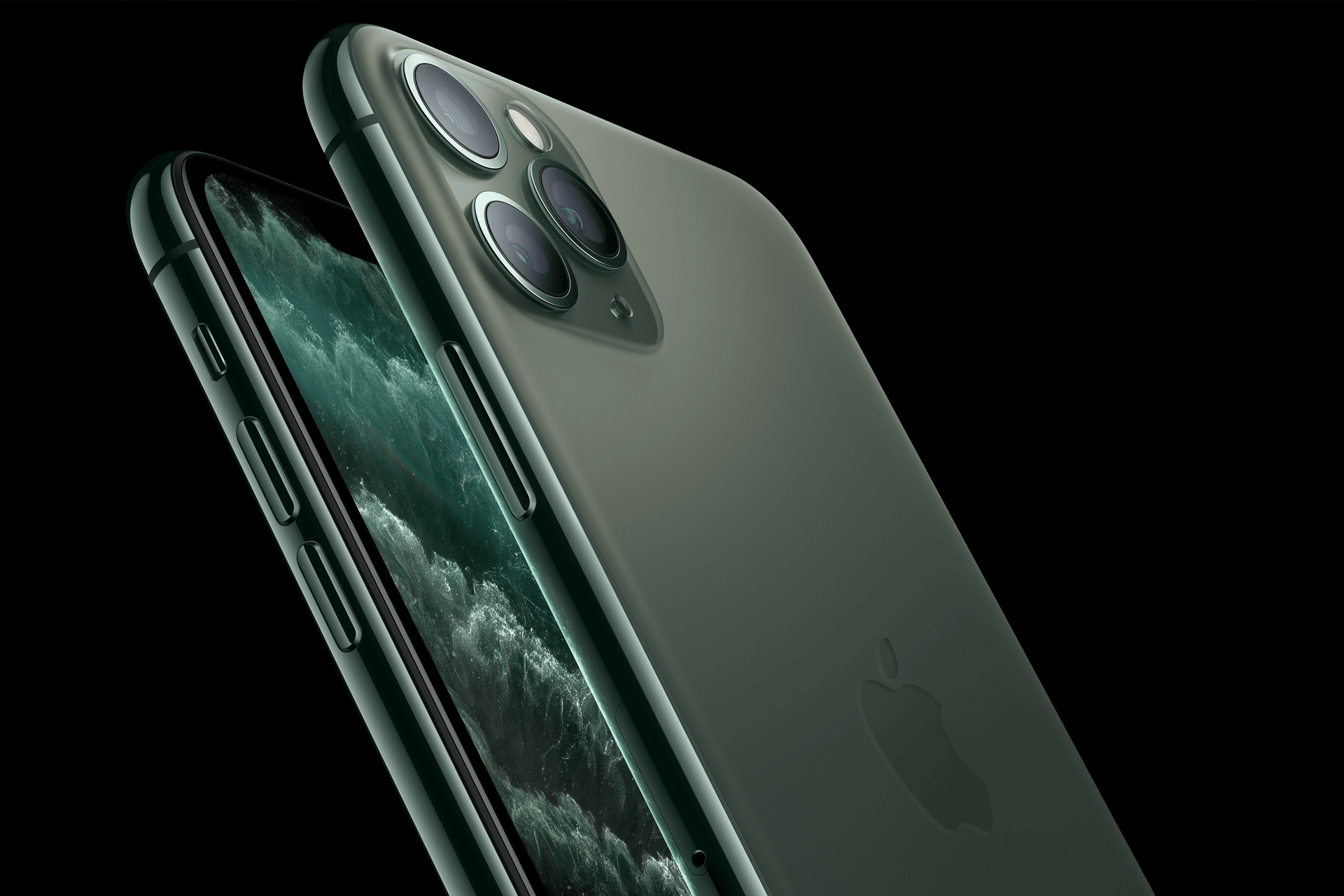
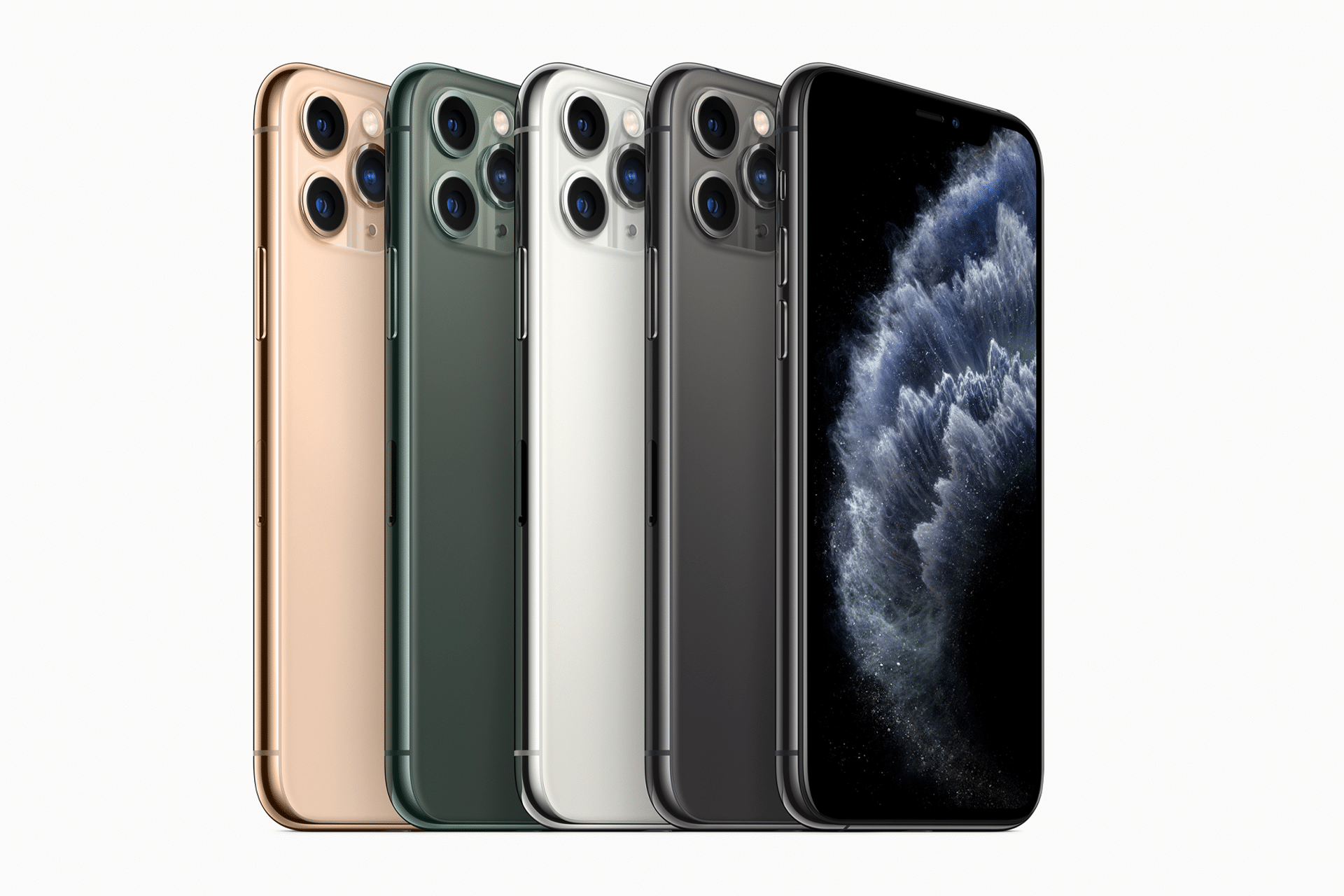
Those claims are not limited to the newest iPhone. Apple tested app-launch improvements using an iPhone 11 Pro Max running iOS 27 against the same model using iOS 26.4.2. That makes the update unusual in an industry that often introduces new software by emphasizing what older hardware cannot do.
The performance work also arrives after years of accusations that software updates gradually make aging iPhones slower. Apple has faced lawsuits, regulatory scrutiny and lasting public suspicion following its decision to manage peak performance on devices with chemically aged batteries.
iOS 27 cannot erase that history. It can offer a different experience: an annual update that may make an older iPhone feel more responsive rather than immediately giving its owner another reason to replace it.

Behind the Curtains of iOS 27 Performance
The speed improvements do not come from one hidden switch. Apple has optimized several parts of iOS that affect how quickly an iPhone responds during ordinary use.
App launches are one example. Opening an app involves reading its files, preparing memory, loading interface elements and restoring information from the previous session. Small improvements across those stages can remove the pauses that make an older device feel tired.
Apple says app launches can be up to 30% faster after many cycles of device usage. That detail is meaningful because an iPhone rarely feels slow on the first day after being erased and configured. Performance complaints usually emerge after months or years of apps, photos, messages, caches and background activity.
The update appears designed to improve how the system behaves under realistic accumulated use rather than only under laboratory conditions with an empty device.
The Photos app receives separate attention. Apple tested iOS 27 using a library containing 50,000 assets and measured how quickly newly captured photos appeared. Large libraries can make older iPhones hesitate while indexing, synchronizing and generating previews. Faster processing can make the camera-to-library experience feel immediate again.
AirDrop improvements address another familiar delay. Apple says transfers can be up to 80% faster when devices are nearby and not connected to a Wi-Fi network. That suggests refinements to direct wireless communication rather than a faster internet connection.
Why an Old iPhone Can Suddenly Feel Faster
An iPhone does not need a new processor to gain speed. Software determines how efficiently the existing processor, memory and storage are used.
Apple can reduce unnecessary background work, prioritize visible tasks and prevent one system service from competing too aggressively with another. It can also shorten animations, preload frequently used resources and improve how apps resume after leaving memory.
The user experiences those engineering changes as responsiveness. An app opens before impatience begins. The keyboard appears without hesitation. A newly taken photo is ready when the thumbnail is tapped.
These improvements may be more noticeable on an older device because its performance limits are easier to reach. Saving a fraction of a second on a current Pro model may be difficult to notice. Removing the same delay from an iPhone 11 can change how the entire phone feels.
Apple also benefits from controlling the hardware and software. Engineers know the exact processors, memory configurations and storage systems used by every compatible iPhone. iOS 27 can be tuned for those devices rather than built for thousands of unrelated hardware combinations.
Performance Is Not the Same as Battery Health
A software update cannot reverse battery aging. An older iPhone may run iOS 27 smoothly and still slow under heavy demand if its battery can no longer provide sufficient peak power.
Battery health also affects how long the device lasts between charges. A faster interface does not compensate for an iPhone that needs to be connected to power several times each day.
To check battery condition:
Settings > Battery > Battery Health & Charging
A significantly degraded battery may create more noticeable improvement after replacement than any operating-system update. Apple’s performance management is designed to reduce unexpected shutdowns on affected devices, but it can limit peak performance when the battery cannot support it.
Storage creates another boundary. An iPhone with almost no available space may struggle to create temporary files, install updates and manage large photo libraries.
To review storage:
Settings > General > iPhone Storage
Freeing several gigabytes before installing iOS 27 can make the update process smoother and give the system room to complete indexing afterward.
A Fresh Response to Programmed Obsolescence Claims
Apple’s battery controversy created a lasting belief that updates are intentionally designed to weaken older iPhones. The company said performance management was intended to prevent shutdowns, not force upgrades, but it was criticized for applying the behavior without initially explaining it adequately.
The suspicion survives because slower devices benefit hardware sales, even when software complexity and battery degradation provide less dramatic explanations.
iOS 27 performance improvements challenge the simplest version of that argument. Apple is publicly promoting speed gains on hardware introduced several years ago and using an iPhone 11 Pro Max in its own testing.
Supporting older devices also protects the ecosystem. People who keep an iPhone longer continue buying apps, using services and remaining connected to other Apple products. Device longevity is not necessarily opposed to Apple’s commercial interests.
None of this guarantees that every older iPhone will become faster. Performance varies with battery condition, storage, installed apps, temperature and personal use. Apple’s figures describe maximum improvements under controlled testing rather than a promise of identical gains for everyone.
Should You Install the iOS 27 Public Beta?
The iOS 27 public beta is now available, but installing it solely to improve an old iPhone’s performance is not the safest decision.
Beta software is unfinished. It can introduce app crashes, abnormal battery drain, heat, unreliable connectivity and accessibility problems. Banking, authentication, work and medical apps may behave unexpectedly until developers update them.
Early beta builds also perform background indexing after installation. Photos, search results and system data may need to be rebuilt, temporarily making the iPhone warmer, slower and more demanding on the battery. That can create the opposite experience from the performance improvement the user expected.
The public beta is more appropriate for a secondary iPhone or for someone comfortable diagnosing problems and restoring the device. Owners who depend on one older iPhone every day should wait for the finished iOS 27 release this fall.
Anyone proceeding should create an encrypted computer backup before installing the beta. An iCloud backup made after upgrading may not restore correctly to an older public version of iOS.
Returning from the beta to the current public release can require erasing the iPhone and restoring it with a Mac or PC. Turning off Beta Updates prevents future beta installations but does not immediately remove the beta already installed.
The Better Upgrade Strategy
Owners of older iPhones should first install the latest stable iOS 26 security update, review battery health and clear unnecessary storage. Those steps provide a safer foundation while iOS 27 continues through public testing.
When the finished release arrives, the phone may remain busy for a day or two while indexing content and updating apps. Performance and battery life should be judged after that background work settles.
iOS 27 performance gives Apple a compelling message at a sensitive moment. The company is not only bringing new AI and design features to recent devices. It is also trying to remove years of accumulated friction from phones that remain in daily use.
For an iPhone 11 or another aging model, that could feel like a small renewal. The safest way to receive it is not through impatience with the public beta, but through the polished release Apple is using the beta period to finish.