


Switching from Android to iPhone is rarely about specs. On paper, both platforms offer fast processors, good cameras, and modern designs. The difference becomes clear only after living with iOS day to day — especially when more than one Apple device enters your life.
Apple doesn’t sell isolated products. It builds a system where hardware, software, and services evolve together. That design philosophy changes how files move, how devices communicate, and how much effort you spend managing technology instead of using it.
What iOS Means in Daily Life
On iOS, many things simply happen without asking. Photos taken on your iPhone appear automatically on your iPad and Mac. Messages sync everywhere. Calls move from phone to laptop. Clipboard content copies on one device and pastes on another.
This isn’t customization you need to configure deeply. It’s the default behavior. iOS is designed around continuity — the idea that your digital life flows naturally between screens.
On Android, similar results are possible, but often require multiple apps, manual setup, or brand-specific features that don’t work consistently across manufacturers.


Hardware and Software Built Together
Apple controls both the hardware and the operating system. That single decision shapes everything else. iOS is optimized specifically for iPhone hardware, not for hundreds of different devices with different chips, sensors, and performance profiles.
The result is consistency. Updates arrive simultaneously to supported models. Features behave the same way across devices. Performance stays predictable year after year.
Android’s openness offers flexibility, but it also creates fragmentation. Different phones run different versions of Android, receive updates at different times, or stop receiving them entirely after a few years. For many users, that inconsistency becomes noticeable over time.
Privacy as a Core Design Principle
Privacy is not a setting in iOS — it’s a foundation. Apple limits data collection by default, processes more information on-device, and makes tracking opt-in rather than invisible.
App tracking transparency, permission prompts, and local processing are not add-ons. They are part of how iOS works. Users can see what apps access and when, without digging through menus.
On Android, privacy tools exist, but the platform’s business model is more closely tied to data-driven advertising. That difference influences how features are designed and where data flows.

File Management Without Thinking About It
File handling is one of the areas where iOS feels simpler over time. Documents live in iCloud and are accessible everywhere. Apps know where files belong. Sharing between apps feels consistent.
AirDrop replaces cables, emails, and messaging attachments with a single gesture. Files move instantly between nearby Apple devices without compression, account logins, or configuration.
Android offers file access freedom, but often at the cost of complexity. Users manage folders, storage locations, and compatibility manually. iOS chooses simplicity over exposure.
Photos, Media, and Memory
Photos is more than a gallery on iOS. It’s a living archive synced across devices, backed up automatically, and organized using on-device intelligence.
Edits made on one device appear everywhere. Albums stay in sync. Memories surface without manual sorting. The system handles scale quietly, even with tens of thousands of images.
Android photo experiences vary by manufacturer and cloud provider. Consistency depends on which apps and services you choose, and how long they remain supported.
Stability Over Customization
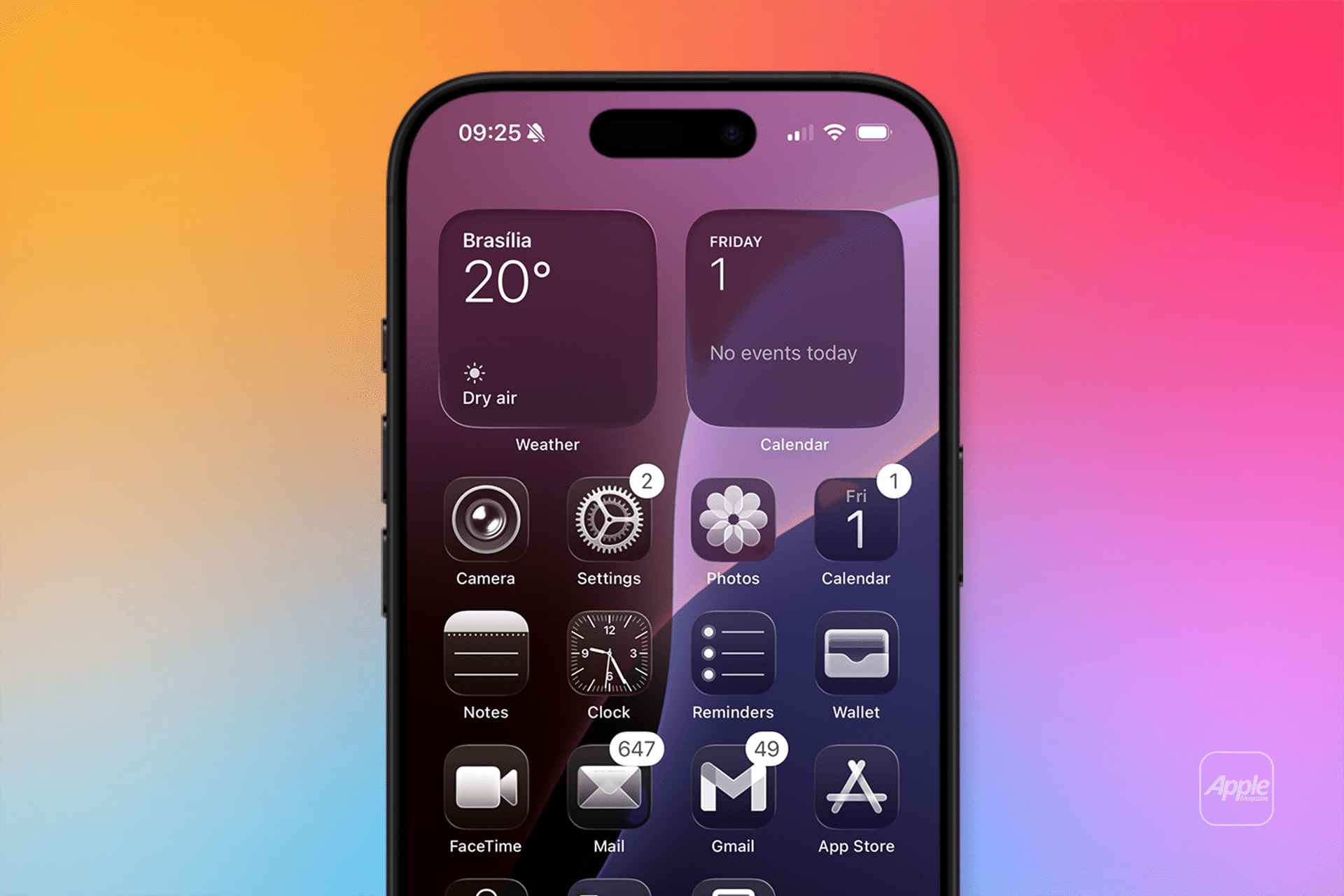
Android’s strength has always been customization. iOS prioritizes stability. Apple allows personalization, but within boundaries designed to protect performance and reliability.
That approach means fewer system crashes, more predictable behavior, and less maintenance over time. iOS feels less like a project and more like an appliance — something you use rather than manage.
For many users, that trade-off becomes appealing as devices become central to work, communication, and family life.
The Ecosystem Effect
The biggest difference between iOS and Android isn’t visible on day one. It appears gradually as Apple devices accumulate. An iPhone becomes more powerful when paired with an iPad. Add a Mac, and workflows change again.
This “magic” isn’t a feature. It’s the result of years of integration across hardware, operating systems, and services designed to work as one.
Android excels at choice. iOS excels at coherence.
Why Many Users Switch — and Stay
People rarely switch to iOS because of a checklist. They stay because daily friction disappears. Fewer settings to manage. Fewer compatibility questions. Fewer moments where things don’t behave as expected.
In 2026, iOS vs Android is less about which platform is better, and more about which philosophy fits your life. If you value stability, privacy, and seamless integration across devices, iOS offers something Android still struggles to replicate consistently.

