

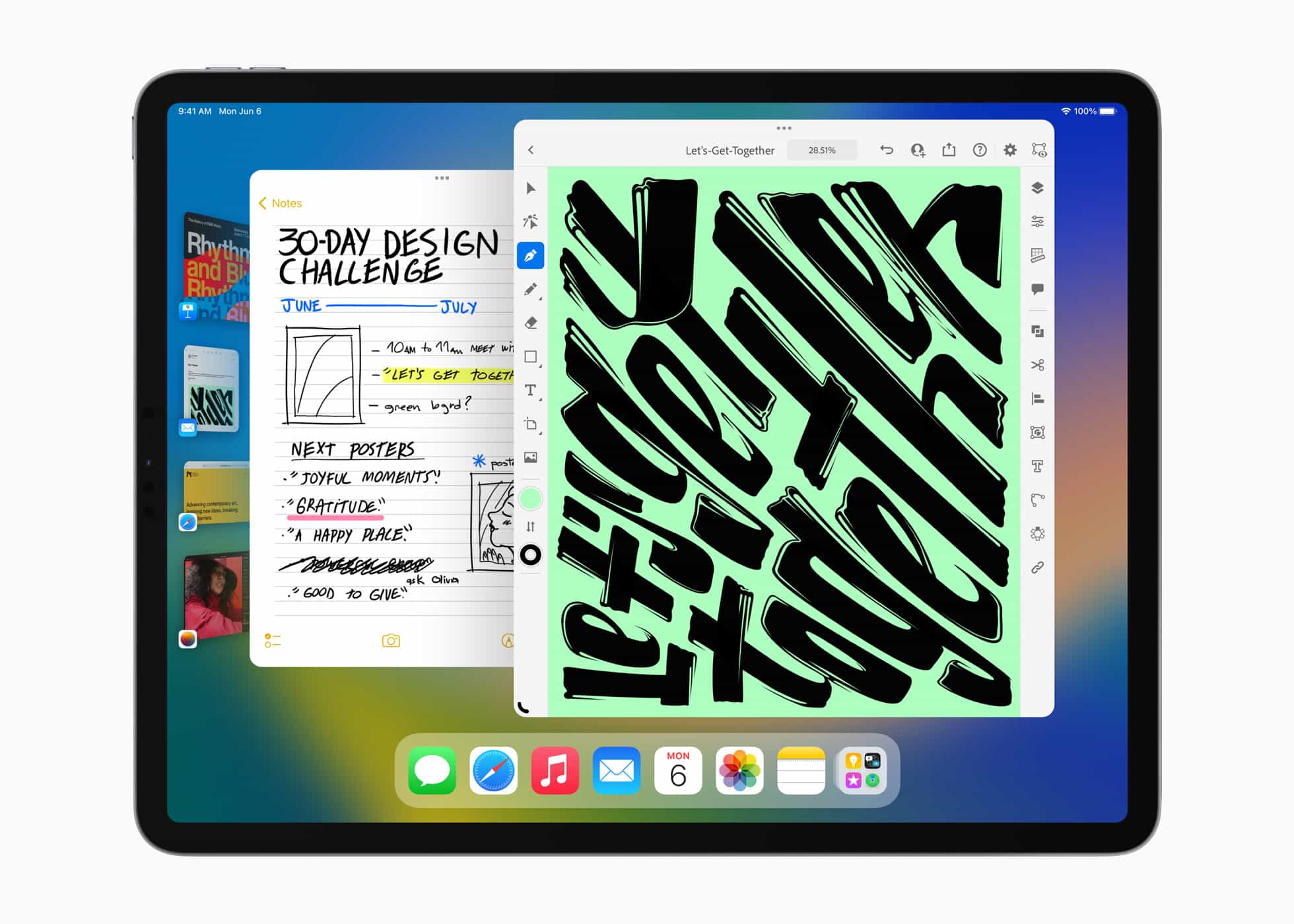
The moment handwriting became searchable on iPad, digital note-taking quietly changed. For years, handwritten notebooks carried one unavoidable limitation: once pages filled up, finding a specific idea meant flipping through them manually.
Apple’s Scribble and handwriting recognition technology removes that friction by automatically converting handwritten strokes into searchable data while preserving the natural look of handwritten notes.
On modern iPad models, handwritten notes created with Apple Pencil are continuously analyzed by on-device machine learning.
Words written casually during meetings, classes, brainstorming sessions, or sketches become indexed in the background. Days, weeks, or even months later, a single keyword typed into the Notes search field instantly reveals the exact page where it appears, even if the note was never manually converted into typed text.

How Handwriting Recognition Works
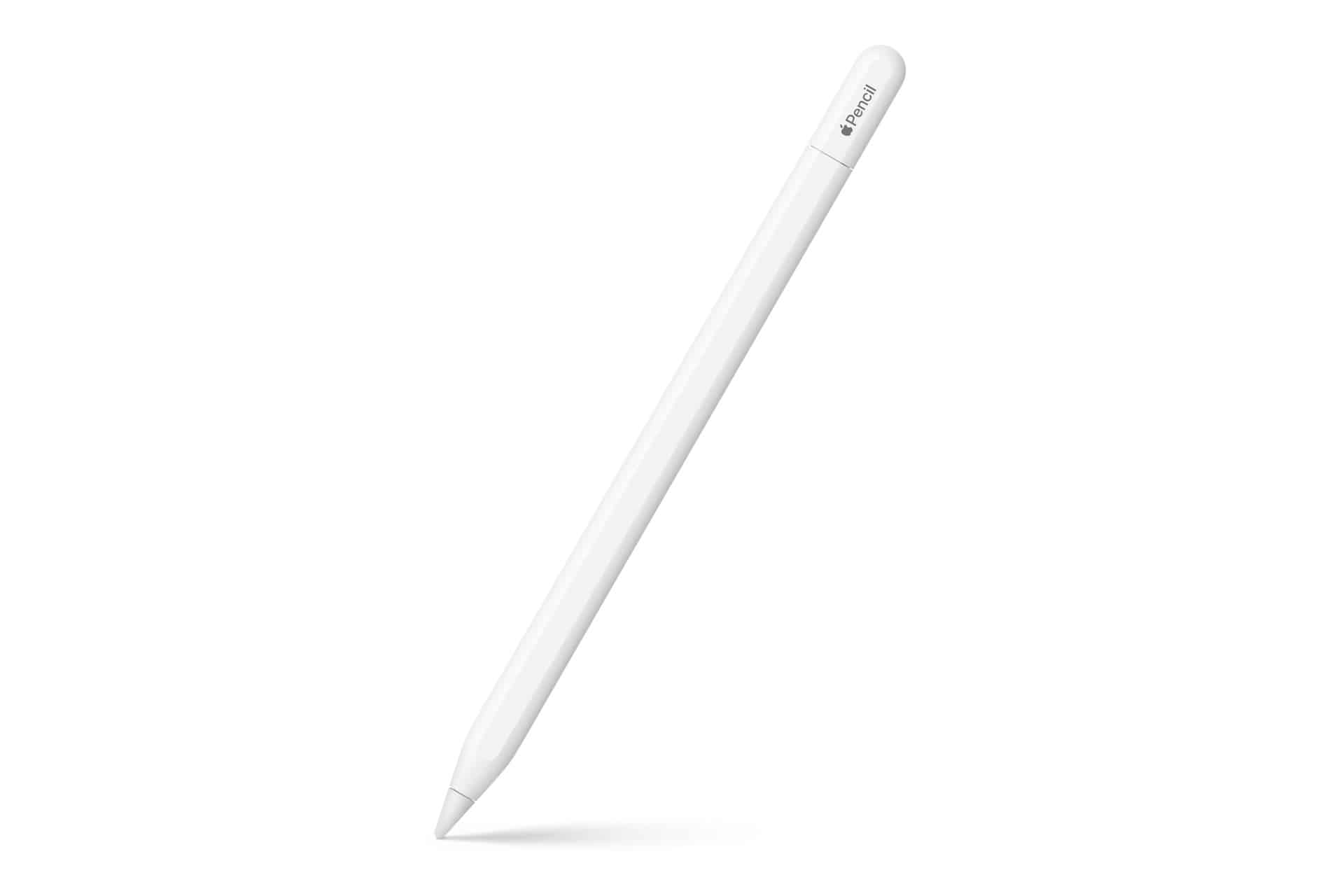
Unlike traditional OCR processes that require scanning documents after writing, iPad handwriting recognition operates in real time. As soon as words are written using Apple Pencil, the system identifies letter shapes, spacing patterns, and contextual language structures to build a searchable index. This process happens directly on the device, preserving privacy while maintaining speed.
Because the recognition engine adapts to different handwriting styles over time, search accuracy improves with continued use. Even quick handwriting, shorthand notes, or mixed diagrams and words can be detected successfully in many cases. Users do not need to activate any special scanning function — the indexing occurs automatically within supported apps such as Apple Notes.
Searching Handwritten Notes
Settings are not required to enable the feature in most cases, but searching handwritten content follows a simple workflow:
Open Notes > Search bar > Type keyword > Select matching handwritten note
Search results display handwritten previews with highlighted matches, making it easy to jump directly to the correct section of a notebook. The search also works across folders, shared notes, and scanned documents that contain handwritten text recognized by the system.
Combining Scribble With Typed Search
Scribble allows handwritten text to be converted dynamically into typed input fields across the system, but its most powerful advantage appears when paired with the search index. A handwritten brainstorming session written weeks earlier can instantly appear alongside typed documents when searching for the same keyword. This creates a unified search environment where handwritten and typed notes behave identically.
Students often benefit from this capability during exam preparation. Lecture notes written over an entire semester become instantly searchable by topic or keyword.
Professionals using iPad for meetings can retrieve specific project notes within seconds, even if they do not remember the exact notebook where the information was written.

Organizing Large Digital Notebooks
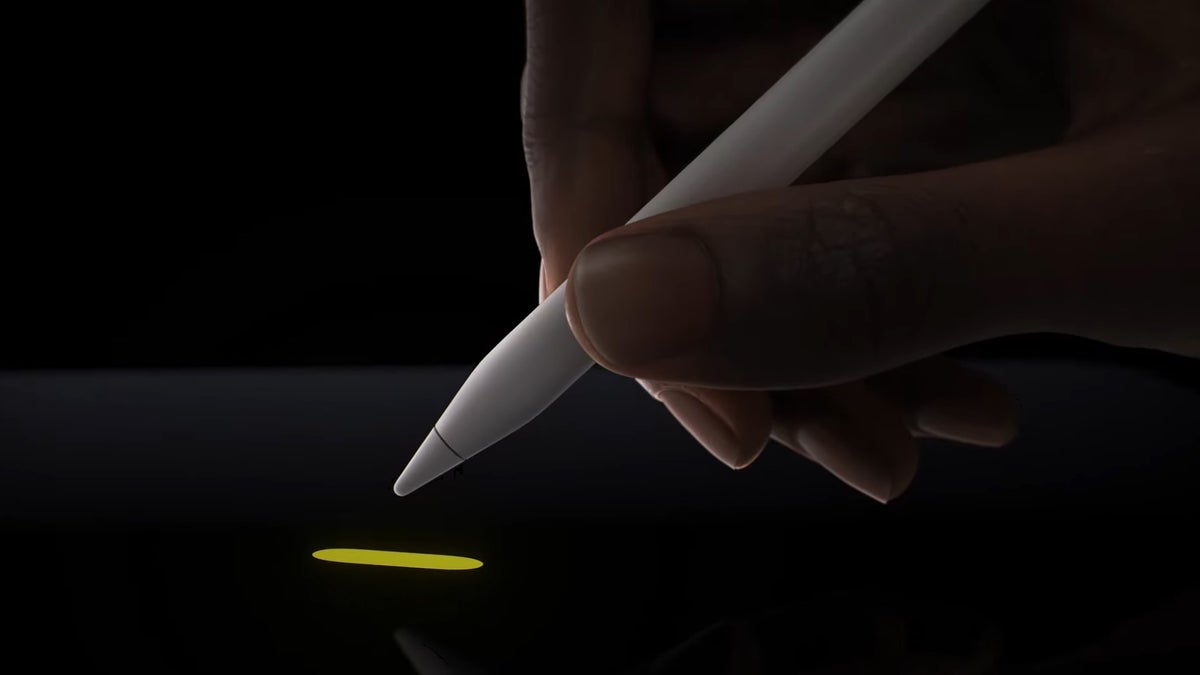
As note libraries grow, handwriting search becomes essential for organization. Instead of manually categorizing every note, users can write freely and rely on the search engine to locate information later. This encourages more natural note-taking habits, where speed and creativity are prioritized over manual filing systems.
Handwritten sketches also benefit from contextual indexing. Labels written next to diagrams, design sketches, or planning layouts become searchable markers, helping locate visual content quickly.
Designers, architects, and creative professionals often use this approach to organize complex projects without interrupting the drawing process.
Offline Recognition And Privacy Advantages
Because handwriting recognition is processed on device, the feature remains available offline. Notes created during flights, travel, or areas without connectivity remain searchable immediately. Privacy is also maintained since handwriting analysis does not require cloud processing to function effectively.
This approach aligns with Apple’s broader strategy of integrating machine learning directly into the operating system, allowing productivity features to operate continuously without noticeable performance impact.
A Natural Evolution Of Digital Note-Taking
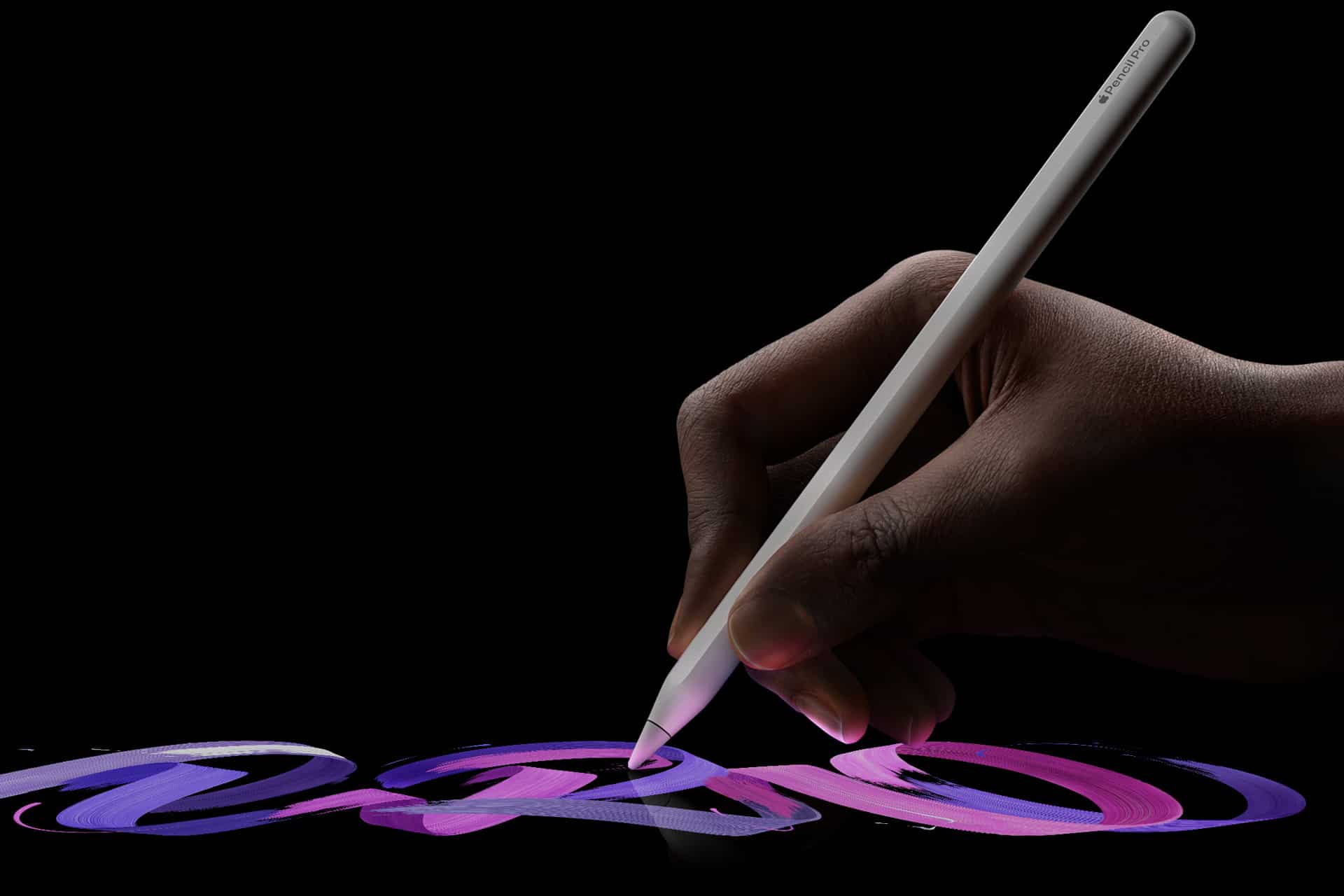
The transition from paper notebooks to digital writing once required sacrificing the ability to search handwritten content. With iPad handwriting search, that limitation disappears.
Writing remains fluid and personal, while the system quietly builds an organized, searchable archive behind the scenes.
Over time, this turns iPad into a living notebook where every handwritten idea remains instantly accessible, regardless of when it was written or how many pages have accumulated.

