

The iPad has never been easy to define, and that’s part of its strength. It isn’t just a bigger iPhone, and it doesn’t try to fully replace a Mac. Instead, it adapts. In daily life, the iPad shifts roles constantly, sometimes within minutes, depending on who’s using it and what needs to be done.
For many people, it starts as a personal screen. Reading news, browsing the web, checking emails, watching movies, or making FaceTime calls all feel natural on the iPad’s larger display. Touch interaction makes these activities faster and more comfortable than on a phone, while still being lighter and more relaxed than sitting in front of a traditional computer.
iPad as a Personal and Family Device
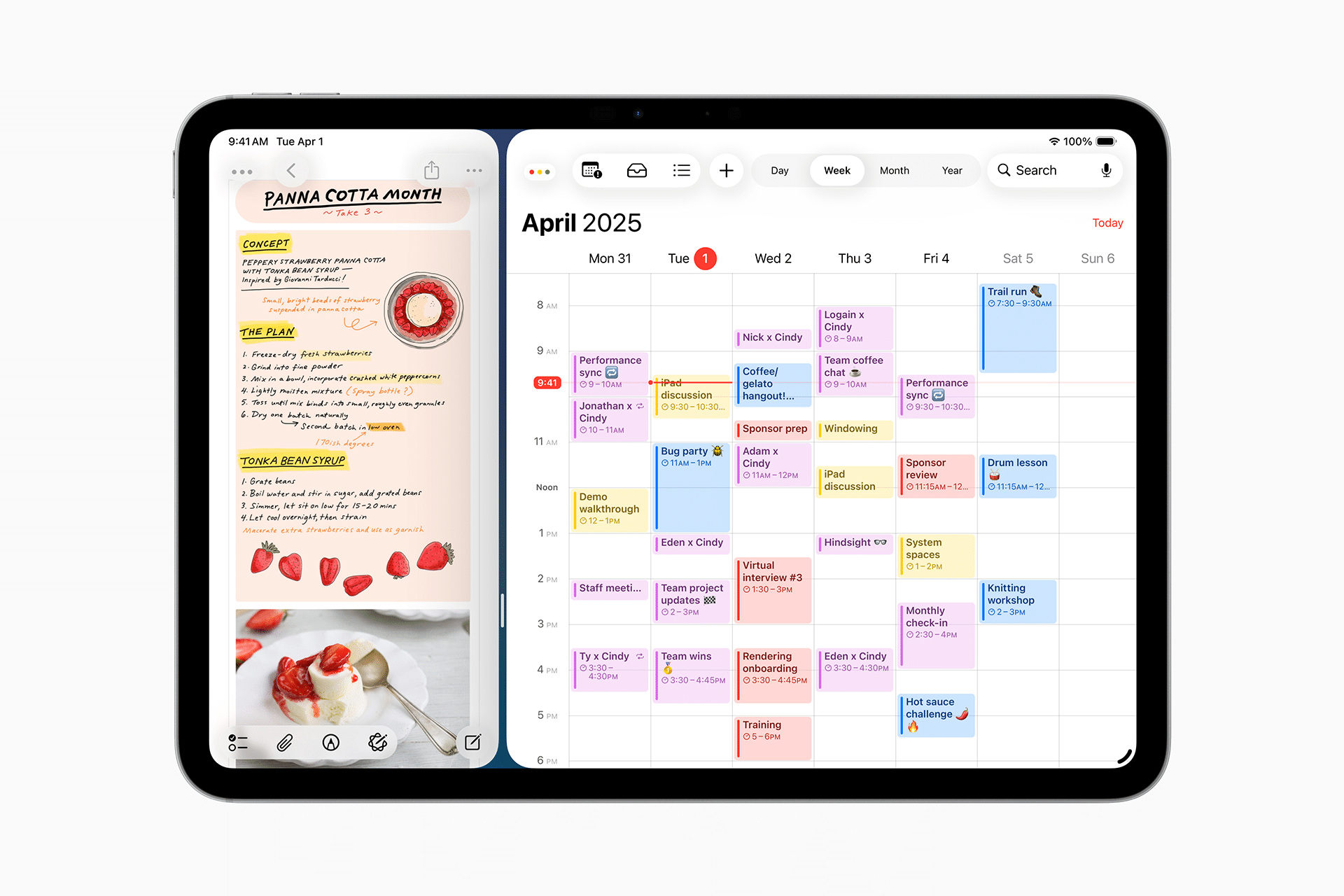
In a home environment, the iPad often becomes the most shared Apple device. It’s easy enough for kids to use, intuitive for older users, and flexible for everyone in between. Parents rely on it for education apps, guided access, and screen time controls, while kids use it for learning, drawing, games, and watching content.
For adults, the same device transforms into a reading tablet, a recipe screen in the kitchen, or a companion for travel. The portability matters here. The iPad can move from the couch to the table, from a backpack to an airplane seat, without changing how it’s used.
iPad for Writing, School, and Study
In education, the iPad works as a notebook, textbook, and research tool combined. With Apple Pencil support, handwritten notes feel natural, while typing remains an option with an external keyboard. Students can annotate PDFs, organize materials, record lectures, and submit assignments from the same device.
For writing, the iPad sits comfortably between pen and laptop. It encourages focus, especially when used without multiple windows competing for attention. Many writers prefer the iPad for drafting ideas, editing text, or working on long documents without the distraction-heavy environment of a traditional computer.
iPad as a Productivity and Creative Machine
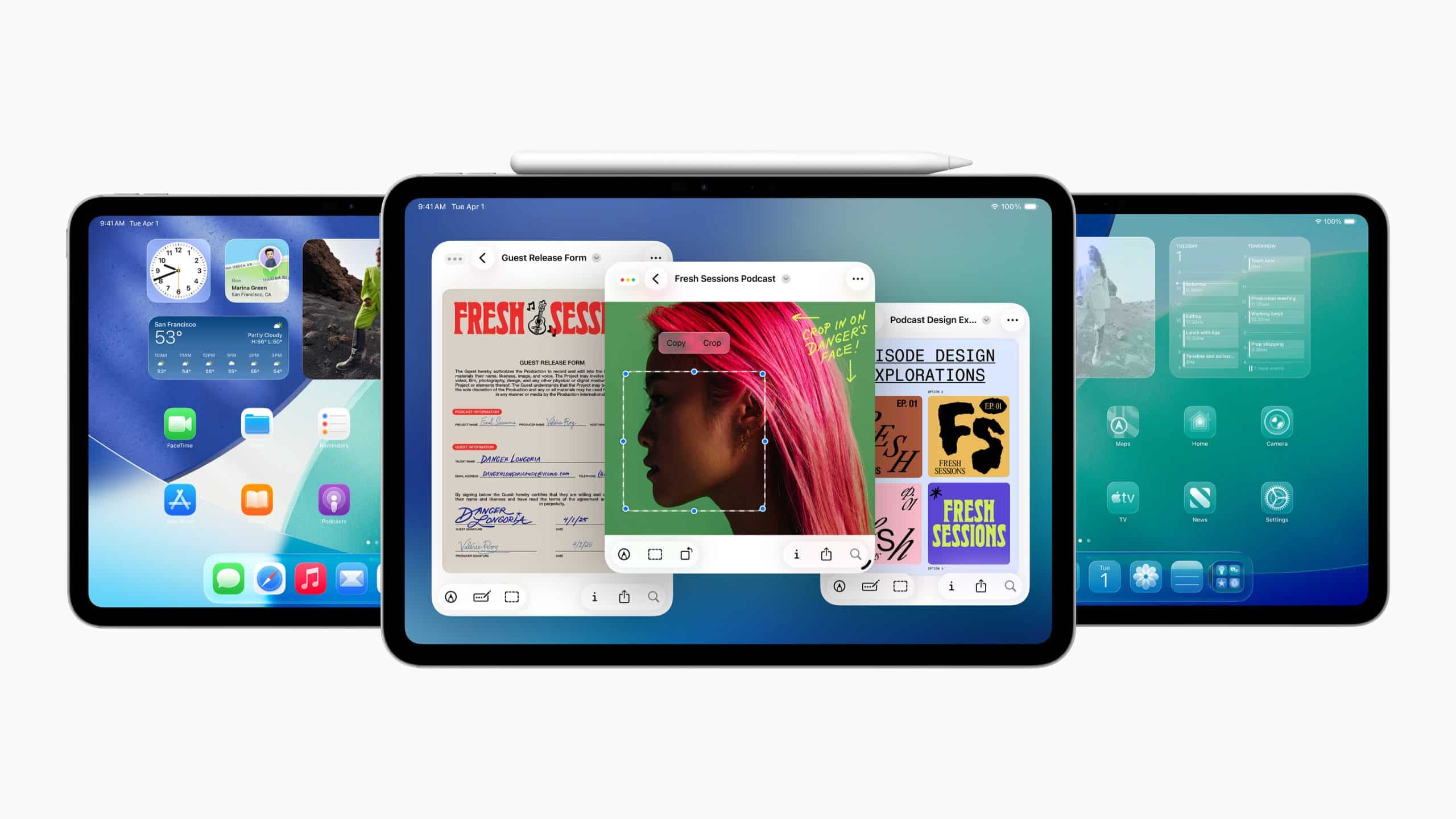
When paired with accessories, the iPad starts to behave more like a mini computer. A keyboard and trackpad unlock multitasking features such as Split View and Stage Manager, allowing users to work with multiple apps at once. File management, once limited, has matured enough for everyday workflows.
Creative professionals use the iPad for photo editing, illustration, music production, and video editing. The combination of powerful chips, optimized apps, and touch-based input makes tasks feel more direct. Instead of adapting to software, the software adapts to how users think and move.
For labs, research, and technical fields, the iPad often acts as a companion rather than a replacement. It’s used for data visualization, remote access, note-taking, and presentation, fitting into workflows where mobility and clarity matter more than raw computing power.

Where the iPad Fits Best
The real question isn’t whether the iPad is a super tablet or a mini computer. It’s both, depending on context. As a tablet, it excels at consumption, communication, and casual interaction. As a mini computer, it handles focused work, creativity, and structured tasks with surprising depth.
What makes the iPad different is not specs or accessories, but flexibility. It doesn’t force a single way of working. It allows users to shape the experience around their needs, whether that’s a child learning to draw, a student writing essays, or a professional managing projects on the go.
As Apple continues to evolve iPad software and accessories, the line between tablet and computer becomes less important. The iPad succeeds precisely because it refuses to be just one thing.


