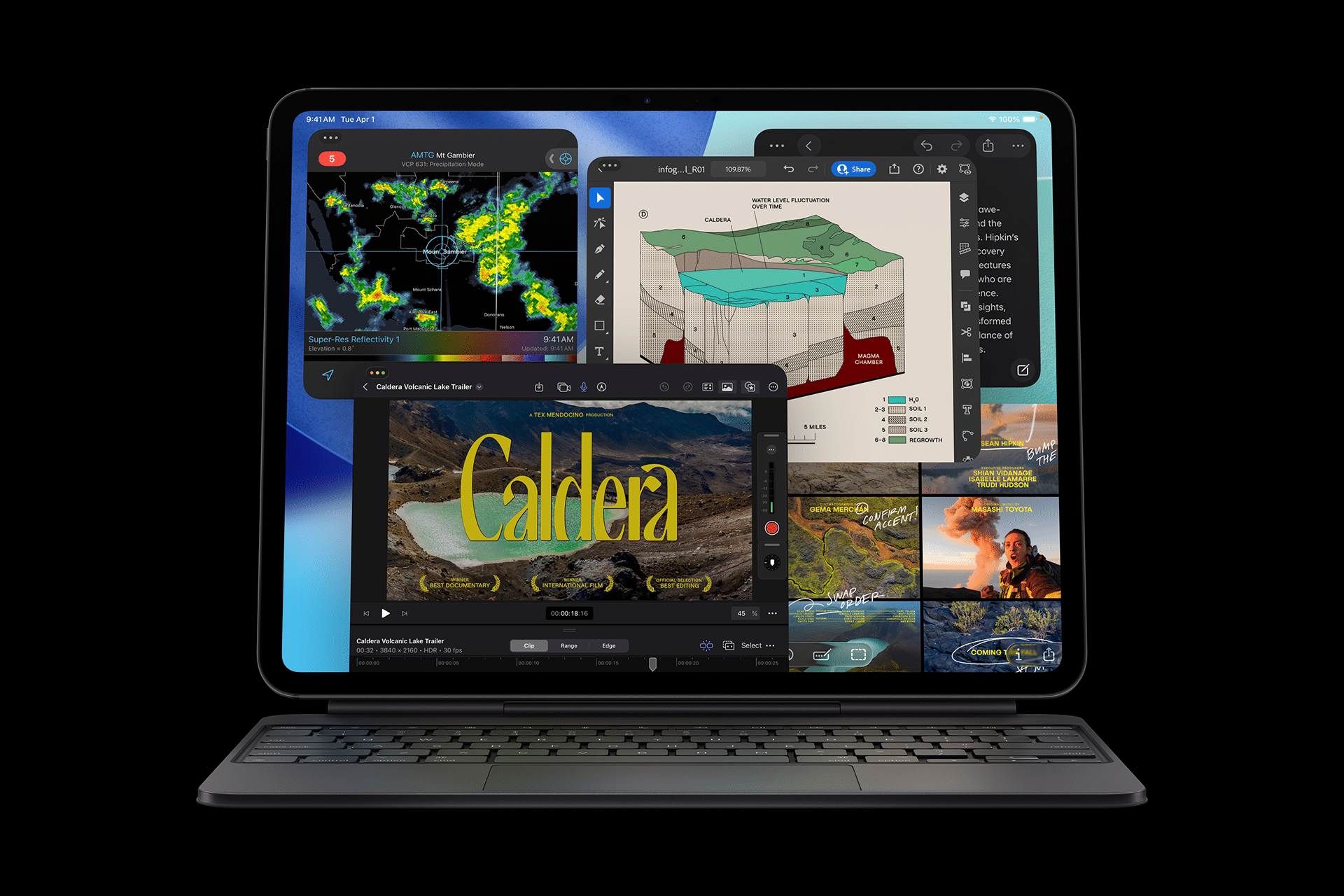
Using the iPad Pro XDR Display as a studio-grade reference monitor has quietly become one of the most important shifts in modern production workflows. What once required a dedicated Pro Display XDR or a $20,000 mastering monitor can now live inside a device thin enough to slip into a backpack. The iPad Pro XDR Display delivers true HDR brightness, wide-gamut color, and pixel-level control that rivals professional broadcast monitors, but with mobility that changes how and where creative work happens.
For photographers, colorists, and video editors, this is not about convenience. It is about precision. Apple’s OLED iPad Pro panel supports extreme brightness, deep blacks, and wide P3 color, which means skin tones, shadow detail, and highlight roll-off can be evaluated with confidence even outside a traditional studio.
Many productions already use iPad Pro XDR Display units on set as director’s monitors, client preview displays, and mobile grading stations. The reason is simple: what you see on the screen is extremely close to what the final audience will see on modern TVs, iPhones, and Apple Vision Pro.

How the iPad Pro XDR Display Works in Real Studios
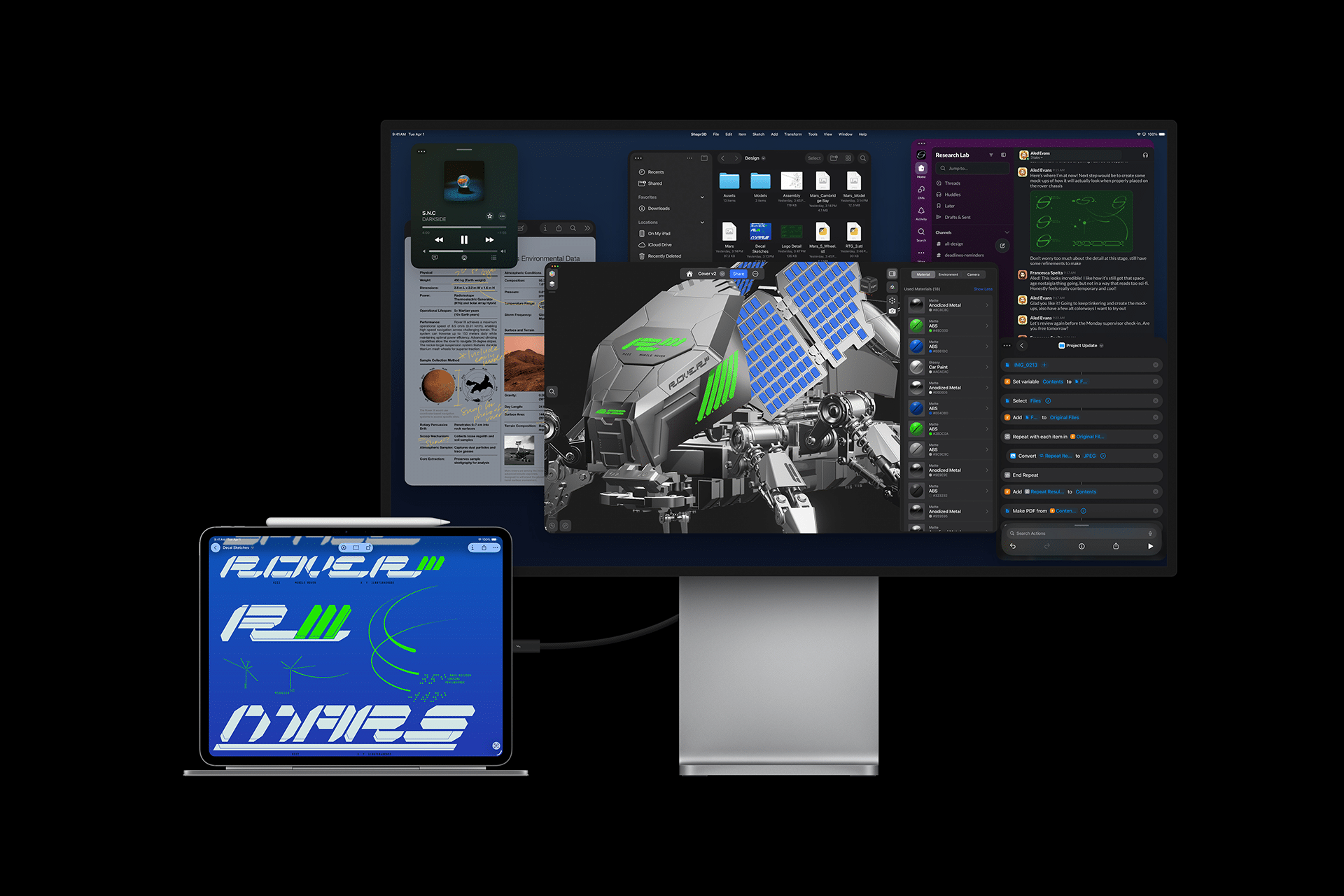
The iPad Pro XDR Display functions as both a wireless and wired external monitor. Over AirPlay, Sidecar, or dedicated professional apps, the iPad can mirror or extend a Mac’s desktop in full resolution and HDR. Over Thunderbolt or USB-C, it becomes a low-latency display suitable for color-critical workflows.
Studios now use iPad Pro XDR Display units to:
- Preview Final Cut Pro and DaVinci Resolve timelines in HDR
- Show clients exact color and contrast during grading sessions
- Display camera feeds on set with professional-level brightness
- Review photos in P3 color without lugging a studio monitor
The OLED panel matters here. Unlike LCD iPads of the past, the current iPad Pro can display true black levels, accurate highlight bloom, and fine shadow gradients. That makes it viable for HDR mastering and cinematic review.
Settings > Display & Brightness > Reference Mode
Settings > Display & Brightness > HDR Brightness
Settings > Display & Brightness > Color Filters (Off for grading)
These three settings unlock the iPad Pro XDR Display’s most accurate color profile. Reference Mode disables consumer tone mapping and applies Apple’s studio-calibrated curve, turning the iPad into a proper production display.

Using iPad Pro XDR Display with Mac
The most powerful workflow uses the iPad as an extension of a Mac-based editing system.
Settings on Mac > Displays > Add Display > iPad
or
Connect iPad to Mac > Thunderbolt / USB-C
Once connected, Final Cut Pro, DaVinci Resolve, Adobe Premiere, Lightroom, and Photoshop can place their viewer or canvas directly onto the iPad Pro XDR Display. This allows full-screen, distraction-free viewing with extreme brightness and color accuracy.
Colorists often drag only the viewer window to the iPad, keeping tools and scopes on the Mac while the iPad shows the final image. Photographers do the same with Lightroom or Capture One, reviewing edits on the iPad while adjusting on the Mac.
This setup mirrors professional grading rooms where a dedicated reference monitor sits next to the editing console. The difference is that the iPad Pro XDR Display costs a fraction of traditional mastering displays and travels anywhere.
Wireless Production and Client Review
AirPlay allows the iPad Pro XDR Display to function without cables in client sessions, shoots, or presentations.
Settings > General > AirPlay & Handoff > AirPlay Receiver
Control Center > Screen Mirroring > iPad
This lets a Mac or even an iPhone send HDR video and photos directly to the iPad. In small studios or on-location shoots, this replaces bulky monitors and HDMI routing with instant wireless display.
Because the iPad’s OLED panel is extremely bright, it remains readable under studio lights or outdoors, making it perfect for photography shoots, video sets, and live event production.


A New Economics of Pro Displays
Before the iPad Pro XDR Display, true reference monitors were rare, heavy, and expensive. Broadcast HDR monitors routinely cost more than a car. Even Apple’s own Pro Display XDR, while more affordable than competitors, remains a large studio fixture.
Now, a tablet delivers similar brightness, contrast, and color accuracy at a radically lower cost. This does not replace every high-end mastering display, but it democratizes professional-grade viewing for freelancers, small studios, and traveling creatives.
Editors, photographers, YouTubers, documentary crews, and independent filmmakers can now work with visual confidence anywhere. That alone reshapes what professional production looks like in 2026.