


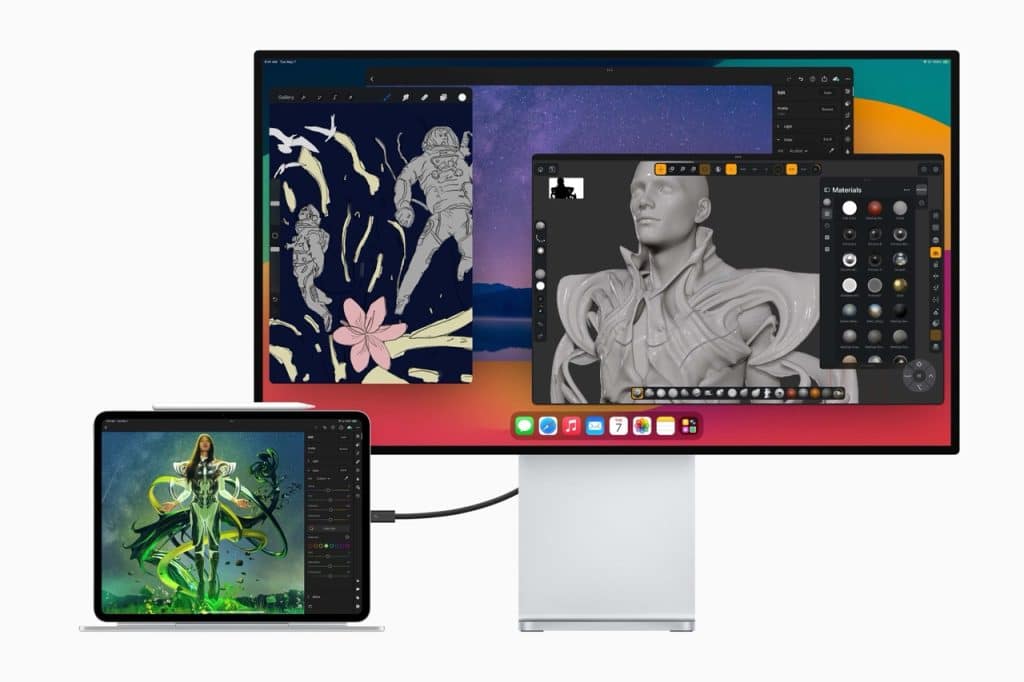
Professional video production has traditionally relied on dedicated reference monitors to evaluate exposure, color, contrast, and HDR performance. These displays are accurate but often extremely expensive, bulky, and limited to studio environments. In recent years, the iPad Pro has become a practical alternative for many filmmakers and editors. With its XDR display, the iPad Pro offers a level of brightness, contrast, and color accuracy that allows it to function as a high-quality video monitor for both on-set production and post-production review, while remaining portable and significantly more affordable.
Understanding what XDR means and how the iPad Pro implements it is the foundation for using the device effectively in a professional setup.
Understanding XDR and iPad Pro Display Specifications
XDR stands for Extreme Dynamic Range. It describes displays capable of showing much brighter highlights and deeper blacks than standard dynamic range screens, allowing more detail to be preserved across the entire luminance range. XDR displays are essential for HDR video workflows, where creative decisions depend on accurately seeing highlight roll-off, shadow detail, and overall contrast balance.
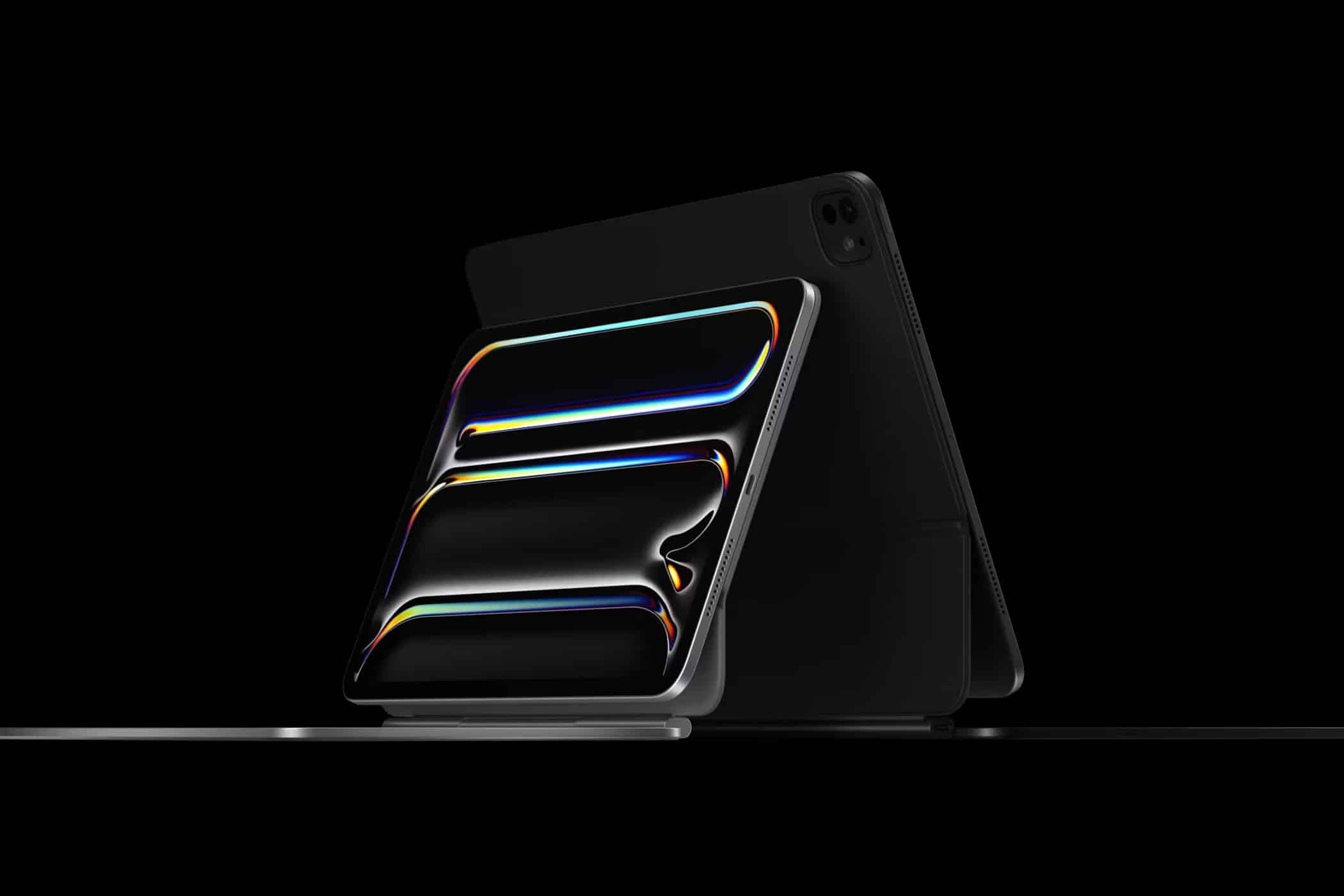
On supported iPad Pro models, Apple uses a Liquid Retina XDR display built on mini-LED backlighting. This technology enables sustained full-screen brightness of around 1,000 nits and peak HDR brightness up to 1,600 nits. The display supports a contrast ratio close to 1,000,000:1, wide P3 color, and ProMotion adaptive refresh rates up to 120Hz. Each iPad Pro XDR panel is factory calibrated, which provides consistent color reproduction out of the box.
These specifications place the iPad Pro XDR display in a class normally occupied by professional HDR monitors, particularly when used in controlled lighting conditions.
Why iPad Pro Works as a Professional XDR Video Monitor
The iPad Pro functions well as a professional XDR video monitor because it balances display performance, ecosystem integration, and portability. While it is not intended to replace mastering-grade reference monitors used for final color approval, it provides reliable visual feedback for exposure, contrast, and HDR behavior throughout production and editing.
For on-set use, the iPad Pro’s high brightness makes it readable in varied lighting environments. For editing and review, its HDR capabilities allow creators to preview how content will appear on HDR televisions, tablets, and mobile devices. This is particularly valuable for productions targeting HDR streaming platforms.
Another advantage is workflow flexibility. The iPad Pro integrates seamlessly with Macs, cameras, and professional software, reducing the complexity often associated with traditional monitoring setups.
Setting Up iPad Pro as an XDR Monitor
Proper configuration is essential to ensure the iPad Pro behaves like a reference display rather than a consumer tablet.
Settings > Display & Brightness > Reference Mode
Reference Mode disables adaptive brightness, True Tone, and other dynamic adjustments that can interfere with accurate monitoring. When enabled, the display remains stable and predictable, which is critical for professional video evaluation.
For Mac-based workflows, Sidecar allows the iPad Pro to operate as a secondary display. This setup is commonly used to dedicate the iPad to full-screen video playback, scopes, or HDR preview while editing on a Mac. A wired connection is recommended to minimize latency and maintain signal stability.
In camera-based setups, HDMI or SDI capture devices paired with compatible apps allow live camera feeds to be displayed on the iPad Pro. This is useful for mirrorless and cinema cameras when evaluating focus, exposure, and HDR response in the field.
Optimizing HDR and Color Monitoring
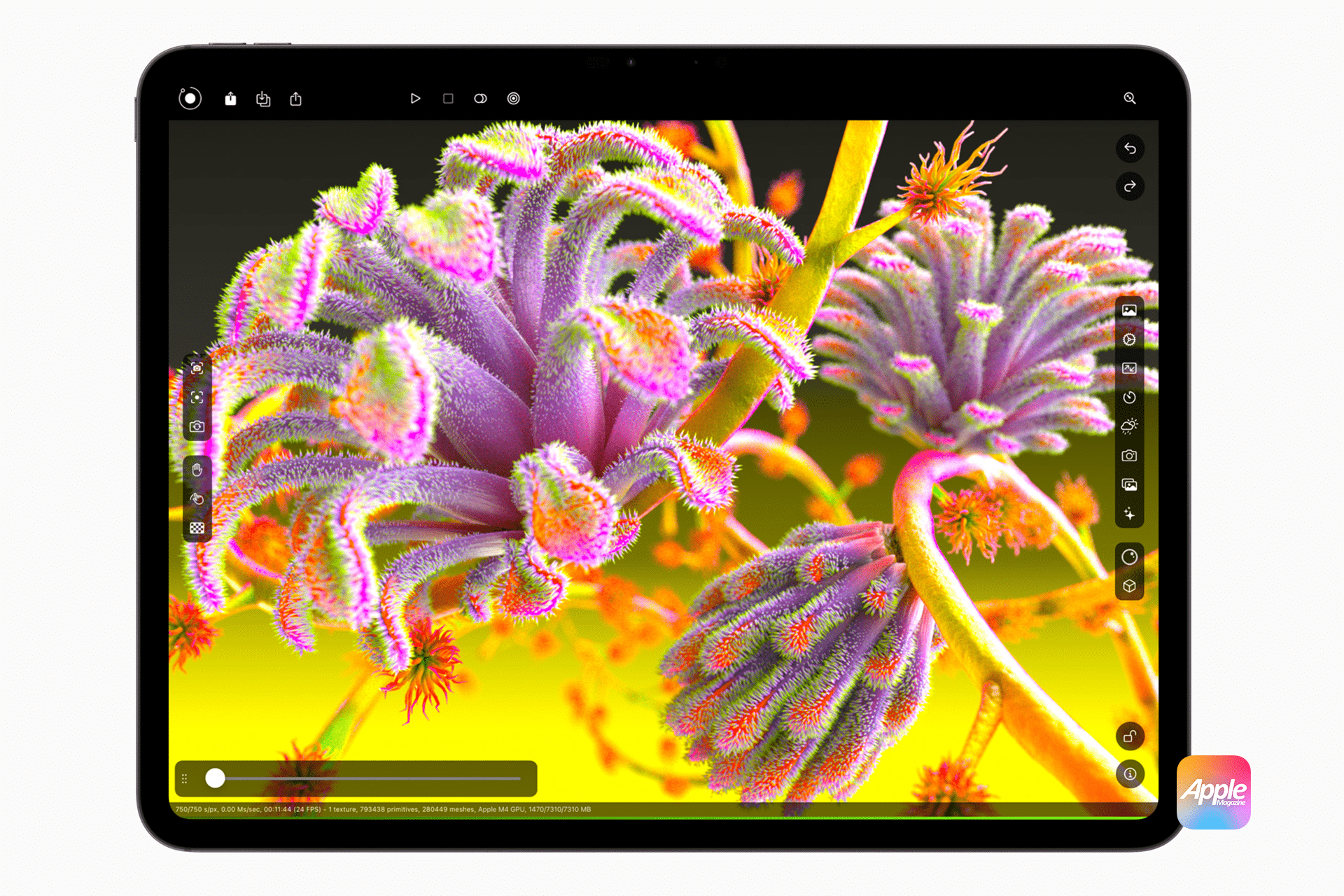
When using the iPad Pro as an XDR video monitor, environmental control plays a major role. Ambient light should be kept consistent and relatively low to avoid skewing perception of brightness and contrast. Although the iPad Pro can reach very high brightness levels, professional monitoring benefits from consistency rather than maximum luminance.
HDR projects should be configured so that the monitoring application correctly interprets HDR metadata and color space. The iPad Pro supports HDR10 and Dolby Vision playback, allowing creators to evaluate how content behaves under different HDR standards.
For color grading workflows, the iPad Pro is best used as a secondary reference display. It excels at validating highlight handling, HDR impact, and overall look consistency, complementing calibrated desktop monitors rather than replacing them.
Using iPad Pro in Production and Post-Production
On set, the iPad Pro can replace traditional field monitors for directors, cinematographers, and focus pullers who need mobility. Its battery-powered design eliminates the need for constant power sources, and its size allows it to be easily mounted or handheld.
In post-production, the iPad Pro serves as a high-quality HDR preview display. Editors and colorists use it to review timelines, check brightness decisions, and ensure HDR content translates well across devices before final export.
For independent creators and small studios, the iPad Pro offers a cost-effective entry into XDR-level monitoring. It lowers the barrier to professional HDR workflows while maintaining a level of visual fidelity suitable for serious production work.
Limitations and Practical Expectations
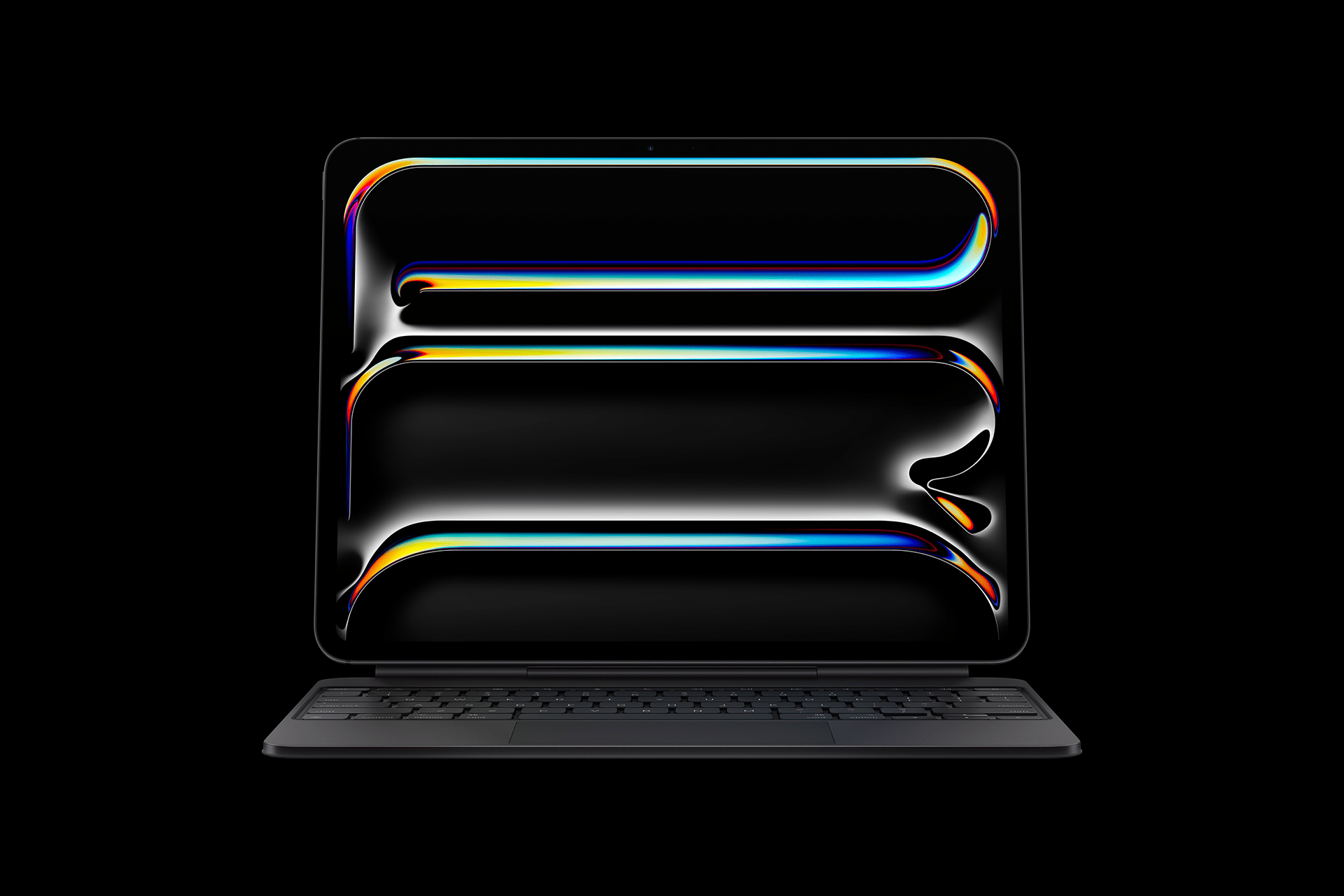
Despite its strengths, the iPad Pro is not a substitute for dedicated mastering monitors used in final delivery approval. Screen size limits long-distance evaluation, and the device lacks the hardware calibration controls found on studio-grade displays. Wireless monitoring can also introduce latency if not configured carefully.
Even with these limitations, the iPad Pro remains one of the most accessible XDR-class displays available. When used correctly, it provides professional video makers with a reliable, portable, and high-quality monitoring solution that fits modern production workflows.

