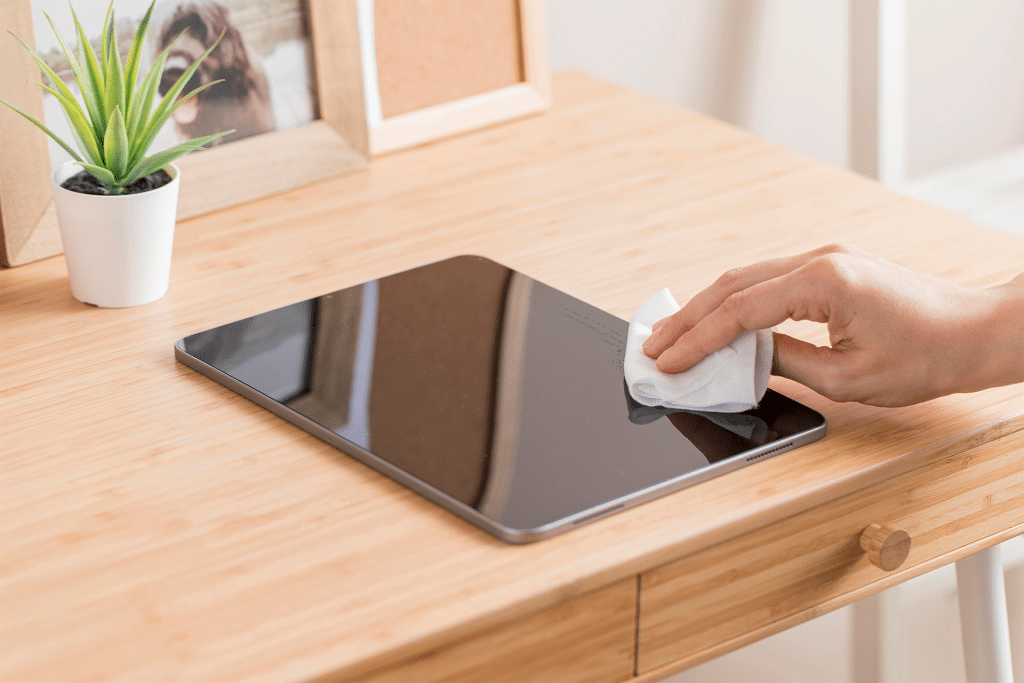
Keeping your iPad screen clean improves visibility, touch accuracy, and overall comfort during daily use. But not all iPads use the same display technology, and cleaning them incorrectly can wear down protective coatings over time. Understanding your iPad’s screen type is the first step toward safe cleaning.
How to Clean an iPad Screen Properly
The safest way to clean any iPad screen is gentle and minimal. Power off the iPad and unplug accessories before cleaning.
Workflow
Power Off iPad > Use Dry Microfiber Cloth > Lightly Dampen if Needed > Wipe Gently
Start with a dry microfiber cloth to remove dust and fingerprints. If smudges remain, lightly dampen the cloth with water. Wipe the screen gently using small circular motions. Never spray liquid directly onto the display.
Avoid paper towels, tissues, or abrasive fabrics, as they can create micro-scratches that dull the screen over time.

Why iPad Screens Are Not All the Same
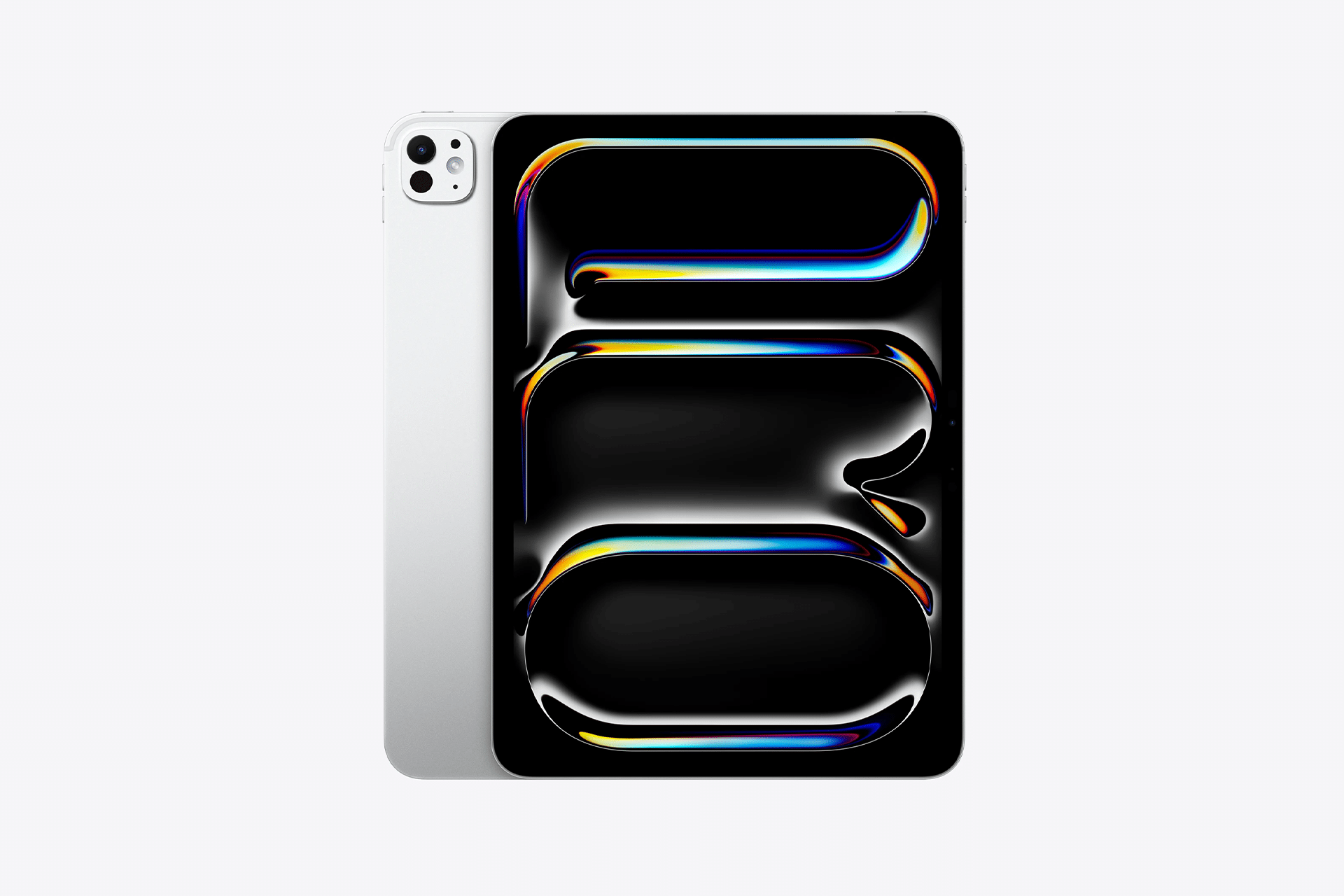
Different iPad models use different glass and coatings. Most iPads feature a standard glass display with an oleophobic coating that repels fingerprints. Over-cleaning or using harsh chemicals can wear this layer away.
Higher-end models, such as some iPad Pro configurations, may include nano-texture glass designed to reduce glare. This surface is more delicate and requires extra care. Apple specifically recommends using only approved polishing cloths on these displays.
Understanding your model helps prevent accidental damage during routine cleaning.
What You Should Never Use on an iPad Screen
Household cleaners, alcohol sprays, ammonia-based products, and disinfectant wipes are not recommended. These substances can break down display coatings and permanently affect image quality.
Compressed air should also be avoided, as pressure can force debris into speaker grilles or seams around the display.
If you need to disinfect the surface, follow Apple’s guidance carefully and use only lightly dampened wipes that meet Apple’s recommendations.
Apple Polishing Cloth: Expensive but Effective
Apple’s Polishing Cloth, priced at $19, is designed specifically for Apple displays, including iPad screens. It’s soft, reusable, and safe for nano-texture glass as well as standard displays.
While it may seem expensive for a cloth, it eliminates guesswork and reduces the risk of damage. If you choose an alternative, look for a high-quality microfiber cloth labeled safe for camera lenses or premium displays, and avoid low-cost cloths that shed fibers.
How Often You Should Clean Your iPad
Light wiping once or twice a week is usually enough for most users. Heavy use, especially for drawing, cooking, or travel, may require more frequent cleaning.
The key is consistency without overdoing it. Gentle, regular cleaning preserves the display far better than aggressive scrubbing once it’s visibly dirty.


A Note on Apple Watch and Other Devices
While this guide focuses on iPad screen clean best practices, Apple Watch displays use different materials and deserve their own dedicated care guide. AppleMagazine will cover Apple Watch screen care in a separate, focused article.
Proper screen care helps your iPad look better and last longer. With the right tools and habits, keeping your display clean becomes a simple part of daily use rather than a risk.