

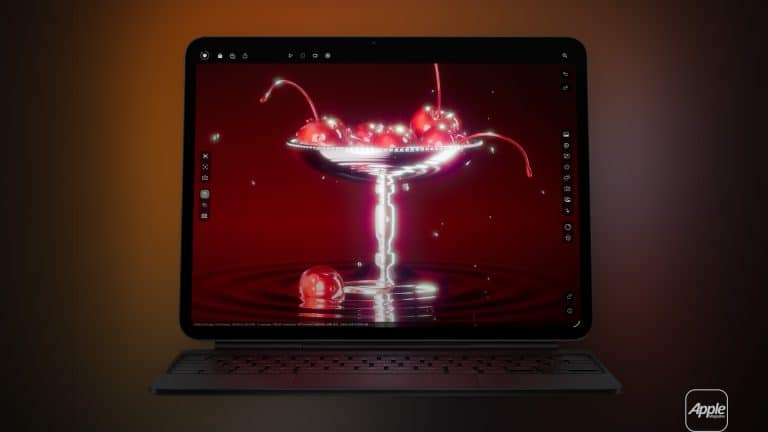
Professional XDR monitors are remarkable — and expensive. Apple’s Pro Display XDR set the benchmark for reference-grade brightness and color accuracy, and the newer Studio Display XDR brings modern panel technology into a more compact form. Still, both remain out of reach for many independent photographers, designers, students, and mobile creators.
For a large group of creative professionals, the iPad Pro with XDR display has quietly become the most realistic entry point into that visual standard. It is not a replacement for a full desktop mastering monitor. It is something different: portable, versatile, and surprisingly capable as a sidekick display for Mac workflows.
The iPad Pro’s mini-LED XDR panel delivers high peak brightness, deep contrast, and consistent color reproduction. When paired with a MacBook, it becomes more than a tablet. It becomes a mobile reference screen.
How to Use iPad Pro as an XDR Monitor
Apple’s built-in feature, Sidecar, allows an iPad to function as a wireless or wired external display for a Mac. For photographers and designers working on location, the wired option is the most stable and color-consistent.
To activate it:
System Settings > Displays > Add Display > Select iPad
Once connected, the iPad XDR monitor mirrors or extends the Mac desktop. In extended mode, it works as a true second screen, allowing color previews, palettes, timelines, or full-screen image references.
For photography editing in apps like Lightroom, Capture One, or Photoshop, the Mac handles processing power while the iPad displays either the primary canvas or comparison images. The mini-LED panel’s high contrast helps reveal shadow detail and highlight control that standard laptop screens may struggle to display in bright environments.

Wired vs Wireless: Why the Cable Matters
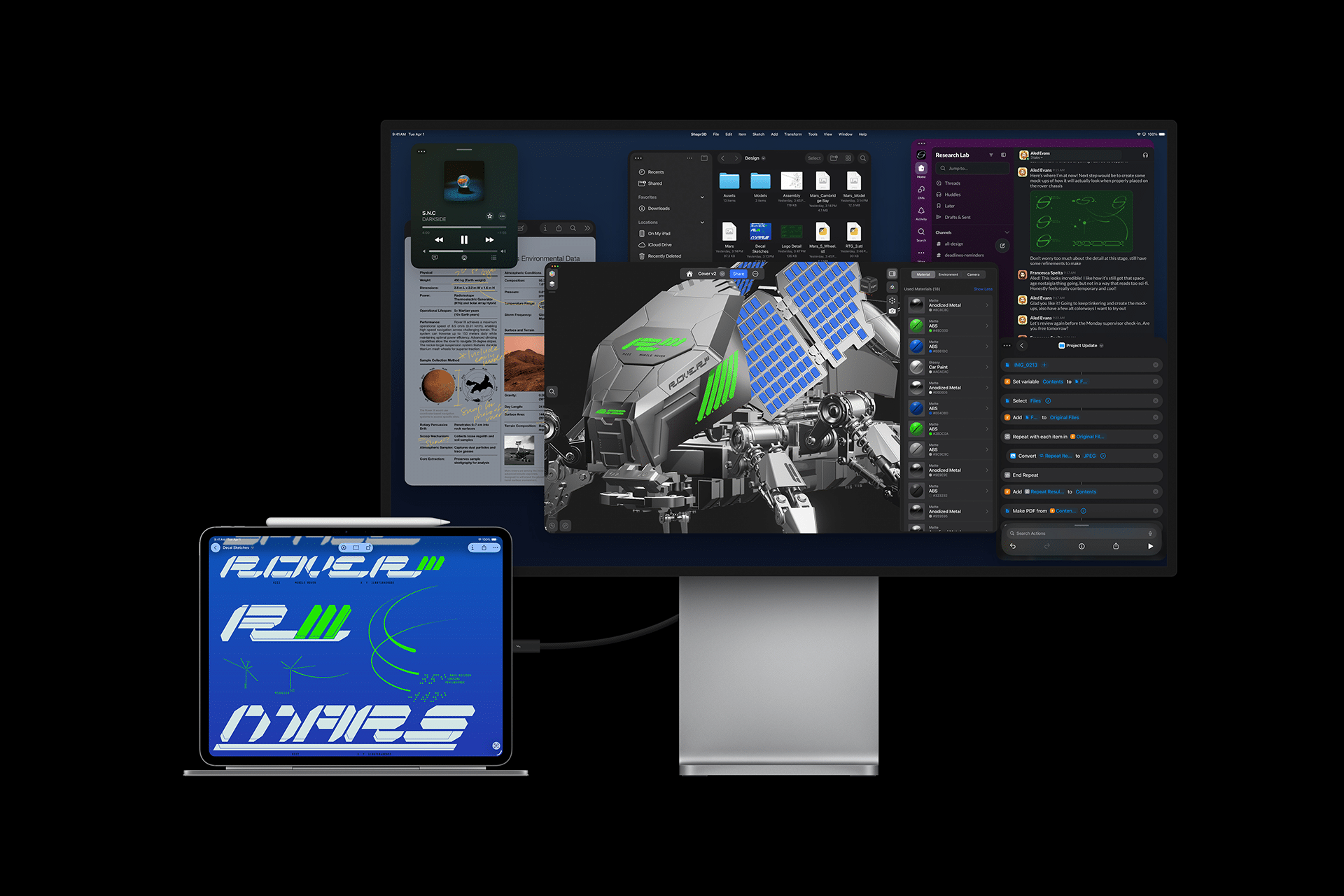
Wireless Sidecar is convenient but can introduce compression and slight latency. For serious image review or design alignment, a wired connection is recommended.
The most reliable option is a Thunderbolt or high-quality USB-C cable capable of supporting full display bandwidth and power delivery. A certified Thunderbolt 4 cable ensures stable signal transmission and keeps the iPad XDR monitor charged during extended sessions.
This single cable handles display signal, touch input, and charging simultaneously.
For photographers reviewing hundreds of RAW files outdoors, the wired setup avoids signal drops and maintains color consistency even under fluctuating Wi-Fi conditions.
Optimizing Color and Brightness
When using the iPad Pro as a reference monitor, consistency matters.
Keep True Tone disabled for editing sessions:
Settings > Display & Brightness > True Tone > Off
Also disable Night Shift to prevent warm color shifts:
Settings > Display & Brightness > Night Shift > Off
Set brightness manually depending on ambient lighting. The XDR panel can reach high peak brightness, which is especially helpful when editing outdoors or in bright studios.
While the iPad does not replace a calibrated studio monitor for final print proofing, it offers remarkable accuracy for on-site review, client previews, and real-time color decisions.
Photography Workflow on the Move
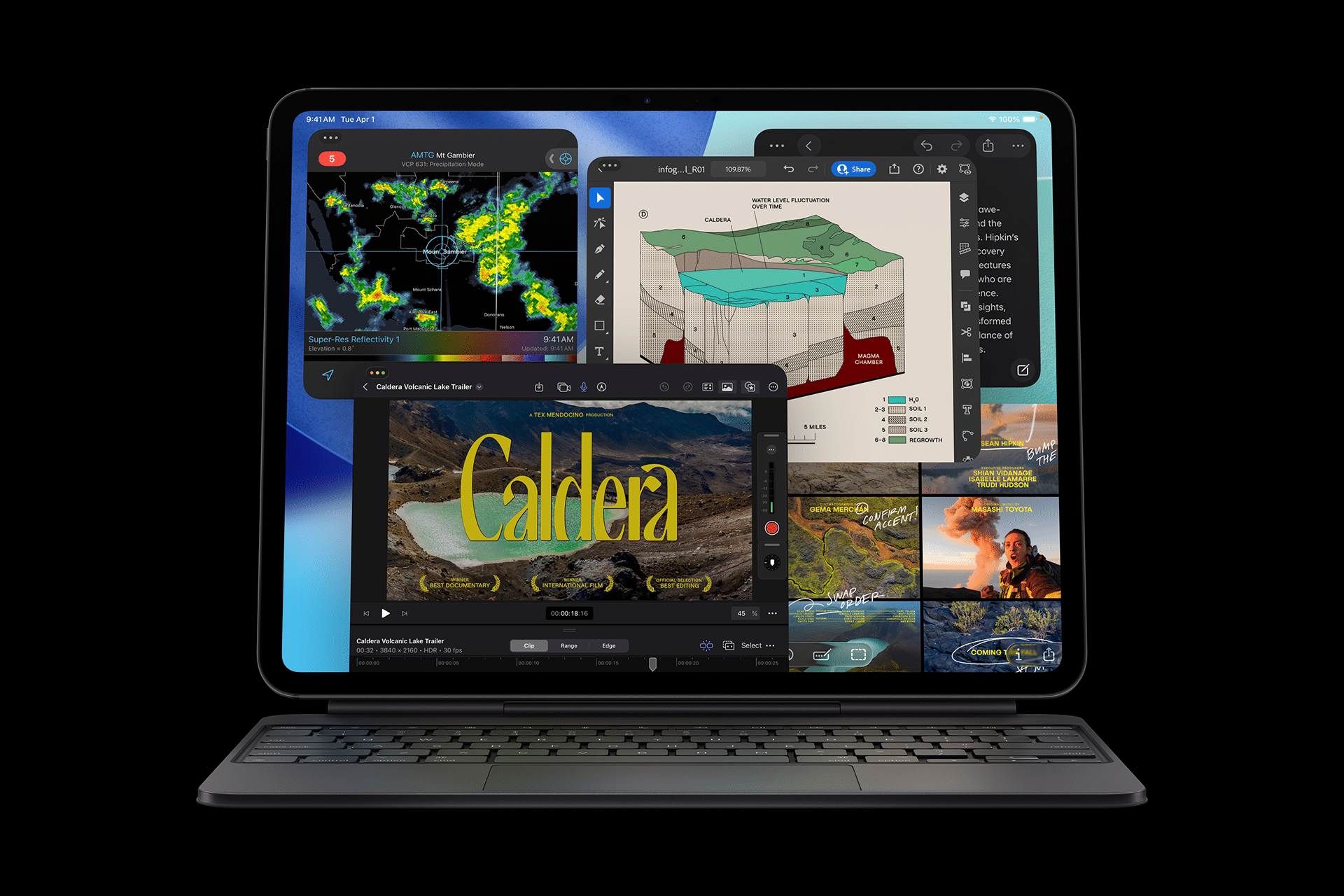
Imagine covering a fashion event, urban documentary shoot, or nature expedition. Images are captured on a camera, transferred to a MacBook, and then extended onto the iPad Pro display. The Mac handles sorting and adjustments; the iPad XDR monitor becomes a clean, distraction-free preview screen.
Clients standing nearby can see edits in real time without crowding the laptop.
For editorial workflows, the iPad can display layout drafts while the MacBook handles text composition and image processing. Designers can compare versions side by side — typography on one screen, full-page mockup on the other.
Because the iPad remains fully functional as a touch device, Apple Pencil can also be used for direct annotations while it is serving as a display.
Best Stands for a Stable Setup
A solid stand transforms the iPad XDR from tablet to monitor.
Magnetic stands designed for iPad Pro create a floating display aesthetic similar to a desktop monitor. Adjustable aluminum stands allow height and angle positioning for ergonomic alignment with a MacBook.
For mobile creators, foldable metal stands fit easily into backpacks. These are ideal for café editing sessions or fieldwork.
If desk space is limited, magnetic snap-on stands allow quick attachment and detachment without tools.
The goal is alignment — eye level positioning reduces neck strain during long sessions.
A Portable XDR Alternative
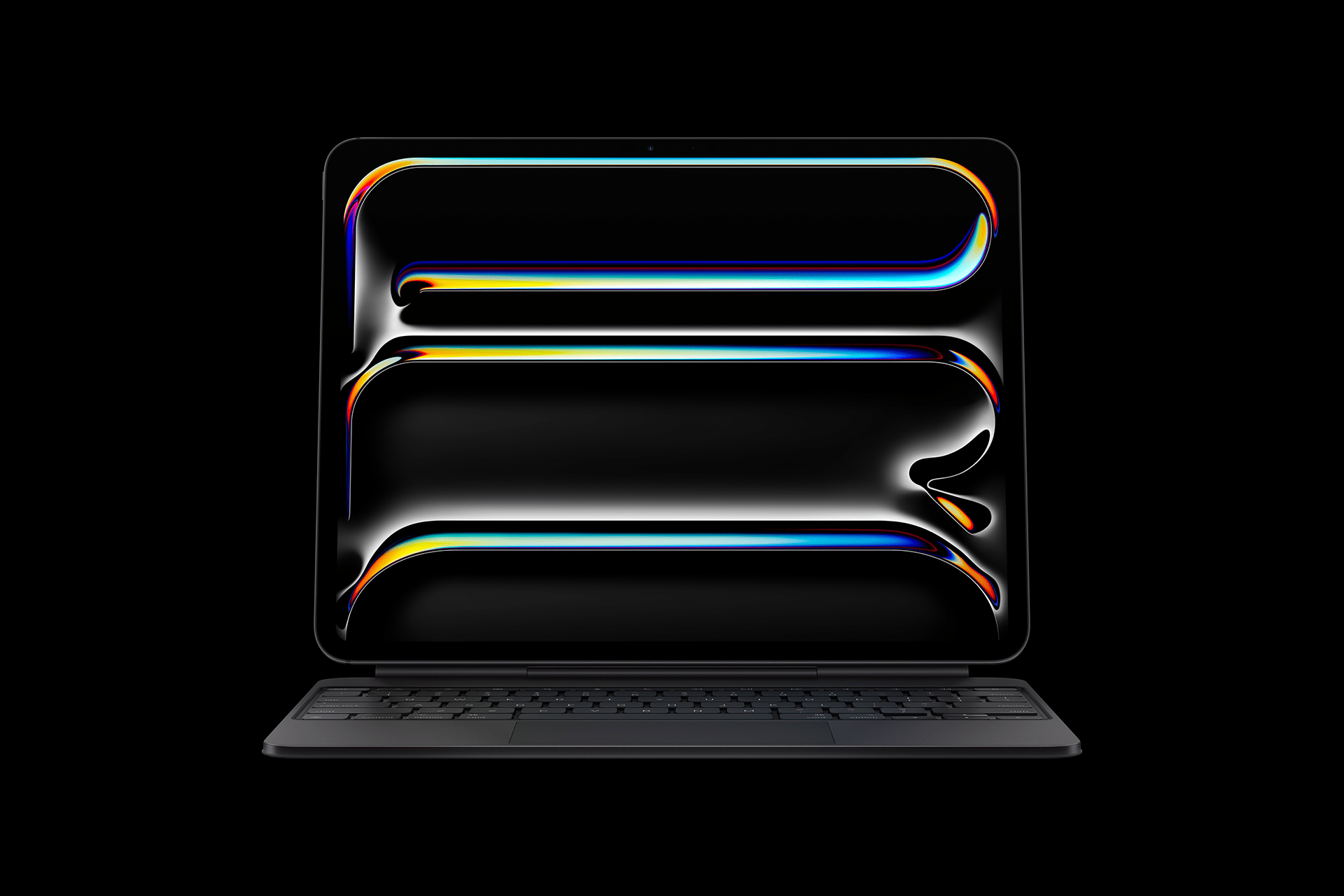
Compared to large professional XDR monitors, the iPad Pro is significantly more affordable while offering many of the same visual characteristics: high dynamic range, deep blacks, wide color gamut, and strong peak brightness.
It also runs on battery. That mobility changes the workflow entirely.
A MacBook and iPad Pro combination fits into a backpack. For creators who travel constantly — photographers, journalists, illustrators — this portability is often more valuable than absolute screen size.
At around 11 or 13 inches depending on the model, the display is large enough for serious review but compact enough for travel.
Why This Setup Makes Sense
A full Studio Display XDR setup requires desk space, stable power, and a fixed workstation. The iPad Pro XDR solution adapts to any location.
In studio environments, it works as a secondary color reference. On the road, it becomes the main preview display. At home, it returns to being a standalone creative tablet.
It is not a compromise. It is a different approach.
For many creators, especially independent professionals or students building their first serious setup, the iPad Pro as an XDR monitor represents the most practical balance between quality and flexibility.
A Thunderbolt cable, a sturdy stand, and a MacBook are enough to create a state-of-the-art mobile editing station that fits into a carry-on bag — ready for urban events, remote landscapes, or late-night editorial deadlines.