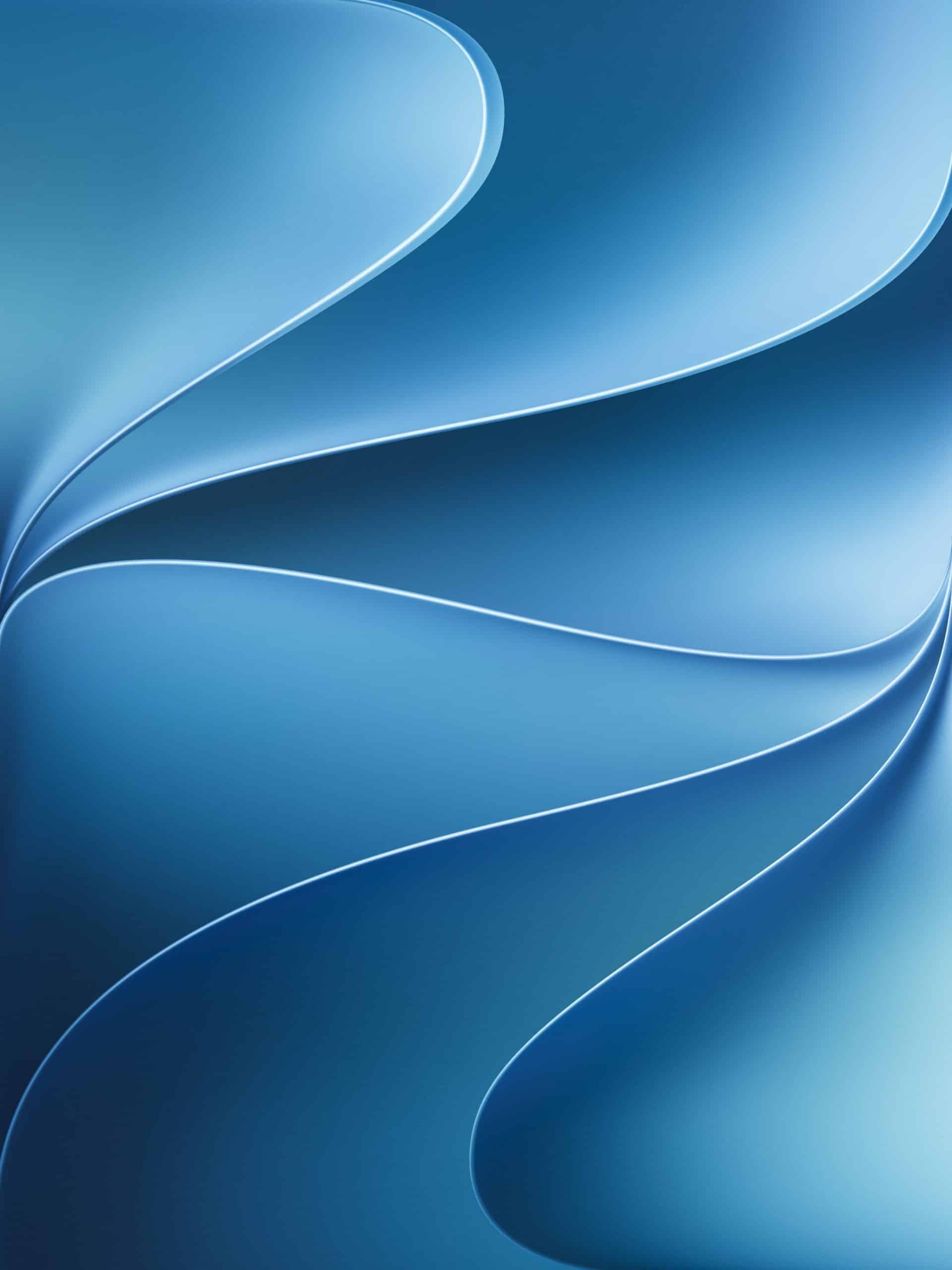
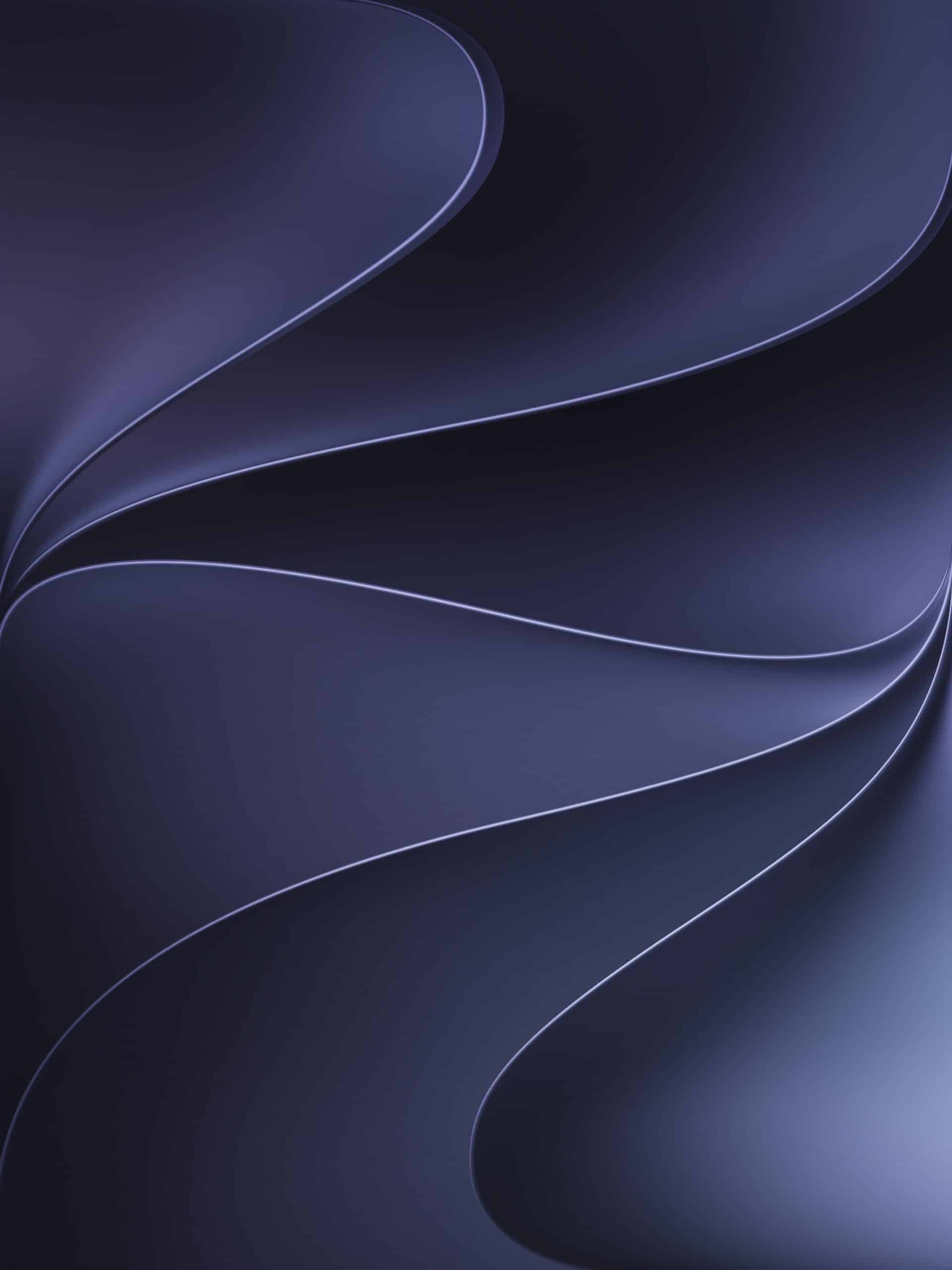
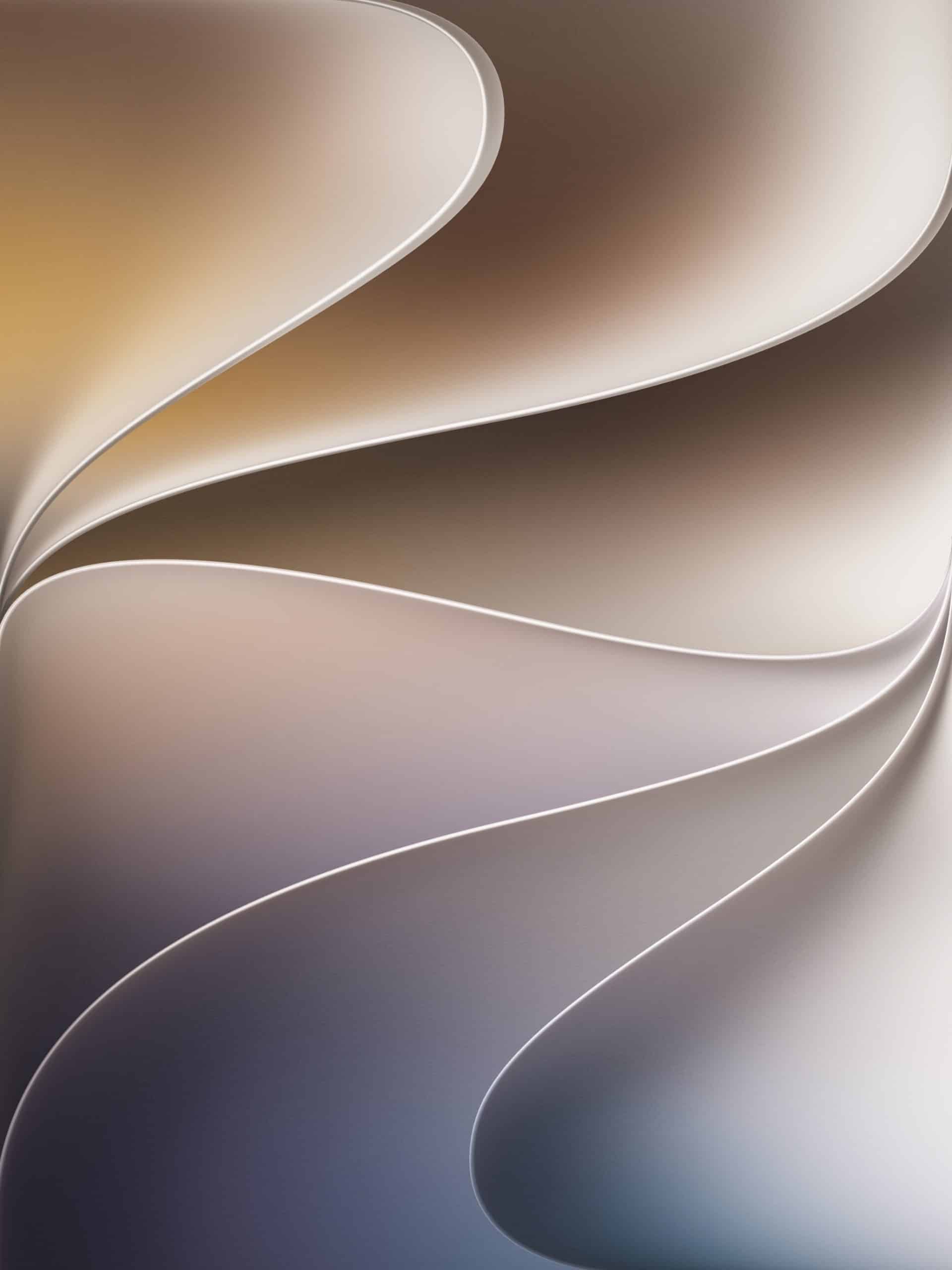
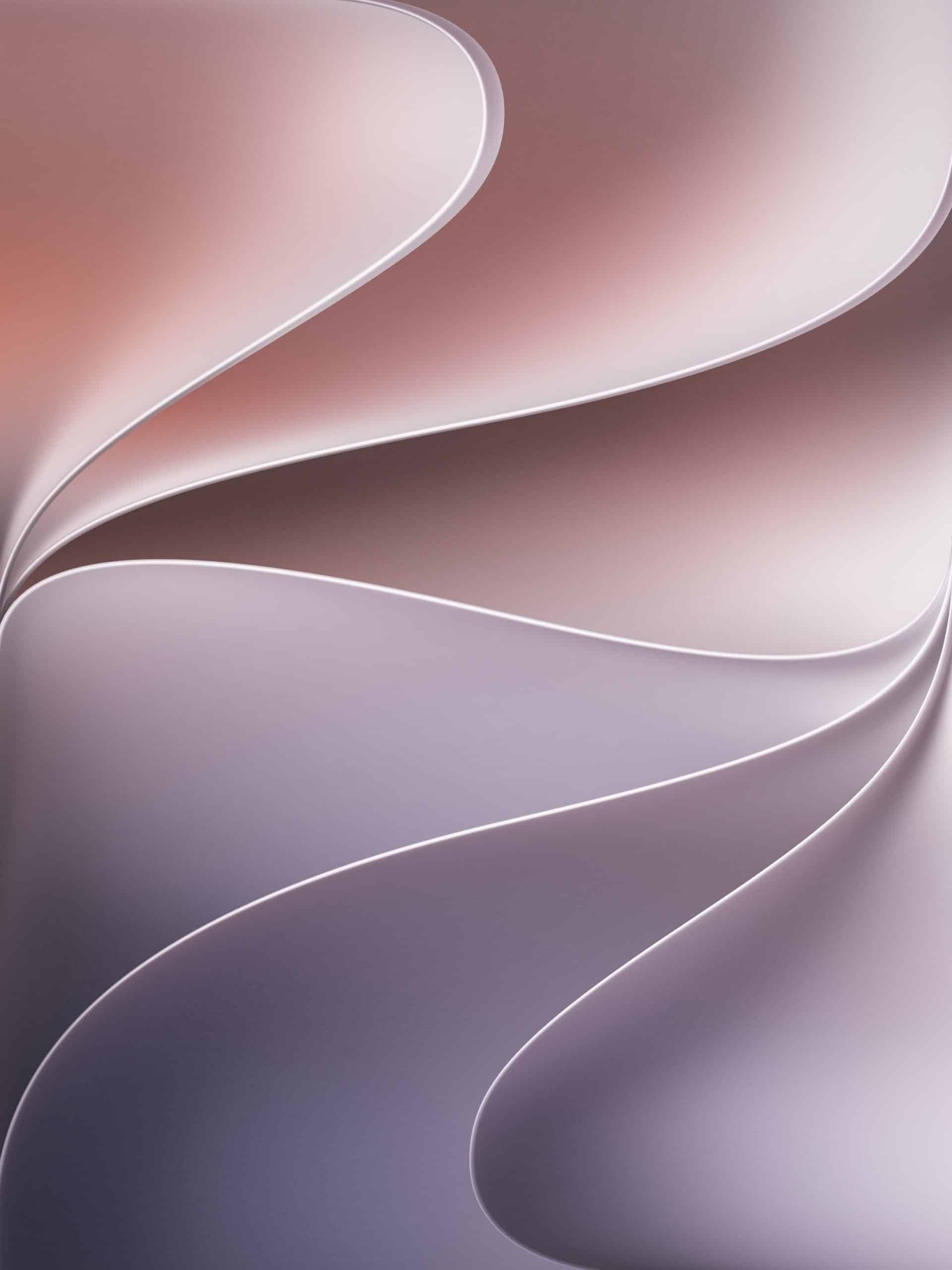
The iPadOS 27 wallpapers are now available for iPad, bringing Apple’s WWDC26-inspired glow to a larger canvas than iPhone while keeping the design clean enough for widgets, app icons, Stage Manager, and daily multitasking.
The artwork follows the same visual direction Apple used around WWDC26, with a dark background and luminous Apple-style glow tied to this year’s Siri AI, Apple Intelligence, and Liquid Glass design story. On iPad, the wallpaper has more room to breathe, making it feel less like a cropped mobile graphic and more like a true tablet background.
That extra space matters because iPad screens vary widely. The smallest current iPad mini uses an 8.3-inch display, while the standard iPad sits at 11 inches. iPad Air is available in 11-inch and 13-inch sizes, and iPad Pro also comes in 11-inch and 13-inch versions. A good iPad wallpaper needs to work across that range without losing the central glow, cutting off the artwork, or making the Home Screen feel crowded.
iPadOS 27 Wallpapers for Every iPad Size
The iPad is more demanding than iPhone for wallpaper design because it shifts between portrait and landscape more often. A wallpaper that looks good vertically can feel awkward when the iPad is placed in Magic Keyboard, used with Stage Manager, or connected to an external display. The iPadOS 27 wallpaper needs enough space around the main artwork to survive that rotation.
The darker WWDC26 design helps. It keeps the screen clean behind app icons, widgets, and folders, while the glowing Apple-inspired center gives the wallpaper enough personality to feel new. On the 8.3-inch iPad mini, the design feels compact and bright. On 11-inch models, it balances well behind everyday app layouts. On 13-inch iPad Air and iPad Pro displays, the artwork feels more expansive, closer to a desktop-style background.
That flexibility makes the iPad version more useful than a simple enlarged iPhone wallpaper. iPad users often treat the Home Screen as a workspace, with widgets for Calendar, Notes, Weather, Reminders, Files, Photos, and Shortcuts. The wallpaper has to stay polished without competing with those elements.
A WWDC26 Look Without Installing the Beta
The iPadOS 27 wallpaper gives users an easy way to bring the new software cycle to their device without installing early beta software. Developer betas are intended for app testing and can affect battery life, app compatibility, performance, and stability. A wallpaper is only a visual refresh, making it a safer way to get the WWDC26 look now.
That distinction is especially relevant on iPad, where many users depend on the device for school, work, drawing, note-taking, reading, video calls, and creative apps. Installing early software can interrupt those workflows. Changing the wallpaper does not.
The design also pairs naturally with Apple’s latest visual direction. Liquid Glass puts more emphasis on depth, light, transparency, and layered interface surfaces. A darker wallpaper with a controlled glow gives those elements contrast without making the screen feel busy.
Built for iPad’s Larger Canvas
The iPadOS 27 wallpaper works because it respects the iPad’s larger screen. It does not need the same tight framing used on iPhone, and it does not need the wide horizontal balance of a Mac wallpaper. It sits between both, giving enough structure for portrait use and enough breathing room for landscape.
For iPad Pro users, the wallpaper benefits from the high-contrast OLED display on current models, where dark areas look deeper and the glow feels more vivid. On iPad Air and standard iPad models, the design still holds up well because the darker background keeps the layout readable. On iPad mini, the wallpaper gives the smaller tablet a more premium WWDC-style look without overwhelming the screen.
The result is a clean download for users who want their iPad to match Apple’s current software mood: brighter, darker, more dimensional, and tied to the AI-focused year Apple introduced at WWDC26.
The iPadOS 27 wallpapers are a small release compared with Siri AI, Apple Intelligence, or the larger iPadOS feature set, but they give iPad users something immediate from the WWDC26 cycle. The software may still be moving through testing, but the visual identity can already sit on the Home Screen.
Click the image to download the wallpaper:
Home Screen
Dynamic
Color – Blue