Battery life is one of the most important considerations for any iPhone lineup, and Apple’s 2025–26 iPhone 17 series — including iPhone 17, iPhone 17 Pro, and iPhone 17 Pro Max — brings a combination of hardware and software efficiency gains designed to extend real-world endurance without requiring users to overhaul daily habits.
Apple’s trend over recent generations has focused on squeezing more usage out of each charge while balancing new capabilities such as brighter displays, faster chips, and more advanced cameras. The iPhone 17 series continues this pattern, emphasizing practical gains that matter for all-day use.
iPhone 17: Balanced Everyday Endurance
The base iPhone 17 model builds on its predecessor with several improvements that help battery performance without increasing size or weight significantly. A more efficient Apple silicon chip, paired with iOS power management, reduces background energy drain. Display enhancements — including adaptive refresh rates that scale to content — also contribute to battery savings in everyday scenarios like browsing, messaging, and media watching.
In real-world use, most users can expect a full day of typical activity — such as mixed web browsing, video playback, social apps, email, and light photography — without needing a midday charge. Heavy use, such as extended video streaming or gaming, still draws more power, but the efficiency improvements make these sessions more sustainable than previous generations.
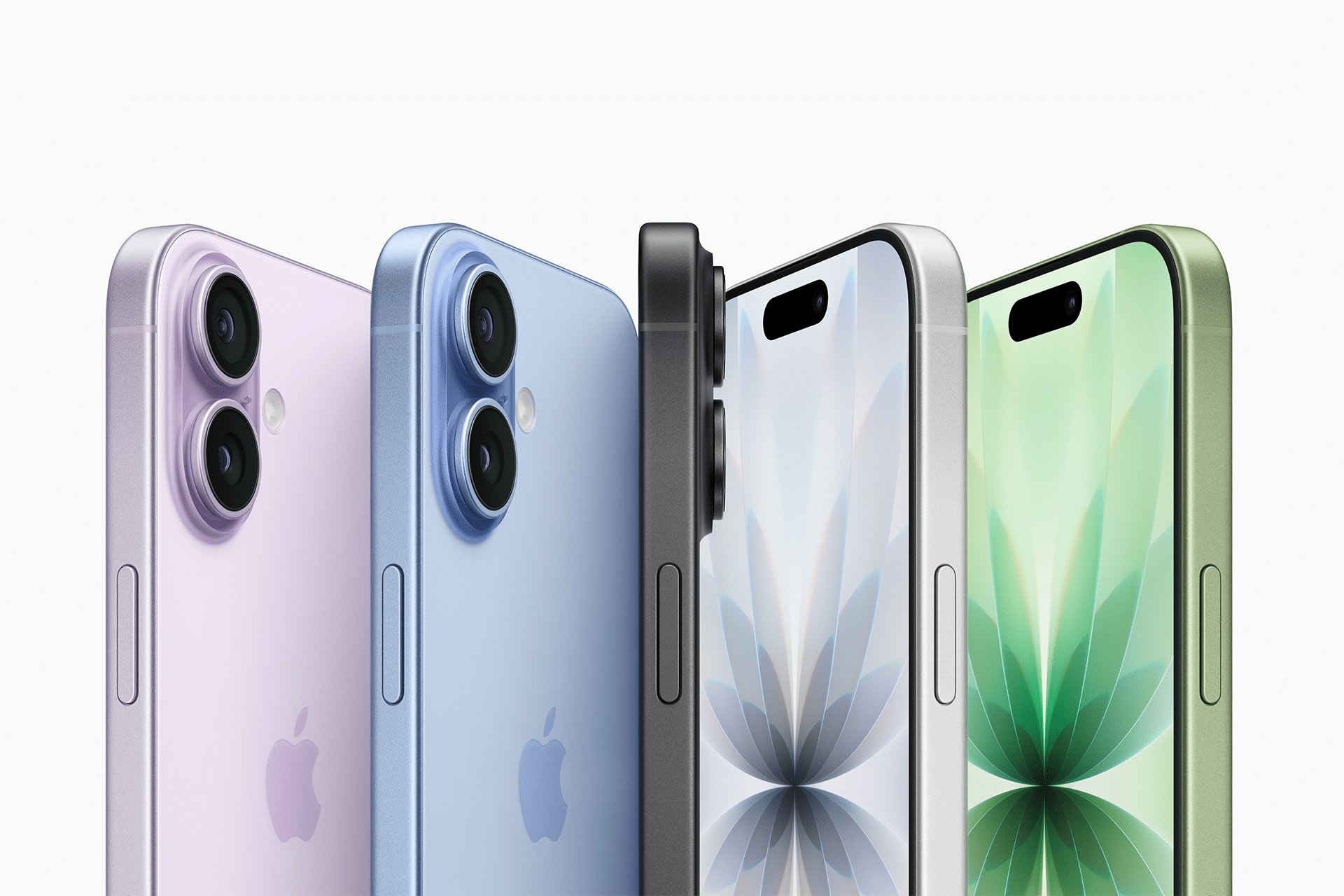
iPhone 17 Pro: Enhanced Efficiency Meets Premium Features
The iPhone 17 Pro steps up performance with a combination of display improvements, more capable cameras, and enhanced silicon performance. Despite this added capability, Apple has balanced these gains with efficiency gains that help preserve battery life in everyday use.
One of the key contributors to improved battery behavior on the Pro model is its dynamic refresh rate display, which adjusts more precisely to content and user interaction. When combined with Apple’s power-aware scheduling and optimized background tasks, this results in a noticeable extension of uptime compared with past Pro models at similar usage patterns.
For example, users who rely on their device for heavier workloads — including multitasking, creative apps, or prolonged camera use — can expect the iPhone 17 Pro to stay closer to a full day of demanding use without requiring a recharge. It narrows the gap between professional capabilities and consistent endurance.
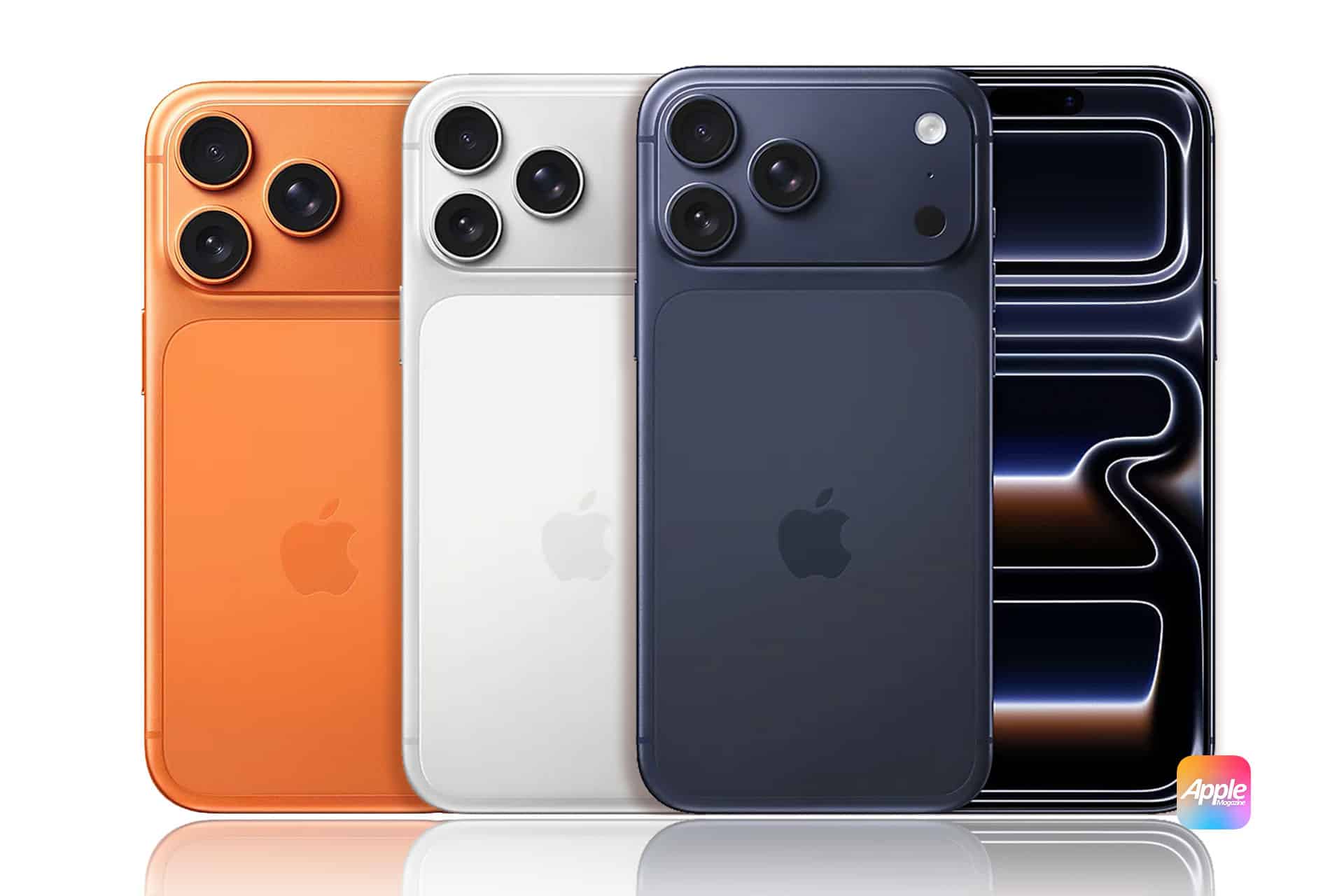
iPhone 17 Pro Max: Maximum Endurance for Heavy Users
If battery life is your top priority, the iPhone 17 Pro Max typically delivers the longest runtime of the trio. Thanks to its larger physical battery capacity and continued silicon efficiency, it remains the best choice for users who routinely push their devices further throughout the day.
In scenarios such as continuous video playback, extended navigation, or frequent social and creative app use, the iPhone 17 Pro Max can comfortably last beyond a typical 16-hour day, making it ideal for travel, long workdays, or situations where access to power is limited.
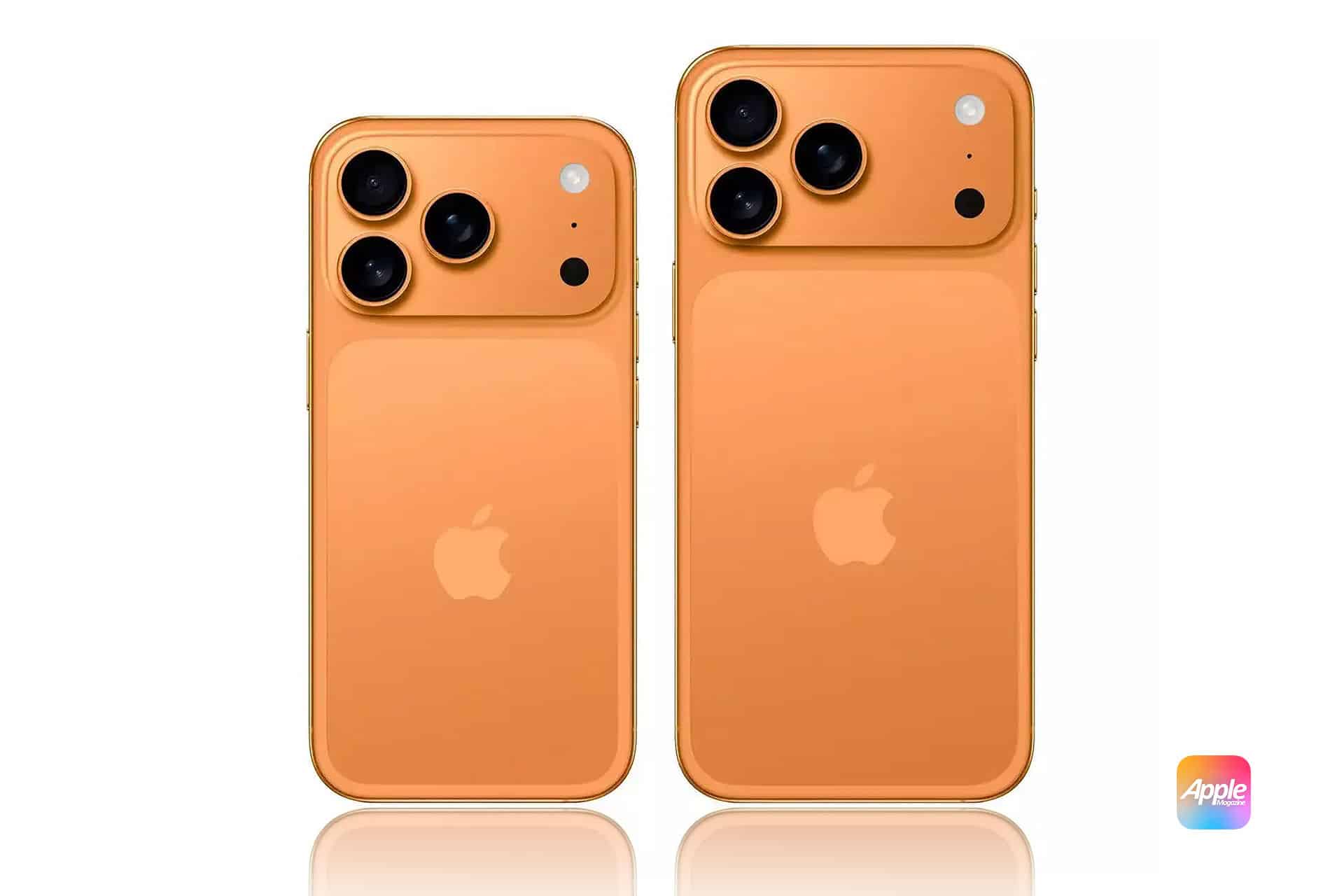
Why These Models Perform Better
Across all three models, Apple’s combined improvements stem from several areas:
- Apple silicon efficiency — Each new generation chip manages performance and power more intelligently, preserving battery for everyday tasks while delivering bursts of capability when needed.
- Adaptive display technology — Screens that adjust refresh rates and brightness dynamically help reduce unnecessary power drain.
- Software optimization — iOS continually balances processor use, background tasks, and network activity to avoid wasted energy.
- Component synergy — Better coordination between radio, display, and GPU workloads reduces peak draw during common tasks.
Real-World Battery Expectations
Actual battery life depends on how you use your iPhone. Factors such as screen brightness, app habits, background activity, and connectivity (Wi-Fi vs. cellular) all influence daily consumption. Apple’s improvements make it more likely that even heavy users can finish a full day without plugging in, but power management habits still matter.
If you notice battery drain that feels out of proportion to usage, built-in iOS tools such as Battery Health and usage graphs help identify specific apps or services that consume more than expected. Adjusting these settings can further stretch daily runtime.
- Use adaptive brightness and True Tone to reduce display draw.
- Enable Low Power Mode during heavy usage days.
- Review Background App Refresh for less-used apps.
- Use Wi-Fi when available to reduce cellular power usage.
- Keep iOS and apps updated for the latest power management refinements.