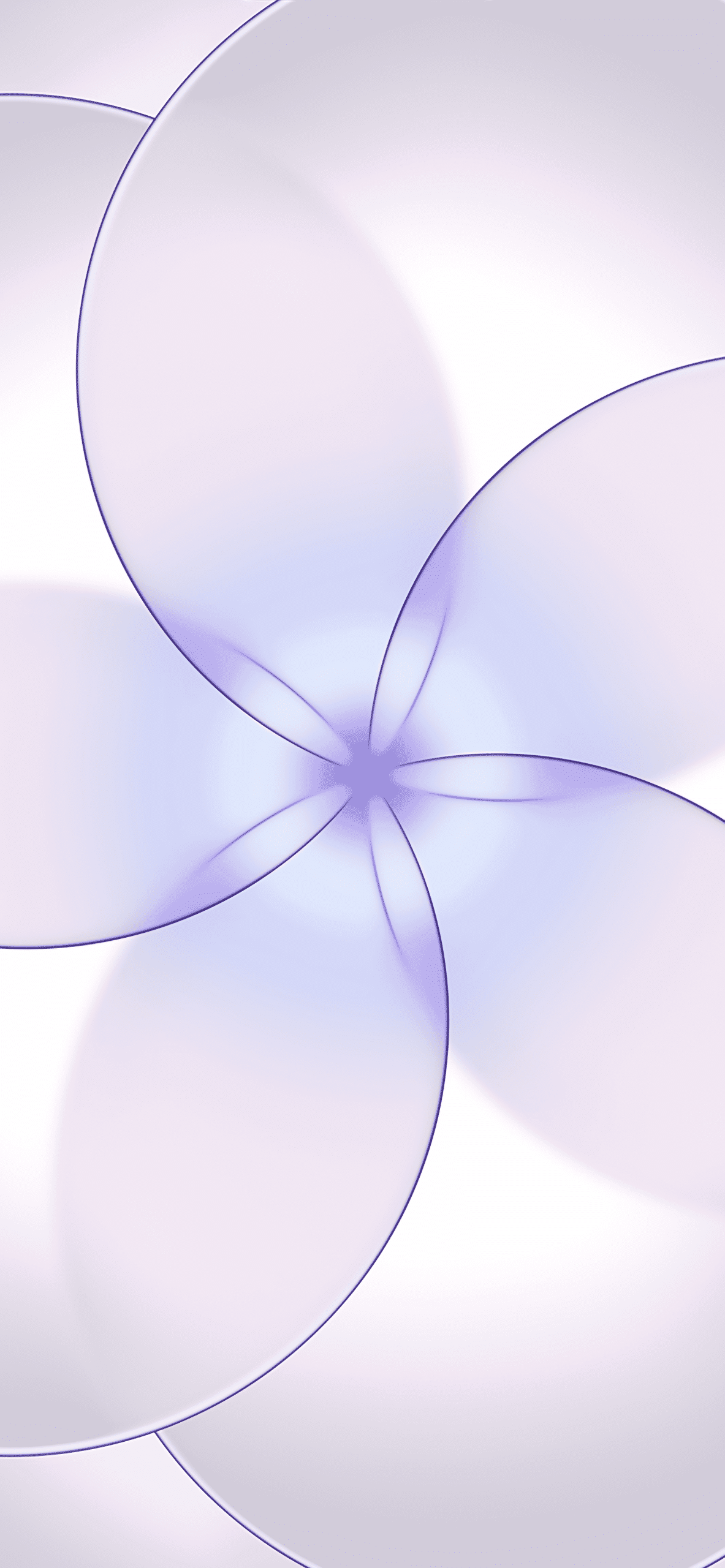
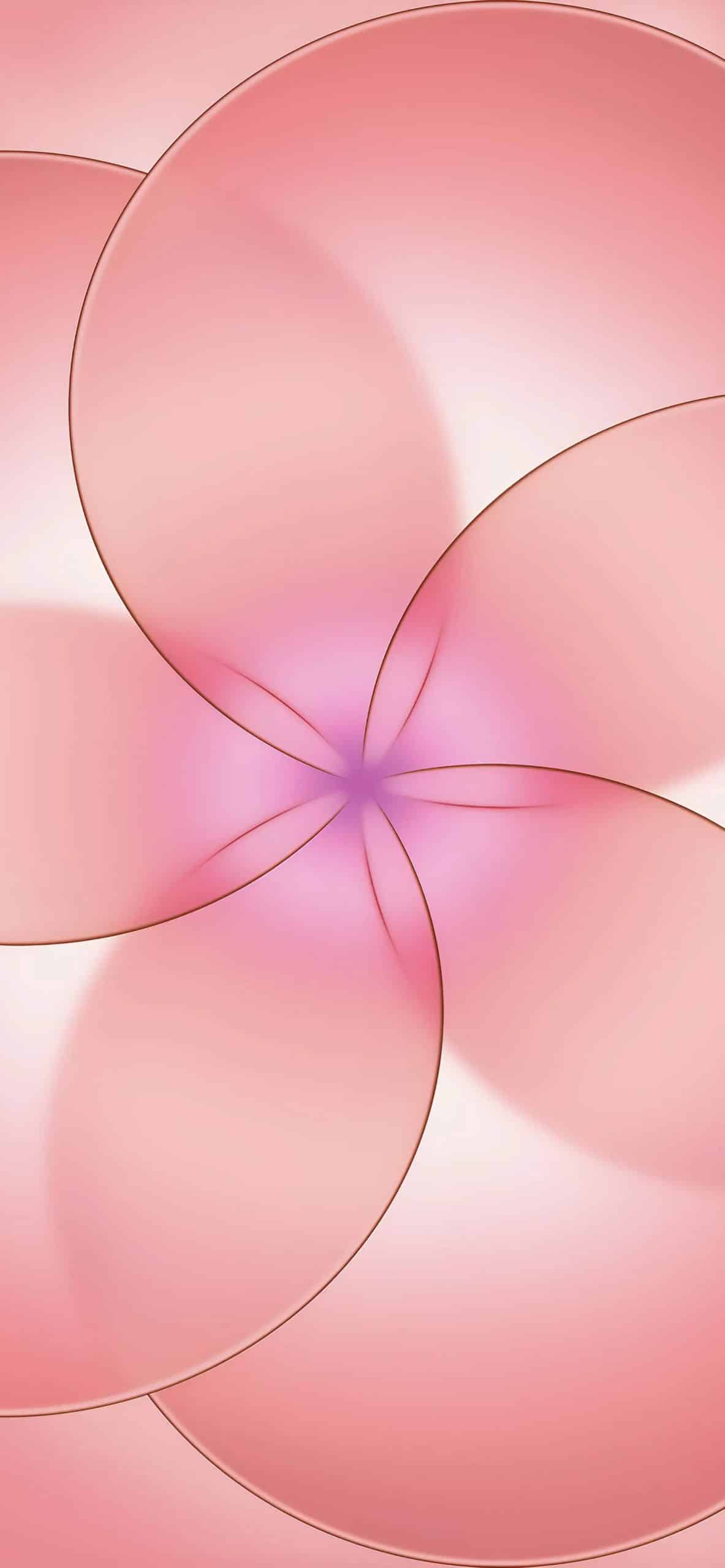
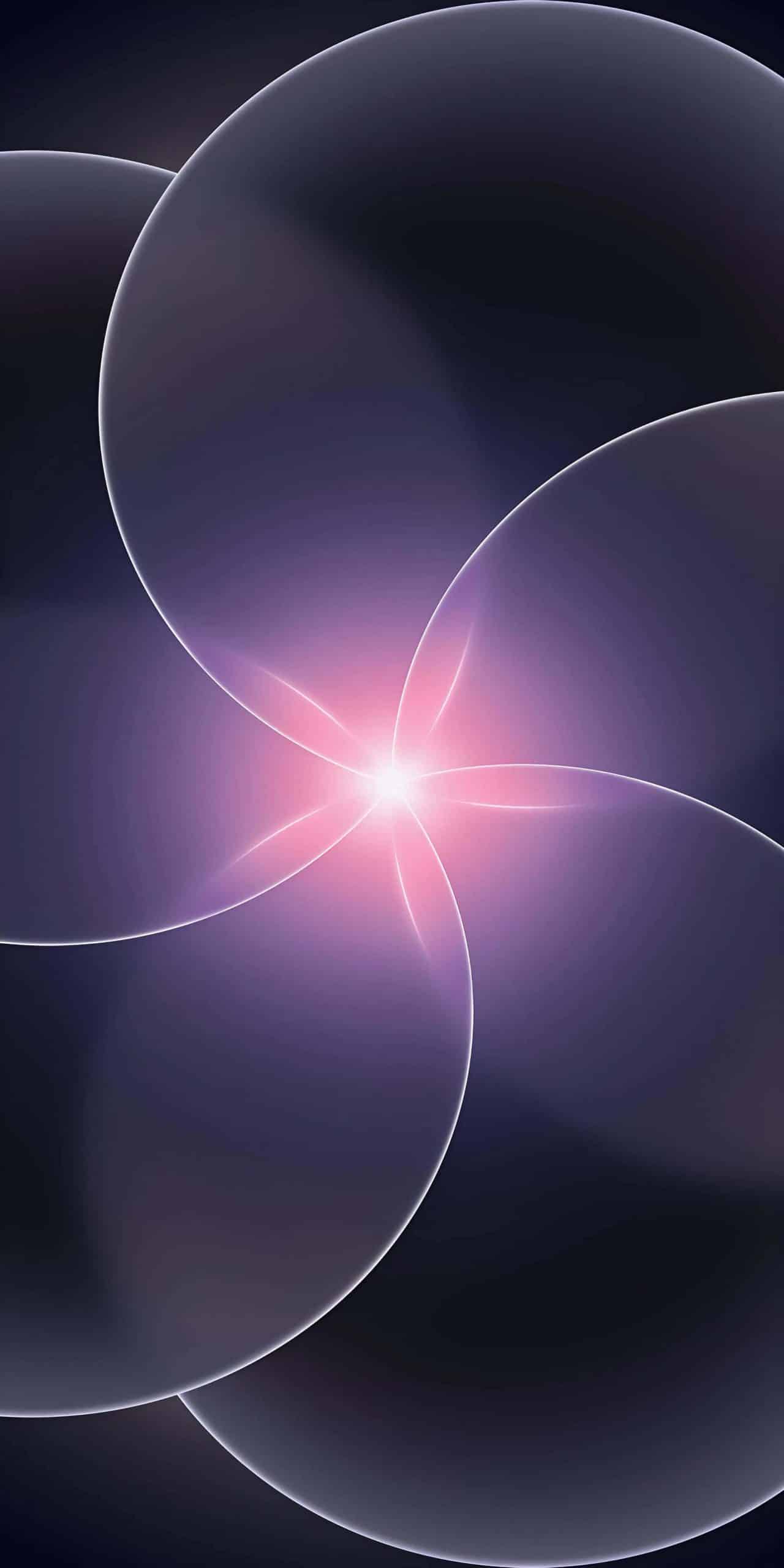
Apple’s iPhone 17e introduces a new visual identity, and its wallpaper plays a central role in that look. The iPhone 17e wallpaper features bold gradients and layered depth transitions designed to highlight the contrast and color accuracy of modern iPhone displays.
Our design team optimized the original files to reduce size without losing quality. Resolution remains aligned with current iPhone screens, gradients stay smooth, and there’s no visible compression. The result is a fast download that still looks sharp on OLED panels.
Download the iPhone 17e Wallpaper
To download the wallpaper properly and keep full resolution, follow this model:
Keep your finger on the image > Add to Photos
If you are using Safari, tap the image once to open it in full screen first, then:
Keep your finger on the image > Add to Photos
This ensures the highest-quality version is saved instead of a compressed preview.
How to Apply the iPhone 17e Wallpaper
Once the wallpaper is saved in Photos, applying it takes only a few seconds:
Settings > Wallpaper > Add New Wallpaper > Photos > Select the iPhone 17e wallpaper > Set as Wallpaper Pair
From here, you can adjust positioning, zoom, and depth effect (if supported by your device).
To apply it only to the Home Screen:
Settings > Wallpaper > Customize Home Screen > Photos > Select the wallpaper > Done
Lock Screen Styling Tips
The iPhone 17e wallpaper works best when the gradient remains visible. For a clean look:
Settings > Wallpaper > Customize > Adjust Clock Style
Choosing a subtle clock color often preserves the depth and contrast of the design.
For stronger app icon visibility on the Home Screen:
Settings > Wallpaper > Customize Home Screen > Blur
Why Proper Resolution Matters
A wallpaper that matches your iPhone’s native resolution keeps edges sharp and gradients smooth. Oversized files slow downloads; undersized ones create blur. By resizing the image to match common iPhone screen dimensions, the wallpaper maintains clarity without unnecessary file weight.
Even if you don’t own iPhone 17e, applying its wallpaper refreshes the look of your current device instantly. The color palette and depth design give older models a more current aesthetic in seconds.
Download it, apply it, and your iPhone gets the new iPhone 17e look immediately.