


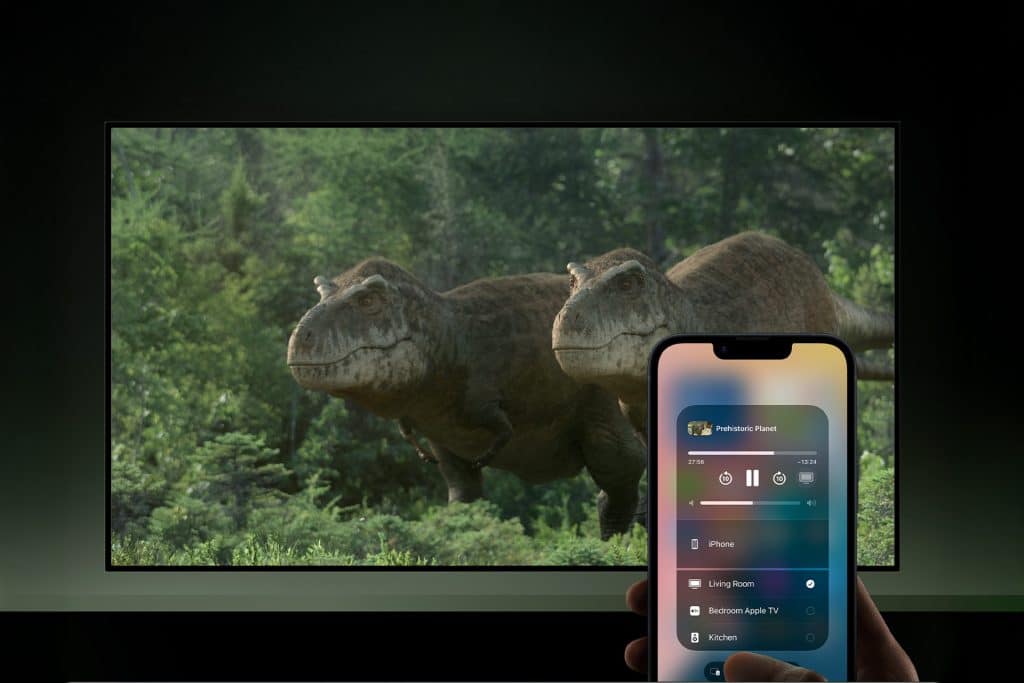
iPhone AirPlay is one of those Apple features that reshapes how a home works. It turns the iPhone into a flexible bridge between personal content and shared screens, allowing videos, music, photos, and even entire screens to move instantly into the living room. No cables, no logins, no apps to install. Just tap and share.
In everyday life, AirPlay removes the friction that often interrupts social moments. A short clip sent by a friend becomes a group laugh. A playlist turns into background music for dinner. A photo album becomes a shared memory instead of something passed from hand to hand. AirPlay makes content social again without sacrificing control.
As homes become more connected and more shared, AirPlay becomes less about technology and more about hospitality. With the right settings, guests can participate naturally while your personal data and devices remain protected.
What iPhone AirPlay Does in Daily Life
iPhone AirPlay allows wireless streaming of audio, video, or a live screen feed from your iPhone to Apple TV or other AirPlay-compatible devices over Wi-Fi. Compared to Bluetooth, AirPlay supports higher quality media, better synchronization, and more reliable connections.
This makes it ideal for everyday scenarios. Watching videos together, sharing vacation photos, playing music during gatherings, showing a recipe while cooking, or displaying content for work or study all become effortless. Screen mirroring also turns the iPhone into a presentation tool, letting others follow along visually without crowding around a small screen.
Because AirPlay is built into iOS, it works consistently across apps and services. Most video, music, and photo apps support it natively, and the system handles connections automatically once a device is selected.

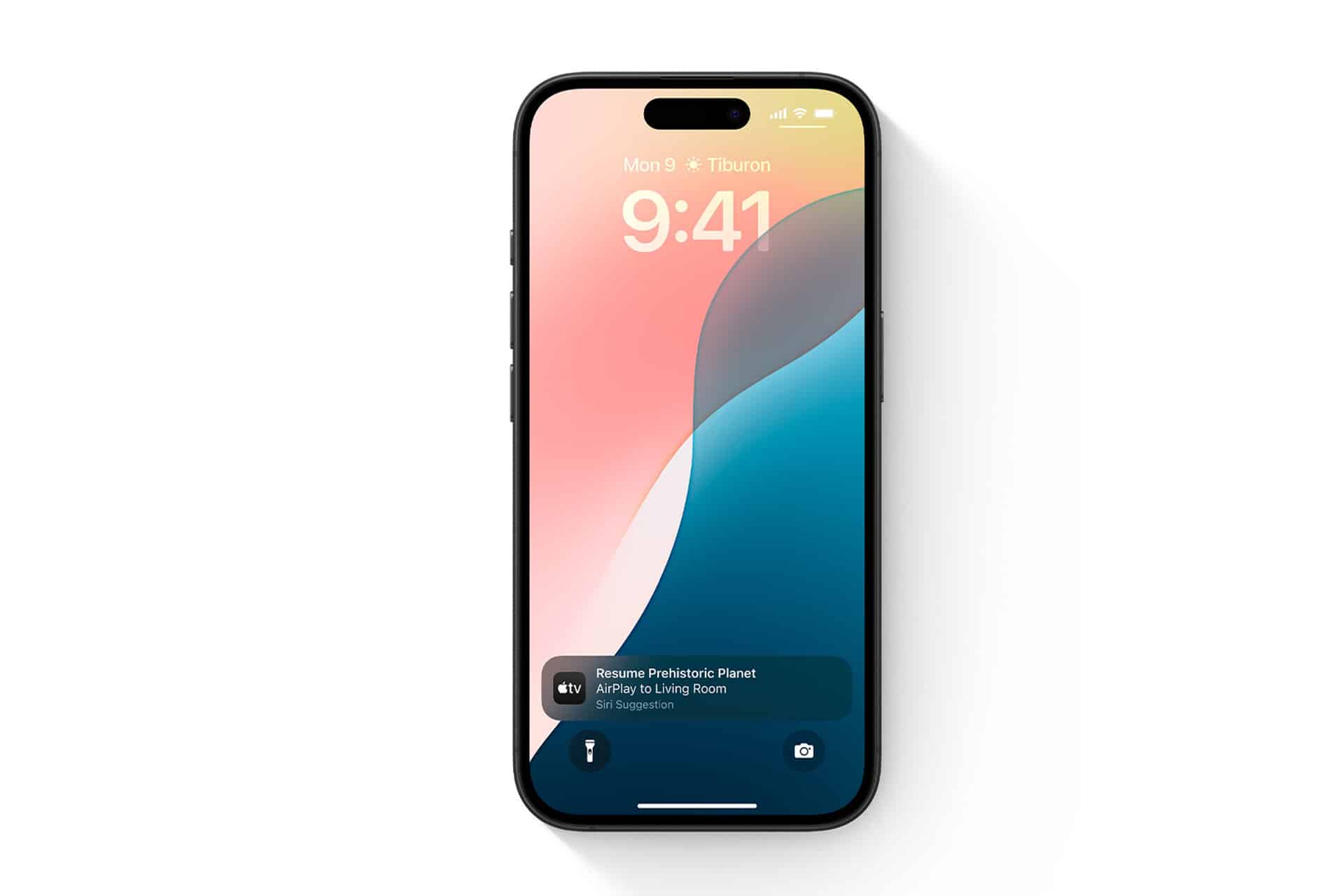
How to Use AirPlay From iPhone to Apple TV
Streaming content from your iPhone to Apple TV takes only a few seconds.
To stream videos, music, or photos
Open the app you want to stream from > Tap the AirPlay icon > Select your Apple TV
To mirror your entire iPhone screen
Settings > Control Center > Screen Mirroring > Apple TV
Once screen mirroring is active, everything on your iPhone appears on the TV in real time. This is useful for browsing photos, reviewing documents, showing apps, or guiding someone step by step through a task.
To stop mirroring
Settings > Control Center > Screen Mirroring > Stop Mirroring
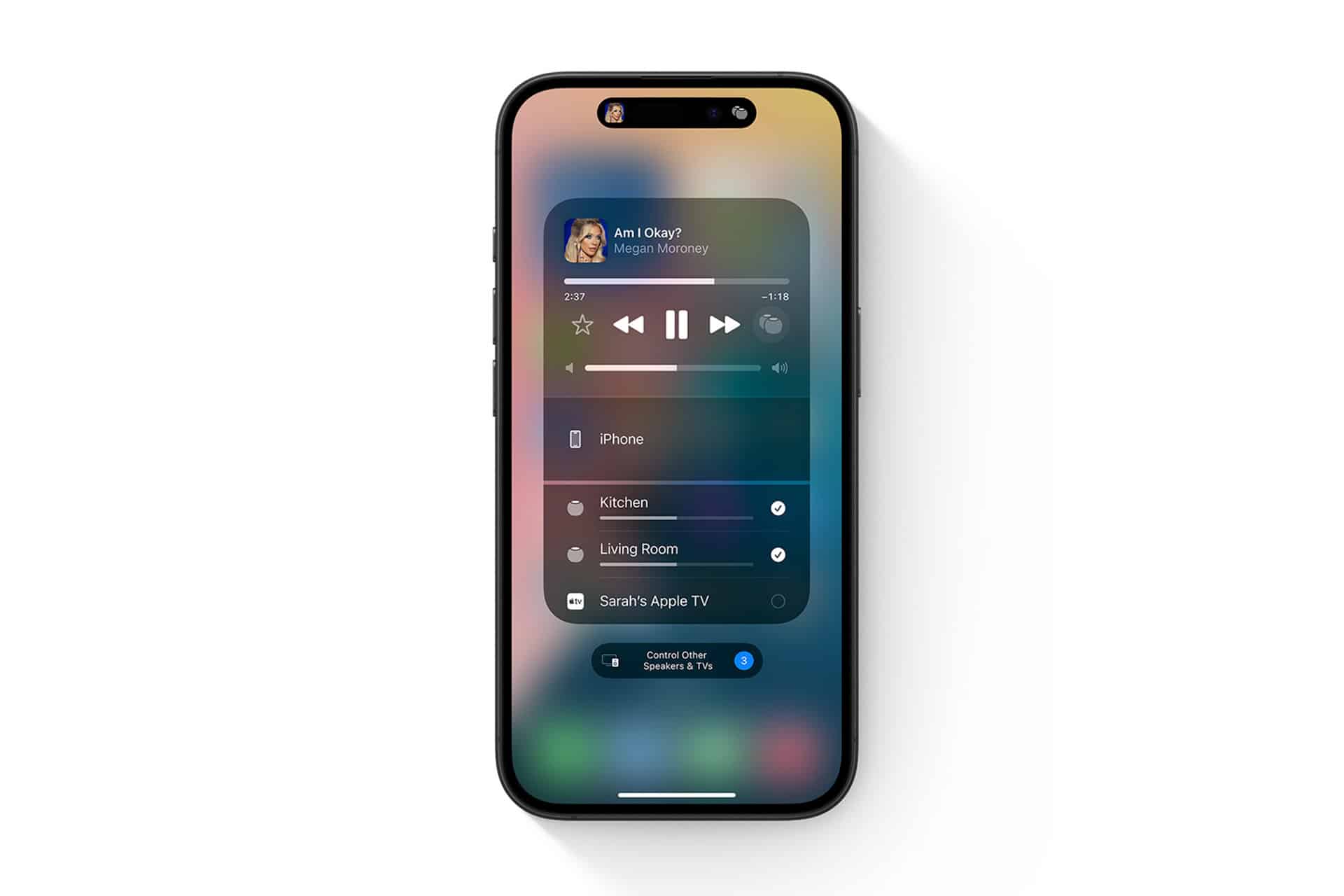
Audio streaming continues in the background, so you can lock your iPhone or switch apps while music or podcasts keep playing through the TV or speakers.
How to Allow Guests to Use AirPlay in Your Home
One of AirPlay’s most useful features is guest access, which allows visitors to stream content from their own iPhones without joining your Wi-Fi network or accessing your Apple ID.
On Apple TV, you can control this behavior directly
Settings > AirPlay and HomeKit > Allow Access > Everyone / Anyone on Same Network / Require Code
Using the on-screen code option is often the best balance. Guests simply enter a short code displayed on the TV to start streaming. No passwords, no account sharing, and no long setup process.
This transforms the living room into a shared media space. Friends can play music at a gathering. Family members can show videos or photos. Kids can share content under supervision. Everything stays temporary and controlled.
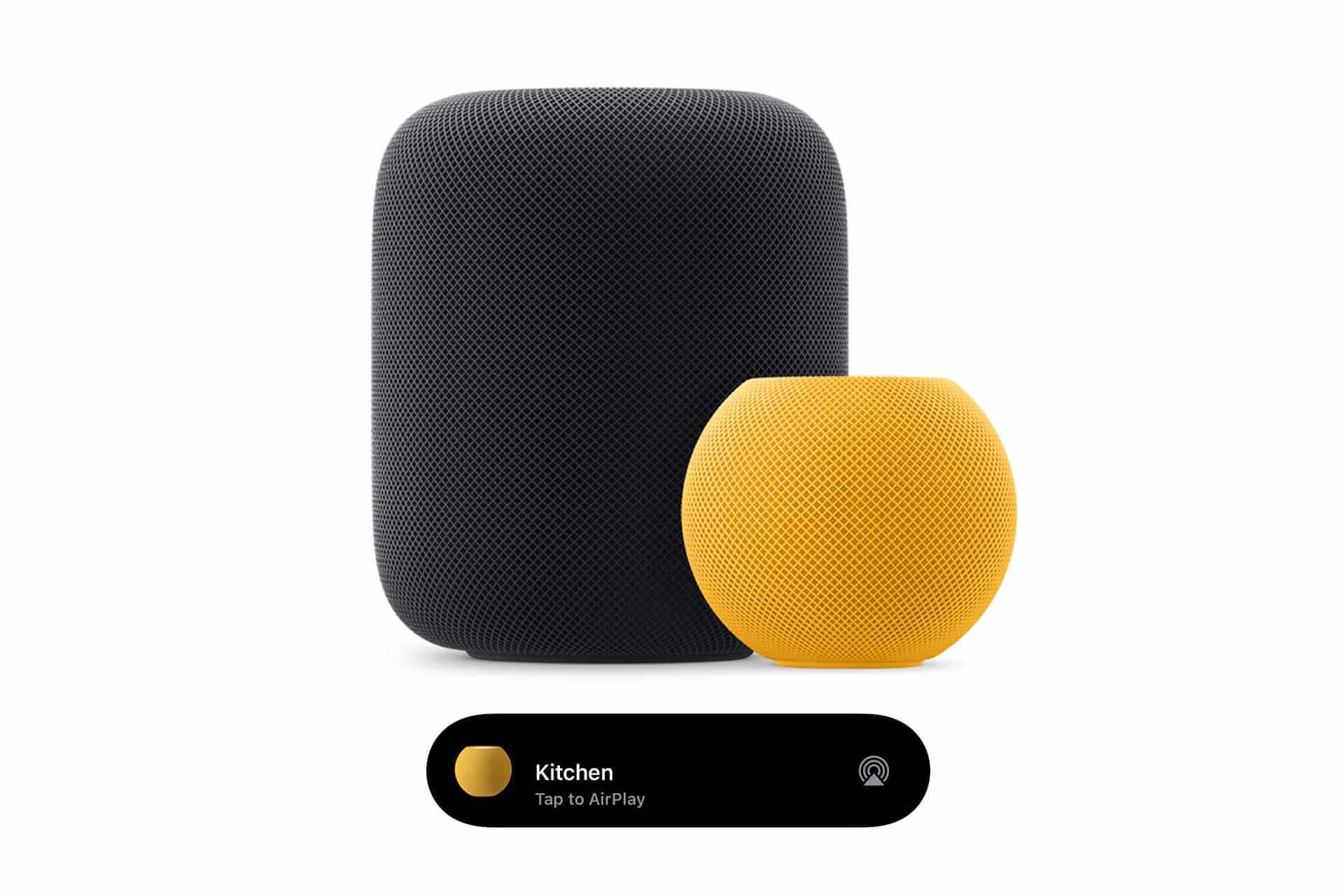
Creative Ways to Use iPhone AirPlay
AirPlay shines in spontaneous moments.
A song becomes the soundtrack to the evening. A video turns into a group experience. A slideshow fills the room with shared memories. Because it’s system-level, there’s no mental overhead. People use it naturally.
Beyond entertainment, AirPlay supports collaboration and learning. It’s useful for reviewing photos, teaching family members, sharing creative drafts, or extending your workspace visually. Moving content from a personal screen to a shared one changes how people interact with it.
AirPlay reflects Apple’s broader philosophy: technology should disappear into daily life. When it works well, it doesn’t feel like a feature at all. It just makes shared moments easier, smoother, and more human.

