

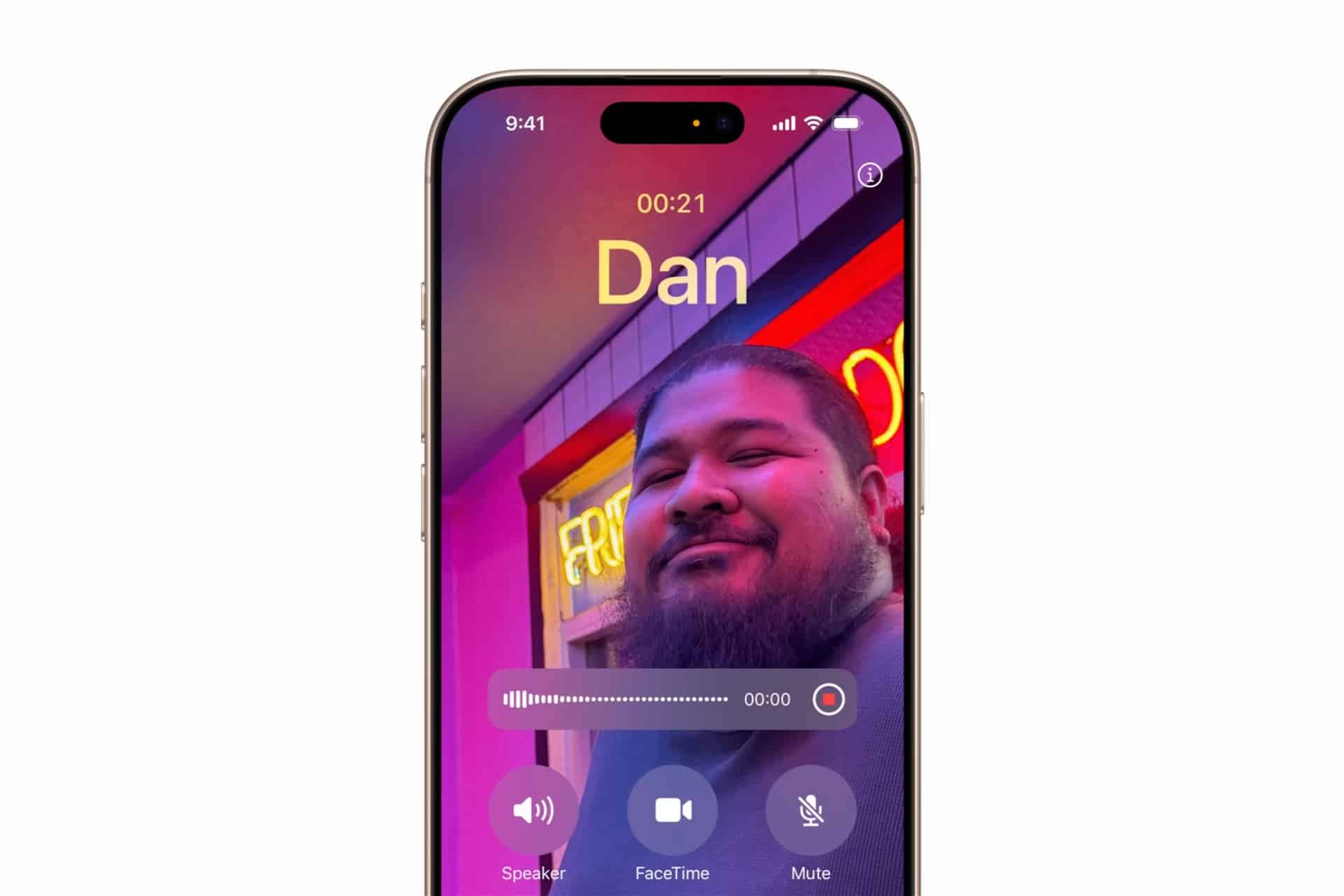
Call recording has always been one of the most requested — and most misunderstood — features on iPhone. Some users assume it should be built in by default. Others discover quickly that it depends on where they live, what carrier they use, and which version of iOS is installed.
iPhone Call Recording is not universally available in the same way across all markets. Legal frameworks, privacy regulations, and telecommunication policies shape how and when calls can be recorded.
Understanding Availability and Legal Considerations
Before focusing on technical steps, legality matters. In many regions, recording a phone call requires consent from one or both participants. In the United States, laws vary by state. Some states require only one-party consent, while others require all parties to be informed.
Because of these variations, Apple has historically limited built-in call recording functionality.
If a recording feature is available in your region and iOS version, it may notify participants automatically when recording begins. Transparency is often required by law.
Checking iOS Capabilities
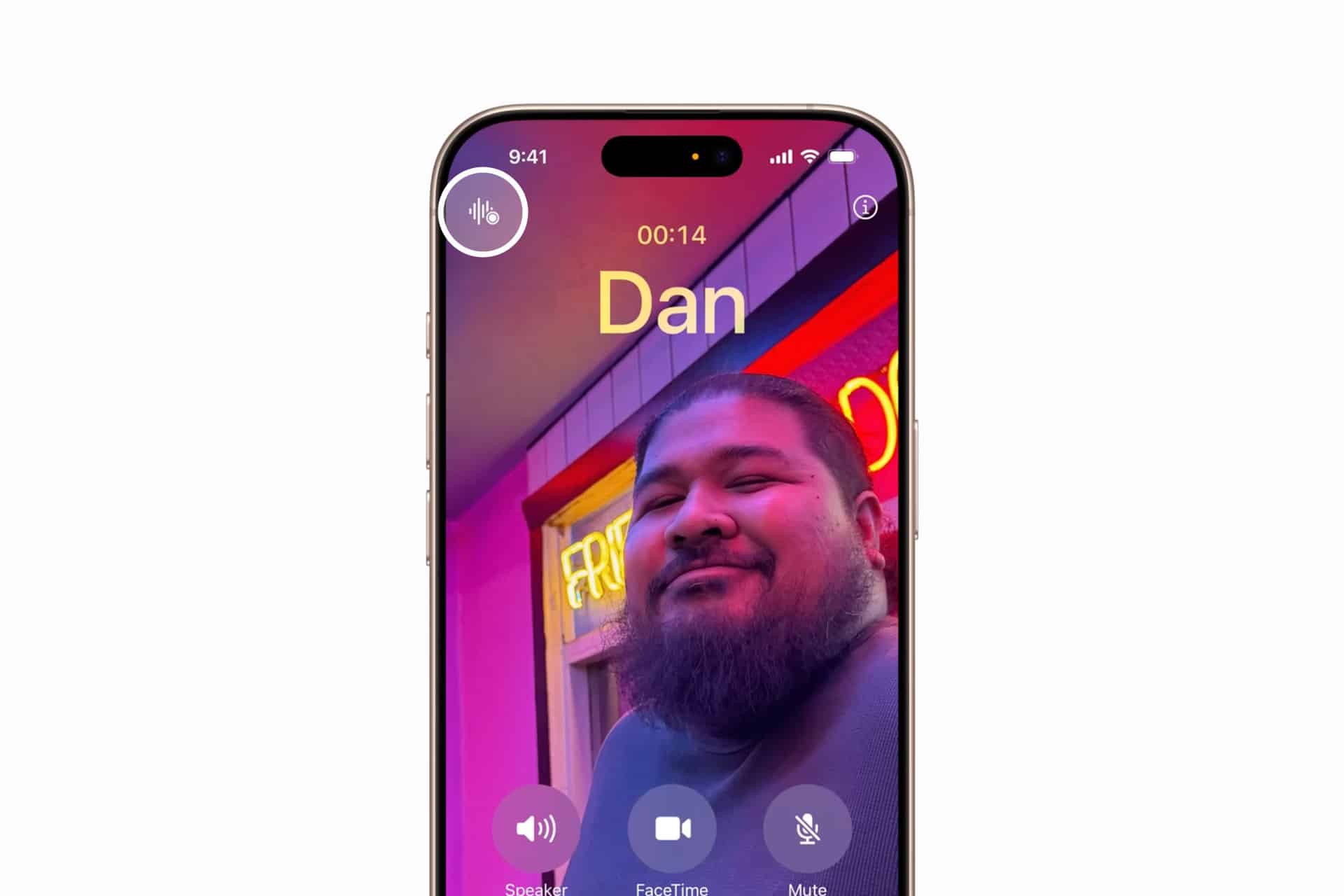
Call recording features, when available, are integrated directly into the Phone app.
During a supported call:
Phone App > Active Call Screen > Record Option (if available)
If your device and region support it, you may see a recording control. In unsupported regions, this option does not appear.
If you do not see a native recording feature, the limitation is likely regulatory rather than technical.

Third-Party App Limitations
Many apps claim to enable call recording on iPhone. Most operate using workarounds, such as three-way calling systems where audio is routed through external servers.
These solutions often require:
- Subscription fees
- Carrier compatibility
- Internet connection
- Consent notification
They do not directly record the call internally. Instead, they merge calls through a recording service. Because these methods depend on carrier infrastructure, reliability varies.
Using External Recording Methods
Some users rely on external devices — such as a second phone or digital recorder — placed near the speaker during a call. While technically simple, audio quality depends heavily on environment and microphone placement.
Using speaker mode improves clarity, but background noise can affect the result.
Voice Memos and On-Device Audio
If the goal is not to record live calls but to capture related voice information, Voice Memos remains a built-in solution.
Voice Memos > Tap Record > Save Audio
Files are stored locally and can sync through iCloud if enabled.
Voice Memos is not designed to record active calls through the phone’s internal audio channel. It records ambient sound captured by the microphone.
Managing Recorded Audio Files
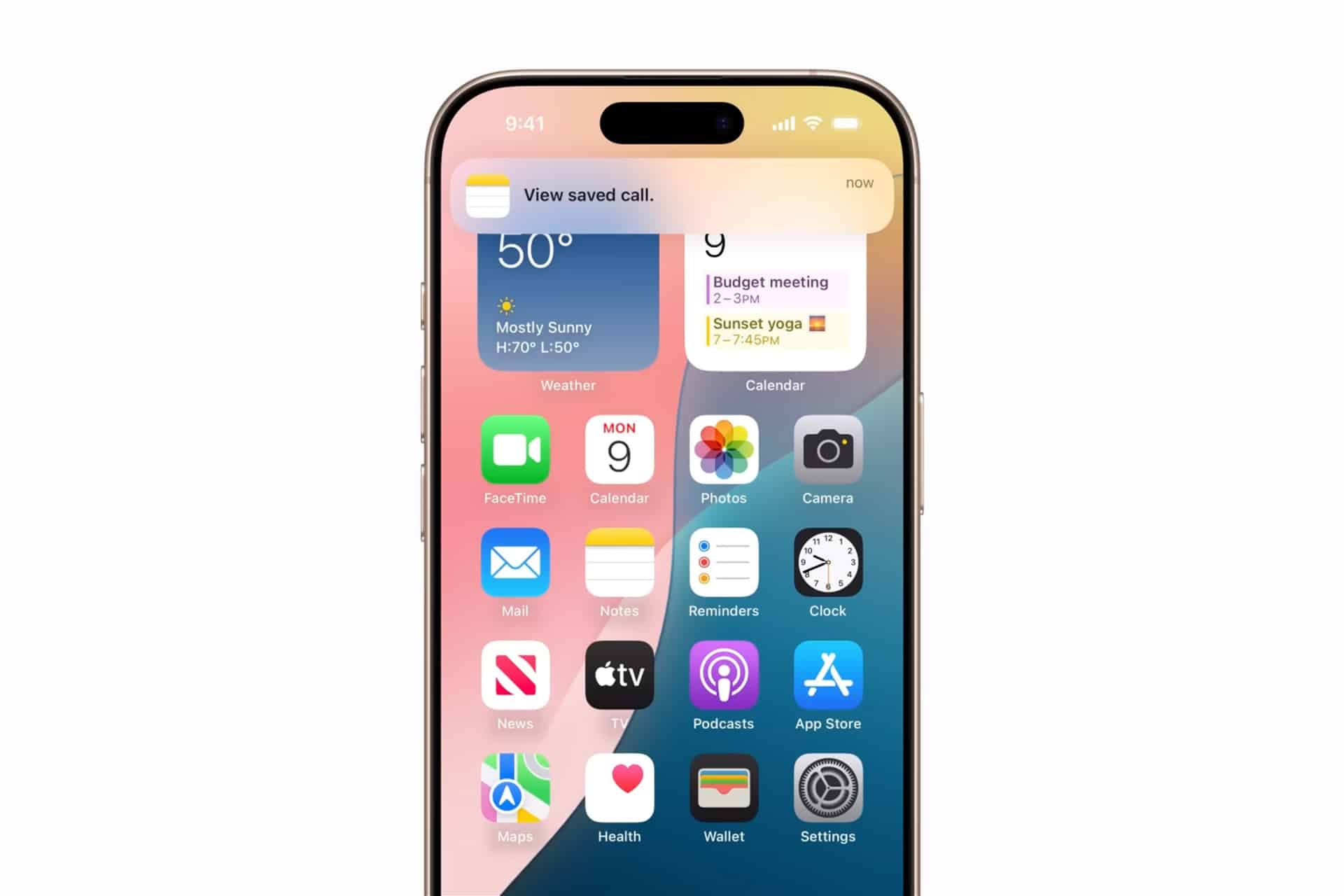
If you record calls through a supported feature or approved app, files are typically stored in one of three places:
- Inside the recording app
- In the Files app
- In a dedicated call recording section within Phone (if supported natively)
Managing these files includes renaming, exporting, sharing, or deleting.
To organize recordings:
Open Files App > Select Recording > Rename or Move
Export options usually include sharing via AirDrop, email, or cloud storage.
Storage Considerations
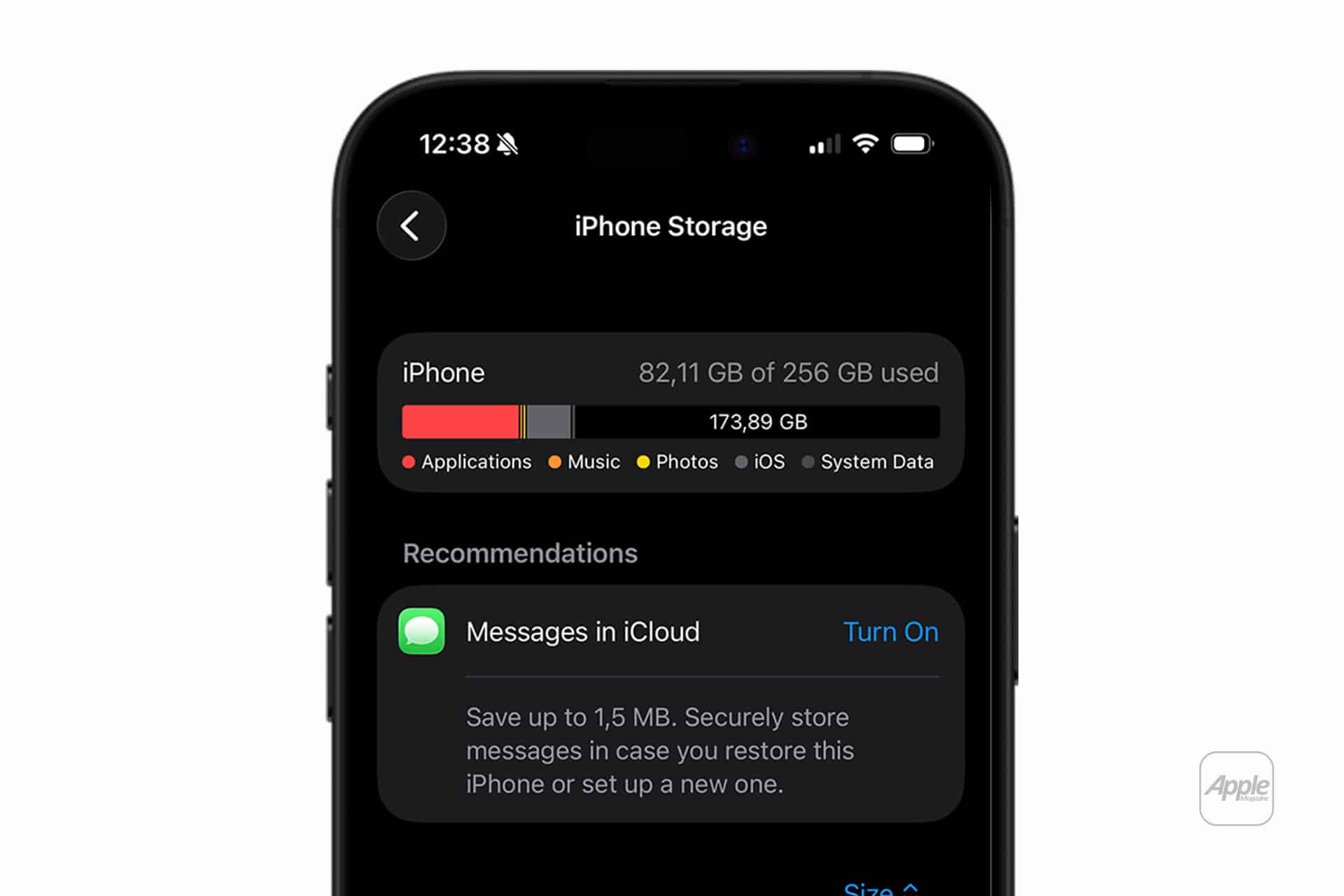
Call recordings consume storage space depending on length and audio quality. Long recordings accumulate quickly.
Monitoring storage helps prevent unexpected limitations:
Settings > General > iPhone Storage
Audio files can be reviewed and deleted when no longer needed.
Privacy and Security
Because call recordings often contain sensitive conversations, storage location matters. Files saved locally remain on device unless synced. Cloud syncing adds convenience but may introduce additional privacy considerations depending on service provider.
If using third-party services, reviewing their privacy policies is critical.
Why Call Recording Remains Limited
Telecommunication laws differ significantly across countries. Apple designs features to comply with local regulations, which explains why call recording may be available in one region but absent in another.
The absence of a feature does not always reflect technical capability. It often reflects legal requirements.
For users seeking iPhone Call Recording functionality, understanding regional rules, iOS version support, and available methods ensures expectations align with reality — and that any recordings made are handled responsibly and stored securely.