

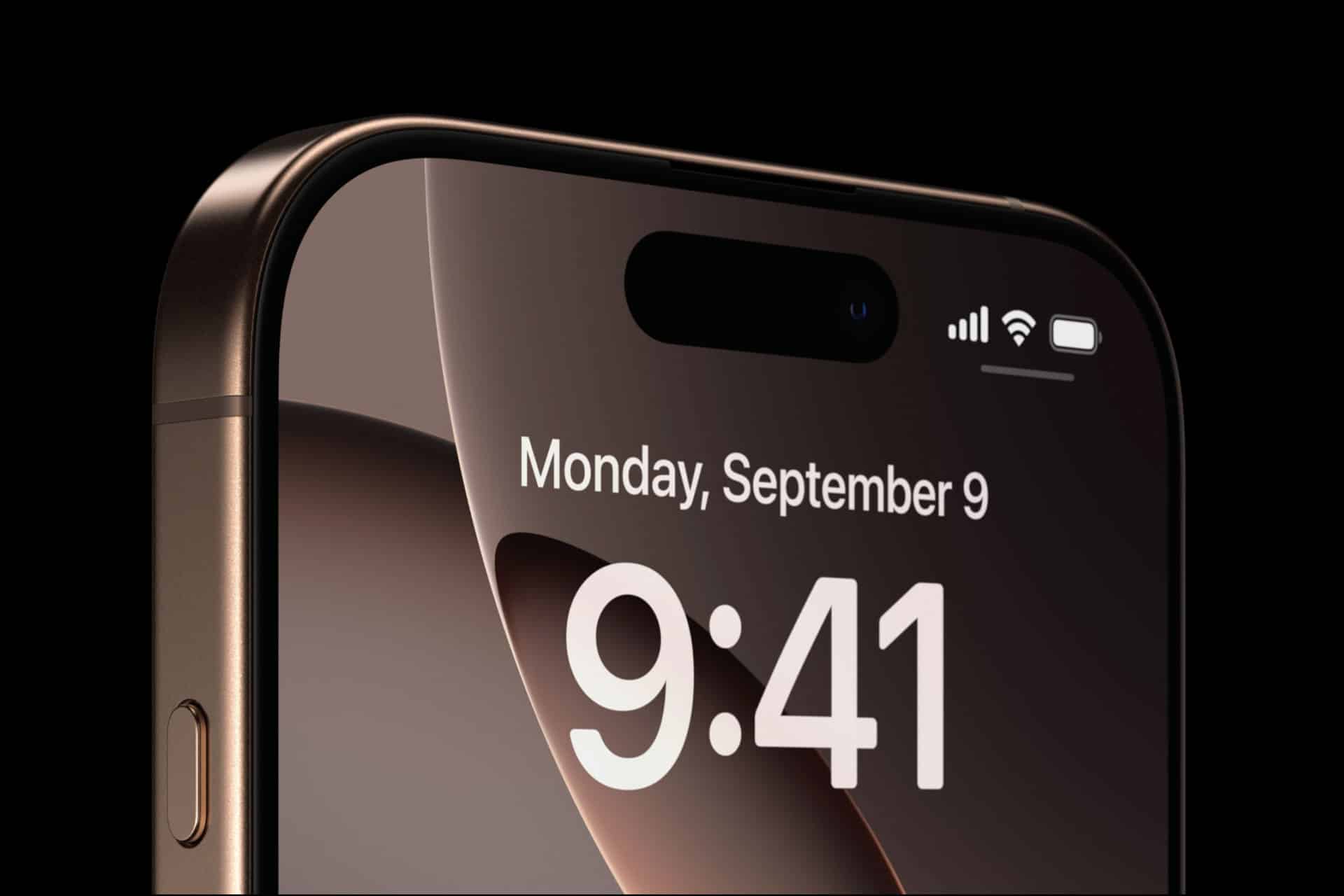
There is no visible “boost” button on iPhone, yet users often search for ways to improve reception. iPhone signal boost depends on physics, infrastructure, device design, and software decisions working together. Understanding those elements reveals why reception fluctuates and how iOS actively manages connectivity behind the scenes.
What Determines iPhone Signal Strength
Cellular signal strength is measured in decibels referenced to one milliwatt (dBm). The closer the value is to zero, the stronger the signal.
Typical ranges:
- -50 dBm: Excellent
- -70 dBm: Good
- -90 dBm: Fair
- -110 dBm or lower: Weak
Signal bars on the screen simplify these numbers, but the underlying measurement reflects real radio frequency conditions.
Several Factors Influence Signal Quality
Distance From Cell Towers
The farther you are from a base station, the weaker the received signal. Urban areas with dense infrastructure typically provide stronger coverage than rural regions.
Physical Obstructions
Concrete, metal, glass coatings, and terrain block or reflect radio waves. Elevators, underground parking, and interior rooms reduce signal penetration.
Network Congestion
Even with strong signal strength, performance can drop when many users connect to the same tower simultaneously.
Frequency Bands
Lower-frequency bands travel farther and penetrate buildings better. Higher-frequency bands provide faster speeds but weaker indoor performance. iPhone automatically shifts between available bands depending on signal conditions.


How iOS Manages Antenna Switching
Modern iPhones use multiple antennas placed strategically around the chassis. Instead of relying on one fixed antenna, iOS dynamically selects which antenna array provides the strongest signal at any moment.
This process includes:
- Monitoring signal quality from each antenna path
- Evaluating interference levels
- Switching reception priority in real time
When you rotate your phone or grip it differently, antenna performance changes. iOS adjusts instantly to compensate.
The internal modem continuously analyzes:
- Signal-to-noise ratio (SNR)
- Reference signal received power (RSRP)
- Reference signal received quality (RSRQ)
Based on these measurements, the system selects the optimal antenna configuration.
Carrier Aggregation and Band Management
iPhone does more than connect to a single frequency band. It uses carrier aggregation to combine multiple bands simultaneously, increasing speed and stability.
When signal weakens on one band, iOS may:
- Shift to a lower-frequency band
- Drop high-frequency aggregation
- Prioritize stability over peak speed
This balancing act happens automatically without user input.
For example, in areas where 5G signal fluctuates, iPhone may shift between 5G and LTE depending on reliability rather than remaining locked to the newest standard.
You can view detailed signal information by enabling Field Test Mode:
Dial 3001#12345# > Call
This displays technical signal metrics beyond the standard bar indicator.


What “Signal Boost” Really Means
There is no software toggle that amplifies radio power. Regulatory limits restrict transmission strength. Instead, signal improvements come from optimization.
Factors that can help include:
- Removing thick cases that interfere with radio waves
- Keeping iOS updated for modem firmware improvements
- Resetting network settings if configuration issues arise
Settings > General > Transfer or Reset iPhone > Reset > Reset Network Settings
This clears carrier configurations and reconnects to available networks.
Wi-Fi Calling as an Alternative
In low-signal environments, enabling Wi-Fi Calling routes calls and texts through Wi-Fi instead of cellular.
Settings > Cellular > Wi-Fi Calling > On
This does not boost cellular signal but provides an alternate path when reception is weak.
Environmental and Device Variables
Holding the phone tightly around certain areas can slightly attenuate signal. Apple designs antenna placement to minimize grip interference, but body position still affects radio propagation.
Battery level and temperature can also influence modem behavior. Extreme heat may reduce performance to protect internal components.
Additionally, network infrastructure upgrades from carriers impact perceived signal strength more than device changes alone.
Understanding Signal Bars vs. Reality
Signal bars are an approximation. Two phones with identical bars may experience different throughput speeds depending on:
- Network congestion
- Band allocation
- Carrier prioritization policies
iOS translates raw radio metrics into simplified visual indicators, but real performance depends on broader network conditions.
Why Reception Fluctuates Throughout the Day
Movement between buildings, elevators, vehicles, and outdoor spaces changes reflection and absorption patterns of radio waves. iOS responds continuously by adjusting antenna priority and band selection.
The experience of “boosting” signal often reflects better environmental conditions rather than a device-level change.
iPhone Signal Boost, in practice, is the outcome of antenna diversity, modem intelligence, and iOS network management working together. While users cannot manually amplify signal power, the system constantly evaluates radio quality and adapts internally to maintain the most stable connection available under existing physical and network constraints.