

Visual intelligence is part of Apple Intelligence in iOS 26, enabling your iPhone to analyze real-world scenes or screen content using AI. Holding the Camera Control button on newer models like iPhone 16 or invoking it via the Action button or Control Center on devices such as iPhone 15 Pro makes visual intelligence active. With the camera view, you can point at businesses to see details and contact info, identify plants and animals, translate text from another language, and ask questions about objects you see. These capabilities enhance what your iPhone can tell you about the world around you without manually typing or switching between apps.
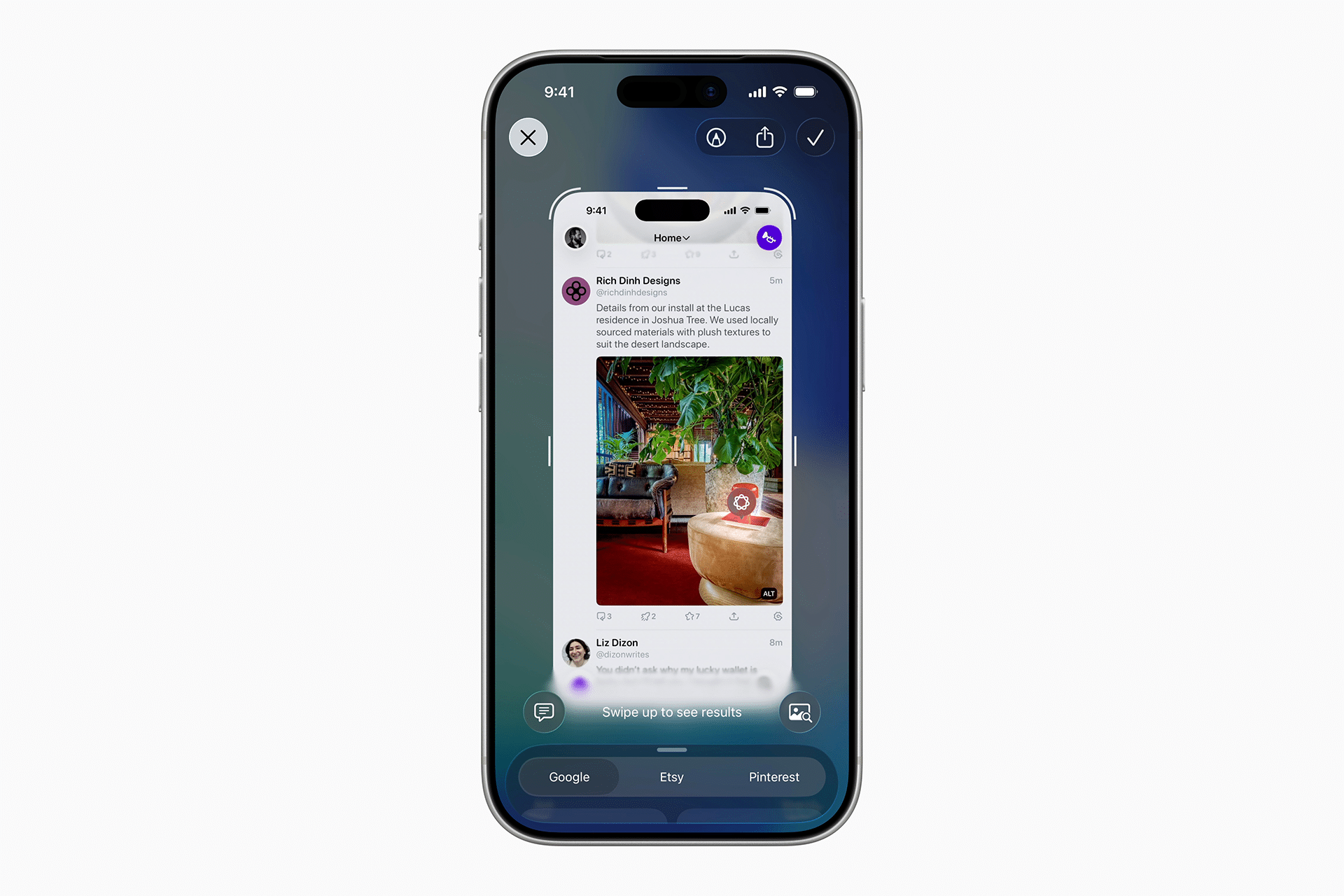
App Intelligence has also expanded visual intelligence beyond the camera into screen content analysis. After taking a screenshot (Side button plus Volume Up), visual intelligence options appear at the bottom of the screen, letting you search for similar items online, ask questions about what you see, generate calendar events from dates, or summarize and have text read aloud. This screen-based feature makes it possible to extract more value from on-screen visuals across apps.
Practical Camera Uses
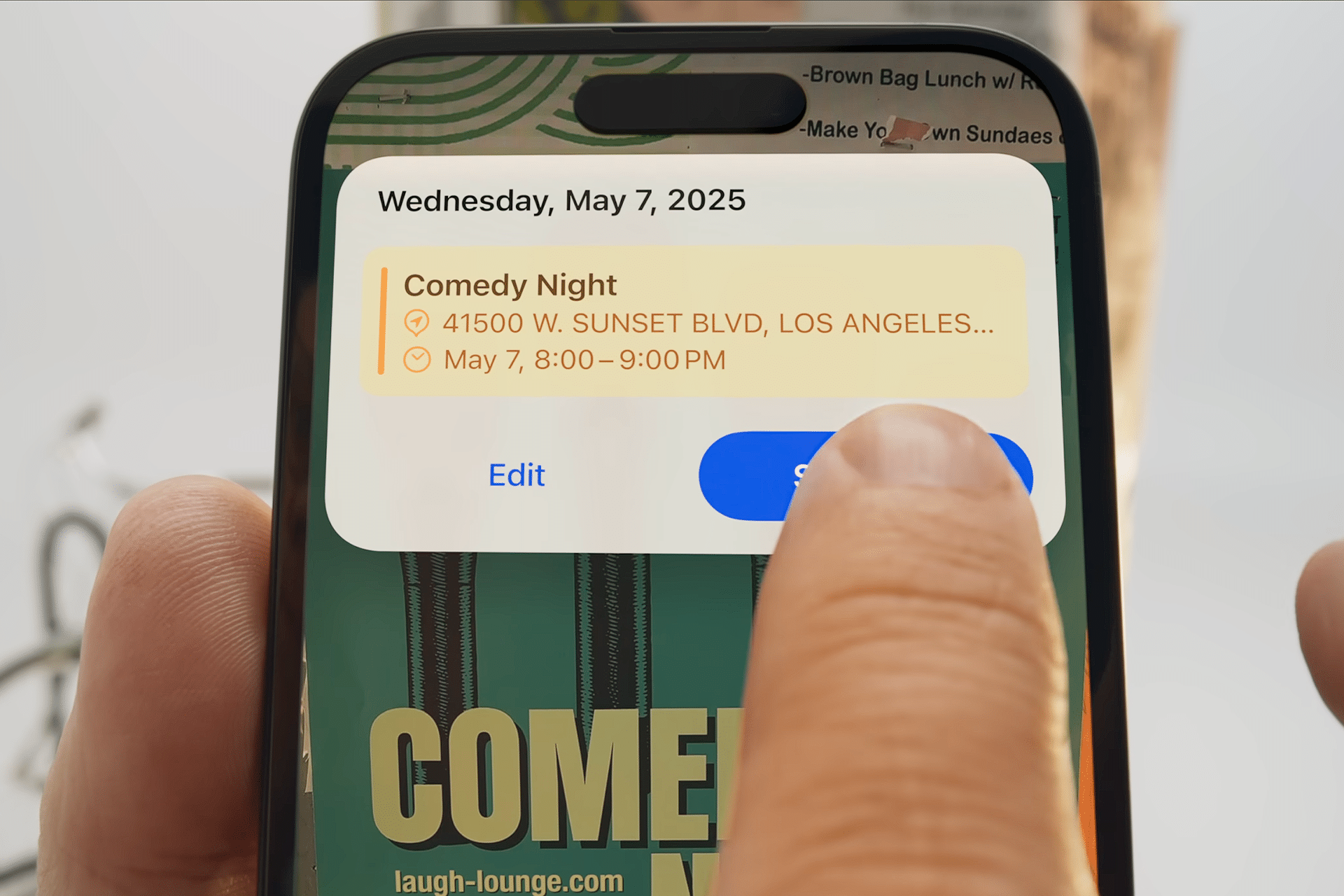
Visual intelligence transforms your camera into a smart discovery tool. Pointing your iPhone at a restaurant can surface hours, menus, and reviews or show map directions. A plant or an animal in view can be recognized and identified through on-device analysis. Translating signs in real time or summarizing text from posters or flyers are other camera-based uses. And when visual intelligence identifies dates within what you capture, it can suggest adding them as a calendar event automatically, streamlining everyday tasks.
Interactive Screen Searches
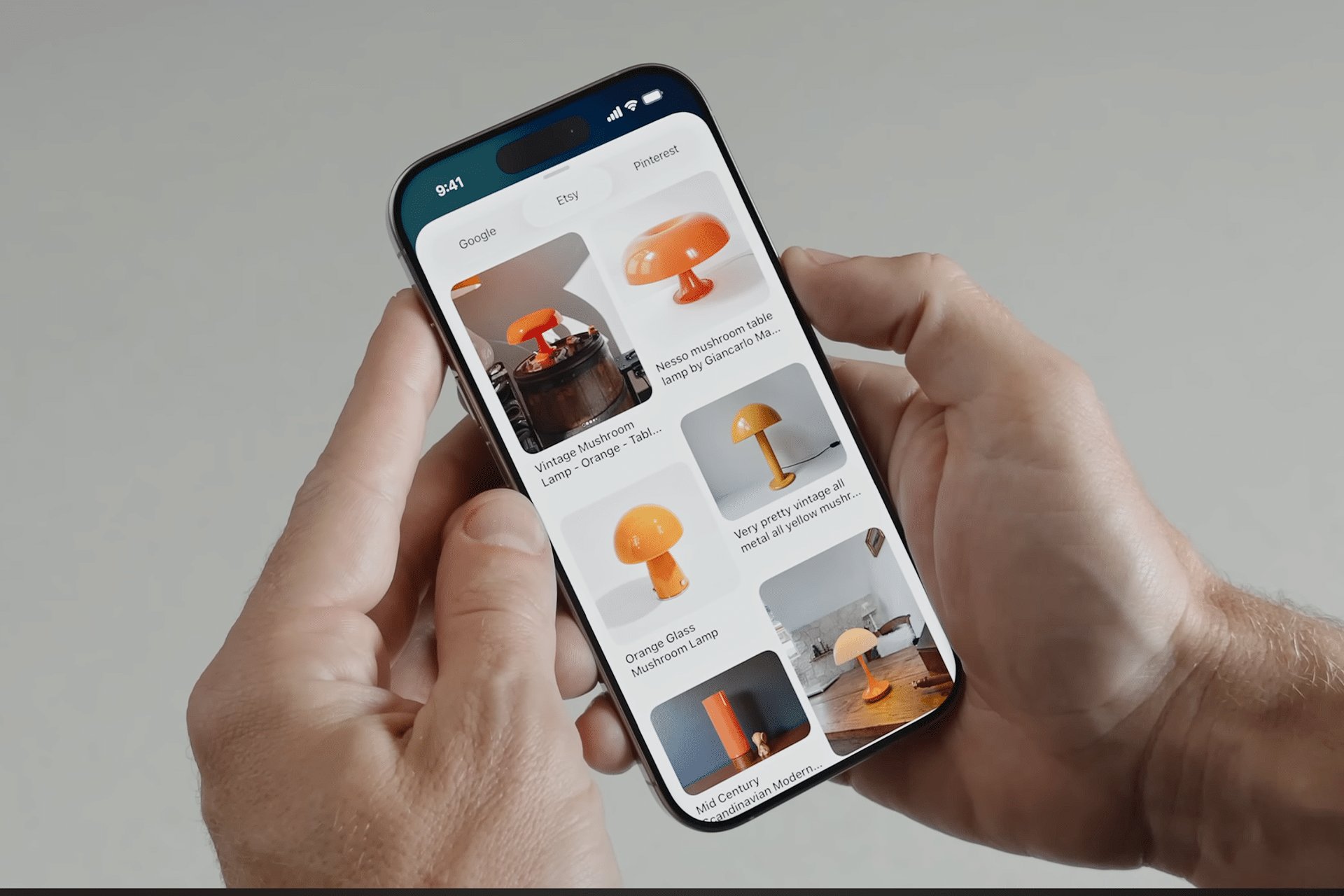
In addition to the live camera, visual intelligence on screenshots lets you interact with content across your device. After capturing a screenshot, you can tap Search to find similar products or information online, swipe to highlight a particular part of the image, tap Ask to pose a question about the content, or tap Add to Calendar when dates are detected. Summarize and Read Aloud allow efficient extraction of meaning from long text items on screen. These tools help bridge the gap between static content and actionable knowledge directly within iOS workflows.
Setup and Compatibility
Visual intelligence requires iOS 26 or newer and is supported on iPhones compatible with Apple Intelligence, including the iPhone 15 Pro, iPhone 16 series, and newer models. On devices without a dedicated Camera Control button, you can assign visual intelligence to the Action button or add it to Control Center for fast access. Keeping iOS updated ensures access to the latest expansions of these tools as Apple continues refining the experience.


