

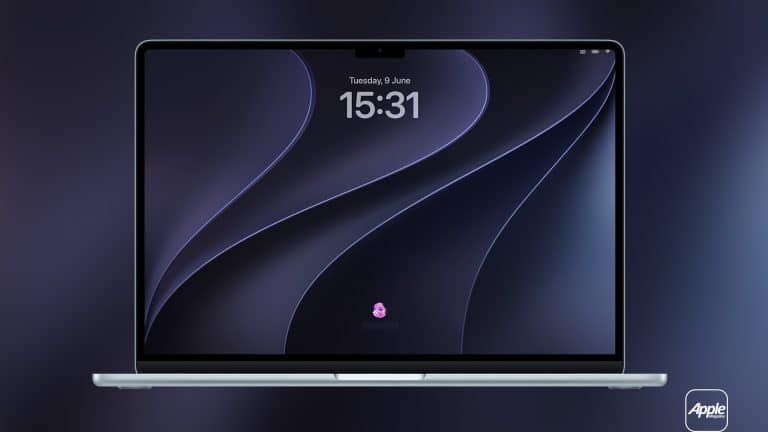
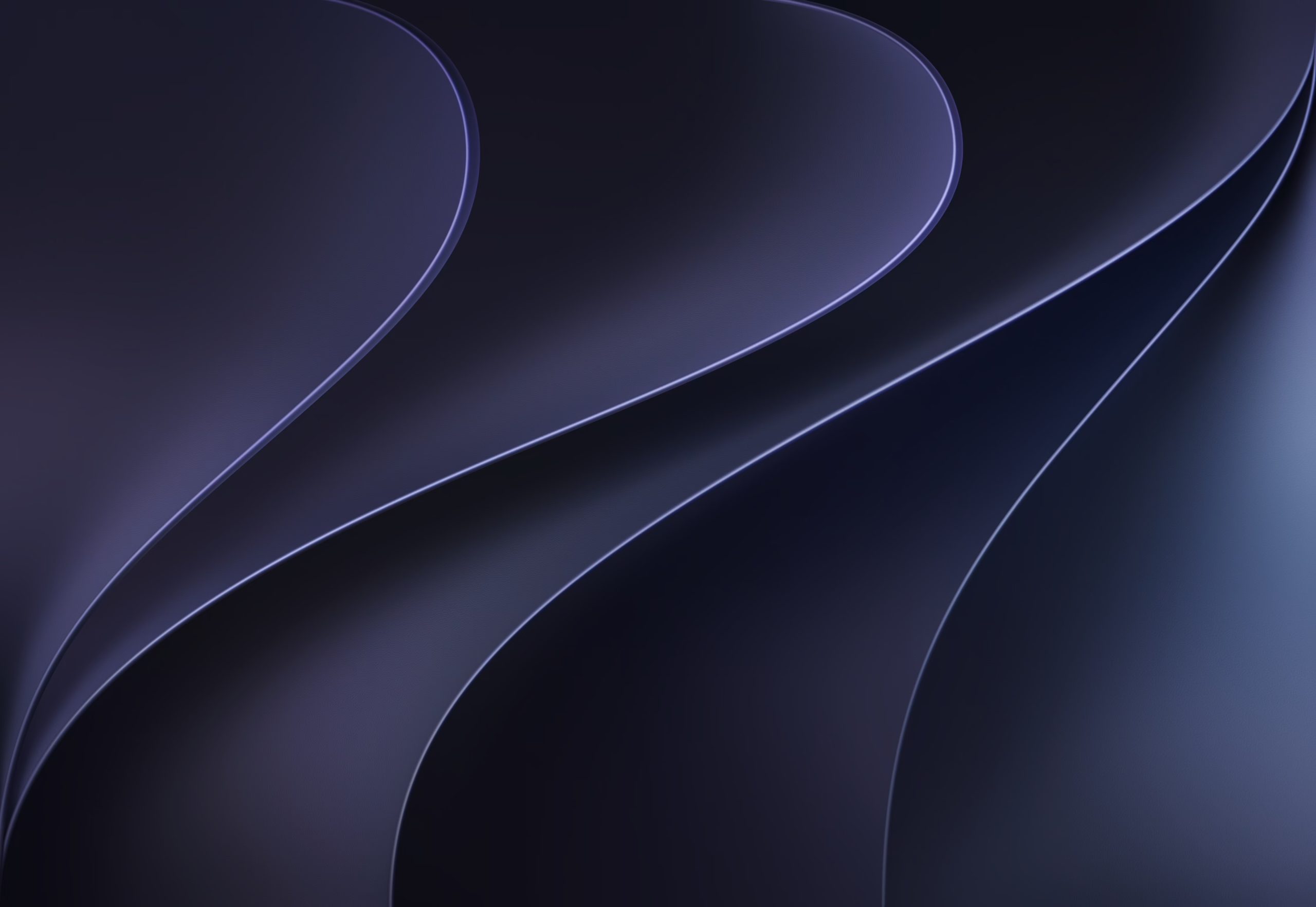
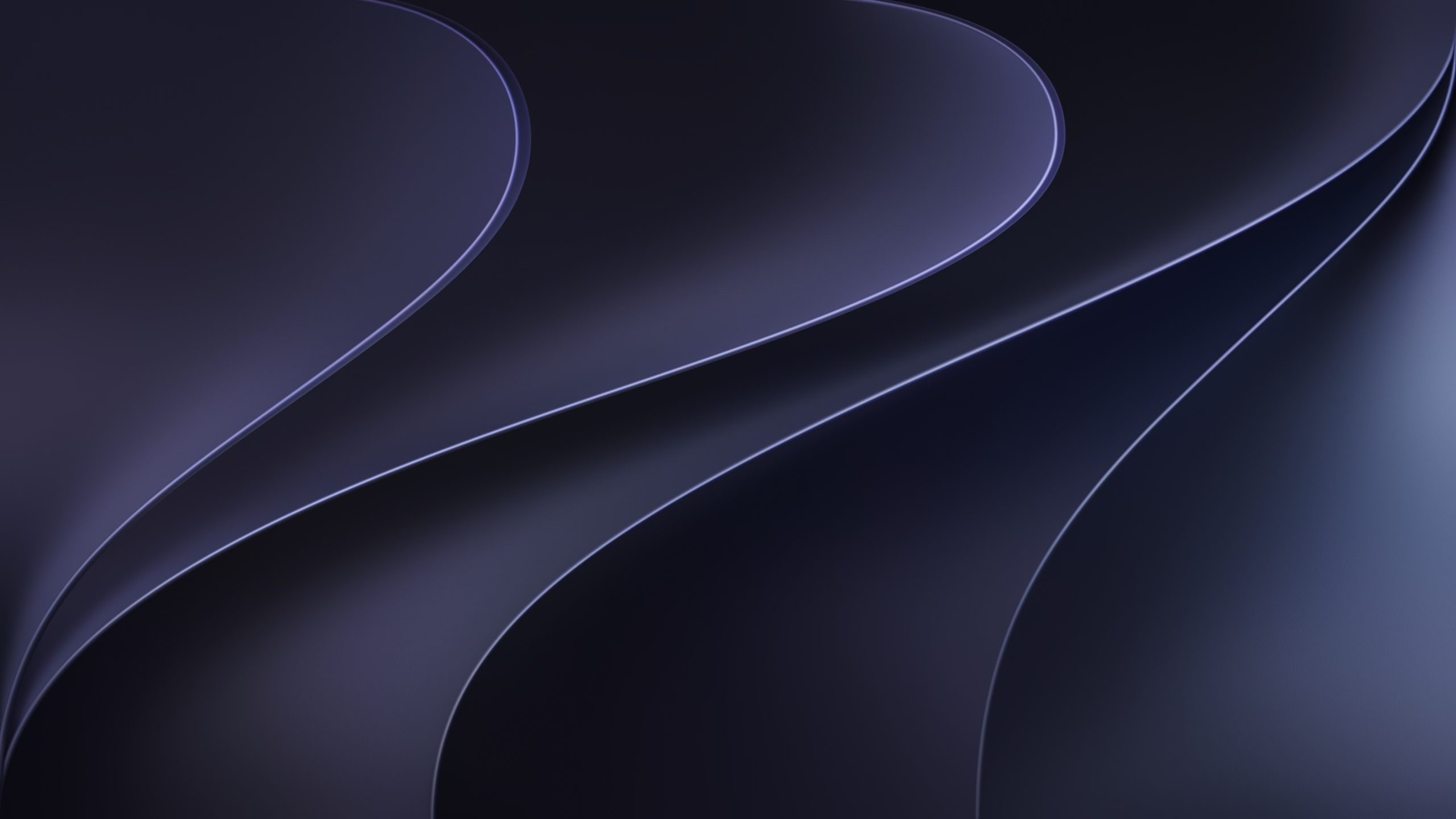
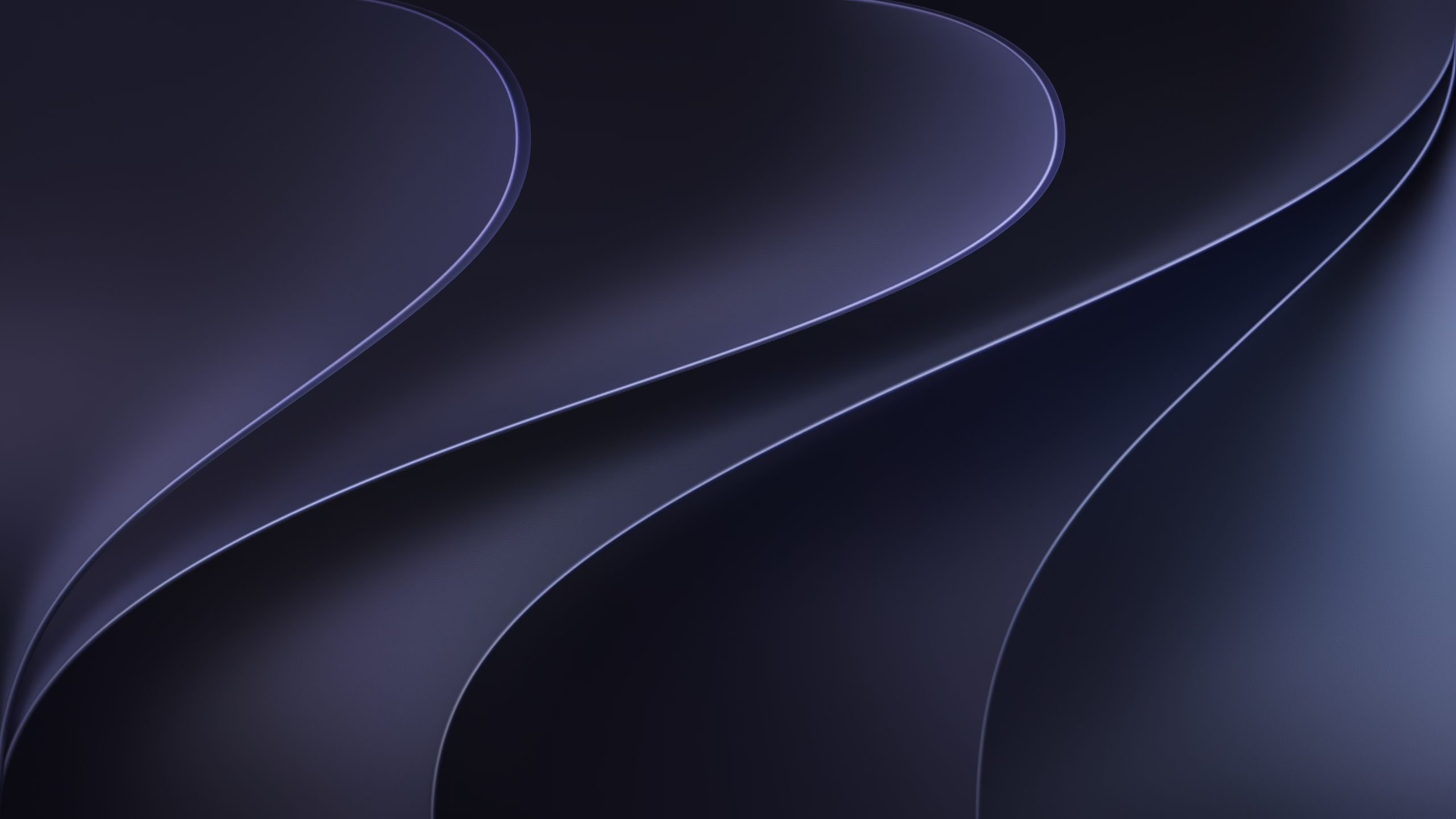
AppleMagazine is offering macOS 27 wallpapers for Mac, giving readers a desktop-ready version of the WWDC26 visual style before Apple’s next major Mac software release arrives for the public.
The wallpapers use the same glowing visual identity Apple introduced around WWDC26, with a dark background and luminous Apple artwork that matches the event’s renewed focus on Siri AI, Apple Intelligence, Liquid Glass refinements, and a more unified design language across Apple platforms. While the iPhone version is built for the Lock Screen and Home Screen, the macOS 27 wallpaper is designed for the wider canvas of MacBook, iMac, Studio Display, and external monitors.
This macOS version gives Mac users a cleaner way to bring the WWDC26 mood to the desktop without installing beta software. It is a visual refresh rather than a system update, making it a safer option for users who want the look of Apple’s next Mac era while waiting for the final public release.
macOS 27 Wallpapers Bring WWDC26 to the Desktop
The macOS 27 wallpapers translate Apple’s WWDC26 artwork into a desktop format, where composition matters differently than on iPhone. A Mac wallpaper needs to work behind the Dock, desktop files, widgets, menu bar, Stage Manager, app windows, and multiple display sizes. It also needs to look balanced when the desktop is mostly empty or when several apps are open.
The darker base works well with macOS because it keeps the desktop clean while allowing the luminous Apple mark to stand out without overpowering the workspace.
The design fits especially well with the direction Apple has taken with Liquid Glass. macOS 27 is expected to continue refining Apple’s glass-based interface with more control over transparency, stronger readability, and a more balanced desktop experience. A wallpaper built around glow, depth, and dark contrast naturally fits that visual language.
For Mac users, this is a simple way to make the desktop feel current with Apple’s WWDC26 software cycle before installing anything new.
Mac-Focused Download
A good Mac wallpaper has to leave room for productivity. The most visually active part of the design should not make the menu bar difficult to read or interfere with desktop icons. It should also avoid placing too much brightness behind the Dock or common working areas. The best desktop backgrounds look polished while staying quiet enough for daily work.
The Mac version is designed around that balance. It gives the desktop the WWDC26 look without turning the wallpaper into a distraction behind Safari, Mail, Notes, Photos, Xcode, Final Cut Pro, Logic Pro, Pages, Numbers, or other Mac apps.
The image also works well for users who keep a clean desktop and those who use multiple Spaces. It gives macOS a fresh visual identity while keeping the workspace calm.
Apple has long used macOS wallpapers to set the tone for each release. Some have been landscapes, others abstract designs, but they usually become part of the software’s identity.
A Desktop Wallpaper Built for Liquid Glass
Liquid Glass makes wallpapers more important across Apple platforms because the interface now reacts more visibly to depth, translucency, and background color. On Mac, that relationship is especially noticeable through the menu bar, widgets, sidebars, Control Center, and app surfaces.
A wallpaper that is too bright or too busy can make translucent interface elements harder to read. A darker wallpaper with a controlled glow can work better because it gives the system contrast while still allowing the new design language to feel alive.
The macOS 27 wallpaper fits that need. Its darker base gives the desktop clarity, while the glowing Apple artwork adds enough energy to make the Mac feel tied to WWDC26’s AI and design themes. It is visually connected to the new software cycle without becoming too loud for work.
That makes it suitable for MacBook screens and larger desktop displays. On an iMac or Studio Display, the design has enough room to breathe. On a MacBook, the darker background helps keep the workspace clean.
WWDC26 Visual Identity Comes to Your Mac
WWDC26 has been defined by Apple’s careful AI reset, Siri’s new direction, Liquid Glass refinements, and platform-wide interoperability. The macOS 27 wallpaper brings that identity to the Mac in a simple, immediate way.
For our readers following the Mac side of WWDC26, the wallpaper serves as a visual companion to the new software cycle. It connects the desktop to the same design mood already seen across iPhone and Apple’s developer materials. It also gives Mac users something they can use now while the bigger macOS changes continue through beta testing.
The new wallpaper does not replace the final macOS experience. It is a preview of the mood around it: darker, brighter, more dimensional, and more tied to Apple Intelligence than earlier macOS artwork. That makes it a small but fitting download for users who want their Mac to feel aligned with WWDC26.
macOS 27 wallpapers give the Mac a fresh look ahead of the public release, with a desktop-ready design that feels built for Liquid Glass, and Apple’s next AI-focused software chapter.
Click the image to download the wallpaper:
macOS 27 – Golden Gate (Light)
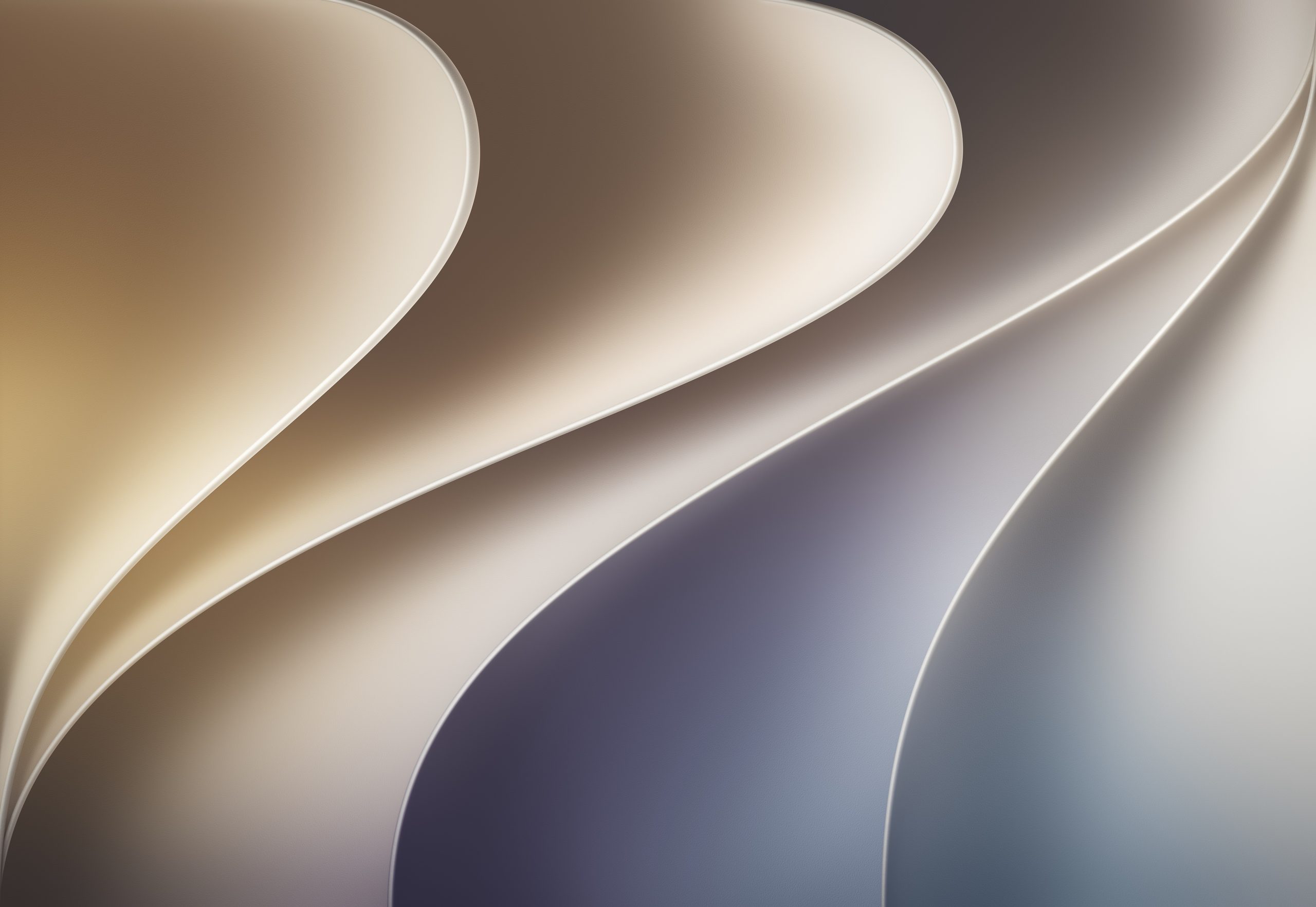
4480×3088
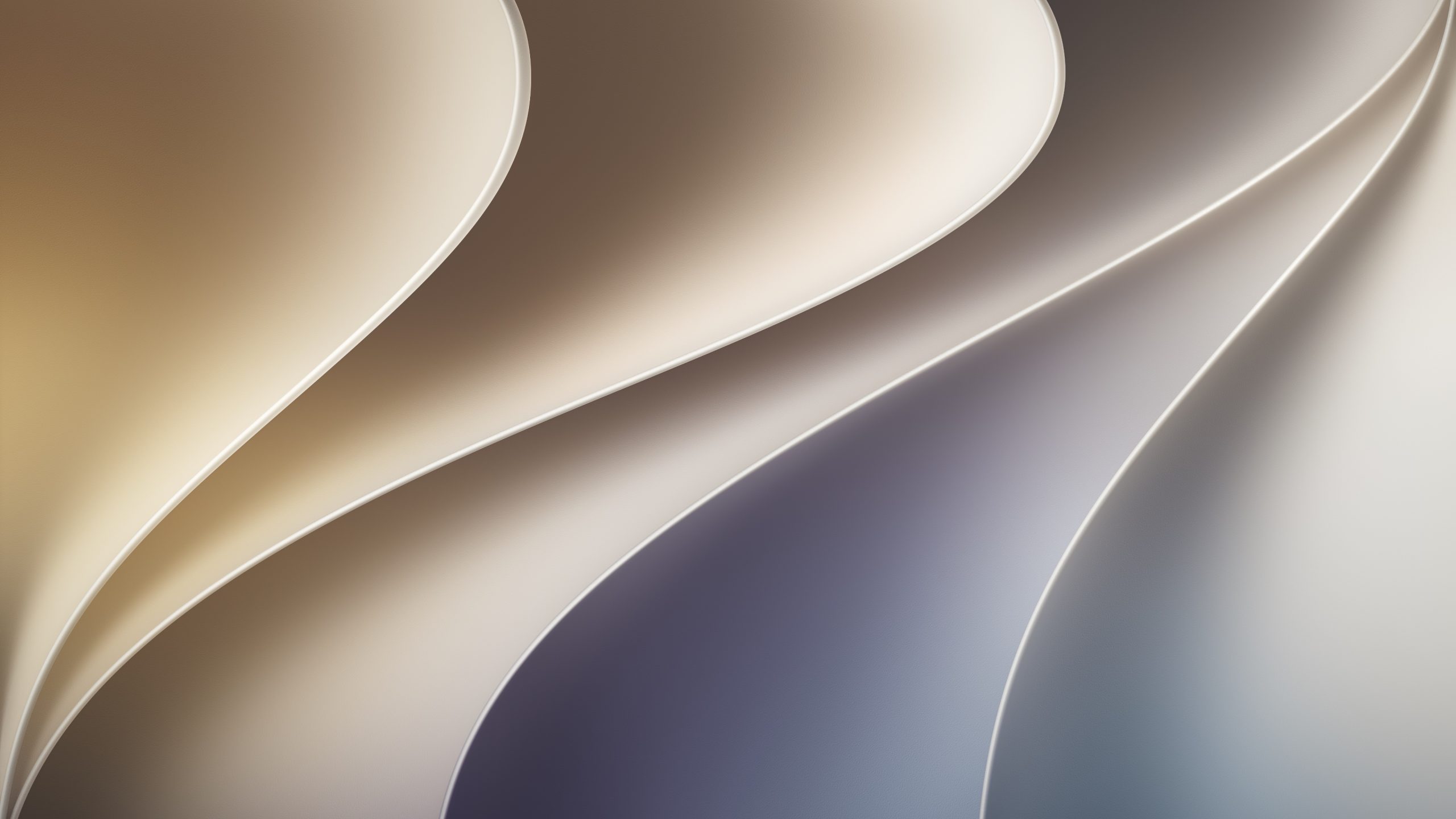
4K
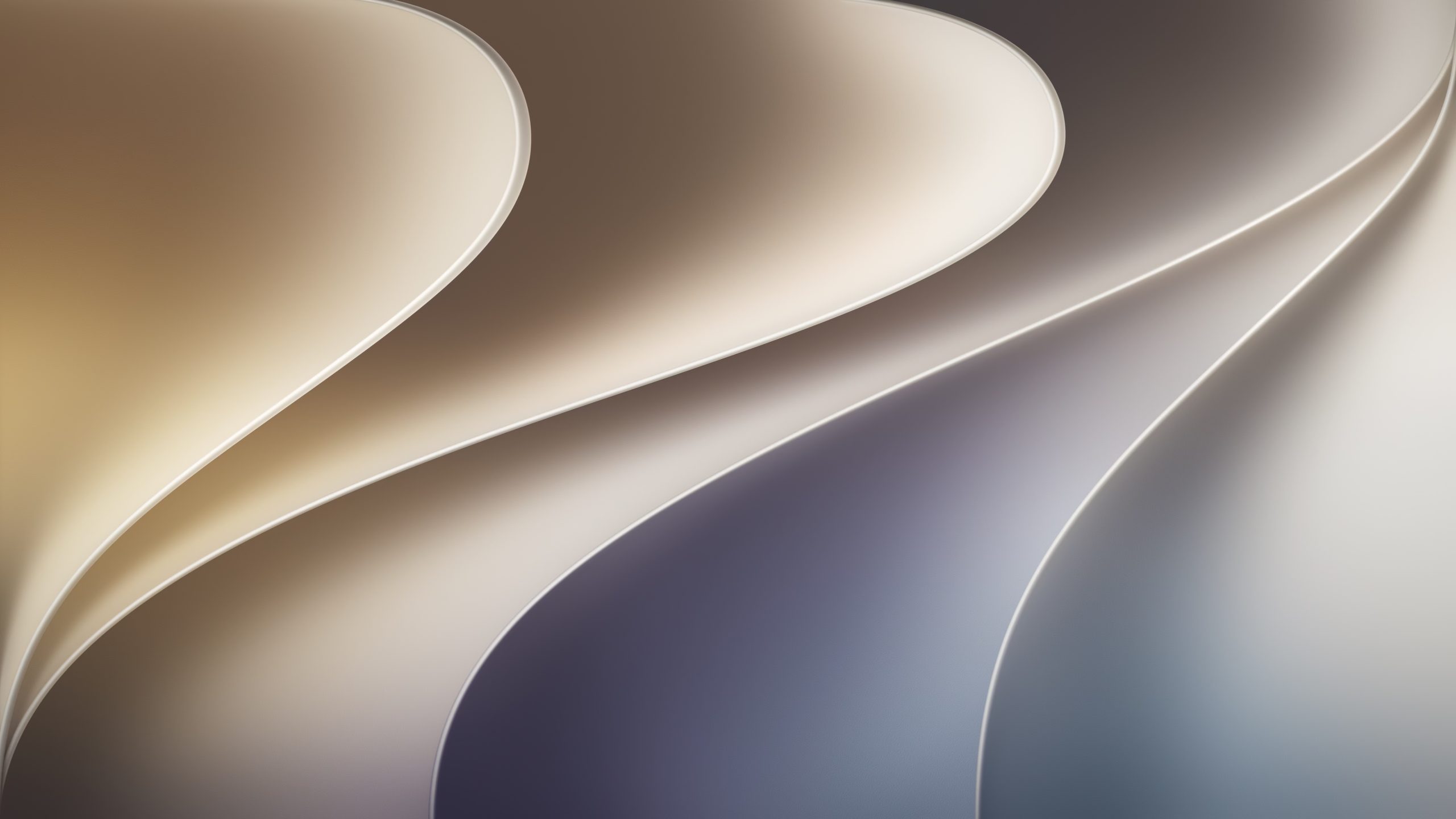
5K
macOS 27 – Golden Gate (Dark)
4480×3088
4K
5K