

Microsoft Word is still the default in a lot of workplaces and classrooms, but iWork Pages is often the easier place to actually write. It’s not trying to be a clone of Word, and that’s the point. Pages keeps the interface calm, pushes the right controls forward at the right time, and makes it easy to produce documents that look polished without turning your screen into a cockpit.
If you’ve ever opened Word just to type a one-page note and still ended up clicking around to fix spacing, fonts, or headers, Pages can feel like a relief. You get the same core fundamentals—styles, headings, page layout, tables, images, exporting—without the constant sense that you’re missing a buried setting somewhere.
App Store > Search “Pages” > Download
Pages > New Document > Choose Template > Start Writing
Why Pages Feels Faster Than Word
Pages is built around context. Click on text and you get text tools. Click on an image and you get image tools. Add a table and the sidebar changes to table controls. That one change reduces the “hunt” feeling that shows up in Word when you know a feature exists but can’t remember which ribbon tab it lives under.
Templates help too, especially if you create the same kinds of documents regularly. A resume, a report, a flyer, a simple letterhead, a school paper—Pages has Apple-designed templates that are clean and modern, and they’re usable right away. You can still start with a blank document, but templates make Pages feel like it’s already halfway done with the formatting work.
There’s also a layout difference that matters when your document isn’t “just text.” In Pages, elements behave more like objects you can place and adjust. You can add media, shapes, charts, and text boxes without the document collapsing into weird spacing. Word can do this, but the experience often feels like wrestling with invisible rules. Pages makes it feel normal.

Export and Compatibility With Word
The practical reason many people stay on Word is sharing. It’s the safe choice because everyone else has it. Pages handles that problem better than most people expect.
You can open Word files in Pages, and you can export Pages files back to .docx when you need to send something to a Word-heavy environment. If a document uses extremely complex Word features like advanced macros, that’s where compatibility can get messy, but everyday documents—reports, essays, letters, resumes—usually translate cleanly. The easiest habit is keeping your master copy in Pages, then exporting to Word only when the other person needs it.
File > Export To > Word
File > Export To > PDF
PDF export is another Pages strength, especially when you want something to look exactly the same on every device. Pages PDFs tend to come out crisp, with fewer formatting surprises than exporting from some Word setups.
Collaboration That Feels Native
Pages is at its best when it’s living in iCloud. That’s when your document is available across devices and collaboration becomes simple. You can share a link, invite specific people, and edit at the same time. Comments, change tracking, and the general flow of reviewing edits is straightforward and less cluttered than many Word workflows.
If you use multiple Apple devices, this is where Pages starts to feel like the default. Start on Mac, tweak on iPad, fix a sentence on iPhone. It doesn’t feel like moving files around—it feels like continuing the same document wherever you are.
File > Move To > iCloud Drive
Share > Invite Others > Choose Permission


Design Tools Without the “Design Software” Feeling
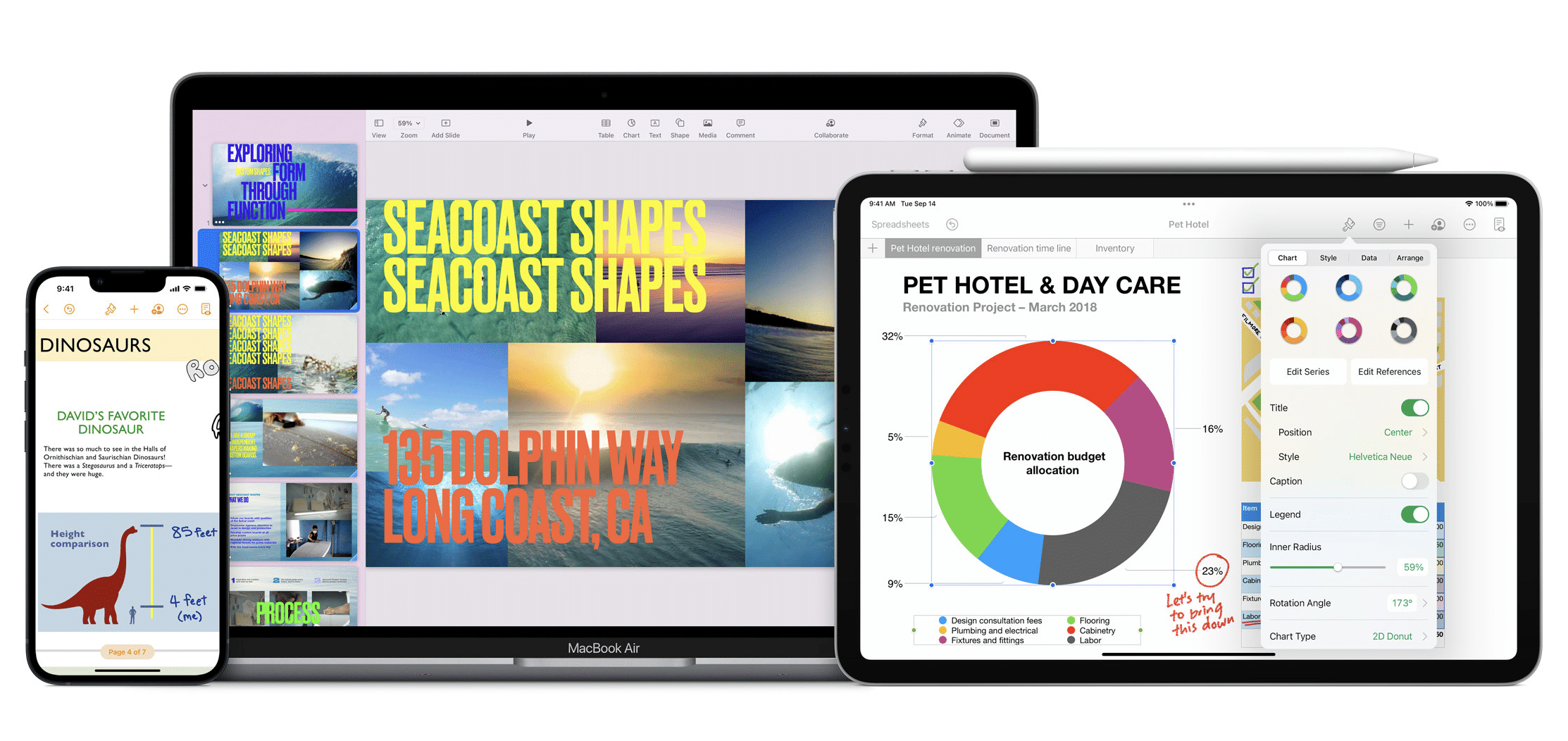
A Pages document can be simple and plain, but if you want it to look good, Pages is ready without demanding a design background. Image placement is smoother, text wrapping is easier to understand, and the built-in style system makes it simple to keep headings and body text consistent. That consistency is a big part of why Pages documents often look “finished” even when they were created quickly.
This matters for school, job applications, proposals, small business docs, and anything you might later convert into a PDF. Pages lets you keep the writing process clean while still giving you layout polish when you want it.
A Better Default for Everyday Writing
The strongest case for Pages is not that it has more features than Word. It’s that it removes friction for the work most people actually do. Writing, formatting, inserting images, exporting, collaborating, continuing across devices—Pages handles the daily workflow with fewer distractions.
If Word is an office building, Pages is a well-designed studio. You still have the tools. They’re just not piled on top of you.

