Apple’s desktop lineup is intentionally simple, yet choosing between Mac mini and Mac Studio can feel complex. Both machines share Apple silicon, silent operation, and compact design, but they are built for very different expectations. Understanding those differences makes the decision far clearer.
Mac Mini Strengths and Limitations
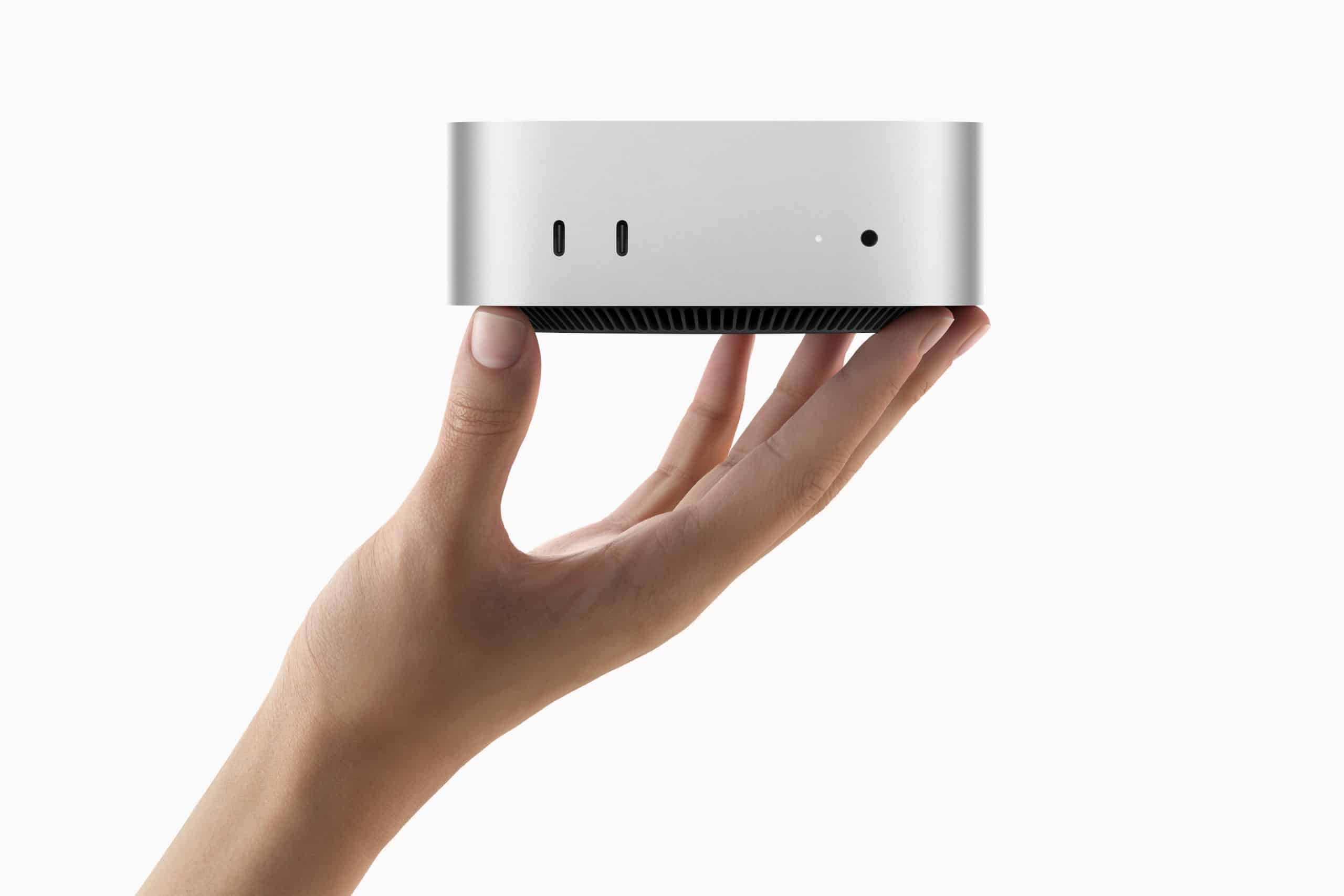
The Mac mini is Apple’s most accessible desktop. It’s small, efficient, and surprisingly powerful for its size. With M-series chips, it handles daily productivity, coding, light creative work, and even moderate video editing without issue.
Its biggest advantage is flexibility. You choose your own display, keyboard, and accessories, and the system fits easily into any workspace. Power consumption is low, noise is minimal, and cost stays reasonable even with higher configurations.
The limitation of Mac mini appears under sustained heavy workloads. Extended rendering, complex 3D work, or large-scale software builds push the machine closer to its thermal and performance limits. For many users, that never happens. For others, it’s the deciding factor.
Mac Studio Strengths and Limitations
Mac Studio exists for users who know they need more. Built for M-series Max and Ultra chips, it delivers significantly higher sustained performance, more ports, and greater memory and GPU headroom.
This is the machine for professionals who run heavy workloads for hours, not minutes. Video production, large audio projects, advanced development, scientific computing, and complex design workflows all benefit from Mac Studio’s thermal capacity and internal bandwidth.
The trade-off is cost and scale. Mac Studio is more expensive, physically larger, and often paired with premium displays like Studio Display. For lighter workloads, much of its power may go unused.

Performance and Longevity
Both desktops benefit from Apple’s long hardware lifespan, but Mac Studio is designed to stay relevant longer under professional pressure. Its performance margin means it ages more slowly for demanding users.
Mac mini, on the other hand, often delivers exceptional longevity for general use. Many users keep Mac minis for years without feeling limited, especially when workflows remain stable.
In both cases, Apple silicon ensures efficiency, quiet operation, and consistent macOS optimization over time.

Which One Makes Sense for You
Mac mini is ideal if your work centers on productivity, writing, coding, education, light creative tasks, or home office use. It offers excellent value and flexibility while remaining powerful enough for most needs.
Mac Studio makes sense if your work depends on sustained performance, multiple high-resolution displays, or professional-grade processing that benefits from maximum CPU and GPU resources.
The real decision is not about which machine is better, but which one matches how you actually work today and how you expect that work to grow.
Apple designed these desktops to complement each other, not compete directly. Choosing the right one means aligning power with purpose rather than buying more than you need.