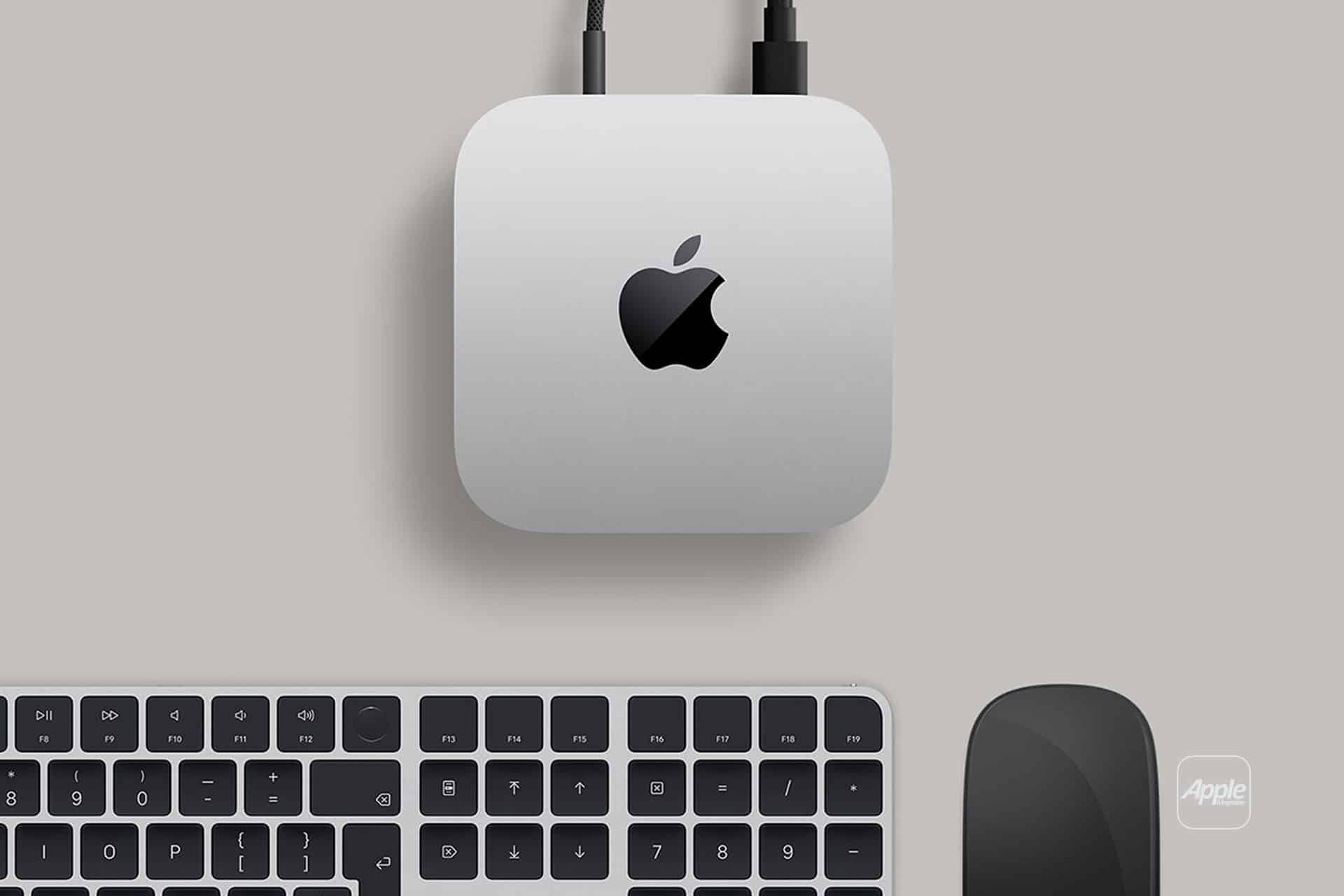
Mac mini has always followed a simple idea: put real computing power into the smallest possible desktop. With Apple silicon, that idea reached a new level. What looks like a minimalist aluminum box can now handle tasks that once required much larger machines.
From everyday productivity to professional creative work, Mac mini adapts easily to different roles without calling attention to itself.
Why Mac mini Punches Above Its Size
At the core of Mac mini is Apple silicon. Whether configured with base-level chips or higher-performance options, Mac mini benefits from fast CPUs, powerful GPUs, and unified memory that keeps everything responsive.
This allows Mac mini to run complex applications smoothly, including video editing, music production, software development, 3D work, and data-heavy business tools. It’s a machine designed to stay quiet, cool, and consistent, even under sustained workloads.
Because macOS and Apple silicon are built together, performance feels balanced rather than forced. Apps launch quickly, multitasking stays fluid, and long sessions don’t slow the system down.

Mac mini at Home
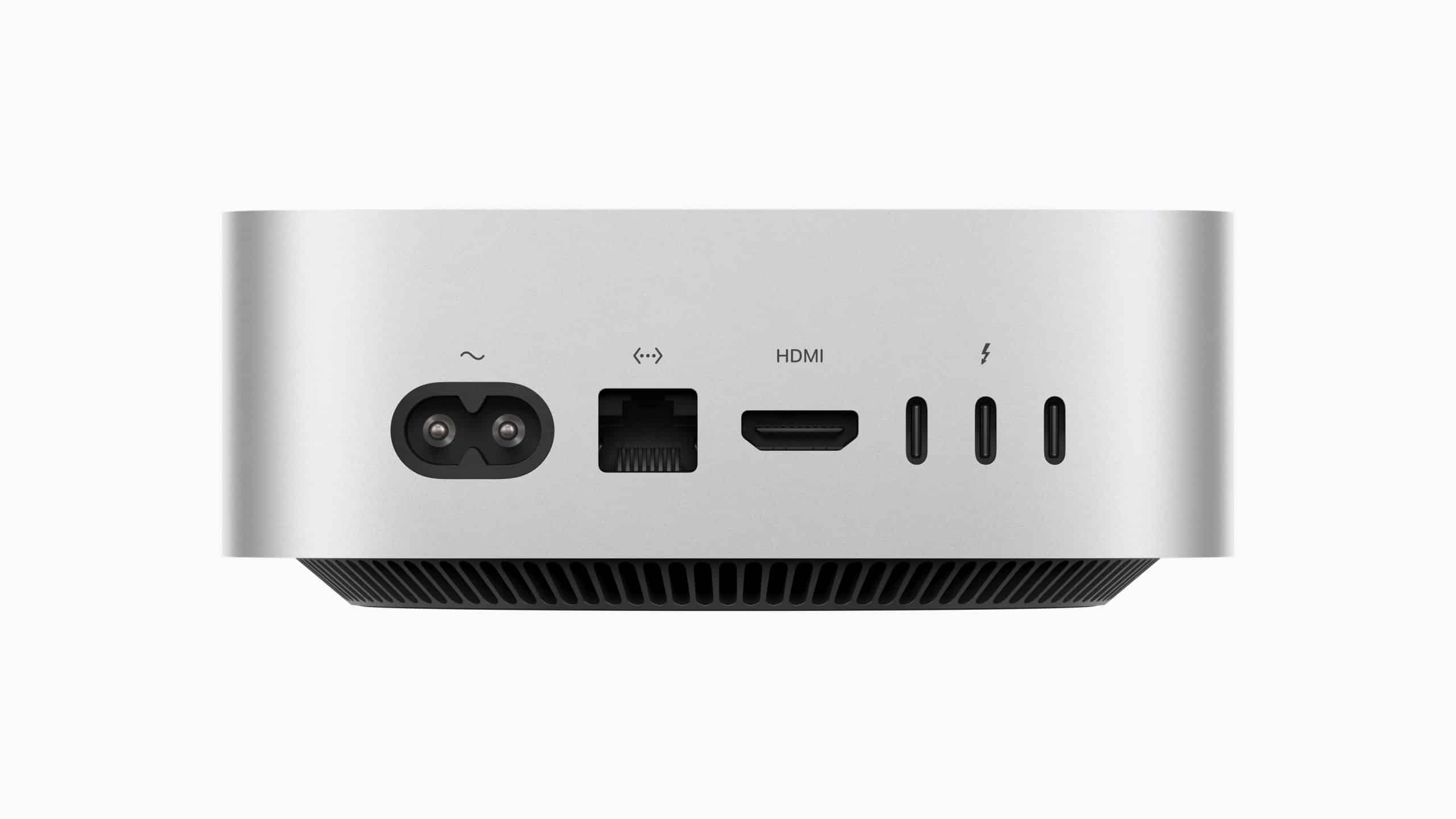
In a home setup, Mac mini is easy to integrate. It connects to almost any display, keyboard, and mouse, making it ideal for users who already own peripherals.
Mac mini works well as:
- A family computer for browsing, schoolwork, and media
- A home office workstation
- A personal creative machine for photo, video, or music projects
- A compact media or server-style setup
Because it takes up so little space, Mac mini fits neatly into desks, shelves, or entertainment units without dominating the room.
Mac mini for Business and Office Work
For businesses, Mac mini offers flexibility and value. It can be deployed in offices, shared workspaces, and even behind displays in retail or conference rooms.
Common business uses include:
- Productivity and administrative work
- Software development environments
- Point-of-sale and back-office systems
- Conference room computers
- Small servers or automation hubs
Mac mini’s reliability and low power consumption make it attractive for setups that need to run all day without noise or heat issues.
Mac mini as a Creative Tool
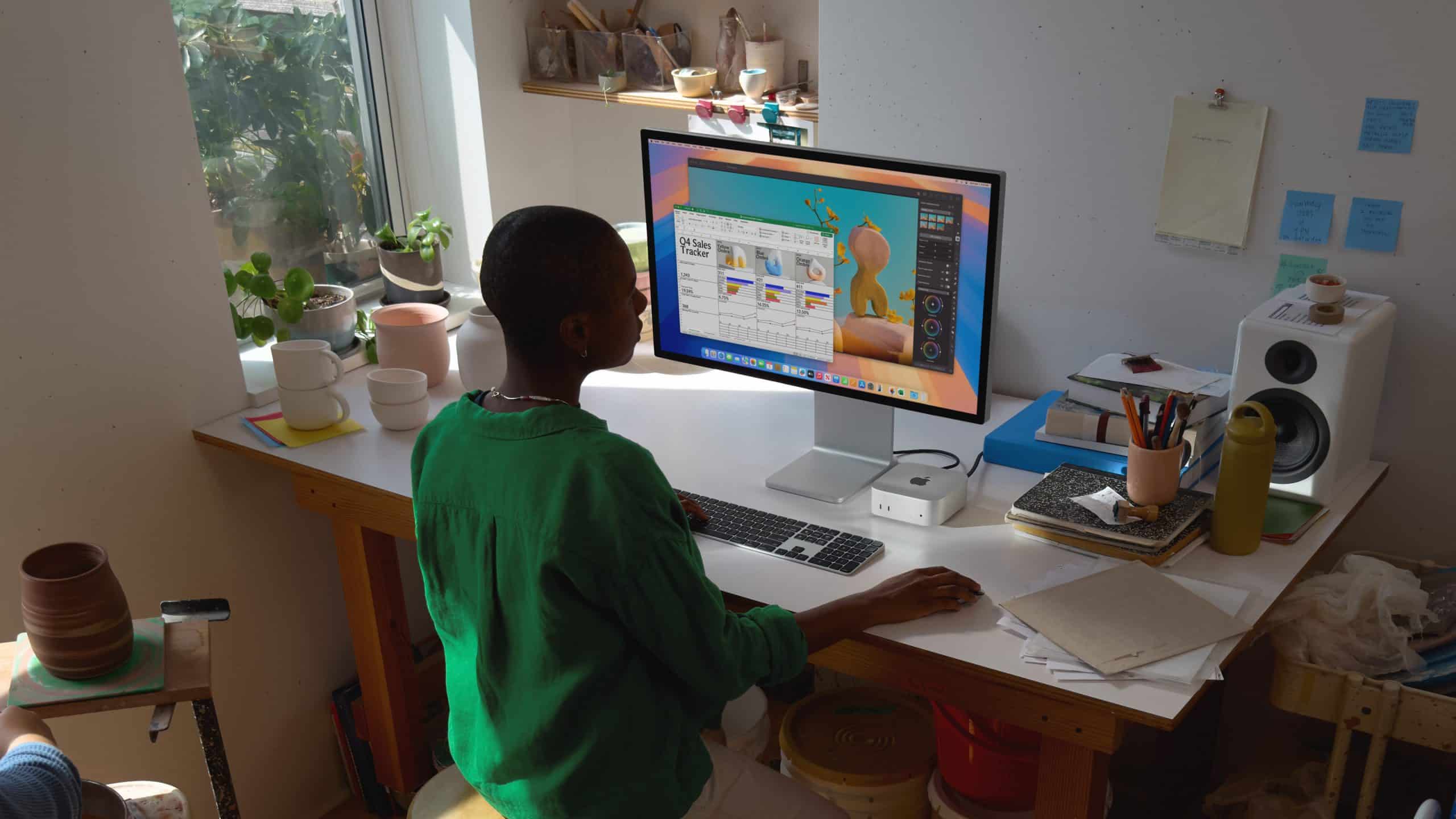
Despite its size, Mac mini handles professional creative apps with ease. Video editors, musicians, designers, and photographers often use Mac mini as a main workstation or a secondary machine dedicated to specific tasks.
Mac mini supports:
- Video editing and rendering
- Music recording, mixing, and production
- Photo editing and batch processing
- Motion graphics and light 3D work
- Coding and app development
Paired with fast external storage and a good display, Mac mini becomes a capable creative hub without the footprint of a tower.
Customization Options That Matter
Mac mini is intentionally modular. Instead of locking users into a single setup, it lets them choose how far to push performance and how to build around it.
Customization options typically include:
- Memory configurations suited for multitasking or creative workloads
- Storage choices for speed or capacity
- External expansion through Thunderbolt, USB-C, HDMI, and Ethernet
This approach lets users invest where it counts. Some prioritize memory for creative apps, others rely on fast external drives, and many connect multiple displays without issue.

Ports and Connectivity
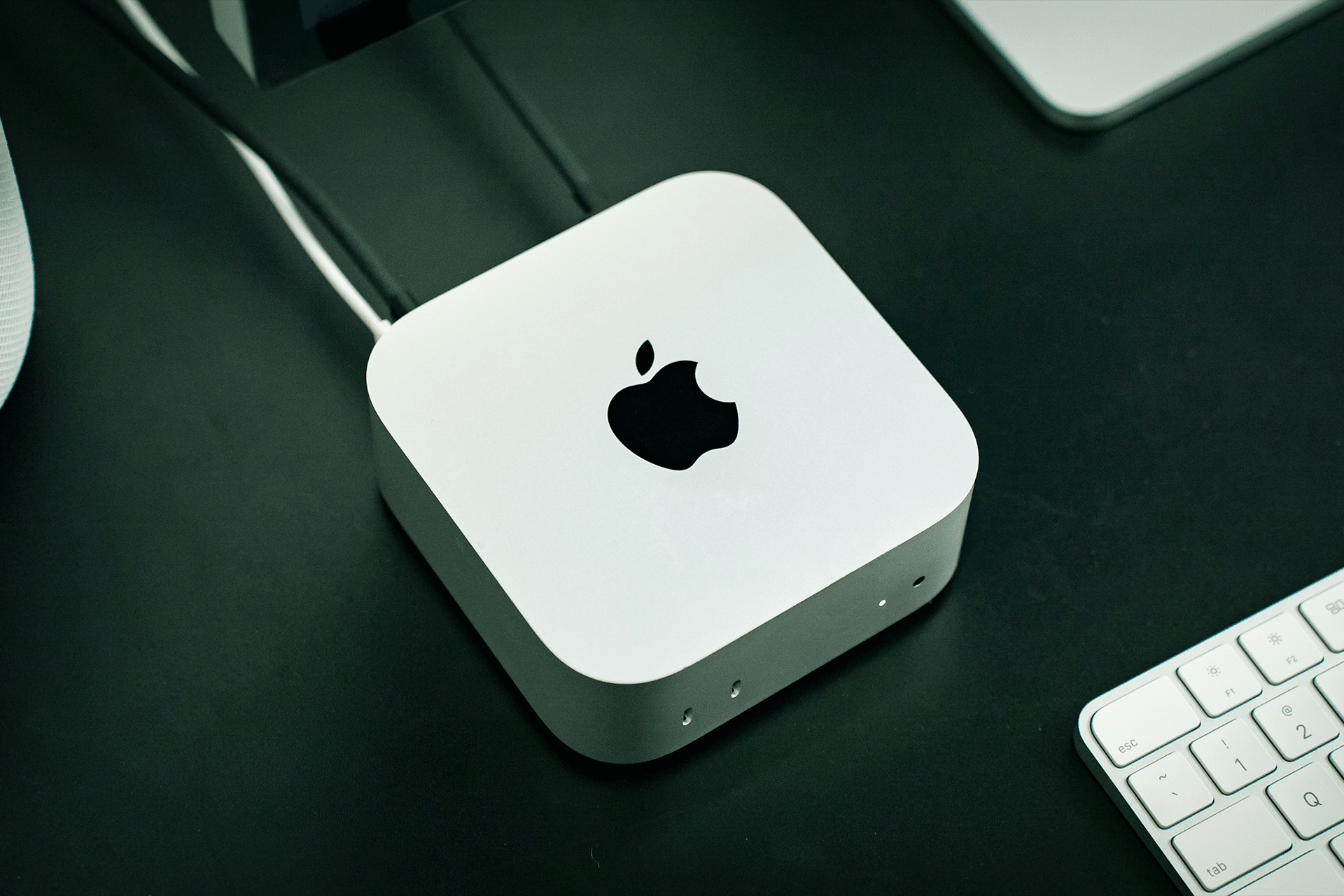
Mac mini stands out for its connectivity. Multiple Thunderbolt ports, USB-A (on supported models), HDMI, Ethernet, and audio support allow it to connect to a wide range of devices.
This makes Mac mini practical for setups that require:
- Multiple external displays
- Audio interfaces and mixers
- External GPUs or storage systems
- Cameras, scanners, and accessories
Everything connects cleanly, keeping the desk organized and flexible.
A Desktop That Grows With You
One of Mac mini’s strengths is longevity. Because it relies on external displays and peripherals, upgrading parts of the setup over time is easy. A new monitor, faster storage, or different accessories can refresh the experience without replacing the computer itself.
Mac mini doesn’t try to look powerful. It simply is. Quiet, compact, and adaptable, it continues to be one of Apple’s most versatile machines, capable of fitting into almost any workflow without demanding attention.