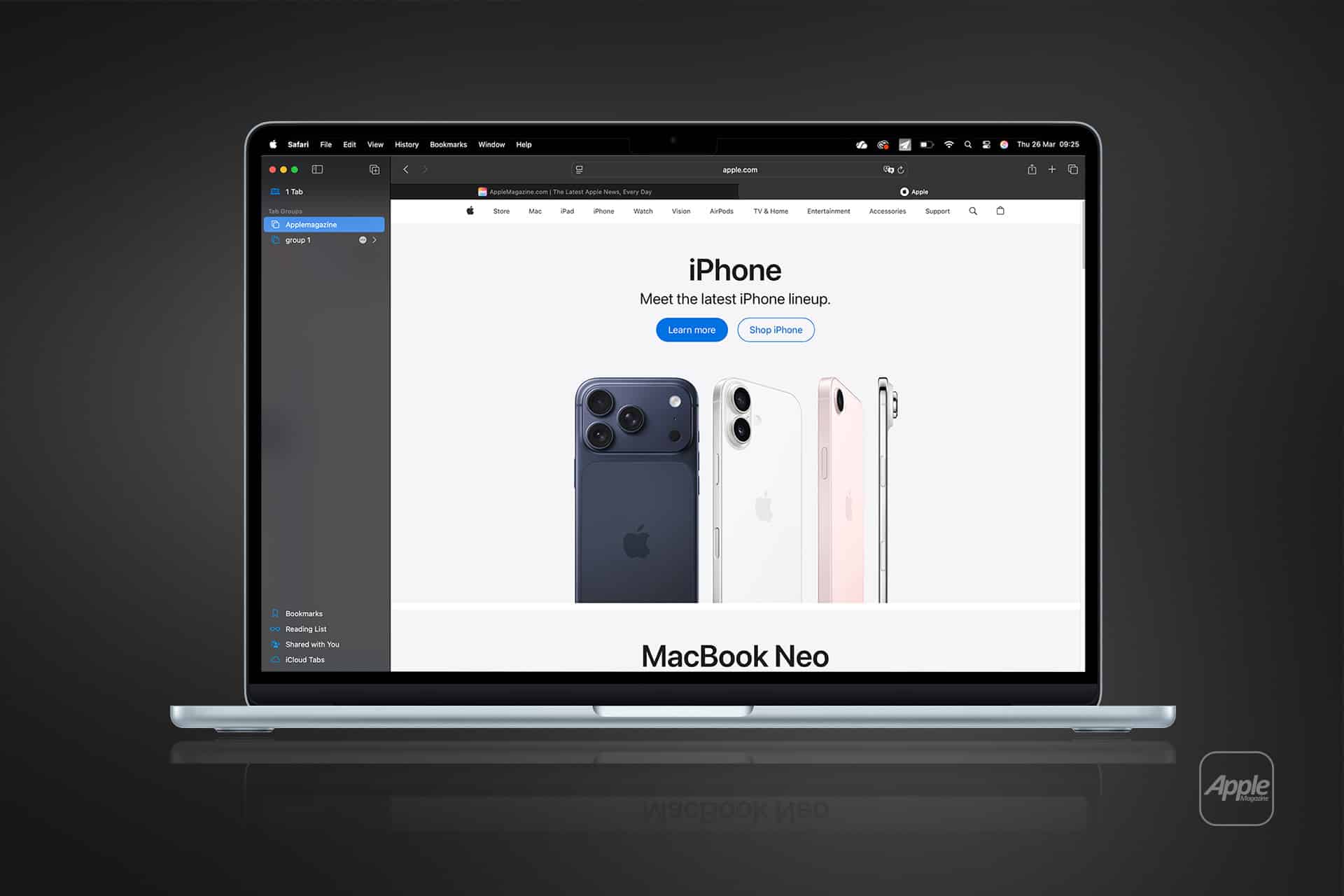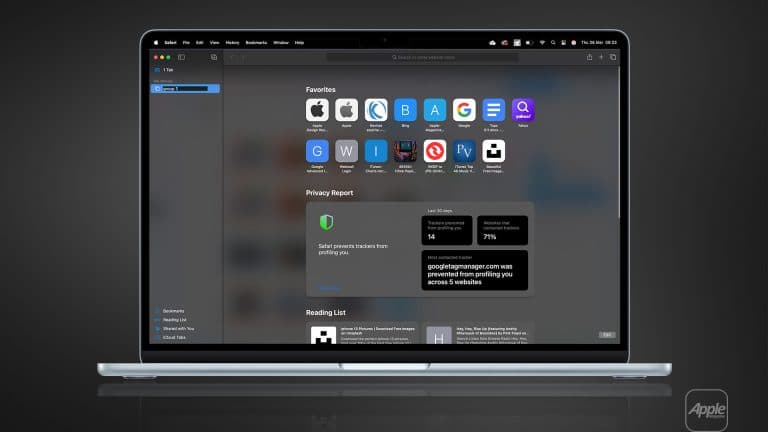
Mac Safari tab groups transform how users manage their browsing experience, providing a structured way to organize multiple websites into dedicated sessions. Whether planning a trip, conducting research, managing work projects, or shopping online, Mac Safari tab groups keep related pages grouped together for quick access and improved productivity. Introduced with macOS Monterey, this feature has become an essential tool for users who rely on Safari as their primary browser across Apple devices.
Browsing habits often involve juggling dozens of open tabs, which can quickly become overwhelming. Mac Safari tab groups address this challenge by allowing users to categorize and save collections of tabs into distinct environments. Each group functions as a dedicated workspace, enabling seamless transitions between tasks without losing context. Because tab groups sync through iCloud, users can continue their browsing sessions on iPhone, iPad, or another Mac without interruption.
The integration of Mac Safari tab groups into Apple’s ecosystem reflects a broader commitment to continuity and workflow efficiency. From academic research and professional collaboration to personal planning and entertainment, tab groups simplify digital organization while maintaining Safari’s signature performance and privacy protections.
How Mac Safari Tab Groups Improve Productivity
Mac Safari tab groups provide a structured approach to managing browsing sessions, reducing clutter and improving focus. By organizing related websites into distinct collections, users can separate personal tasks from professional responsibilities or maintain dedicated environments for different projects. This structured workflow minimizes distractions and eliminates the need to reopen frequently visited pages.
For students, tab groups serve as digital research folders, storing academic sources, online journals, and collaborative platforms in one accessible location. Professionals benefit from maintaining project-specific workspaces that include communication tools, dashboards, and reference materials. Travelers can organize itineraries, booking confirmations, and destination guides within a single group, ensuring quick access throughout the planning process.
Because tab groups sync automatically through iCloud, users can transition seamlessly between devices. A browsing session started on a Mac can continue on an iPhone or iPad with the same tabs intact, reinforcing Apple’s ecosystem continuity. This synchronization ensures that information remains consistent and readily available regardless of location or device.

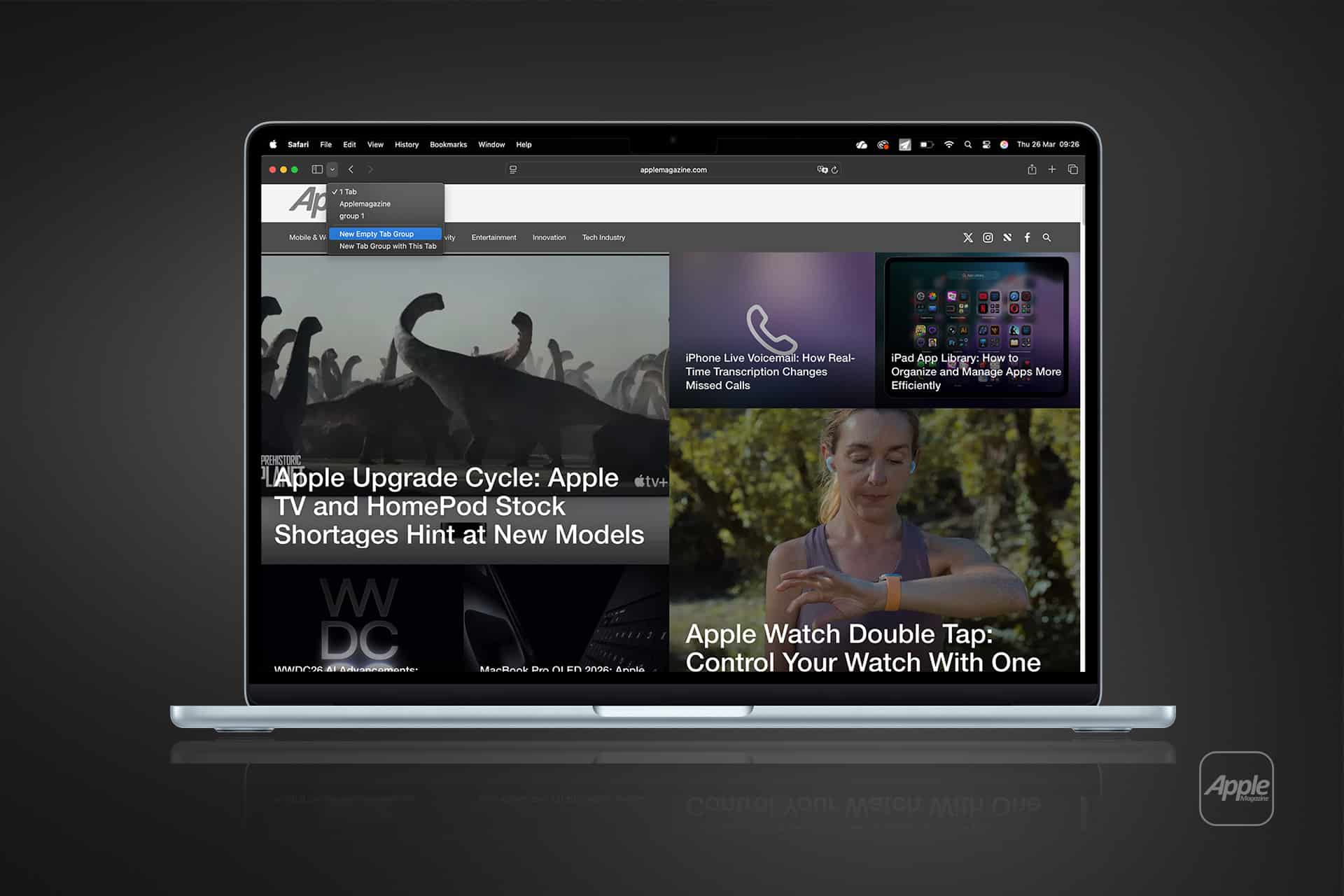
How to Create and Manage Mac Safari Tab Groups
Mac Safari tab groups are easy to create and manage, offering flexible options for organizing browsing sessions according to individual preferences.
File > New Tab Group > New Empty Tab Group
Creating a new empty tab group allows users to start fresh and add websites manually. This method is ideal for planning new projects, research sessions, or travel itineraries from the ground up.
File > New Tab Group > New Tab Group with X Tabs
Safari can instantly convert all open tabs into a tab group, preserving an existing browsing session. This option is particularly useful when organizing research, online shopping comparisons, or multi-step workflows already in progress.
Sidebar > Tab Groups > Select Group
Users can switch between tab groups directly from the Safari sidebar. This feature provides quick navigation between different browsing environments without closing or rearranging tabs.
Right-Click Tab > Move to Tab Group > Choose Group
Individual tabs can be added to or removed from tab groups at any time. This flexibility ensures that browsing sessions remain organized as projects evolve or priorities shift.
iCloud Sync > Automatically Enabled
When iCloud is enabled, tab groups sync across Apple devices, allowing users to continue their browsing sessions seamlessly on iPhone, iPad, or another Mac.
Seamless Continuity Across the Apple Ecosystem
Mac Safari tab groups exemplify Apple’s philosophy of continuity, enabling a fluid browsing experience across devices. A user researching a topic on a Mac can continue reading on an iPhone during a commute or review the same tab group on an iPad while traveling. This seamless synchronization eliminates the need to bookmark or manually reopen pages, preserving both time and context.
Beyond productivity, tab groups contribute to a more organized digital environment. By reducing clutter and structuring browsing sessions, users maintain clarity and efficiency throughout their workflows. Safari’s privacy-focused architecture further enhances the experience, ensuring that browsing data remains protected while delivering high performance and energy efficiency on macOS.
As digital workflows continue to evolve, Mac Safari tab groups remain a fundamental feature for organizing information and enhancing productivity. Their integration with iCloud and intuitive management tools ensures that users can navigate complex browsing sessions effortlessly, maintaining continuity and focus across the Apple ecosystem.