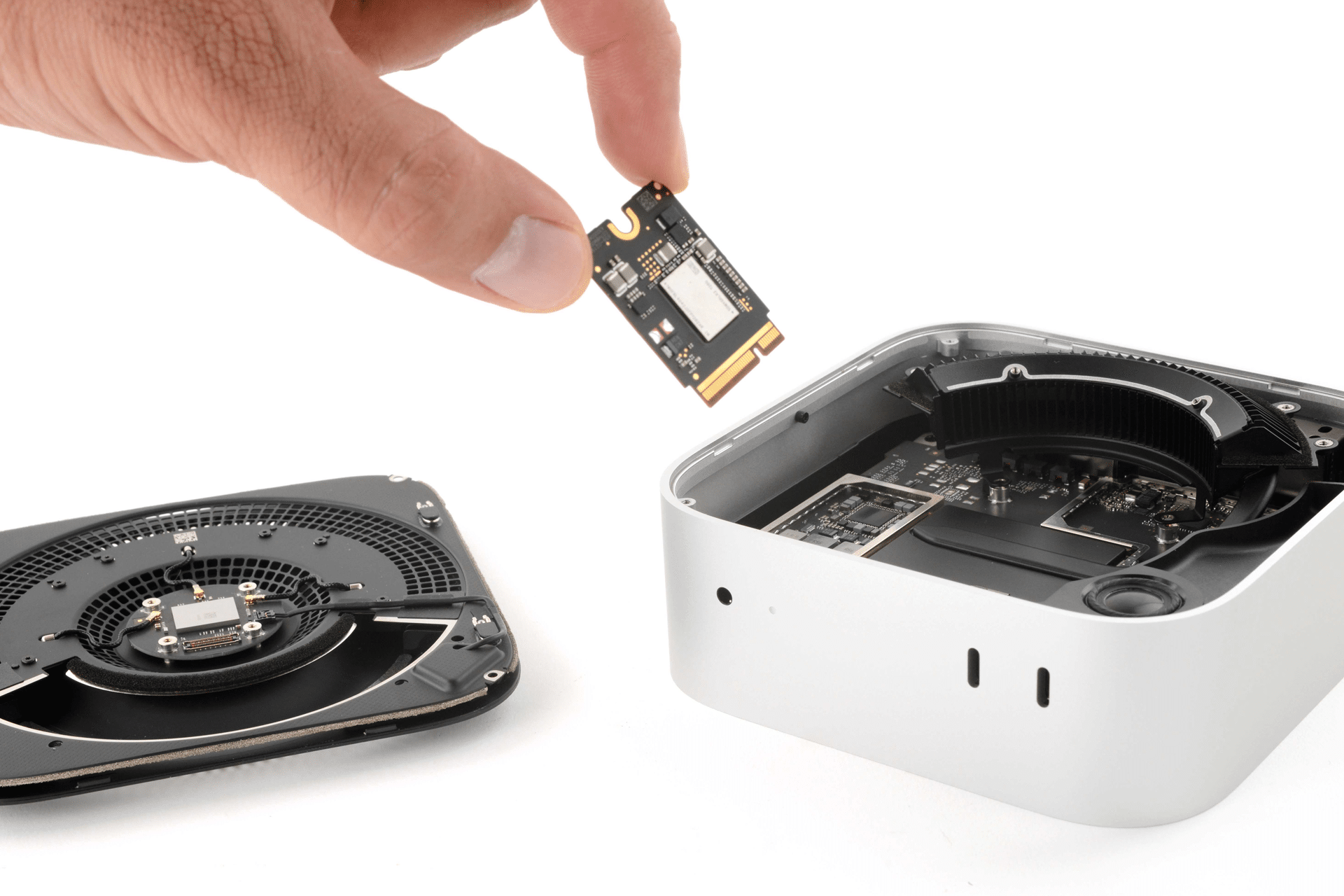
Memory behavior in macOS is designed to be flexible rather than rigid. Instead of treating installed RAM as a hard ceiling that immediately slows everything down, the system uses a layered memory hierarchy. When applications demand more memory than is physically available, macOS does not instantly fail or freeze. It compresses inactive memory first. If pressure continues, it writes portions of unused memory to disk. That process is known as swap.
The presence of swap is not automatically a problem. In fact, it is part of normal system design. Understanding when it matters — and when it does not — requires looking beyond a single number in Activity Monitor.
How macOS Uses Swap Under Memory Pressure
macOS constantly evaluates memory demand in real time. Applications that are active receive priority access to RAM. Background or idle processes are candidates for compression. Memory compression reduces the size of stored data while keeping it in RAM, delaying the need to write to disk.
If demand increases further, macOS begins moving inactive memory pages to swap files stored on the internal SSD. This frees physical memory for active tasks. The process is automatic and continuous. It is not triggered by a fixed threshold, but by a dynamic analysis of workload patterns.
The more useful indicator is the Memory Pressure graph inside Activity Monitor. When it remains green, the system is managing resources effectively. Yellow suggests rising strain. Red indicates sustained pressure and potential slowdowns.
On Apple silicon Macs, swap operates within a unified memory architecture. The CPU, GPU, and Neural Engine share the same memory pool. This integration allows efficient coordination, but it also means that heavy graphics or AI tasks can influence total memory demand more quickly than on older systems.
Occasional swap usage — even several gigabytes — does not mean the Mac is under stress. It simply reflects that macOS is optimizing memory distribution.


When Swap Begins to Affect Performance
Performance impact appears when swap becomes sustained rather than occasional. If RAM remains consistently saturated, the system must repeatedly write to and read from the SSD. This introduces latency compared to pure RAM access.
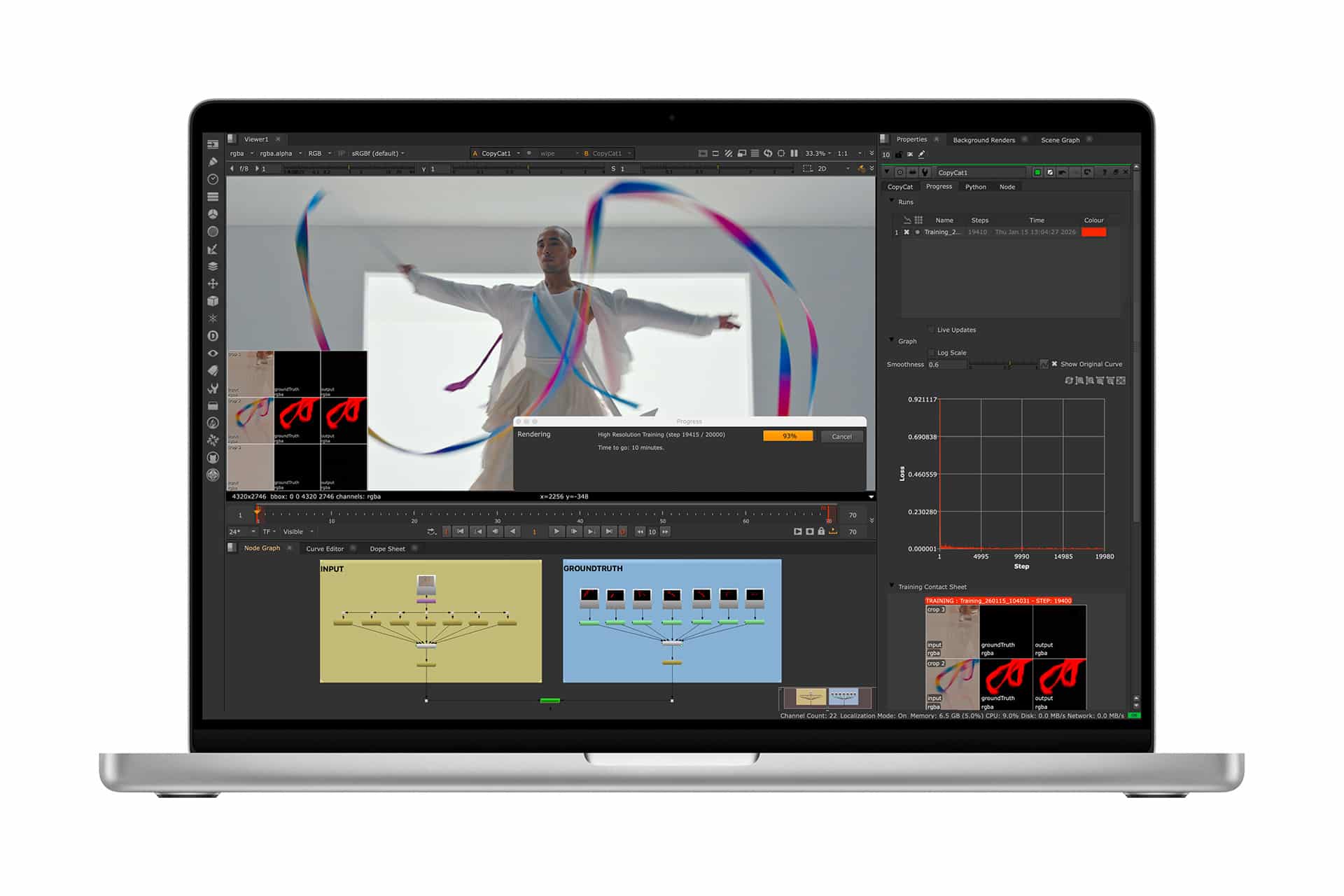
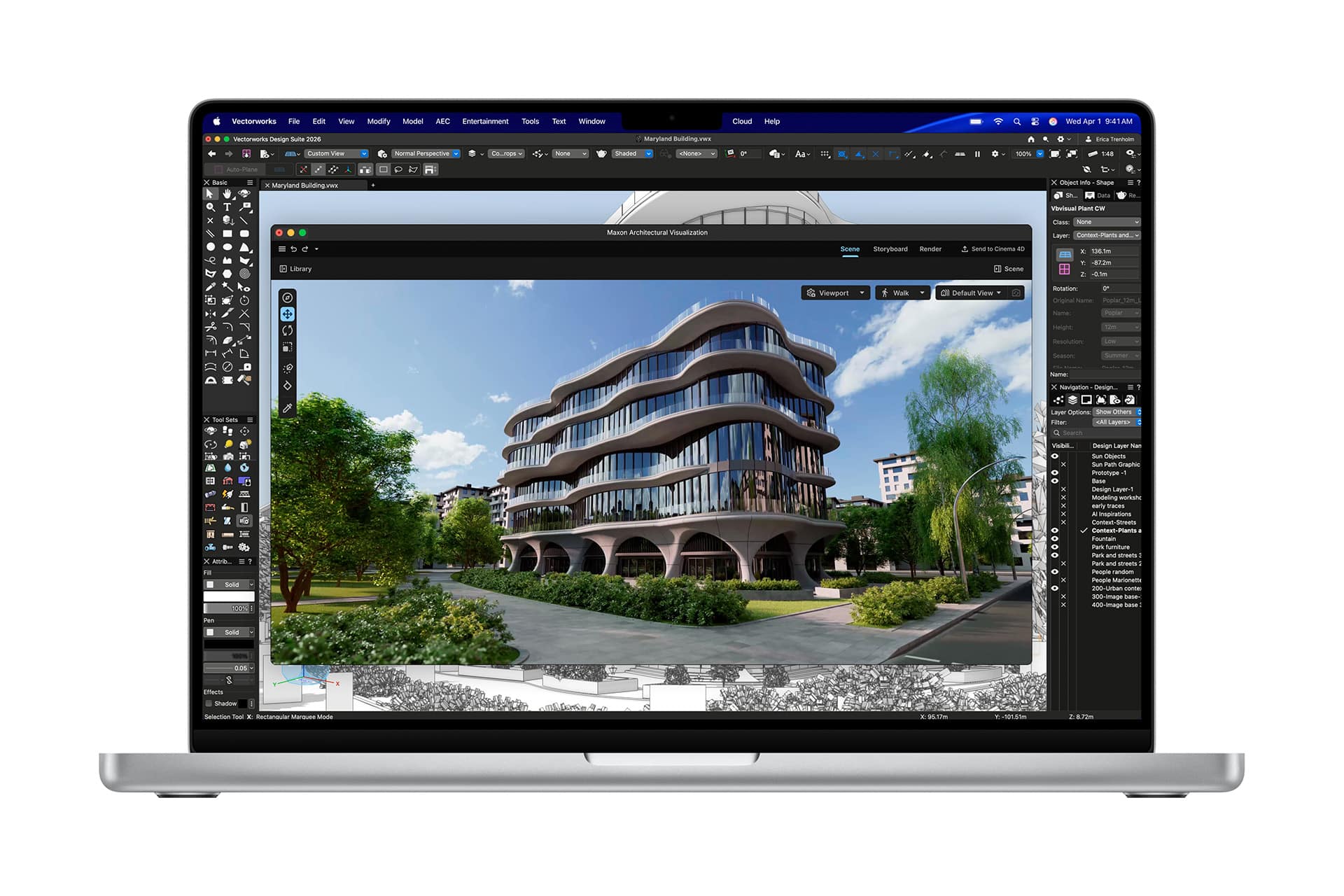
Users might notice slower app switching, delayed loading times, or brief system hesitation under high workload scenarios. These situations often occur during professional use cases such as editing high-resolution video, running multiple virtual machines, compiling large codebases, or managing extensive browser sessions alongside creative applications.
In these scenarios, the bottleneck is not the existence of swap. It is insufficient RAM relative to workload intensity. Swap compensates, but it cannot fully replace the speed of physical memory.
This distinction matters. Seeing swap usage alone does not signal failure. Experiencing persistent high memory pressure and visible slowdown does.
Swap Activity and SSD Lifespan
The second concern around Mac swap usage relates to SSD endurance. Solid-state drives rely on NAND flash cells that tolerate a finite number of write cycles. Since swap writes data to disk, some assume that heavy swap usage will rapidly degrade the SSD.
Modern Apple SSDs are engineered with high endurance ratings and advanced wear-leveling mechanisms. Wear-leveling distributes write operations evenly across storage cells, preventing concentrated stress on specific areas. Endurance is typically measured in terabytes written. For average usage patterns, it takes years of continuous activity to approach those limits.
Short bursts of swap usage during demanding sessions do not significantly reduce SSD lifespan. The impact becomes meaningful only under extreme and sustained write-heavy workloads over long periods.
Professional users pushing memory limits daily — such as developers compiling large projects continuously or creators rendering high-resolution media for hours — may generate higher cumulative write volumes. Even then, SSD durability margins are designed with such usage in mind.
In practical terms, most Mac users will replace or upgrade their device long before swap-induced SSD wear becomes a limiting factor.
Memory Configuration and Long-Term Balance
Since unified memory is not upgradeable after purchase on modern Apple silicon Macs, choosing the appropriate memory configuration upfront reduces long-term reliance on swap. For general productivity, 8GB or 16GB may remain sufficient. For professional workflows involving sustained heavy multitasking or creative software, higher memory tiers provide a smoother margin.
macOS is built to manage memory automatically. Attempting to manually interfere with swap behavior or disable system processes is unnecessary and counterproductive. The system’s layered approach — prioritizing active tasks, compressing inactive memory, and using swap as an extension — is designed to balance responsiveness with hardware longevity.
Mac swap usage, therefore, should be interpreted as part of a broader memory strategy rather than a warning sign on its own. The combination of memory pressure monitoring, workload awareness, and appropriate configuration determines whether swap is merely background optimization or an indicator that hardware resources are stretched beyond their ideal range.