


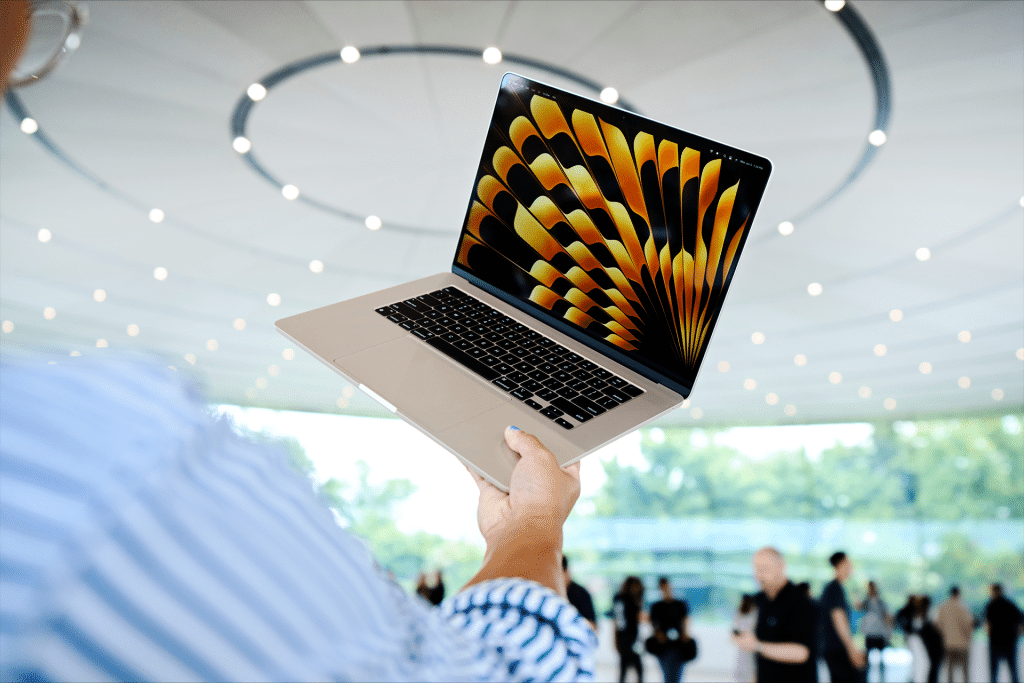
For many users, a MacBook is meant to be used untethered. Whether it’s a MacBook Air carried between meetings or a MacBook Pro powering through creative work away from a desk, battery life defines how flexible the day can be. Apple silicon has already transformed endurance, but the way macOS is configured still plays a major role in how long a charge actually lasts.
Optimizing battery life is less about limiting what you do and more about aligning system behavior with real usage patterns.
Start With the Right Power Mode
macOS offers different power behaviors depending on whether the MacBook is plugged in or running on battery. For users who spend most of the day unplugged, enabling Low Power Mode on battery makes a meaningful difference.
Low Power Mode reduces background activity, slows down non-essential processes, and adjusts performance peaks without noticeably affecting everyday tasks like browsing, writing, video calls, or document work. On Apple silicon Macs, this mode is especially effective because efficiency cores handle most light workloads.
Display Settings That Save the Most Power
The display is one of the largest battery consumers on any MacBook. Small adjustments here can significantly extend daily use.
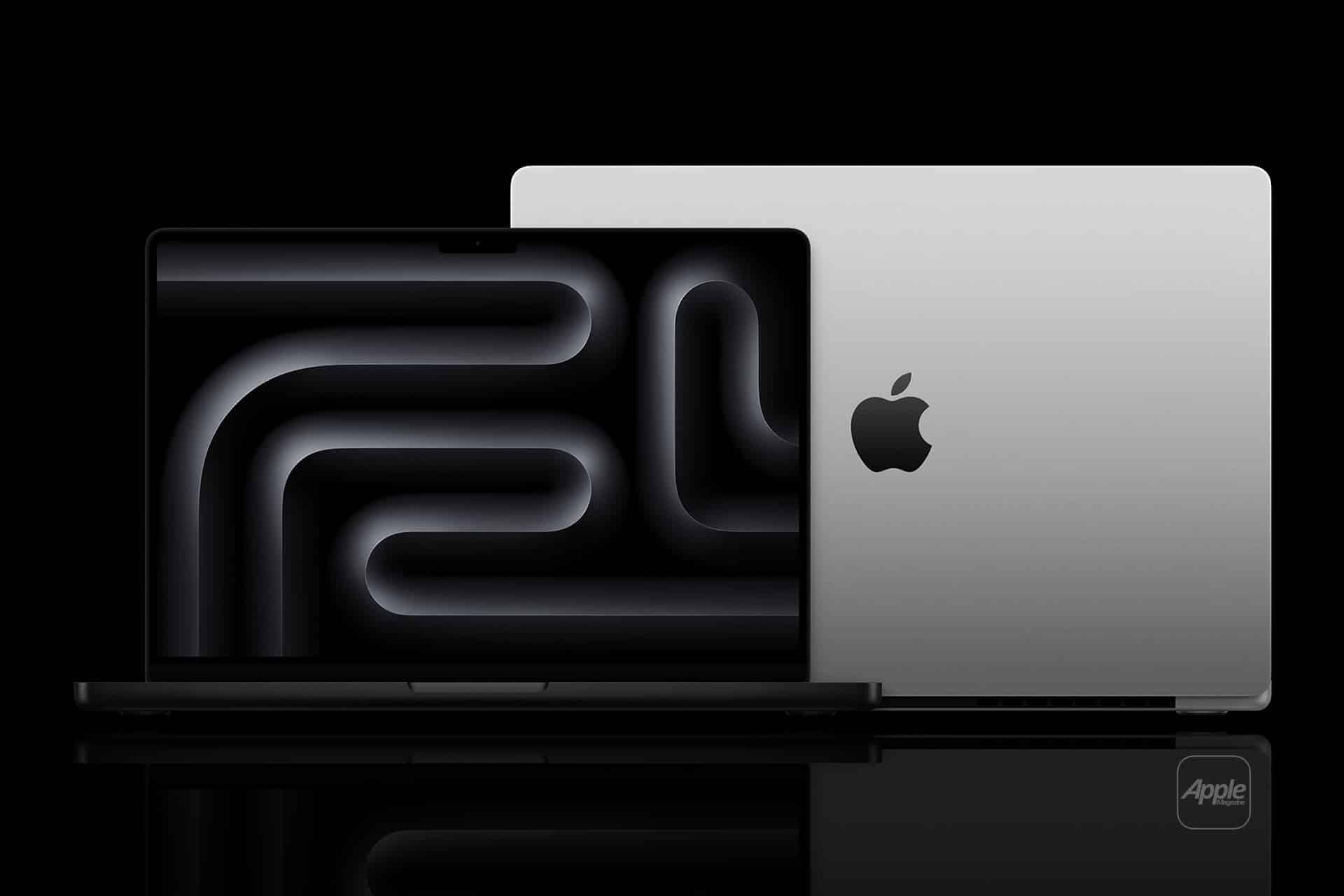
Lowering screen brightness to the minimum comfortable level yields immediate gains. Enabling automatic brightness allows macOS to adapt to ambient lighting without manual intervention. On MacBook Pro models with ProMotion displays, allowing the system to dynamically adjust refresh rate helps conserve energy during static tasks.
Dark Mode also contributes to battery savings, particularly on mini-LED displays, by reducing backlight usage during extended sessions.
Background Apps and Login Items
Many battery drains happen silently. Apps running in the background, especially those syncing data or checking for updates, can erode battery life throughout the day.
Reviewing Login Items in System Settings helps identify apps that don’t need to launch automatically. Cloud services, menu bar utilities, and browser extensions should be limited to what’s essential. macOS provides battery usage breakdowns that show which apps consume the most energy over time, making it easier to spot inefficiencies.
Managing browser behavior is equally important. Fewer open tabs, especially those running media or live scripts, reduce background CPU usage and preserve battery.
Network and Connectivity Choices
Wi-Fi is generally more efficient than cellular hotspots, so whenever possible, using a stable Wi-Fi connection helps conserve power. Bluetooth accessories should be disconnected when not in use, as constant scanning and connectivity add small but cumulative drain.
AirDrop, location services, and background location access can also be adjusted to limit unnecessary activity when mobility is the priority.
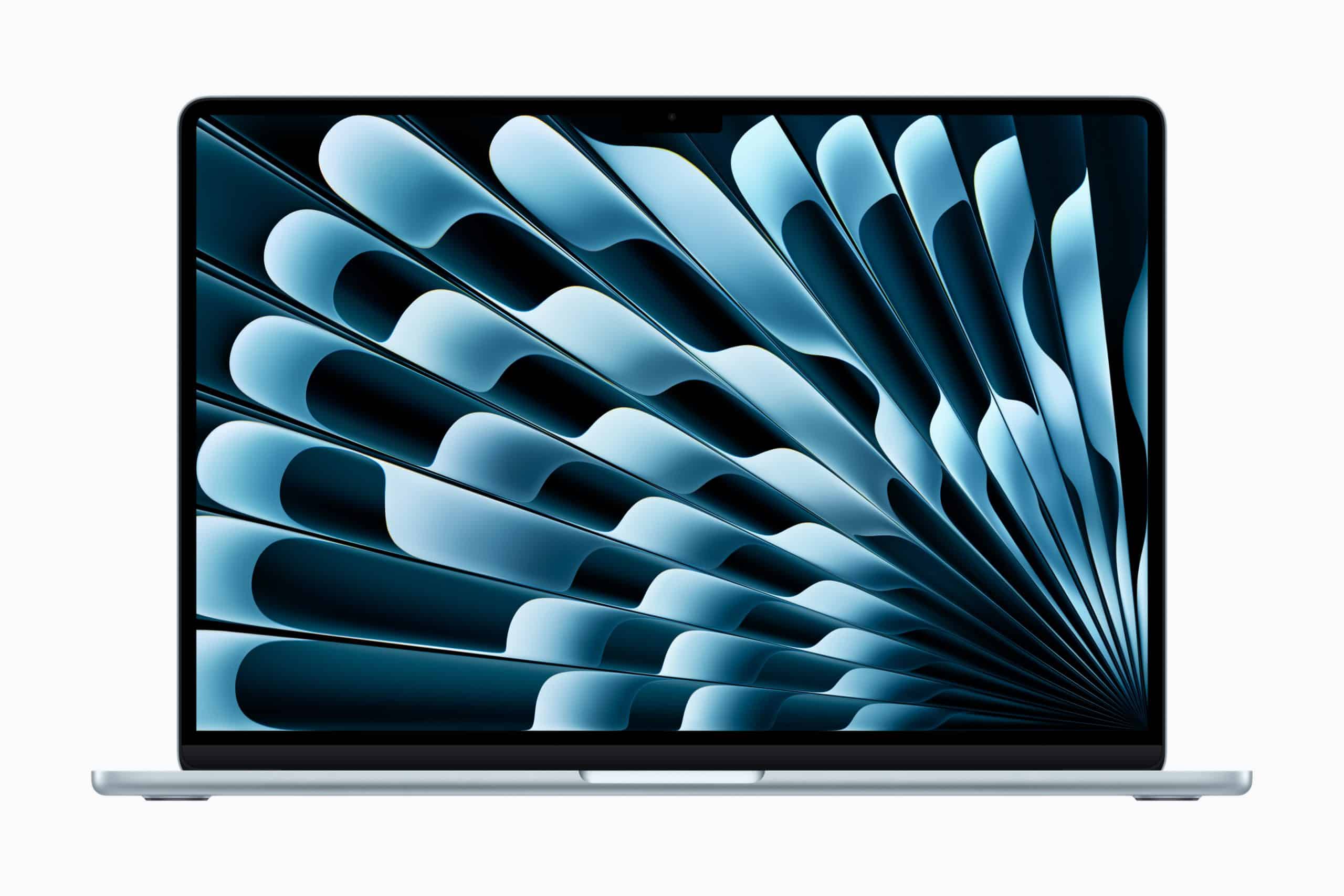
macOS Battery Health Features
Apple includes built-in tools to protect long-term battery health. Optimized Battery Charging reduces wear by delaying full charges when the system predicts extended plug-in time. Keeping this feature enabled ensures that daily battery life remains consistent over years of use.
Battery health percentages and cycle counts provide insight into whether reduced endurance is configuration-related or tied to battery aging.
Choosing the Right MacBook for Battery-First Days
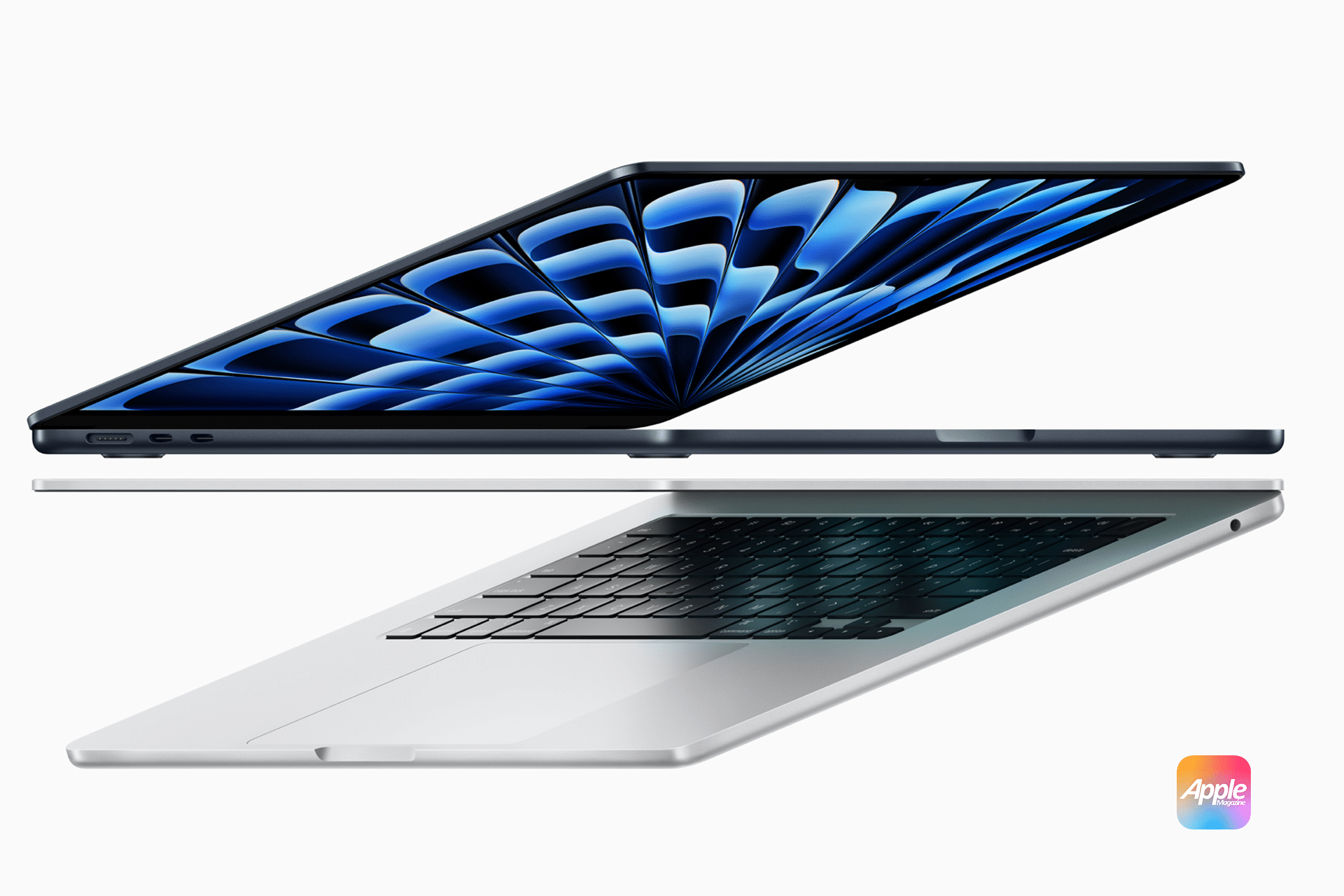
MacBook Air models remain the best option for users whose priority is maximum unplugged time with light to moderate workloads. Their fanless design and efficiency-focused chips excel in all-day scenarios.
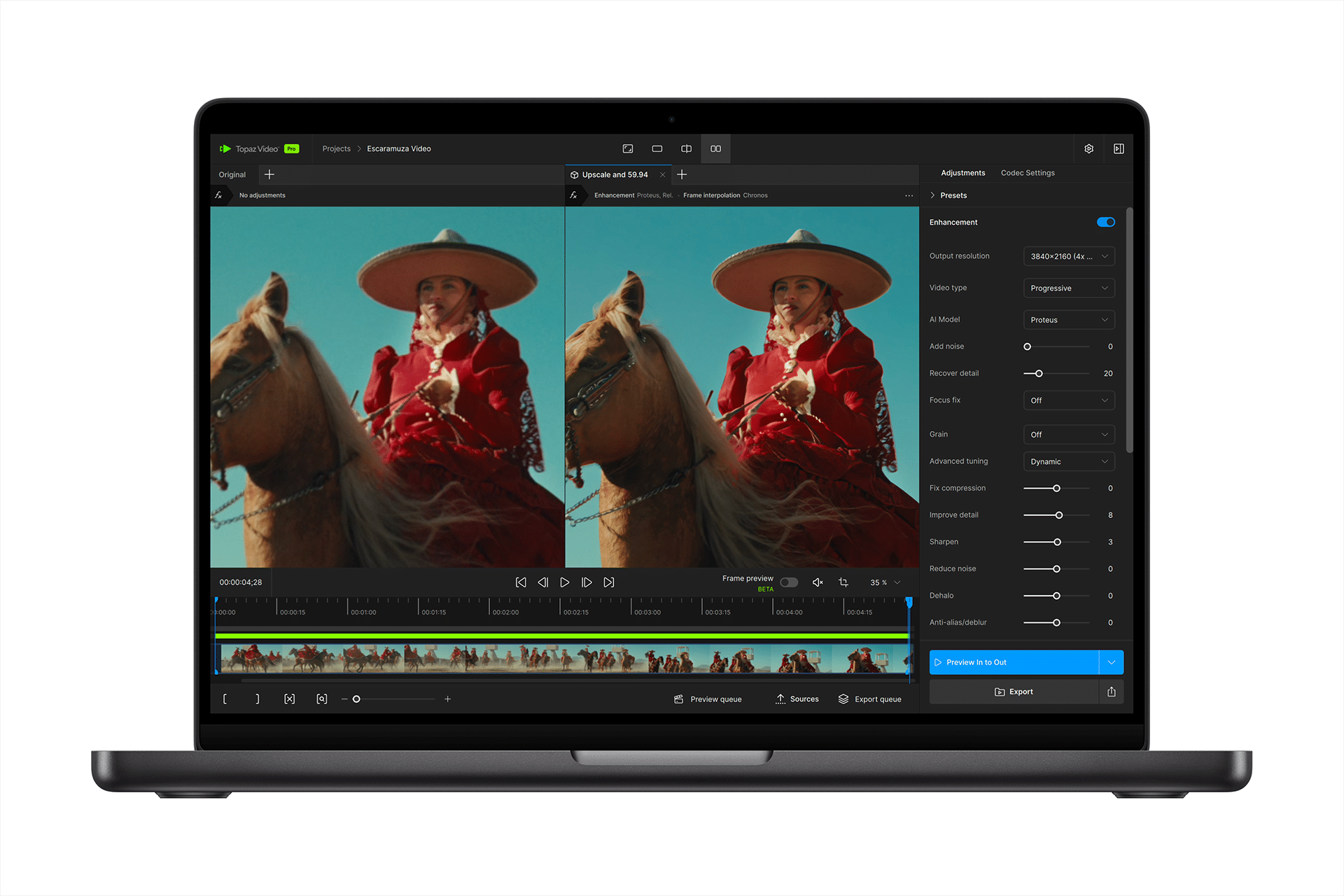
MacBook Pro models offer more power, but battery life remains strong when configured thoughtfully. Creative tasks will draw more energy, but optimized settings allow Pro users to balance performance and endurance without constant charging.

A Battery-First Workflow
The key to lasting all day on battery is consistency. Once macOS is configured around efficiency, the MacBook fades into the background, allowing work to flow without constant awareness of remaining percentage.
Apple’s hardware already provides the foundation. With the right settings in place, both MacBook Air and MacBook Pro can deliver reliable, all-day battery life that supports mobility rather than limiting it.

