


MacBook heat damage is often blamed when horizontal lines, flickering, dark sections or distorted colors appear after the computer becomes warm. In some cases, temperature genuinely influences the failure. In others, heat merely exposes an existing weakness in the display assembly rather than damaging an otherwise healthy screen.
Reports have most frequently involved Intel-based MacBook Pro models released between 2016 and 2019, particularly machines that develop lines near the bottom of the display after sustained processor-intensive work. The artifacts may disappear after shutdown and return when the computer warms again.
That pattern can indicate a problem involving the display timing controller, commonly called the T-CON board, or the cables connecting the display assembly. However, Apple has not announced a general repair program covering MacBook Pro screen damage caused by internal heat.
MacBook Heat Damage Cases Concentrate Around Intel Models
MacBook heat damage reports most often describe thin horizontal lines that begin near the bottom edge of the screen. The display may look normal immediately after a cold start, deteriorate during video editing or gaming and recover after the MacBook Pro has been switched off long enough to cool.
Repair specialists have associated some of these cases with the location of display electronics near the heat produced by Intel processors and their cooling systems. Repeated thermal cycles can worsen a weak connection or component until the screen remains distorted even when the computer is cool.
The 13-inch MacBook Pro from 2016 and 2017 appears frequently in owner and repair-community reports. Similar complaints also involve 2018 and 2019 versions, including 15-inch models with more powerful processors and dedicated graphics.
These generations were capable of producing considerable heat during demanding work. Video exports, games, virtual machines and prolonged external-display use could keep the processors, graphics hardware and cooling fans active for extended periods.
The 16-inch Intel MacBook Pro introduced in 2019 received a redesigned thermal system, but individual screen failures can still occur. A warm chassis alone does not prove that heat has damaged the panel.
Apple silicon models introduced from late 2020 generally operate more efficiently than comparable Intel versions. The 14-inch and 16-inch MacBook Pro designs introduced in 2021 also use different internal layouts and display technology. There is no widely recognized heat-related display defect spanning the Apple silicon generations.
That does not make newer screens immune to damage. Extreme ambient temperatures, blocked ventilation, liquid exposure, impact, cable failure and pressure from objects trapped between the keyboard and display can affect any MacBook Pro.


Heat Damage Can Resemble Other Display Failures
Horizontal artifacts that appear only after the computer warms provide a stronger indication of a temperature-linked hardware problem than a permanent crack, isolated black spot or mark that remains unchanged.
A heat-sensitive failure may begin with thin gray, pink, green or black lines. The image can flicker, shift or become increasingly distorted as the workload continues. Allowing the computer to cool may temporarily restore the display.
Flexgate produces a different pattern. The name refers to problems involving the thin display backlight cables used in certain MacBook Pro generations. Common symptoms include uneven lighting along the bottom edge, a stage-light effect or a screen that turns dark when the lid opens beyond a particular angle.
Apple previously operated a display backlight service program for some 13-inch MacBook Pro models introduced in 2016. That program has ended, and it did not classify the issue as heat damage.
A simple hinge test can help separate the two failures. When the picture changes immediately as the lid moves, the cable or display assembly becomes more likely. When artifacts increase gradually with temperature while the lid remains stationary, the problem may be associated with heat-sensitive display electronics.
Liquid damage can also produce vertical lines, color patches and intermittent operation. Pressure damage often appears as dark blotches, bright points, rainbow patterns or cracks beneath the glass. Delamination affects the antireflective coating on older Retina displays and usually looks like staining or peeling rather than electronic distortion.
Software problems remain possible, particularly after a macOS update or when unusual display settings are active. However, software is less likely when the same artifacts appear during startup, in macOS Recovery or before the login screen.
Which MacBook Pro Models Need Extra Attention
Owners of 2016 through 2019 Intel MacBook Pro models should pay closer attention when screen artifacts consistently follow temperature changes. These machines represent the largest cluster of publicly reported heat-sensitive display behavior, though not every unit is affected.
The exact model can be found through:
Apple menu > About This Mac
The year, screen size and model identifier are more useful than the purchase date alone. Two MacBook Pro computers bought during the same year may belong to different hardware generations.
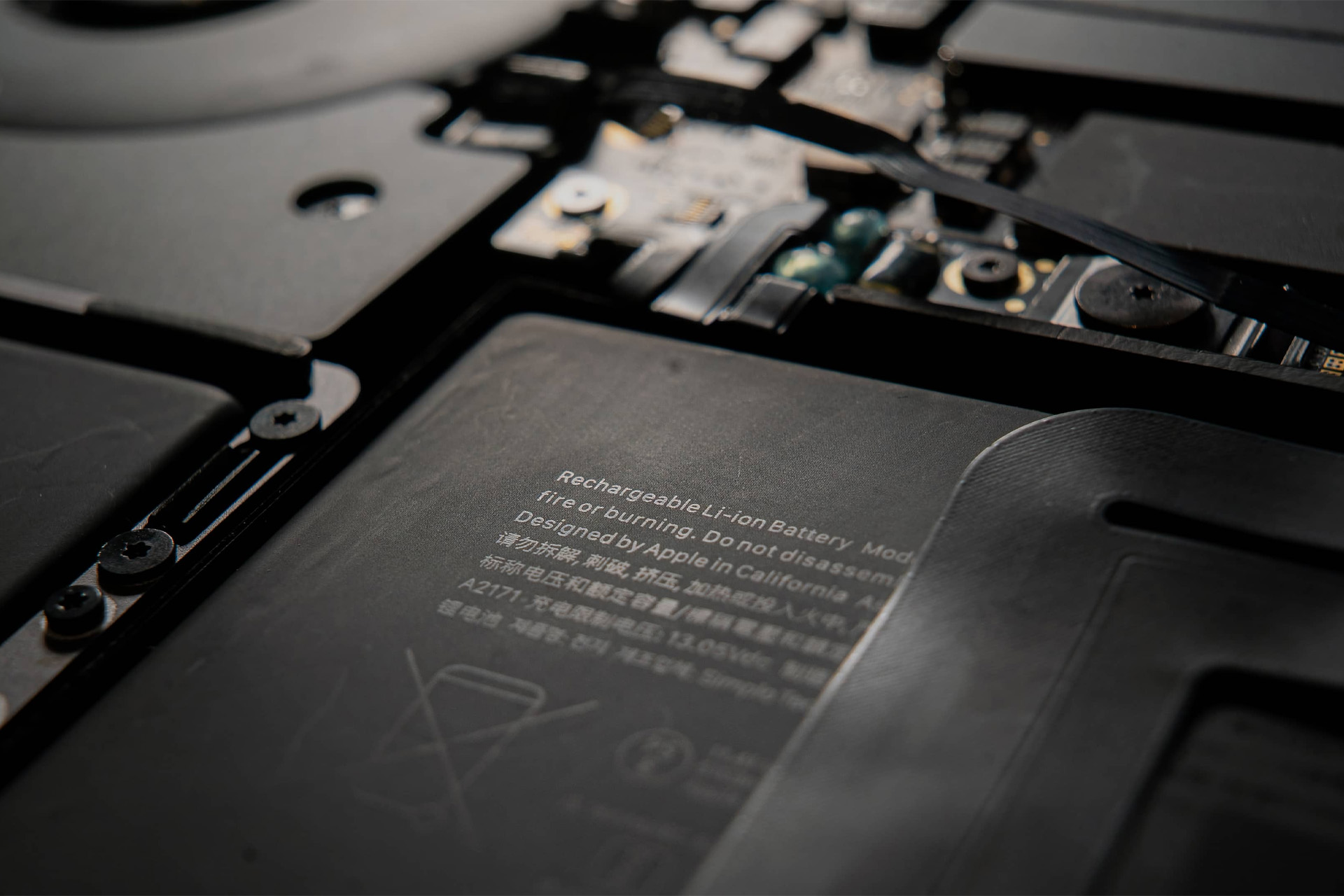
The 15-inch MacBook Pro sold primarily between September 2015 and February 2017 also has an active battery recall covering eligible serial numbers. Apple determined that batteries in a limited number of those units could overheat and pose a fire risk.
That recall concerns the battery, not the screen. Any eligible computer should still be serviced because battery overheating is a safety issue. A swollen battery, unusual smell, smoke or a chassis beginning to separate requires immediate shutdown and professional attention.
Apple silicon MacBook Pro owners should not assume visible lines are caused by heat simply because the computer feels warm. On newer models, impact, liquid intrusion, display-cable failure or a defective panel may be more plausible explanations.
What to Do When the Screen Changes With Heat
Stop demanding work when the display begins producing lines or distorted colors. Continuing to run intensive tasks may increase the temperature and make an unstable hardware problem worse.
Move the MacBook Pro to a hard, flat surface with clear ventilation. Apple recommends operating Mac laptops in ambient temperatures between 50 and 95 degrees Fahrenheit, or 10 and 35 degrees Celsius. Beds, cushions and soft furniture can restrict airflow.
Do not place the computer in a refrigerator, against ice packs or directly under extremely cold air. Rapid temperature changes can create condensation inside the machine and cause additional damage.
Allow the MacBook Pro to cool naturally, then make a current backup while the display remains usable. Time Machine can preserve apps, settings and files before the condition develops into a permanent black screen.
Connecting an external display provides a useful distinction. When the external image remains stable while the built-in screen shows lines, the graphics system is probably still producing a valid signal. The failure is more likely within the built-in display, its cables or related electronics.
Take photographs or video showing the screen when cold and after it warms. Record the workload, room temperature, lid position and approximate time required for the artifacts to appear. Intermittent failures are easier for a technician to diagnose when the behavior has been documented.
Apple Diagnostics may identify some hardware faults, but a clean result does not rule out an intermittent display problem. An Apple Store or Apple Authorized Service Provider may need to inspect the machine after it reaches operating temperature.
Screen assemblies on many MacBook Pro generations are replaced as complete units rather than repaired component by component. That can make an out-of-warranty repair expensive, especially when the issue involves the integrated display cables or controller electronics.
Owners should check AppleCare coverage, active service programs and local consumer-protection rights before authorizing a paid replacement. A repair estimate should identify whether the fault is believed to involve the display assembly, logic board, battery or previous accidental damage.
A MacBook Pro that works perfectly with an external monitor can sometimes remain usable while repair options are evaluated. The screen should not be repeatedly heated to reproduce the failure, since a temporary line at the bottom can eventually become a permanently distorted panel.