

Apple’s laptop family starts with the MacBook Air, known for being lightweight and versatile, and extends to the MacBook Pro lineup, designed for higher performance and sustained workloads. For many first-time Mac buyers, the decision comes down to understanding your daily routines and how your device will fit into them.
Understanding the Core Differences
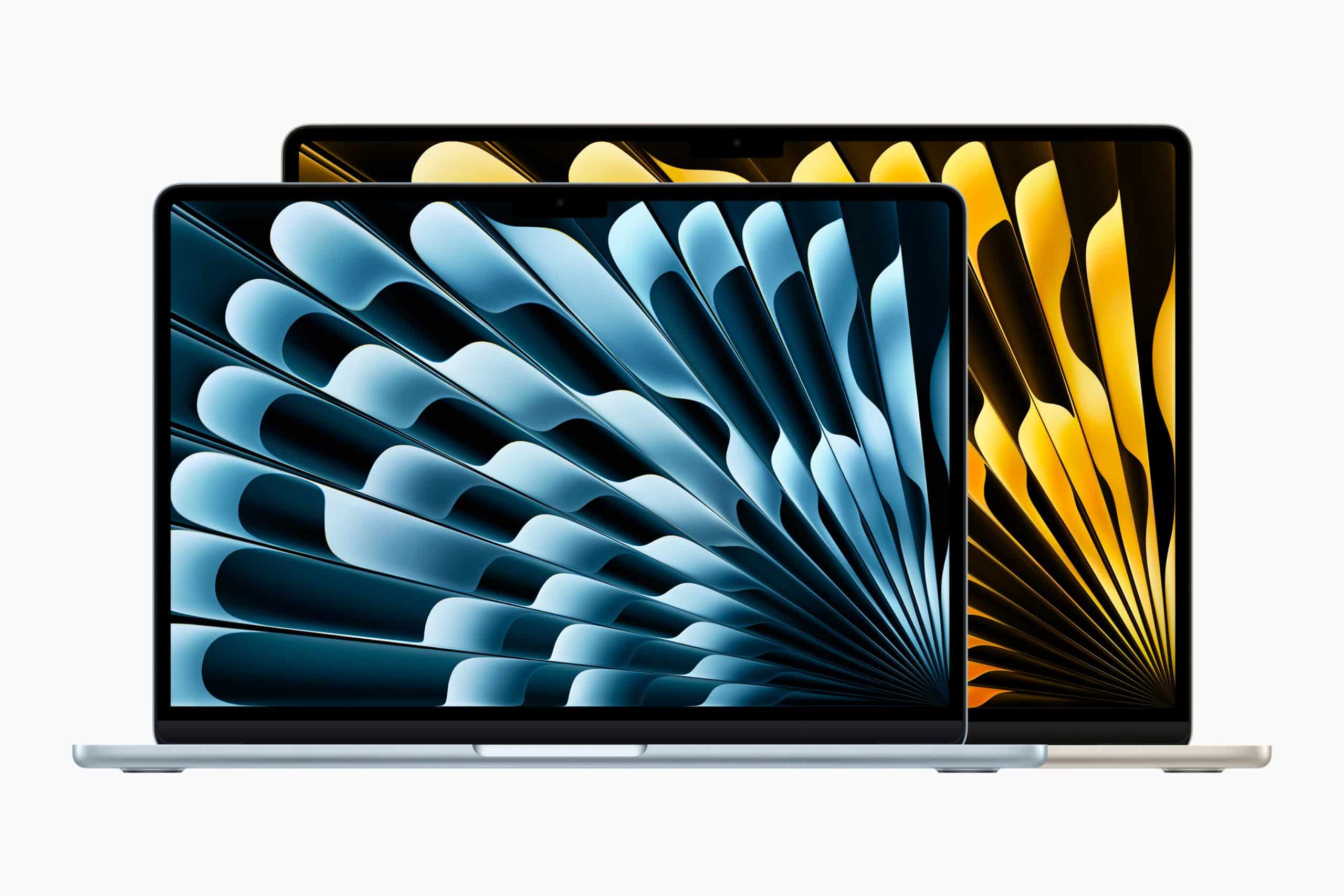
At a high level, the MacBook Air is positioned as Apple’s most portable laptop, while the MacBook Pro is optimized for sustained performance and professional workloads. Both use Apple silicon chips (M-series) that deliver excellent balance between power and efficiency, but they are tuned for different priorities.
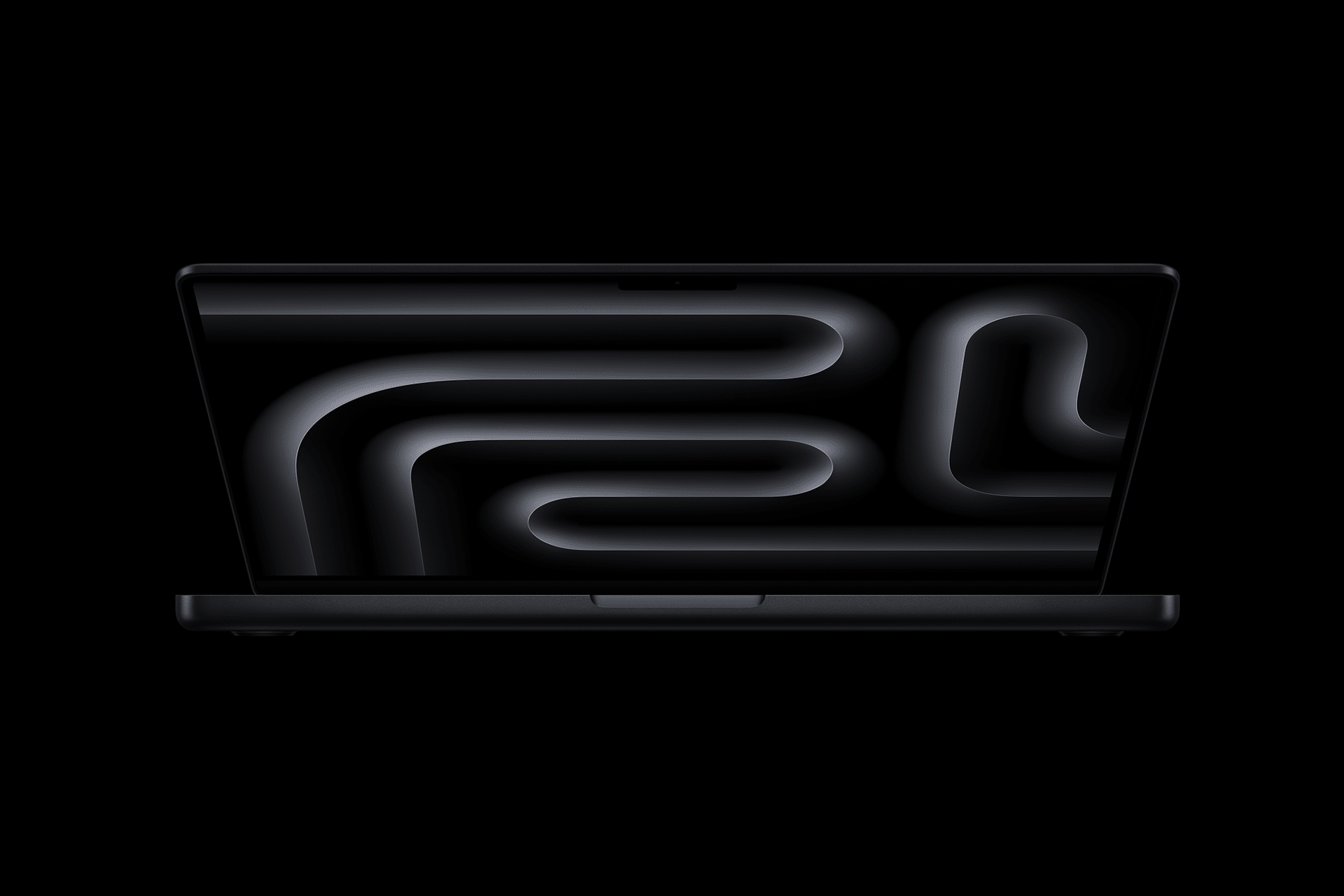
Portability and Everyday Comfort
If your primary concern is portability, the MacBook Air tends to be the first choice. Its thin profile and lighter weight make it ideal for commuting, travel, classroom use, or working from different rooms at home. For many users, the Air simply disappears into daily life because it’s easy to carry and unobtrusive.
The Air’s design also incorporates fan-less cooling, which means silent operation — a plus for quiet environments or long battery sessions.
Performance and Sustained Workloads
The MacBook Pro steps into the spotlight when you need higher sustained performance. While both Air and Pro deliver strong day-to-day responsiveness, the Pro is engineered to handle extended bursts of heavier workloads — for example:
- Video editing
- Software development and compiles
- Audio production
- Large spreadsheet analysis
This sustained performance comes from active cooling (fans) and higher-tier M-series chip configurations in Pro models, which allow the system to maintain performance without throttling under continuous load.
Battery Life and Daily Use
Both Air and Pro offer excellent battery life, but they achieve it in slightly different ways. The Air’s efficiency shines in general productivity, browsing, and streaming, while Pro models often sustain longer battery life during mixed usage that involves both light and heavy tasks.
If your daily routine combines email, documents, and casual media alongside occasional heavier tasks, both devices can deliver all-day battery life; the Pro simply maintains performance more consistently when pushed hard.
Display and Audio Experience
Pro models typically include brighter displays, higher sustained performance under load, and enhanced speaker systems. These features matter for creators working with visual media, lengthy video calls, or rich audio.
Air’s display quality remains high, but the Pro’s enhancements give creators and professionals a slight edge in color accuracy and sustained brightness levels for content creation or prolonged screen time.

Ports and Connectivity
Both laptops support modern USB-C/Thunderbolt ports, but MacBook Pro models often include additional connectivity options that professionals appreciate — such as more Thunderbolt lanes for multiple displays and high-speed peripherals.
For many first-time Mac users, however, the connectivity offered by the Air is sufficient, especially when paired with a compact hub for external drives or displays.
Software Ecosystem and Compatibility
A first Mac benefits from macOS’s seamless integration with iPhone and iPad. Whether you’re syncing messages, sharing files with AirDrop, or extending displays with Sidecar, both Air and Pro offer the same ecosystem advantages. This means your choice of laptop does not fundamentally change your access to Apple’s broader integration.
Choosing Based on Daily Routines
A practical way to decide is to think in terms of daily workflows:
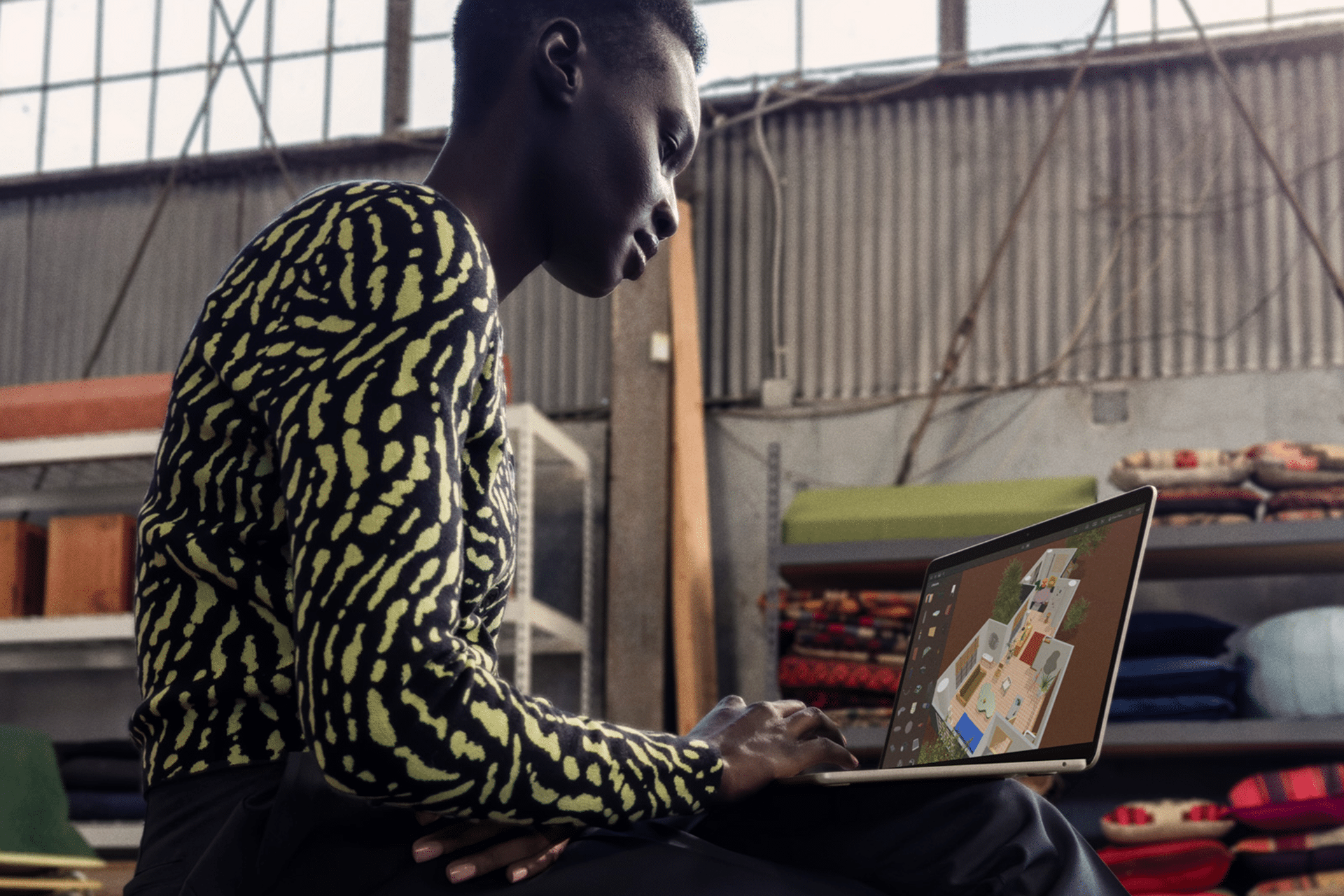
- Everyday computing and mobility: If your primary tasks are email, web browsing, productivity apps, streaming, light photo editing, or schoolwork, the MacBook Air is a natural fit.
- Professional or creative work: If your routine involves video editing, 3D modeling, app development, music production, or other sustained workloads, the MacBook Pro provides the headroom and performance stability those tasks require.
Another helpful framing: Air feels like an efficient daily runner — light, responsive, and comfortable for most tasks. Pro feels like a performance tool — capable of going the distance when your work demands more.
Memory, Storage, and Scaling
Think ahead about how long you plan to keep the device and what workflows you might grow into. More memory and storage can benefit both Air and Pro, but heavier workflows scale more visibly with higher memory configurations in the Pro. For many first Macs, starting with moderate storage and memory is fine; planning for a higher configuration future-proofs your investment.
Learning and Transitioning
New Mac users often find that the step from iPad or Windows laptops to macOS feels straightforward, especially with ecosystem continuity features. Apple’s design emphasizes predictable behavior, smooth gestures, and intuitive navigation. Both Air and Pro share this DNA.
Pro tip: Spend time with macOS tutorials and built-in learning resources when you first start, as these pay dividends in efficiency regardless of the model you choose.
MacBook Air vs. MacBook Pro: Which Is the Best First Mac?
|
Feature / Use Case |
MacBook Air |
MacBook Pro |
|---|---|---|
|
Target User |
First-time Mac users, students, everyday productivity |
Creators, professionals, users with sustained workloads |
|
Portability |
Thinner and lighter, easy to carry all day |
Heavier and thicker, designed for desk or lap use |
|
Noise & Cooling |
Fanless design, completely silent |
Active cooling with fans for sustained performance |
|
Performance Profile |
Excellent for everyday tasks and light creative work |
Optimized for heavy, long-running tasks without throttling |
|
Apple Silicon Options |
Entry to mid-range M-series chips |
Higher-tier M-series chips with more cores and memory options |
|
Battery Life |
Outstanding battery life for browsing, writing, streaming |
Excellent battery life even under mixed or heavier workloads |
|
Display Quality |
High-quality Retina display |
Brighter display with higher sustained brightness and advanced features |
|
Audio Experience |
Good speakers for casual media and calls |
More powerful speaker system for immersive audio |
|
Ports & Connectivity |
Fewer ports, often requires a hub |
More ports and better support for multiple external displays |
|
Keyboard & Trackpad |
Same excellent Apple keyboard and trackpad |
Same keyboard and trackpad experience |
|
Creative Workflows |
Photo editing, light video, design basics |
Video editing, music production, development, 3D work |
|
Longevity for Growth |
Ideal if needs stay consistent |
Better headroom as skills and workloads grow |
|
Price Entry Point |
Lower starting price |
Higher starting price |
|
Best Fit If You… |
Want simplicity, silence, and portability |
Need power, stability, and sustained performance |


