


Modern MacBooks have quietly crossed a threshold. With Apple’s M-series chips, laptops now deliver performance that once required bulky desktop towers. A MacBook Studio Display setup takes advantage of that shift, creating a workstation that feels fixed and powerful at the desk, yet remains fully mobile when you unplug and go.
This approach is increasingly popular among professionals who want one main computer, not separate laptop and desktop systems.
Why MacBook Plus Studio Display Works So Well
Apple designed the Studio Display to complement MacBooks, not replace them. When connected, the MacBook becomes the engine while the display provides a consistent, high-quality workspace. You gain a large 5K canvas, studio-grade speakers, microphones, and a built-in camera, all without adding another computer to manage.
Because the processing stays inside the MacBook, your entire workflow travels with you. Disconnect one cable, and the same system continues on battery with no sync steps or compromises.
M-Series Chips Changed the Desktop Equation
The M-series architecture is the foundation of this setup. MacBook Air and MacBook Pro models now handle workloads that rival traditional desktops, including video editing, software development, data analysis, and creative production.
Unified memory, fast SSDs, and efficient performance cores allow MacBooks to sustain heavy tasks while staying cool and quiet. When paired with Studio Display, the experience feels like a full desktop system, but one that can instantly return to laptop mode.
For many users, this eliminates the need for a separate Mac mini or Mac Studio.
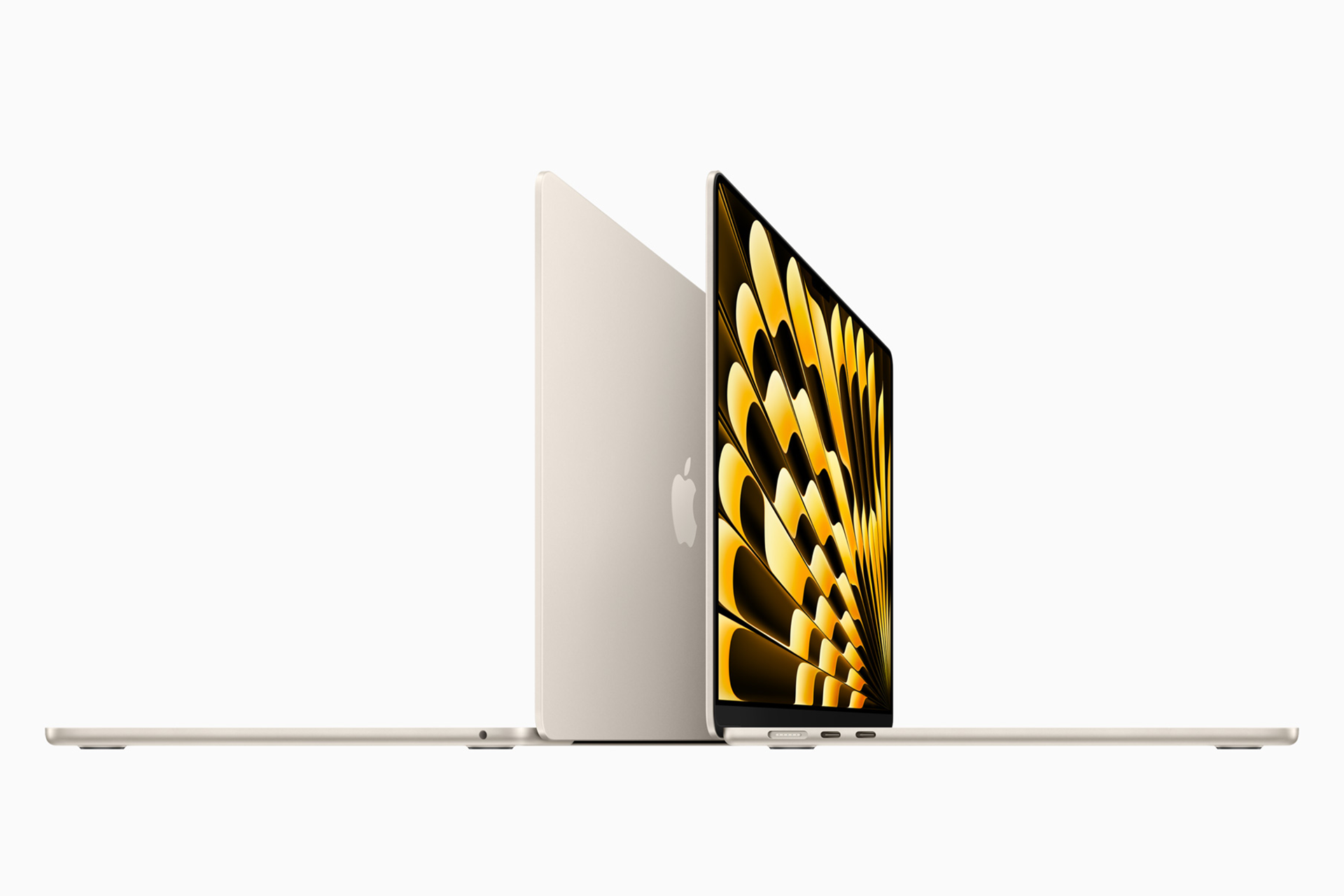

Choosing Between MacBook Air and MacBook Pro
A MacBook Air paired with Studio Display is ideal for users focused on productivity, writing, design, and light creative work. It delivers excellent performance while remaining ultra-portable.
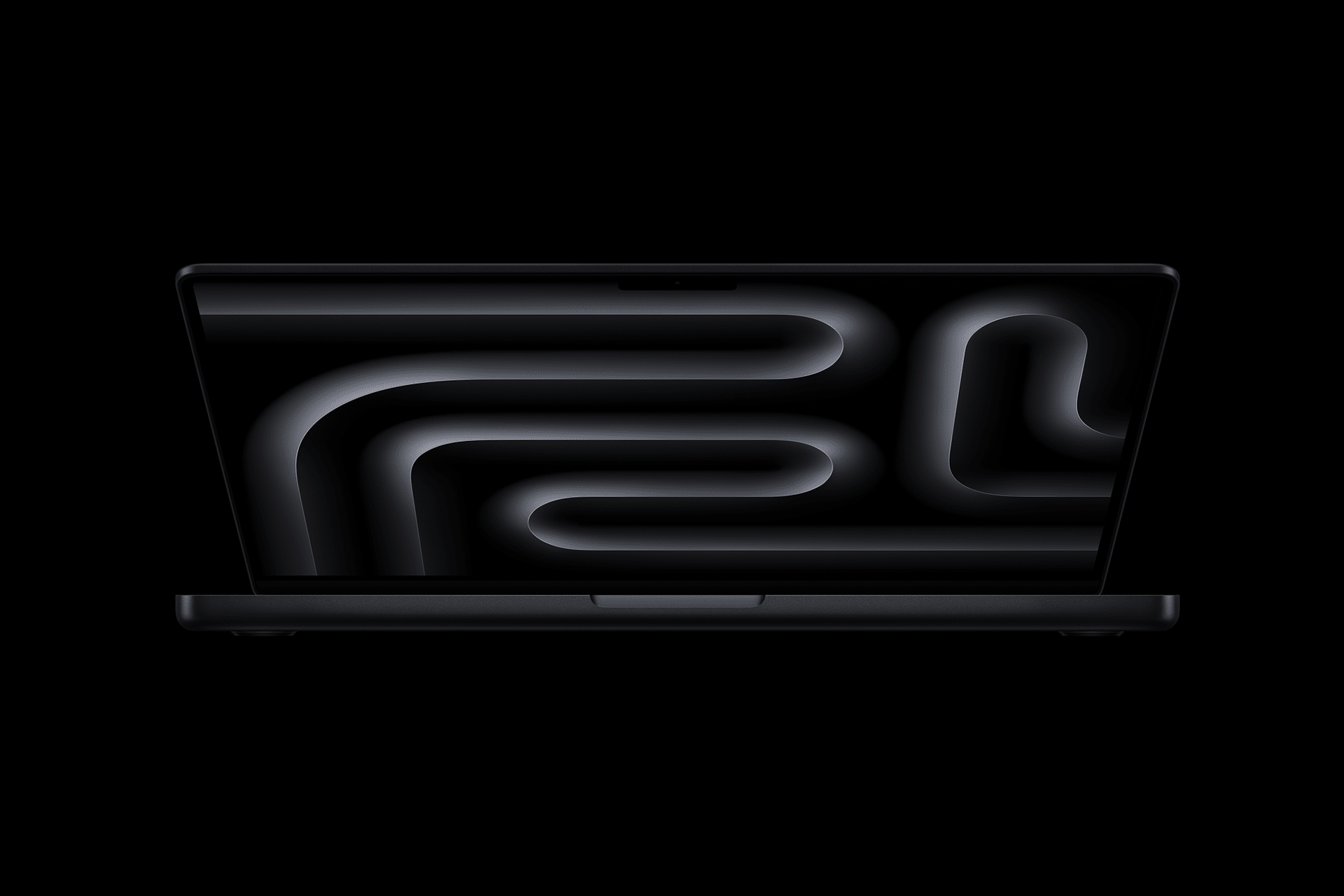
MacBook Pro models extend that capability with higher sustained performance, additional ports, and support for more demanding workflows. When docked to Studio Display, a MacBook Pro easily replaces traditional workstations used for video, audio, and software production.
Both options benefit equally from the external display, making the choice more about workload than setup philosophy.
Completing the Setup With Apple Accessories
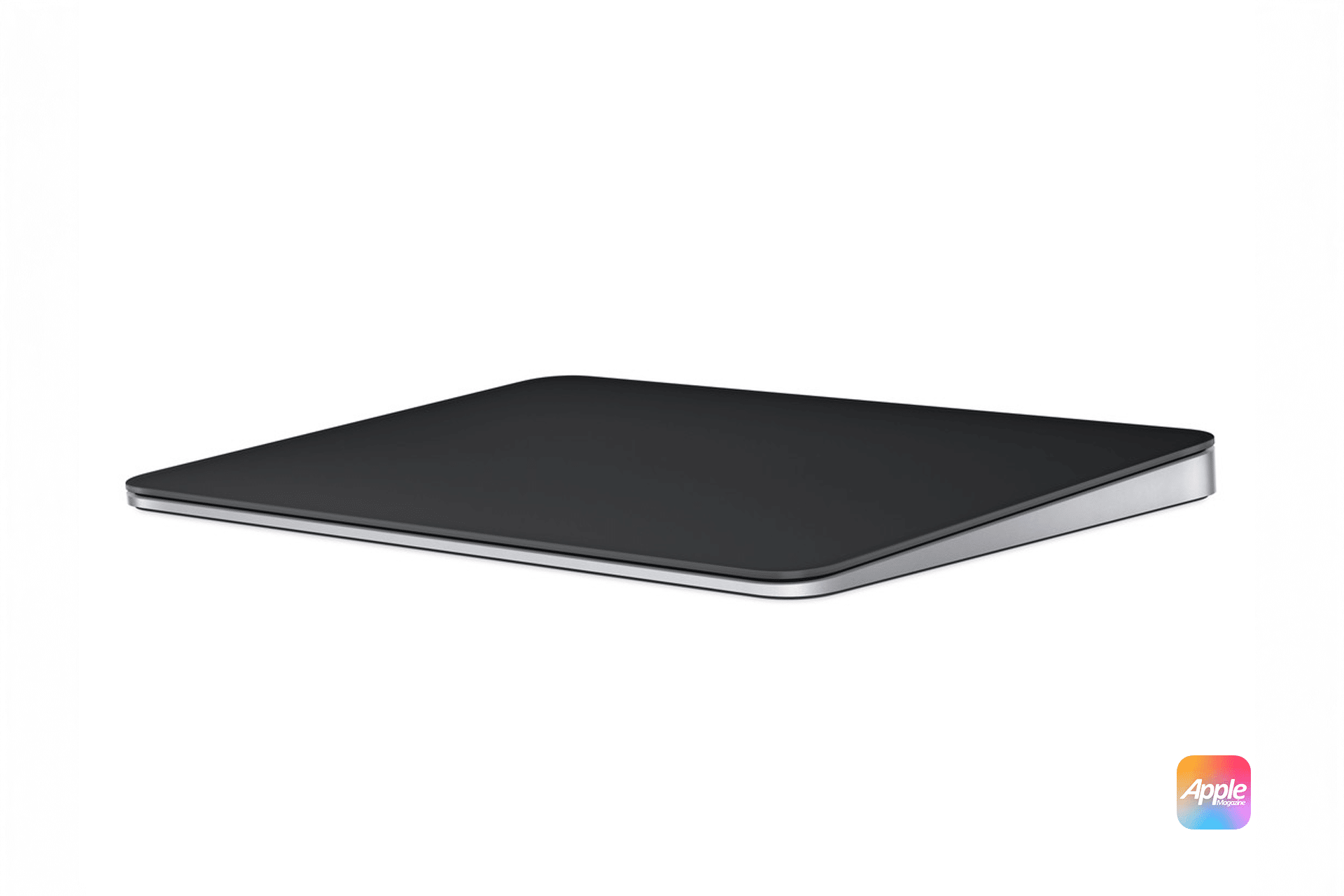
Apple’s accessories are designed to finish the workstation experience. Magic Keyboard provides a consistent typing feel whether you’re docked or mobile. Magic Mouse and Magic Trackpad offer different interaction styles, and many users combine both depending on task.
Because these accessories pair seamlessly across Apple devices, switching between desk work and portable use remains fluid. The goal is continuity, not reinvention, each time you move.
Mobility Without Compromise
The defining strength of a MacBook Studio Display setup is balance. At the desk, it behaves like a fixed workstation with a large display, stable ergonomics, and full peripheral support. Away from the desk, it becomes a self-contained mobile system with the same files, apps, and performance profile.
This hybrid approach reflects how Apple now designs its hardware: powerful enough to replace desktops, flexible enough to move with you. For many users, it’s the most efficient way to work across locations without maintaining multiple machines.

