

Discussions among Mac users running macOS 26 — particularly on M1-based systems like MacBook Air and MacBook Pro — show a range of performance and functionality complaints since the upgrade. While many users report a smooth transition, a significant number are describing issues they did not experience before installing macOS 26, adding to concerns about stability and readiness of the update for Apple’s first-generation silicon chips.
Some users note that immediate post-install behavior on M1 Macs shows noticeable performance slowdowns and responsiveness issues that weren’t present under earlier macOS versions. Lag in UI animations, such as slower window dragging, delayed menu responses, and choppy transitions, has been described in multiple posts where macOS 26 was installed without apparent hardware changes. These reports suggest that certain graphics or system processes behave differently after the update, though responses vary among users and may be tied to installed apps or extensions.
Performance and Battery Behavior After Upgrade
A recurring theme in user discussions is battery drain and thermal changes following the macOS 26 upgrade on M1 Macs. In some community posts describing personal experiences, owners of base model M1 MacBook Air machines report that battery life dropped significantly after installing Tahoe, leading to multiple charge cycles in a single day and elevated system temperatures during routine tasks. These symptoms are sometimes accompanied by higher than expected CPU usage and fans running more frequently than before the update.
While Apple later released macOS 26.1 with fixes for some issues, not all performance complaints have disappeared. In macOS 26.1 discussion threads, users continue to mention occasional lags, suggesting that not all underlying causes are fully resolved by point releases.

Installation and Login Difficulties
Installation itself has been problematic for a subset of M1 users. Some report that macOS Tahoe does not immediately appear as a Software Update option on M1 models, requiring repeated refreshes of System Settings or longer wait times before the upgrade shows up, adding frustration when trying to keep up with Apple’s release cadence.
More severe installation fallout has also been reported. A thread on Apple’s support forum shows a user whose M1 MacBook Air refused to accept a previously established password after upgrading to macOS 26, coupled with a loss of Wi-Fi connectivity that prevented straightforward recovery — an issue requiring advanced troubleshooting steps involving macOS Recovery mode.
Lag, Freezes, and Memory-Related Issues
Beyond initial performance hits, severe lag and freezing have been repeatedly discussed in Apple forums. Users describe situations where, after several hours of use under macOS 26, devices begin to stutter, the pointer lags behind cursor movements, and windows and menus fail to respond consistently, forcing frequent restarts to regain responsiveness.
Memory management has also drawn attention. Community observations and reports indicate that certain processes, such as system indexing or common productivity apps, sometimes consume unexpectedly large amounts of RAM on macOS 26. In some cases, basic apps have reportedly ballooned to tens of gigabytes of RAM use on M1 systems, suggesting potential memory leaks or inefficient memory distribution under Tahoe.
App Compatibility and UI Behavior
Mixed reports also show that compatibility issues and UI behavior changes are cropping up after the upgrade. Some community posts highlight problems with certain apps failing to launch or crashing under macOS 26, while others report that interface elements such as dialog boxes or animations are not as smooth as before, especially noticeable on M1 iMacs and laptops.
Additionally, broader complaints about UI responsiveness include sluggish pop-ups, lag in web browsing animations, and delayed window resizing. Though not universal among all users, these experiences are shared across multiple threads, reinforcing that the update’s effects vary with specific system configurations and installed software.
Overheating and System Load Reports
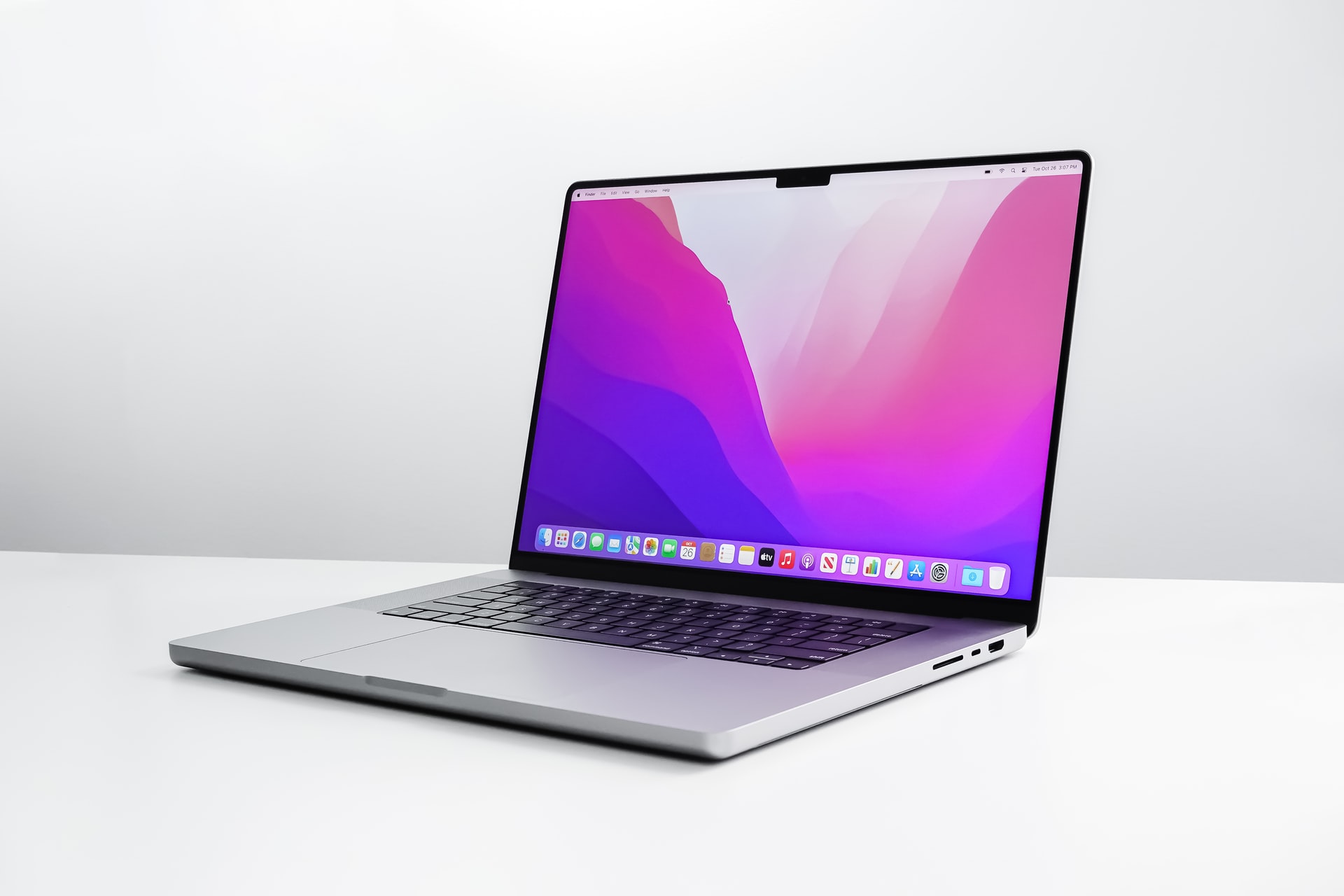
Many users on forums concerning macOS 26 also mention thermal buildup and sustained high CPU usage during moderate workloads, such as web browsing and multimedia playback. While some thermal responses are expected as background indexing continues after an update, cases where Macs become unusually warm even in light use suggest deeper system workload shifts under Tahoe’s new architecture.
Workarounds, Official Fixes, and Update Responses
Apple has acknowledged the need for refinements by releasing macOS 26.0.1 and later builds, which bring bug fixes and address specific issues such as installation bugs on certain hardware. However, these updates do not directly list many of the individual problems highlighted by users, and official release notes tend to focus on broad stability improvements and security updates.
Some users responding to performance concerns emphasize that post-update indexing and caching tasks can temporarily affect responsiveness and battery life, and that normal performance often returns once these background processes complete. Others point to third-party software compatibility as a contributing factor, especially tools like system cleaners and antivirus utilities that may behave differently under the new OS.
Community Best Practices for Affected M1 Macs
Across discussions, M1 Mac owners share workarounds that include ensuring ample free disk space before upgrading, resetting Spotlight indexing, and using Safe Mode or recovery tools to isolate problematic software. Users also advise tracking whether macOS 26.1 or future updates materially improve performance before committing to the upgrade on mission-critical machines, especially for heavy workflows or professional environments.
The variety of macOS 26 M1 problems highlighted by users reflects the inherent complexity of platform upgrades, where hundreds of apps, drivers, and hardware configurations intersect with major OS changes. Some users report smooth experiences, while others face noticeable regressions that affect daily productivity. Whether future updates will iron out these inconsistencies remains a central question among the Mac community.


