

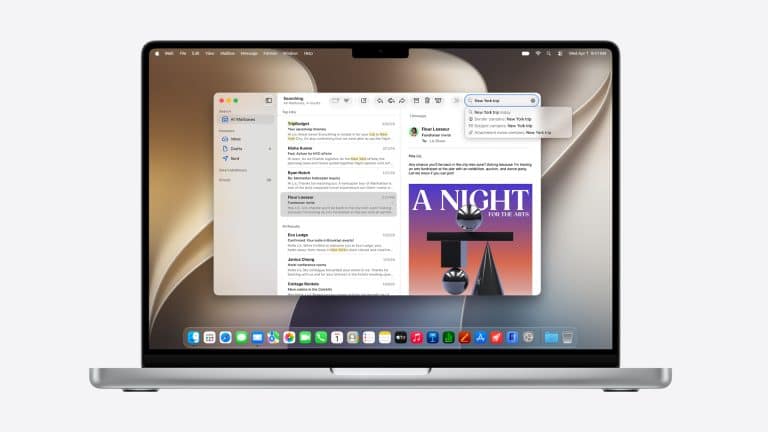
macOS 27 Golden Gate marks a major compatibility shift for the Mac. Apple’s next operating system moves fully into the Apple silicon era, dropping support for Intel-based Macs and setting a higher bar for the most advanced AI features.
That makes this year’s compatibility question more complicated than usual. There are two different answers Mac users need to understand. The first is whether a Mac can run macOS 27 at all. The second is whether that Mac can run Apple’s newest AI features, including the more advanced Siri AI and Apple Intelligence experiences.
In simple terms, macOS 27 supports Apple silicon Macs. Intel Macs are left behind. But within the Apple silicon lineup, not every Mac will receive the same AI experience. Some of the most demanding features require newer chips and more memory, making recent M-series Macs better positioned for Apple’s next software cycle.
macOS 27 Leaves Intel Macs Behind
The biggest compatibility change in macOS 27 is the end of Intel Mac support. Apple began moving the Mac lineup from Intel processors to Apple silicon in late 2020, and macOS 27 is the release that completes the software transition.
That means Macs with Intel processors will not be eligible for macOS 27 Golden Gate. For those machines, macOS 26 Tahoe is expected to be the final major macOS release. Apple may still provide security updates for a period of time, but the newest macOS features, system design changes, and AI upgrades will belong to Apple silicon.
This is not surprising, but it is still a major moment for Mac owners. Intel Macs have remained useful for years after Apple introduced the M1 chip, especially higher-end MacBook Pro, iMac, Mac mini, and Mac Pro models. Many of those machines still perform well for daily work. But Apple’s software direction now depends heavily on Neural Engine performance, unified memory, power efficiency, and system architecture built around its own chips.
macOS 27 is where Apple stops designing its newest Mac software around two processor families. That should make future macOS development simpler, but it also means Intel Mac owners will need newer hardware to stay on the main update path.

Which Macs Can Run macOS 27
Apple silicon is the baseline for macOS 27 compatibility. That means the supported list should include Macs with M-series chips, starting with the first M1 models released in 2020 and continuing through newer M2, M3, M4, and M5 Macs.
The compatible Mac families include:
- MacBook Air with Apple silicon, including M1 and newer models
- MacBook Pro with Apple silicon, including the 13-inch M1 MacBook Pro from 2020 and newer models
- iMac with Apple silicon, including 2021 and newer models
- Mac mini with Apple silicon, including 2020 and newer models
- Mac Studio models with Apple silicon
- Mac Pro with Apple silicon
- MacBook Neo models with Apple silicon
The easiest way to check is by looking at the chip inside the Mac. If it has an Apple M-series chip, it should be eligible for macOS 27. If it has an Intel processor, it is not part of the macOS 27 support list.
That makes the cutoff easier to understand than some previous macOS transitions. Apple is no longer drawing the line around specific Intel model years. The dividing line is the processor architecture itself.
Apple Intelligence Needs More Than Basic Compatibility
Running macOS 27 does not mean every AI feature will be available. Apple Intelligence and Siri AI depend on hardware capabilities that go beyond basic operating system support.
Apple silicon gives every supported Mac a stronger foundation than Intel Macs, but the most advanced AI features are expected to favor newer chips and more memory. Reports from WWDC26 coverage indicate that some higher-end Siri AI and Apple Intelligence tools require at least an M3 chip and 12GB of unified memory.
That distinction matters because many M1 and M2 Macs remain compatible with macOS 27, but may not support every advanced AI function. A MacBook Air with an M1 chip may get Golden Gate, performance improvements, Liquid Glass refinements, app updates, security changes, and many system-level improvements. But newer AI features involving heavier on-device processing, richer Siri context, screen awareness, document comparison, or advanced generation may be limited to newer hardware.
This is likely to become a normal part of macOS releases. Apple can keep older Apple silicon Macs supported while reserving the most demanding AI experiences for machines with more powerful Neural Engines, more memory, and newer chip architecture.
M1 and M2 Macs Still Get the Update
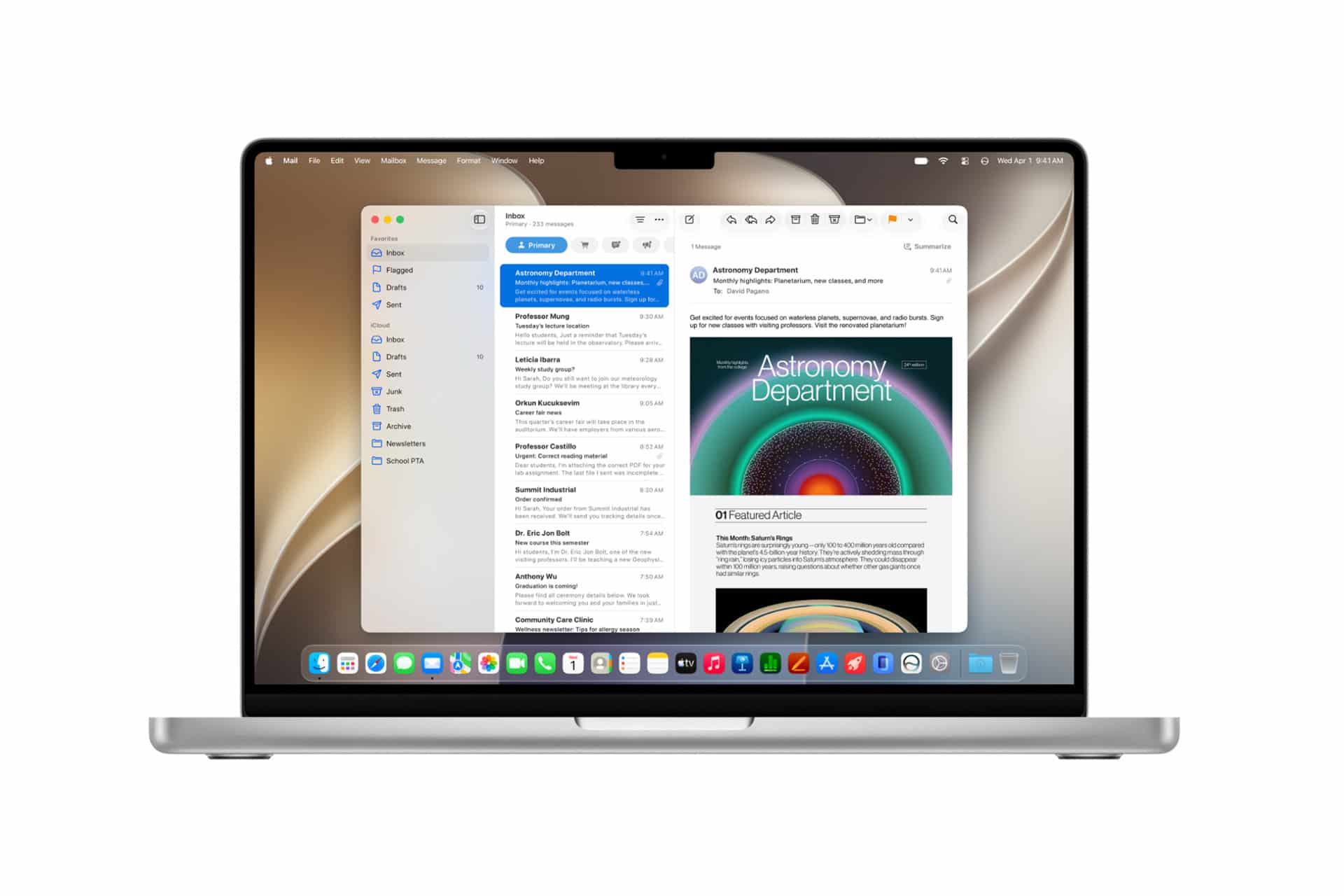
The end of Intel support does not mean Apple is abandoning early Apple silicon Macs. The first M1 machines remain a major part of the macOS 27 support story. That includes the M1 MacBook Air, M1 Mac mini, 13-inch M1 MacBook Pro, and later M1 iMac models.
For these Macs, macOS 27 should still bring many useful changes. Users can expect the core Golden Gate experience, including performance refinements, visual updates, app improvements, Safari changes, Shortcuts upgrades, Passwords improvements, parental control enhancements, and broader system polish.
That is good news for people who bought into Apple silicon early. The M1 chip still performs well for everyday work, browsing, writing, photo management, video calls, school work, office tasks, and many creative workflows. macOS 27 should keep those machines current even if the heaviest AI features are reserved for newer hardware.
M2 Macs are in a similar position. They should run macOS 27 comfortably, and many AI features may work depending on the specific model and memory configuration. But users with lower-memory models should not assume they will get every Apple Intelligence feature shown at WWDC26.
M3 and Newer Macs Are Best Positioned for AI
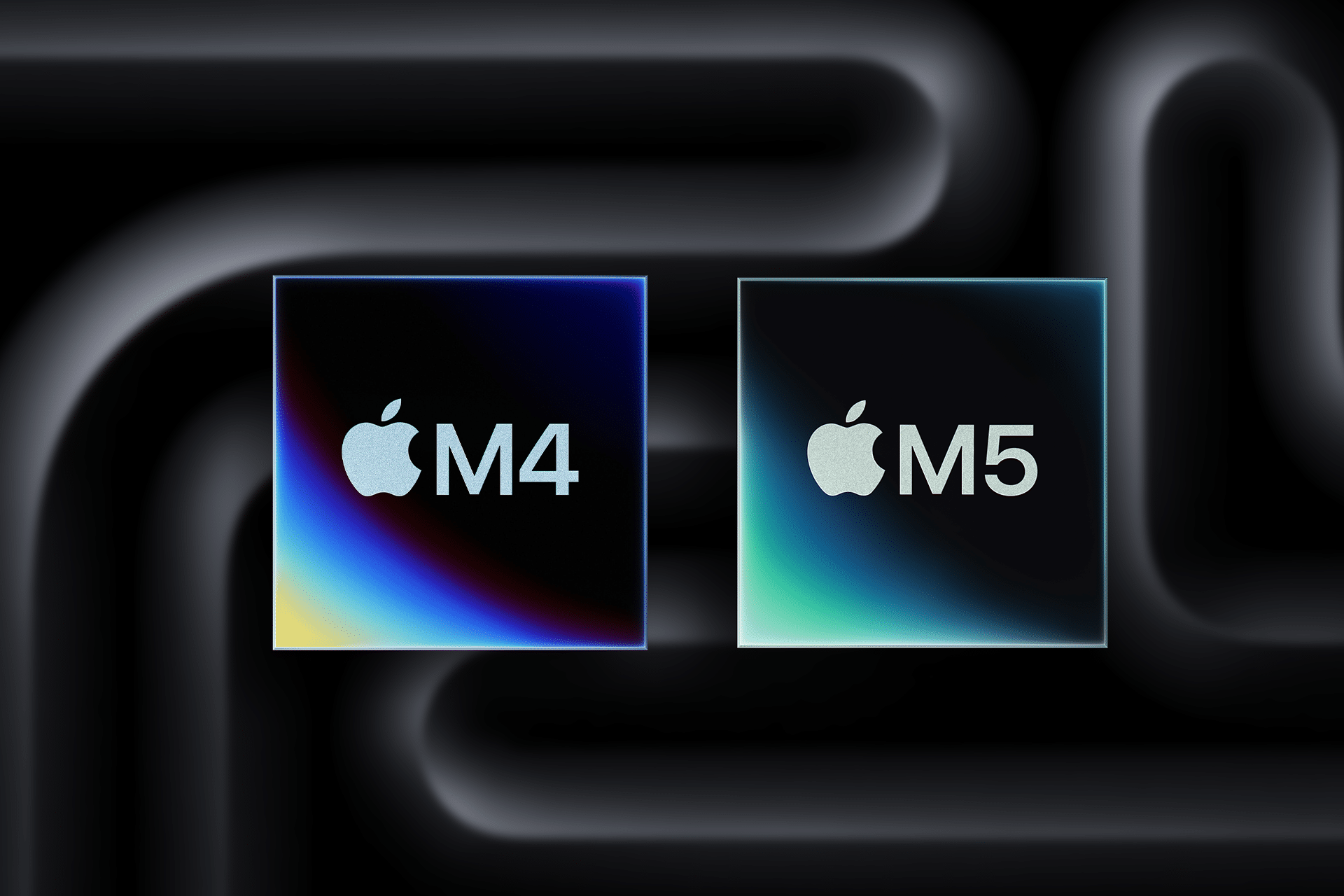
For users who care most about Apple Intelligence, Siri AI, and future AI-heavy Mac features, M3 and newer Macs are better positioned. These machines have newer Neural Engine performance, better efficiency, and in many configurations, more memory.
That matters because Apple’s AI strategy relies heavily on local processing. Siri AI, visual intelligence, smart automation, AI-assisted Shortcuts, Image Playground upgrades, and systemwide intelligence features can all depend on how much a Mac can process on-device before using Apple’s private cloud systems or external AI providers.
A Mac with an M3, M4, or M5 chip and at least 12GB of unified memory should be in the strongest position for the full Golden Gate AI experience. Higher-end Pro, Max, and Ultra chips will also be better suited for more demanding creative, developer, and professional workflows that combine AI features with large files or complex apps.
This does not mean an M1 or M2 Mac becomes outdated. It means Apple’s AI feature ladder is becoming more hardware-specific. Core macOS support and full AI support are no longer the same thing.
Intel Mac Owners Face the Upgrade Question
Intel Mac users now face a more direct decision. If they want macOS 27 Golden Gate, they will need an Apple silicon Mac. That includes users with some powerful Intel machines that may still feel capable, such as 2019 MacBook Pro models, Intel iMacs, Intel Mac minis, and the 2019 Mac Pro.
For basic tasks, those Macs may continue working well on macOS 26 Tahoe or earlier supported versions. Apps will not stop working overnight, and Apple usually provides security updates for older macOS releases for some time. But the direction is set. New macOS features, Apple Intelligence upgrades, Siri AI improvements, and future developer tools are moving toward Apple silicon only.
The shift also affects developers. As Apple leaves Intel behind, developers can focus more on Apple silicon performance, Neural Engine features, App Intents, local AI models, and modern macOS frameworks. That should help the platform move faster, but it also reduces the long tail of Intel support.
For users still on Intel Macs, the upgrade decision depends on workload, security needs, app support, and whether Apple Intelligence matters. Someone using a Mac only for basic browsing and documents may be able to wait. Someone who wants the newest software, AI features, or long-term app compatibility should start planning a move to Apple silicon.
macOS 27 Makes the Apple Silicon Cutoff Official
macOS 27 Golden Gate is more than a routine compatibility update. It is the point where the Mac fully moves past Intel for Apple’s newest software.
The practical rule is simple: Apple silicon Macs can run macOS 27, while Intel Macs cannot. The AI rule is more specific: newer Apple silicon Macs, especially M3 and later models with enough memory, will get the best Apple Intelligence and Siri AI experience.
That split will shape the Mac for the next several years. macOS will be easier for Apple to optimize around its own chips, but users will need to pay closer attention to feature support. A Mac may run Golden Gate without receiving every AI tool Apple shows onstage.
For most Mac owners, the safest way to think about macOS 27 is in two tiers. M1 and newer Macs stay on the main macOS path. M3 and newer Macs with higher memory configurations are better prepared for Apple’s AI-heavy future.