

Apple’s Magic Keyboard stands as one of the clearest expressions of Apple’s hardware philosophy. It is designed to feel effortless, dependable, and visually understated, allowing macOS to remain the center of attention. For many Mac users, it becomes the default keyboard not because it tries to impress, but because it quietly works every day without friction.
Design
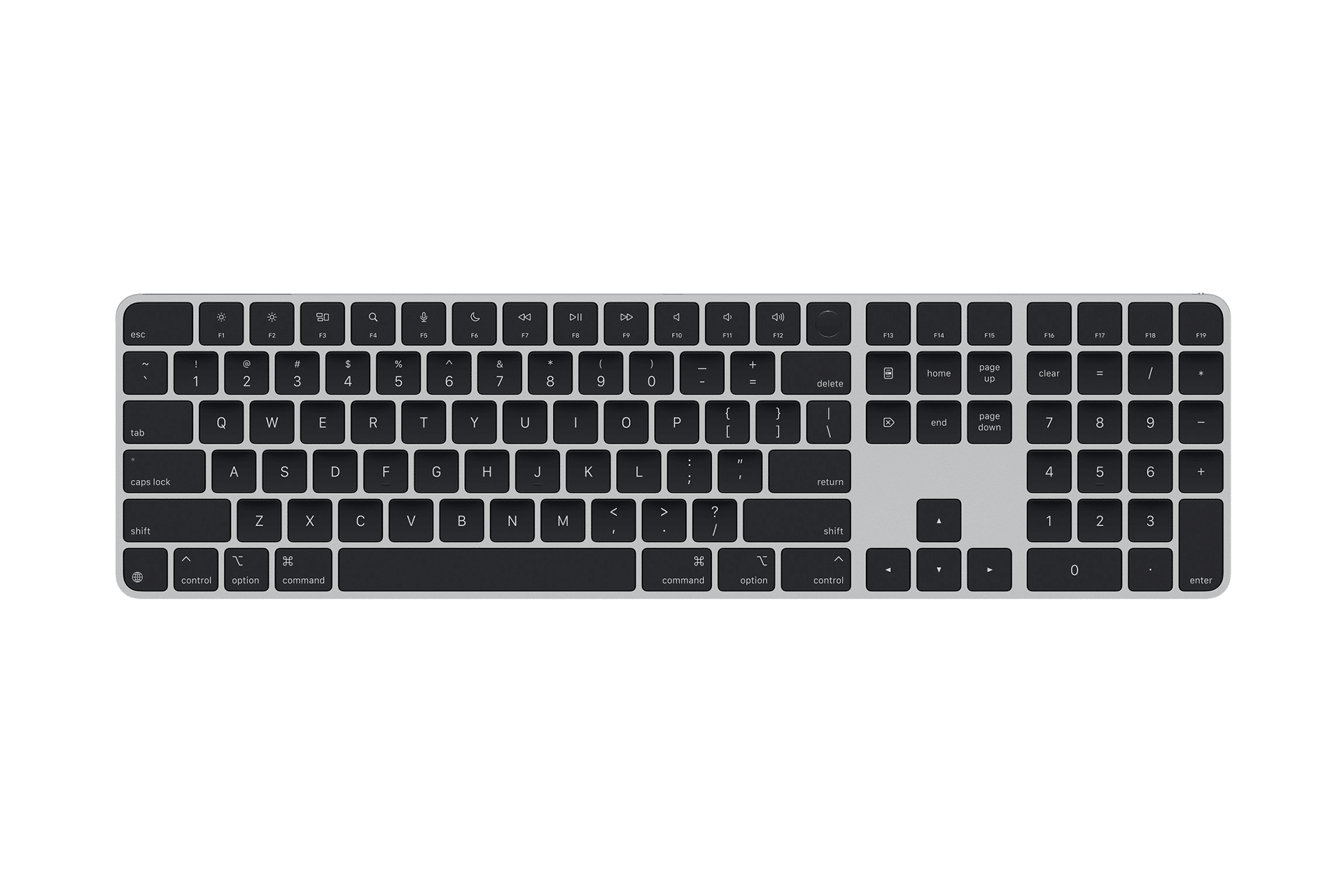
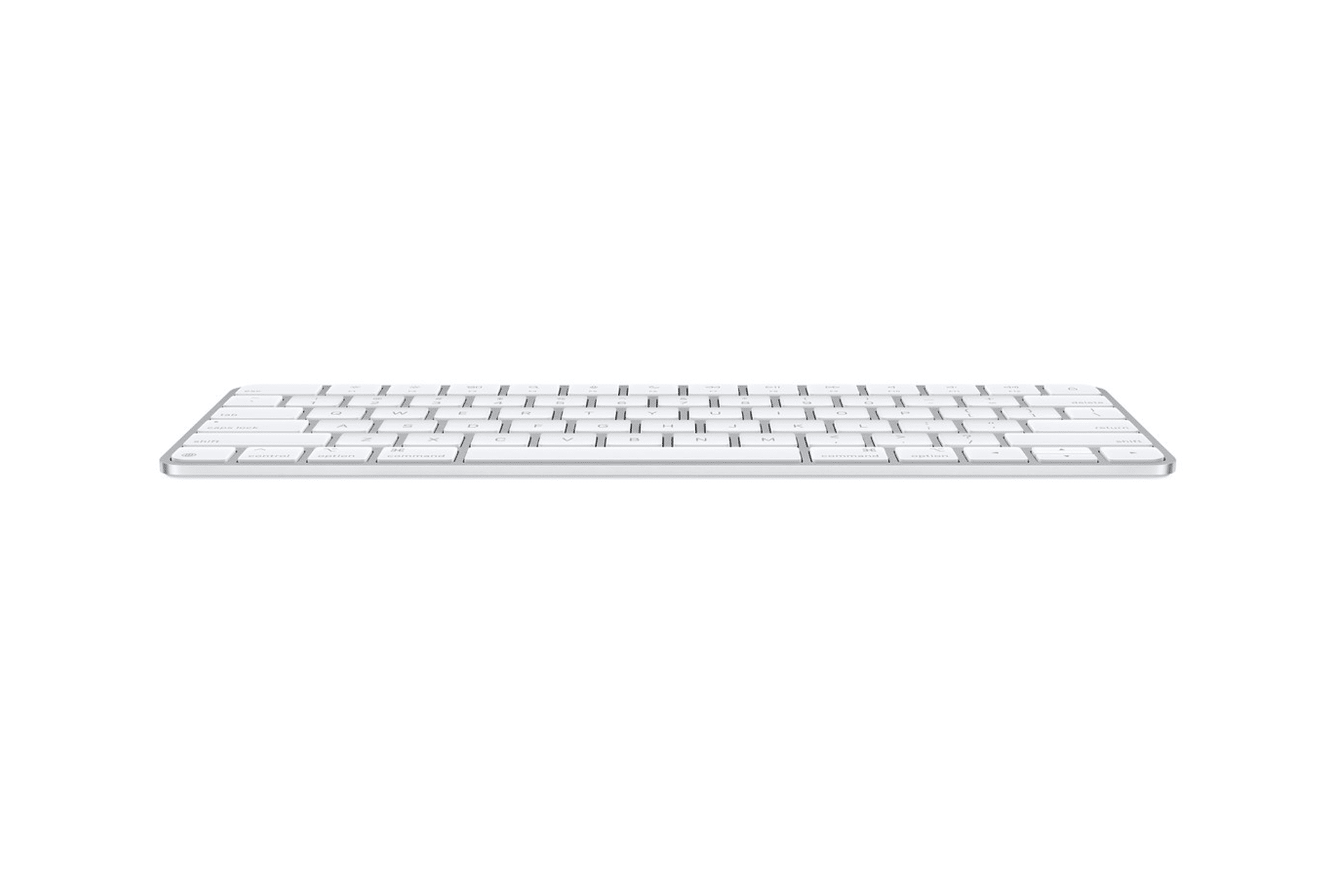
The Magic Keyboard’s low-profile design closely mirrors the feel of a MacBook keyboard. The keys provide consistent travel, stable feedback, and quiet operation that suits long typing sessions. The aluminum unibody chassis gives the keyboard a solid, premium feel while remaining slim and lightweight enough to move easily across a desk.
Users frequently highlight how well the keyboard holds up over time. The rigid construction resists flex, keys feel tightly fitted, and the flat surface makes cleaning easier compared with keyboards that have deeper key wells. This combination of durability and simplicity is one of the main reasons many users stick with Apple’s own keyboard instead of switching to third-party alternatives.
Typing Experience
Typing on the Magic Keyboard feels predictable and accurate. Key spacing is familiar, reducing the adjustment period when moving between a MacBook and a desktop setup. Wireless responsiveness is effectively instant, with no noticeable lag, even in environments crowded with Bluetooth devices.
Battery life further reinforces the sense of reliability. The built-in rechargeable battery often lasts weeks between charges, and macOS provides clear indicators to avoid unexpected shutdowns. In daily use, the keyboard behaves like a passive tool rather than another device demanding constant attention.
Touch ID and macOS Integration
Models equipped with Touch ID elevate the Magic Keyboard beyond a standard input device. Unlocking a Mac, approving system changes, and authorizing purchases happens instantly without breaking workflow. This deep integration is difficult for third-party keyboards to match and remains a major advantage for users invested in Apple’s ecosystem.
The Missing Feature: Backlit Keys
Despite its premium positioning, the Magic Keyboard does not include backlit keys. Apple uses the term “backlit keyboard” for its MacBook keyboards, where adjustable key illumination has been standard for years. The absence of this same feature on a standalone keyboard is one of the most common complaints among users.
Backlit keys improve visibility in low-light environments, reduce eye strain, and help maintain typing accuracy without relying on external lighting. Many users who work at night or in studios find the omission especially noticeable, particularly when switching between a MacBook and the Magic Keyboard in the same workspace.
The Magic Keyboard’s near-complete execution is exactly why the missing backlight remains such a persistent topic. Users are not asking for complex customization, programmable keys, or visual effects. The request is narrowly focused on a practical feature that Apple already implements successfully on its laptops.
Apple’s likely reasons include preserving battery life, maintaining visual simplicity, and avoiding additional hardware complexity. Even so, as competing keyboards offer backlit keys at lower prices, the absence continues to define the one area where Apple’s keyboard feels unfinished for a broad range of Mac users.


