


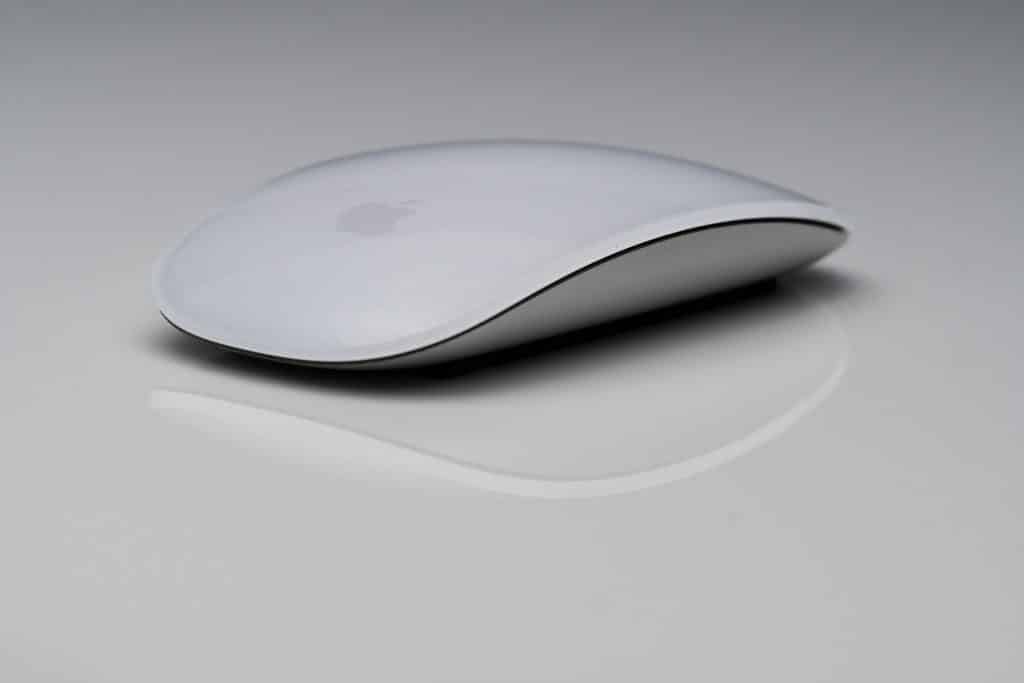
The Magic Mouse was never designed to compete with gaming mice or productivity tools filled with buttons. It was designed to feel like an extension of macOS itself, prioritizing fluid interaction over mechanical feedback. That intention explains both why it succeeds so well for some users and why others never adapt to it.
Why the Magic Mouse Works So Well for Many Users
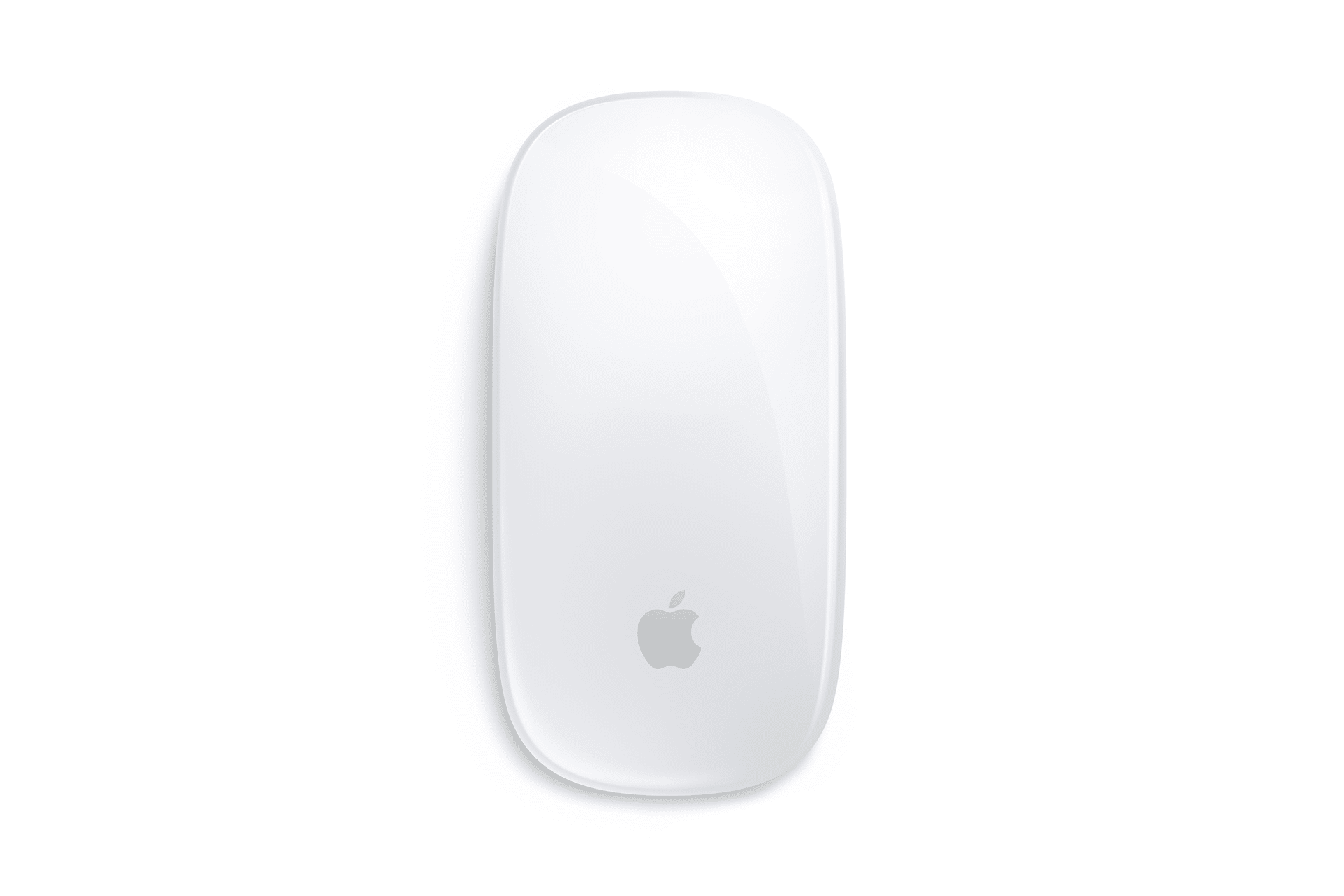
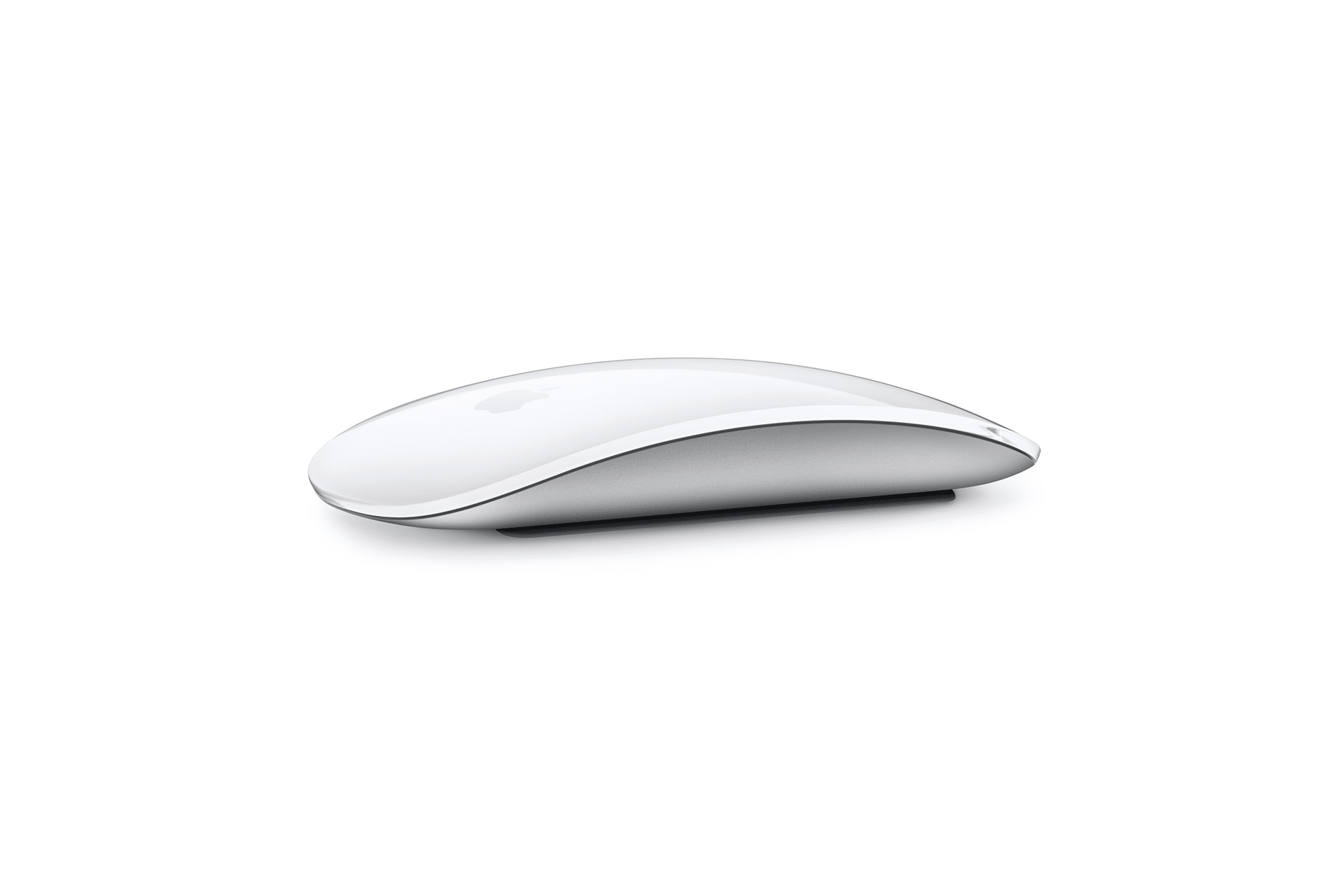
At its best, the Magic Mouse feels precise, light, and almost invisible. The slim profile keeps the hand close to the desk, which some users find reduces fatigue during light, everyday tasks. Its weight is carefully balanced, allowing it to glide smoothly across surfaces without feeling loose or hollow.
The touch surface is one of its defining strengths. Instead of relying on scroll wheels and buttons, the Magic Mouse translates finger movement directly into macOS gestures. Scrolling feels continuous rather than stepped, and swiping between desktops or full-screen apps becomes second nature once learned. For users deeply embedded in macOS workflows, this gesture-based control often feels faster and more natural than traditional mice.
Battery life is another strong point. The built-in rechargeable battery lasts for weeks of regular use, and charging is infrequent enough that it rarely interrupts daily work. Precision tracking, especially on high-resolution displays, is also consistently praised, making the Magic Mouse well suited for design work, editing, and general navigation.
Visually, the Magic Mouse remains one of Apple’s most recognizable accessories. Its minimalism complements modern Mac setups, and for users who value a clean desk aesthetic, it blends seamlessly into the environment rather than calling attention to itself.
Where Frustration Starts to Appear
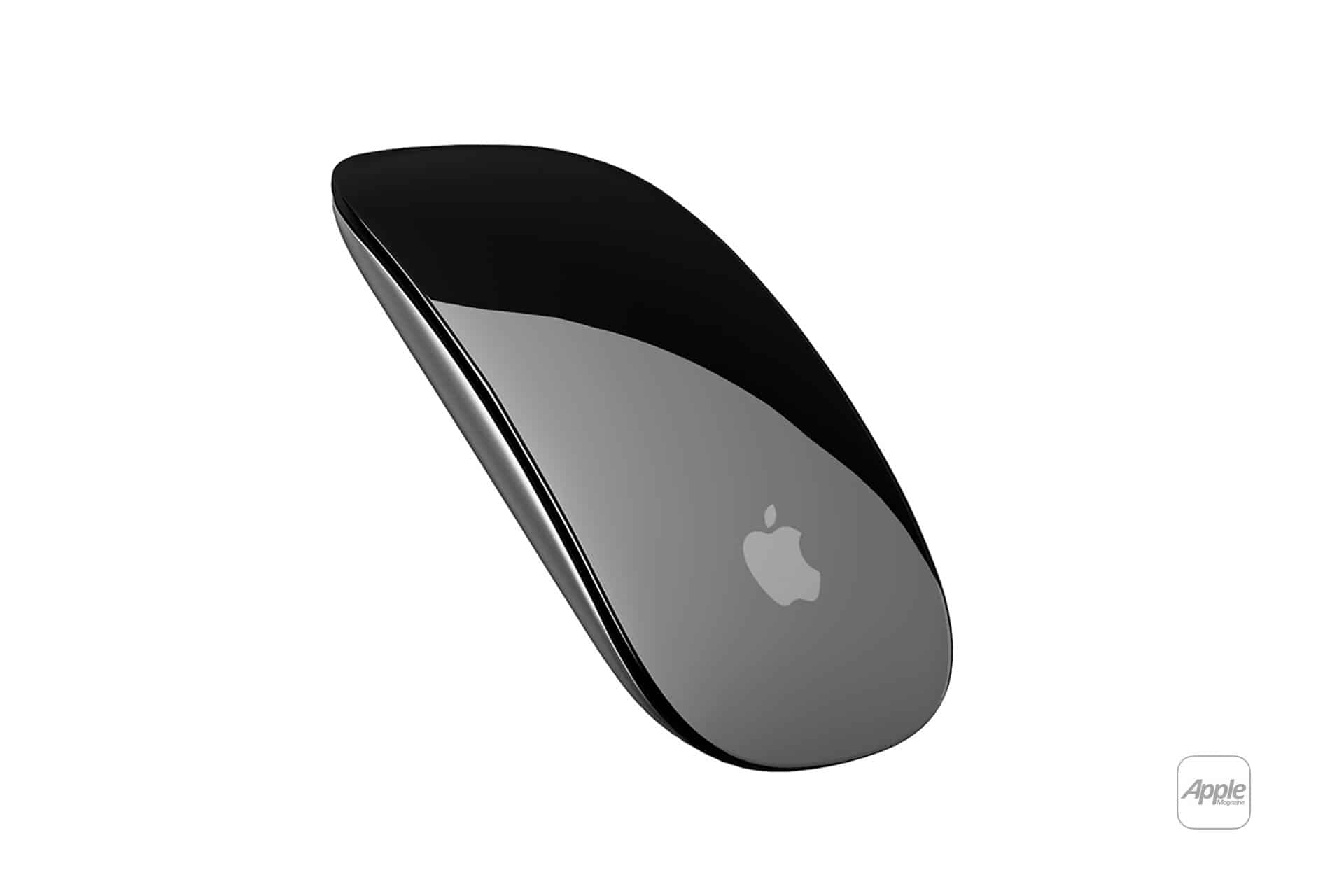
The same design choices that define the Magic Mouse also create its biggest drawbacks. Ergonomics are the most common complaint. The low, flat shape provides little palm support, which can lead to discomfort during long sessions. Users accustomed to contoured mice often find the transition difficult, especially for extended workdays.
Customization is another frequent point of friction. The Magic Mouse relies heavily on macOS defaults, offering limited options compared to mice designed for power users. There are no programmable physical buttons, no adjustable profiles for different apps, and no native way to tailor sensitivity or gestures beyond basic settings. For users who depend on shortcuts, macros, or application-specific controls, this can feel restrictive.
The learning curve for gestures also divides users. While many adapt quickly, others find the lack of tactile feedback frustrating. Without physical cues, it can be harder to execute precise actions consistently, especially when switching between different types of work.
Design Choices That Spark Debate
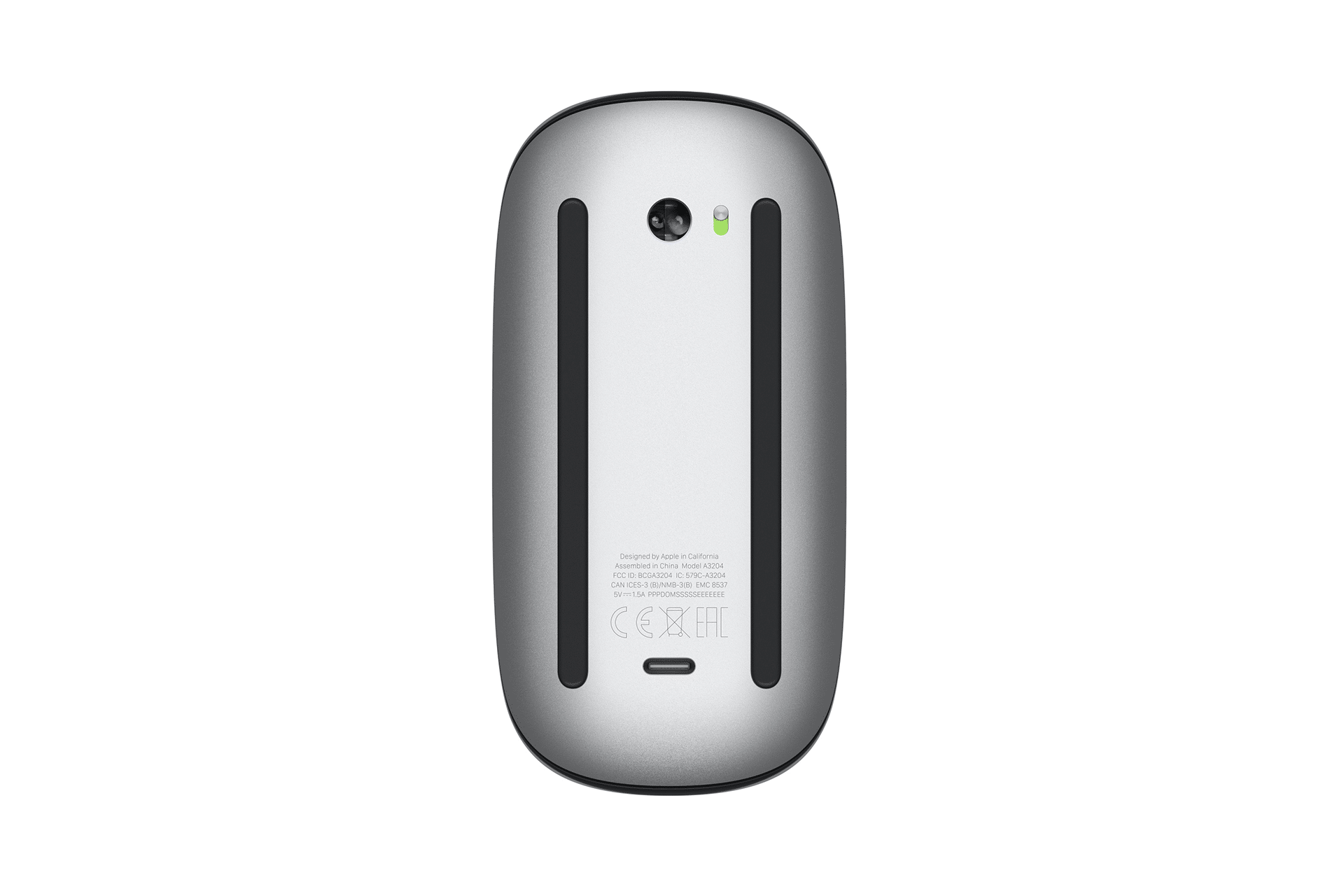
One design decision has become almost symbolic of the Magic Mouse debate: the charging port placement. Positioned on the underside, it prevents use while charging. Although charging is infrequent and relatively quick, the design has been widely criticized as impractical and unnecessary, reinforcing the perception that form sometimes outweighs function.
Gaming and heavy productivity use further expose the Magic Mouse’s limits. Fast-paced games, complex software, and workflows that rely on multiple simultaneous inputs tend to favor mice with dedicated buttons and higher customization. In these scenarios, the Magic Mouse often feels out of place, not because it performs poorly, but because it was never designed for that role.
Why the Divide Persists
The Magic Mouse doesn’t fail because it’s poorly made. It divides users because it embodies a very specific idea of how people should interact with a computer. For users whose work aligns with Apple’s vision of gesture-driven, software-centered interaction, it can feel elegant and efficient. For those who expect hardware to adapt more aggressively to their habits, it can feel stubborn and limiting.
Apple has largely stood by this design over the years, refining internals rather than rethinking the core concept. That consistency suggests the Magic Mouse is doing exactly what Apple intends it to do, even if it means accepting that it will never satisfy everyone.
The Magic Mouse remains a clear statement piece. It asks users to adapt to it rather than meeting them halfway.
For some, that’s precisely what makes it a joy to use. For others, it’s the reason they move on quickly.

