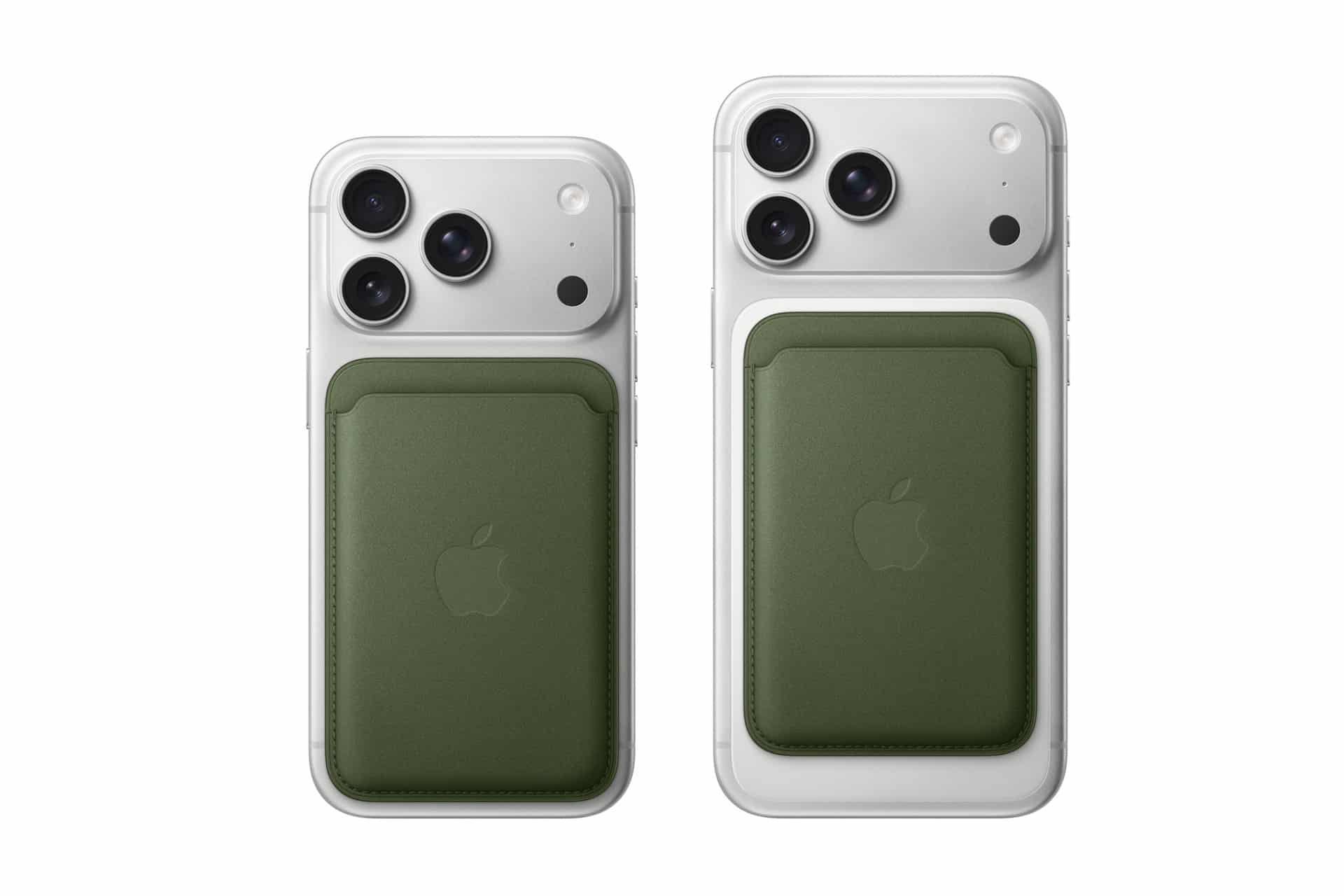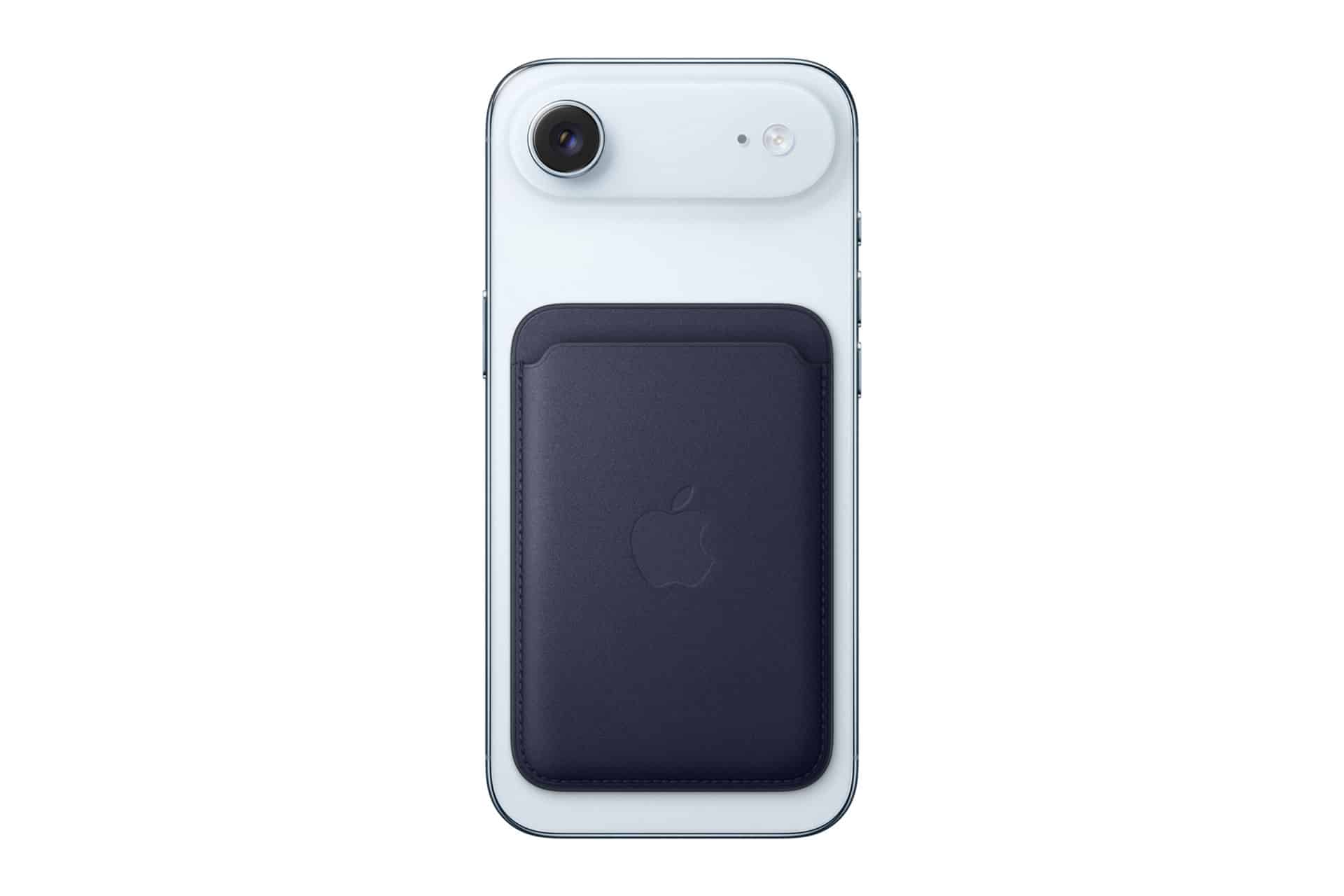
A wallet is one of the few things people check for almost instinctively — keys, phone, wallet. It becomes part of a daily rhythm, something you reach for without thinking. The shift to a MagSafe Wallet changes that habit slightly. It no longer lives in a pocket or bag by default, but attaches directly to the iPhone, blending into the device you already carry everywhere.
That convenience comes with a subtle trade-off. Because it is magnetic and detachable, the moment it separates from the phone is not always obvious. It might slide off when pulling the iPhone out of a pocket, remain on a table after a quick stop, or detach inside a car without immediate notice. These are small, ordinary situations — the kind that only become noticeable minutes later.
MagSafe wallet find functionality was introduced to respond to exactly those moments. Not by turning the wallet into a constantly trackable object, but by anchoring its presence to the iPhone itself. The system quietly records where the connection was last active, giving you a starting point when something feels off.
In practice, this changes how loss is experienced. Instead of retracing an entire day, you begin with a specific place — the last moment your iPhone and wallet were together. That shift from uncertainty to reference point is what makes the feature useful, especially in the kind of everyday situations where items are not stolen or misplaced far away, but simply left behind.
How Find My Works with MagSafe Wallet
When attached to a compatible iPhone, the MagSafe Wallet pairs with the device and registers inside the Find My app.
If it becomes detached, your iPhone records the last known location.
To check:
Open Find My > Items > Select MagSafe Wallet
You’ll see the last location where it was connected to your phone.
This feature relies on proximity. The wallet does not independently broadcast its location unless it is within range of the Find My network via nearby Apple devices.

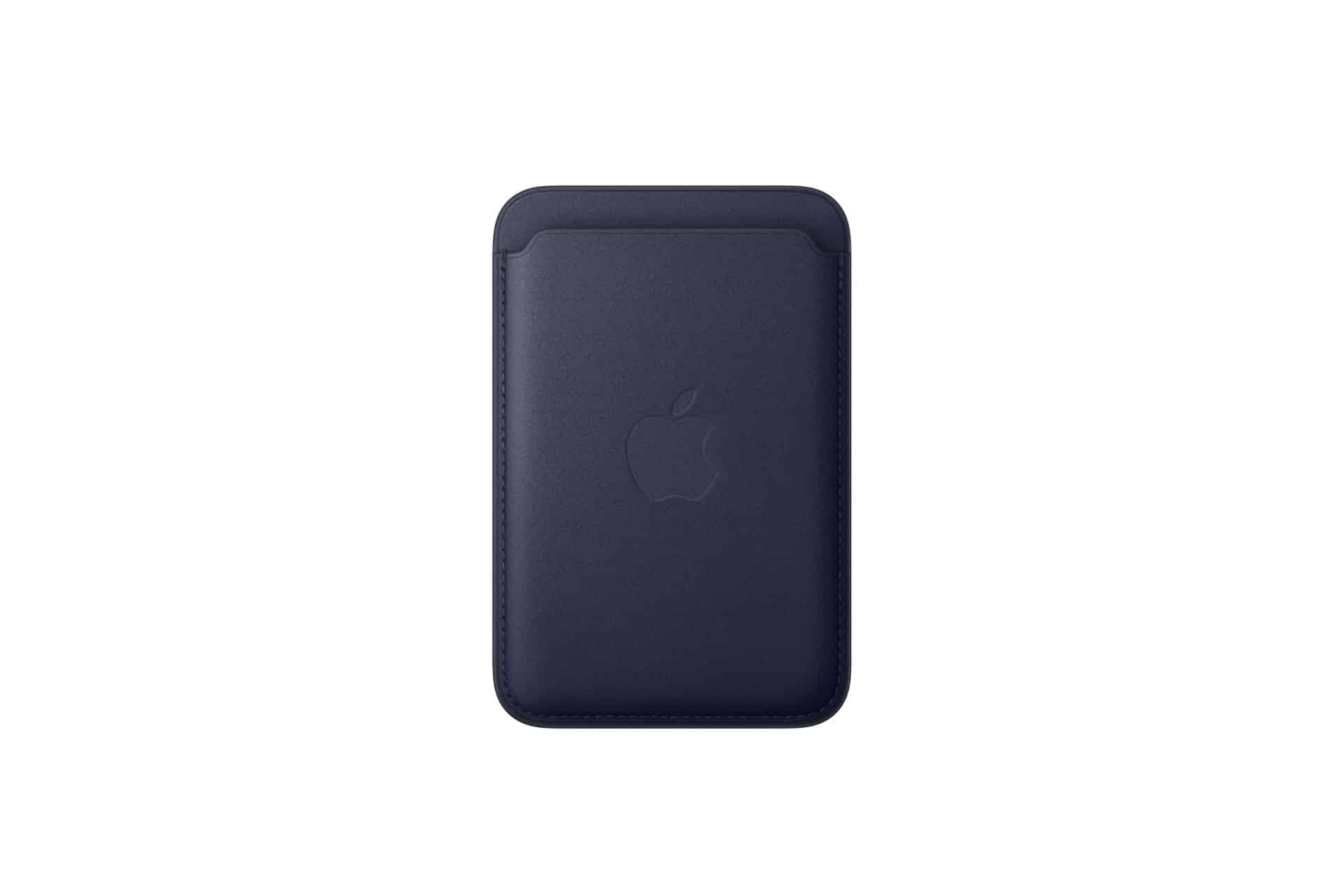
Setting Up the Wallet in Find My
Initial setup happens automatically when attaching a compatible MagSafe Wallet to your iPhone.
Attach Wallet to iPhone > Follow On-Screen Prompt
Once paired, the wallet appears in the Find My app under the Items tab.
If it doesn’t appear, ensure:
- iOS is up to date
- Bluetooth is enabled
- Find My is activated
You can confirm Find My status here:
Settings > [Your Name] > Find My > Find My iPhone
Understanding “Last Known Location”
MagSafe wallet find functionality is based on disconnection detection. If the wallet detaches, the iPhone logs where it happened.
For example, if the wallet slips off while getting out of a car, the location saved will reflect that area.
This differs from AirTag behavior. The wallet does not emit a sound or continuously transmit position independently. If someone nearby with an Apple device passes the wallet, the broader Find My network may update its location anonymously.

Notifications and Separation Alerts
Users can enable separation alerts to receive a notification if the wallet is left behind.
Find My > Items > MagSafe Wallet > Notify When Left Behind
If activated, your iPhone alerts you when it detects distance between the phone and wallet beyond a certain threshold.
This feature is useful in public places, such as cafés or airports.
Battery-Free Tracking
Unlike AirTag, the MagSafe Wallet does not contain a replaceable battery. It relies on passive NFC and proximity-based pairing.
This means there is no charging required. It also means tracking capabilities are more limited compared to powered tracking accessories.
Daily Practical Use
In everyday scenarios, MagSafe wallet find functionality provides peace of mind rather than full tracking coverage.
Common use cases include:
- Confirming the wallet was left at home
- Identifying the last café visited
- Receiving a separation alert after leaving a table
Because the wallet is often used for just a few essential cards, knowing where it detached can quickly narrow down search efforts.
Limitations to Consider
The wallet does not offer:
- Real-time GPS tracking
- Audible location alerts
- Continuous live updates
Its integration with Find My focuses on logging last connection and leveraging the Apple device network for passive updates.
For users who need continuous item tracking, AirTag may provide broader functionality.
MagSafe wallet find integration fits Apple’s ecosystem approach: subtle, privacy-focused, and reliant on device proximity rather than constant transmission.
For a slim accessory designed for everyday convenience, the addition of Find My support transforms a simple magnetic wallet into a connected extension of your iPhone — one that quietly keeps track of where it was last with you.