Apple Music often feels familiar from the moment you open it, but much of its real power lives just beneath the surface. Beyond playlists and albums, the Music app includes subtle tools that improve discovery, sound quality, and day-to-day usability. Mastering the Music app isn’t about learning complex menus — it’s about knowing where Apple quietly placed features that adapt the experience to you.
Personalization That Learns Over Time
Apple Music’s recommendations improve significantly when you interact intentionally. Favoriting artists, albums, and songs trains the algorithm to refine what appears in Listen Now. Skipping tracks frequently sends just as strong a signal as liking them, helping the app learn what not to surface.
The Listen Now tab becomes more accurate the more you use it as a feedback loop rather than a passive feed. Over time, this creates a listening page that feels curated rather than generic.
Hidden Queue Controls
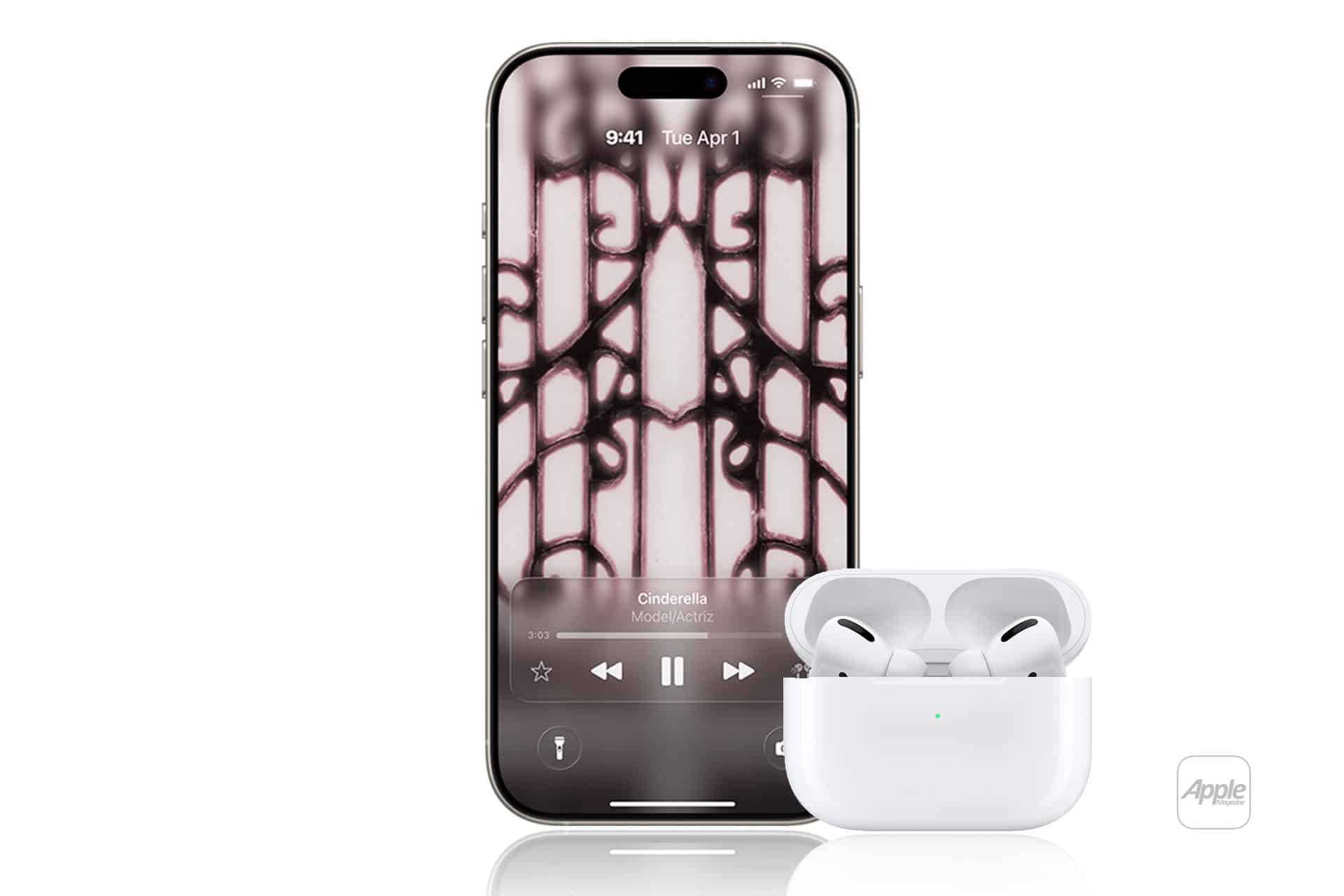
The Up Next queue is more powerful than it first appears. By tapping and holding a song, you can decide whether it plays next, later, or replaces the queue entirely. Reordering tracks manually lets you shape a listening session on the fly without building a playlist.
You can also clear or reshuffle the queue mid-session, which is especially useful when transitioning from focused listening to background music.
Lyrics, Sing, and Deeper Engagement
Apple Music’s live lyrics are more than visual flair. Tapping individual lines lets you jump to specific moments in a song, making it easier to revisit favorite sections. For supported tracks, Apple Music Sing allows you to lower or remove vocals, turning songs into interactive listening experiences rather than passive playback.
This feature works particularly well with Spatial Audio tracks, where background instrumentation remains immersive even when vocals are reduced.
Sound Quality Settings That Matter
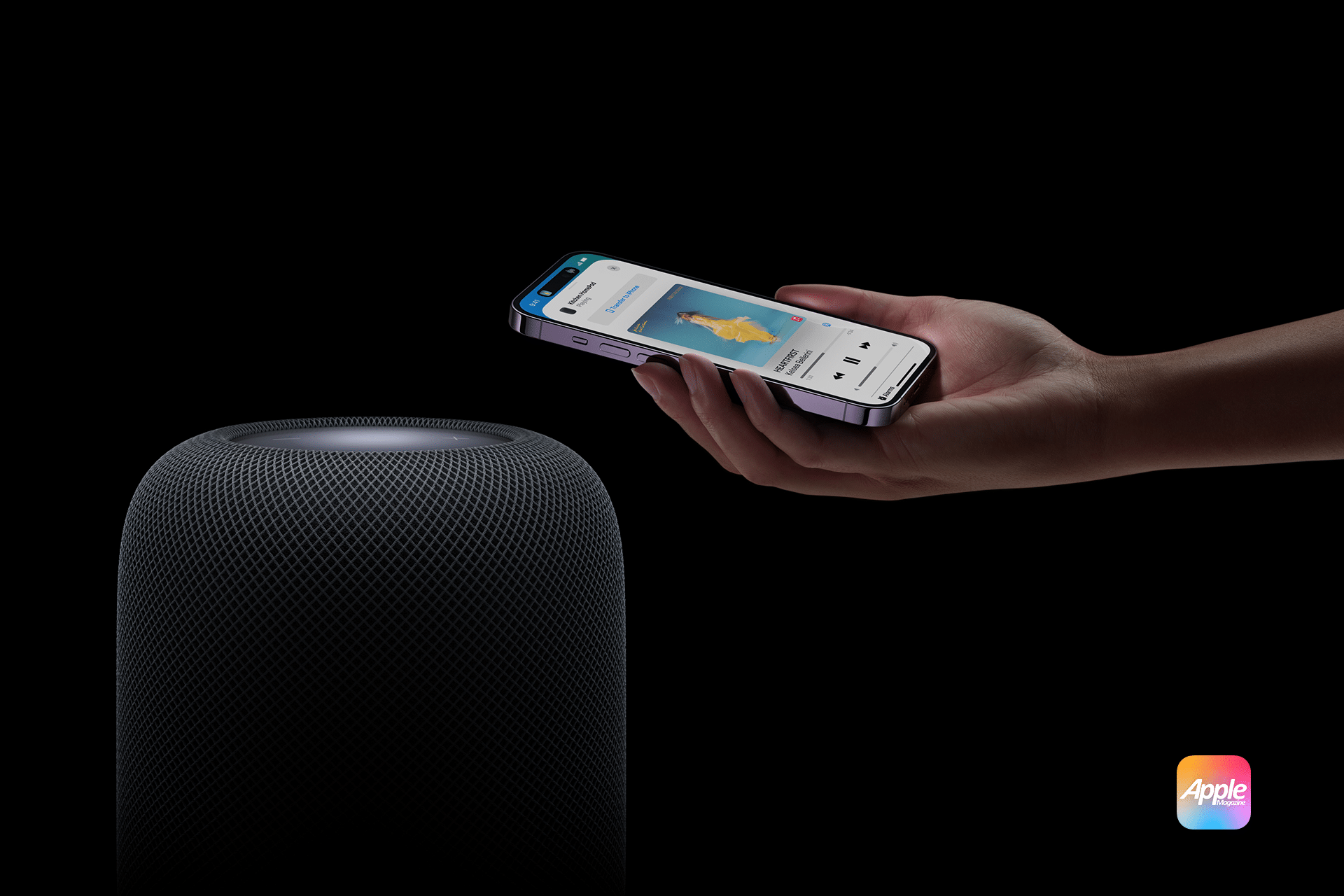
One of Apple Music’s most overlooked advantages is control over audio quality. Enabling Lossless Audio and Spatial Audio significantly changes how music sounds, especially with compatible headphones and speakers.
Adjusting download quality separately from streaming quality helps balance storage and performance. For example, you can keep downloads at high quality while streaming at standard quality on cellular to preserve data.
Discovery Beyond Playlists
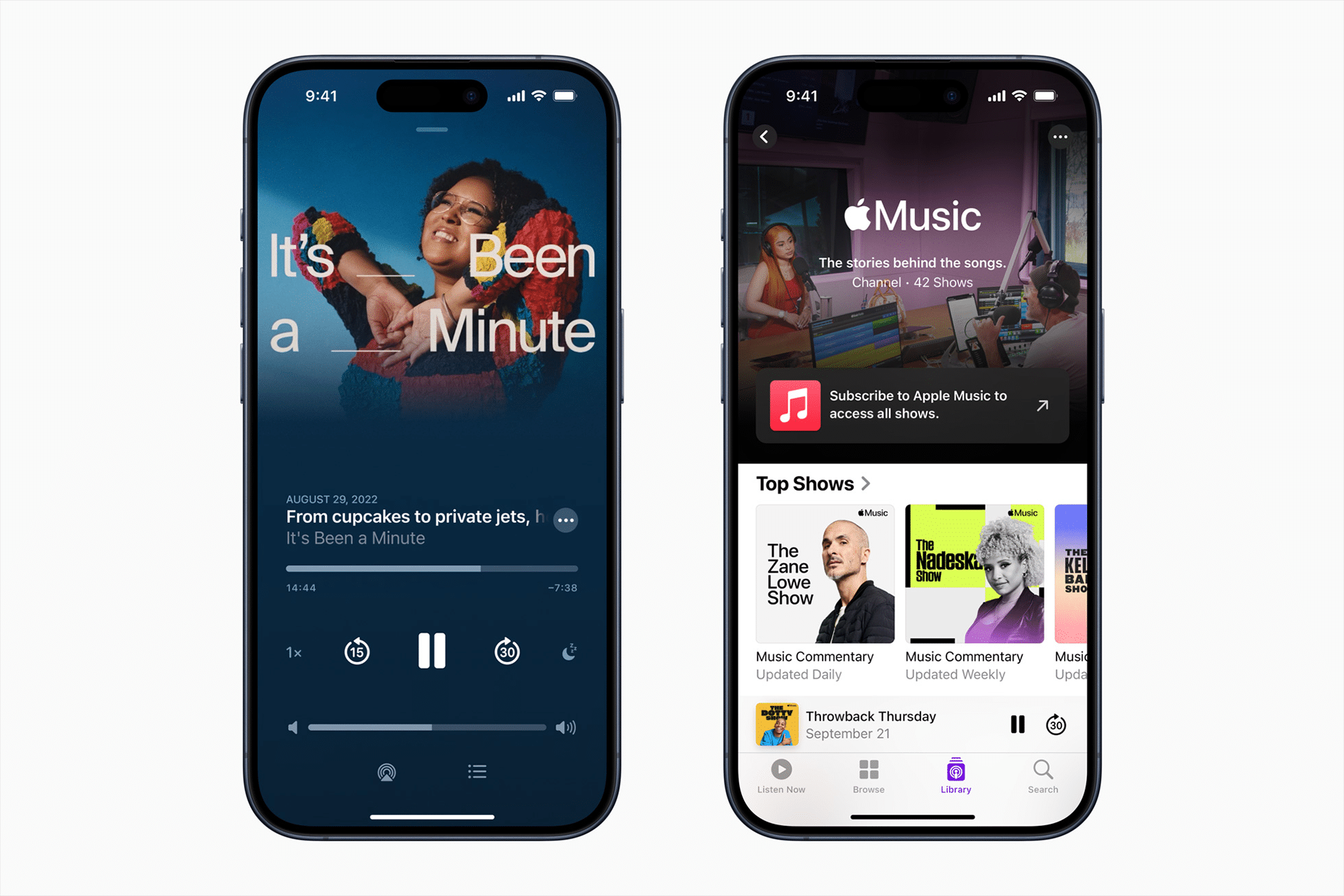
Search in Apple Music goes deeper than artist names. You can search by lyrics, mood, or even vague phrases, often surfacing tracks you didn’t know you were looking for. Editorial playlists also hide gems when you scroll past the first few rows, where niche genre mixes and themed collections live.
Radio shows and curated stations add context to music discovery, introducing tracks through storytelling rather than algorithms alone.
Library Organization That Reduces Friction
Apple Music’s library tools allow you to control how content appears. Turning off automatic additions for playlists prevents clutter, while smart downloads ensure frequently played tracks stay available offline.
Sorting options within albums, artists, and playlists make it easier to navigate large libraries, especially for users who have built collections over many years.
Why Mastery Changes the Experience
Mastering the Music app doesn’t require changing how you listen — it enhances it. Apple designed Music to fade into the background when needed and step forward when curiosity strikes. The hidden gems are there to support different listening modes: discovery, focus, nostalgia, and exploration.
Once these features become second nature, Apple Music feels less like an app and more like a personal music space that evolves alongside your taste.