

Rosetta 2 phaseout is moving Apple’s silicon transition into its final stage, and thousands of older Mac apps may stop working on updated Macs once the general translation layer is removed.
Apple says Rosetta is currently available on Macs with Apple silicon and will remain available through macOS 27. Starting with macOS 28, Rosetta functionality will be limited to certain older, unmaintained games that rely on Intel-based frameworks. For general Intel-only Mac apps, plug-ins, extensions, and add-ons, Apple’s message is direct: developers need to update them for Apple silicon.
That makes next year a deadline for users still depending on older Intel-based software. The reported figure of more than 22,000 affected apps shows the scale of what remains in the Mac ecosystem after the transition began in 2020. Some of those apps may be abandoned, niche, internal, academic, creative, professional, or tied to older workflows that never received Universal or Apple silicon versions.
Rosetta 2 Phaseout Marks the End of the Transition
Rosetta 2 was introduced as a bridge when Apple moved the Mac from Intel processors to its own M-series chips. It allowed Intel-based apps to run on Apple silicon Macs by translating x86-64 code for the new architecture. For many users, the transition felt smooth because Rosetta handled older apps quietly in the background.
That grace period is ending. Apple’s support document now tells users that support for Rosetta will end in a future version of macOS and specifically says macOS 27 will be the final major release with broad Rosetta availability. macOS 28 will keep only a smaller compatibility layer aimed at older games using Intel-based frameworks.
The move follows Apple’s pattern from earlier Mac transitions. When Apple switched from PowerPC to Intel, the original Rosetta helped older PowerPC apps continue running for a few years. Apple removed Rosetta support with OS X Lion in 2011, forcing remaining PowerPC apps off the modern Mac software path. The current shift from Intel to Apple silicon is now reaching the same kind of cutoff.
The timing also fits Apple’s hardware cycle. The first Apple silicon Macs launched in late 2020, and Apple completed the Mac transition when the Intel Mac Pro was discontinued in 2023. By the time macOS 28 arrives, developers will have had several years to move apps to Apple silicon.

Why Older Mac Apps Will Stop Working
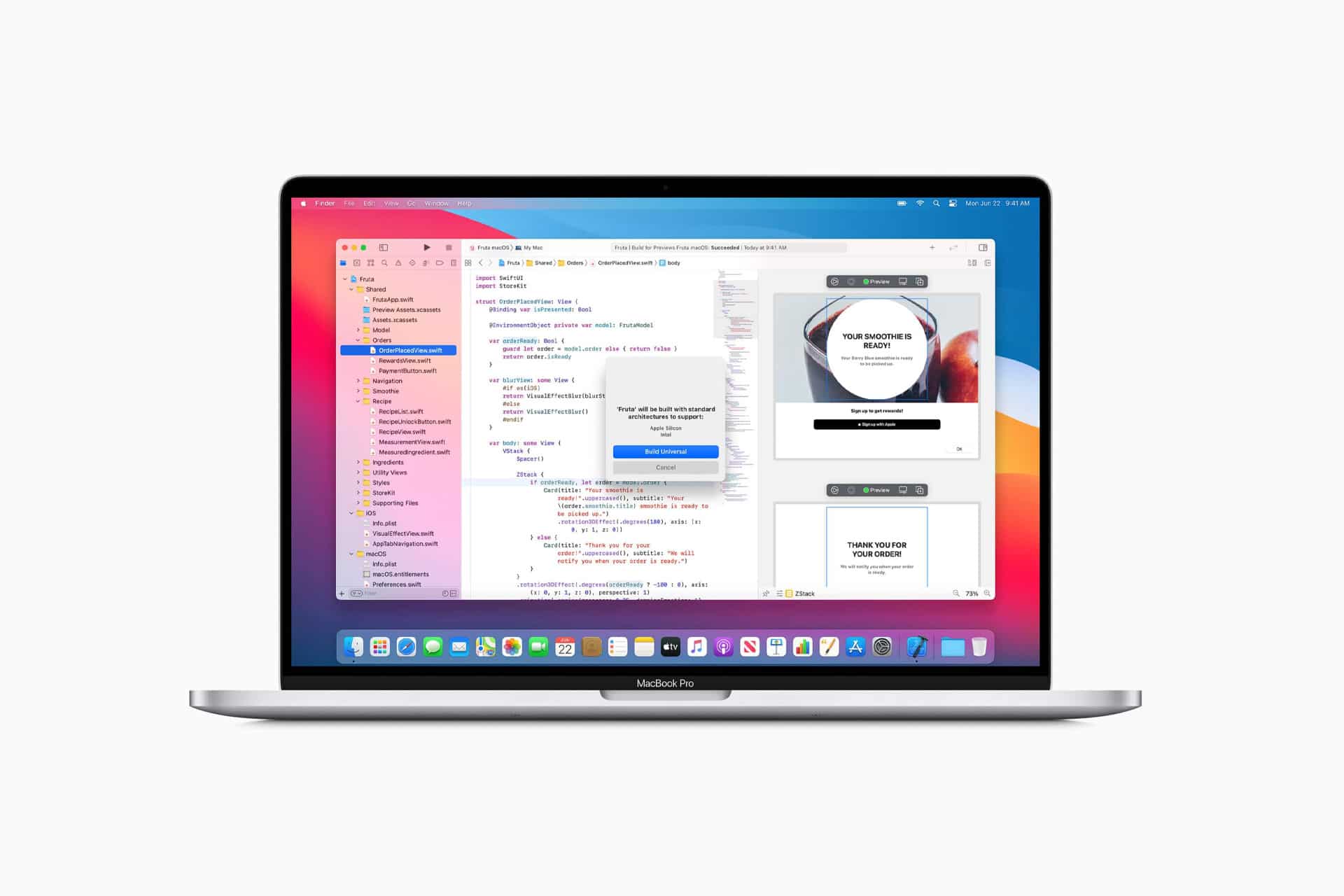
The apps at risk are Intel-only applications. These are Mac apps built only for Intel processors, without a native Apple silicon version. On an M-series Mac today, they run because Rosetta 2 translates them. Once broad Rosetta support is gone, those apps will no longer have the translation layer they need.
Universal apps are safe because they contain code for both Intel and Apple silicon. Apple silicon apps are also safe because they run natively on M-series Macs. The problem is software that still shows as Intel-only.
To check an app on Mac:
Finder > Applications > Select App > File > Get Info
Then look at Kind:
- Application > Intel
- Application > Universal
- Application > Apple silicon
If the app is marked Application (Intel), it needs Rosetta today and should be updated, replaced, or tested before macOS 28. If it is marked Universal or Apple silicon, it does not depend on Rosetta for normal use.
Users should also check plug-ins, drivers, extensions, audio tools, older games, creative utilities, scientific tools, printer software, enterprise apps, and specialty software. In some workflows, the main app may be native, but a required plug-in or helper tool may still be Intel-only.
Mac Gaming and Professional Tools Face the Biggest Risk
The Rosetta 2 phaseout may be felt most strongly in Mac gaming and specialist software. Many older games were never updated for Apple silicon, especially titles that already had smaller Mac audiences. Apple’s limited macOS 28 exception for certain older games may help some titles, but it will not preserve full Rosetta support for every Intel-only app.
Professional workflows can also be vulnerable. Audio production, video tools, scientific software, engineering utilities, research apps, custom business tools, and old plug-ins may remain tied to Intel code. In many cases, these apps still run well enough today, which can hide the risk until the next macOS upgrade arrives.
Studios, schools, labs, small businesses, and independent creators should audit software before the cutoff. The danger is not only losing one app. It is losing access to older projects, plug-ins, file formats, hardware drivers, or workflows that depend on that app.
For users who rely on a specific tool, the safest path is to contact the developer and check for a Universal or Apple silicon version. If the app has been abandoned, users may need to export files, migrate projects, find replacements, or keep an older Mac environment available for legacy work.
How to Prepare Before macOS 28
The first step is identifying Intel-only apps. Apple’s Get Info method works one app at a time, but users with large software libraries may need a more thorough audit through system information or third-party inventory tools.
A simple manual check starts here:
Finder > Applications > Select App > File > Get Info > Kind
Then update anything marked Intel. Apps from the App Store can be updated through the App Store. Apps downloaded from developers may include a Check for Updates option inside the app menu. Some older apps may require downloading a new version directly from the developer’s website.
To update App Store apps:
App Store > Updates
For non-App Store apps:
Open App > App Name Menu > Check for Updates
Users should also open essential apps after updating to confirm they run natively. In some cases, an app may be Universal but set to open using Rosetta for compatibility. That setting may need to be turned off if the native version works properly.
To check:
Finder > Applications > Select App > Get Info > Open Using Rosetta
If the checkbox appears and is enabled, test the app with the setting disabled. Some professional apps used Rosetta temporarily for older plug-ins, but that workaround will become less useful once Rosetta support disappears.
Intel Macs Are a Separate Issue
The Rosetta 2 phaseout affects Apple silicon Macs running Intel-based apps. Intel Macs do not use Rosetta 2 to run Intel software because they run Intel code natively. Their problem is different: the end of macOS support.
Apple has said macOS Tahoe was the final release to support Intel-based Macs, with newer macOS versions moving fully to Apple silicon. That means Intel Mac users face a separate upgrade question around operating system updates, security support, and future app compatibility.
For people who need legacy Intel apps, an older Intel Mac may remain useful for a while, but it should not be treated as a permanent solution. Security updates eventually end. New apps stop supporting older systems. Cloud services and browsers move on. Hardware ages.
The better plan is to keep legacy machines only for specific offline or controlled workflows while moving daily work to supported Apple silicon apps wherever possible.
Apple Is Closing the Apple Silicon Migration
Apple’s decision is not unexpected. The company wants the Mac platform to move fully into Apple silicon, where it can optimize performance, battery life, graphics, machine learning, security, and developer tools around its own chips. Keeping broad Intel translation forever would keep old software alive, but it would also keep part of the platform tied to the past.
For developers, the direction has been visible since 2020. Apple gave them Universal apps, developer tools, transition kits, Apple silicon documentation, Rosetta 2, and several macOS cycles to update. The phaseout now tells the remaining holdouts that compatibility can no longer be postponed.
For users, the impact depends on how modern their app library already is. Many major Mac apps have native Apple silicon versions. Safari, Mail, Final Cut Pro, Logic Pro, Microsoft Office, Adobe apps, Affinity apps, Pixelmator, DaVinci Resolve, and many other widely used tools have moved forward. The pain will be in older utilities, abandoned apps, games, and specialized software that never made the jump.
This is why the 22,000-app figure sounds dramatic but needs context. Not every affected app is actively used. Some may be old duplicates, discontinued tools, outdated game builds, or software few users still need. But for the people who depend on one of those apps, the impact can be total.
A Mac Compatibility Check Should Start Now
The best time to check Intel-only Mac apps is before macOS 28 arrives. Users who wait until after upgrading may discover that an old tool no longer opens when they need it most.
A careful preparation plan is simple. Identify Intel-only apps. Update them. Replace abandoned tools. Export old projects. Check plug-ins and drivers. Keep installers and license information. Avoid upgrading mission-critical Macs to macOS 28 until essential software has been tested.
Businesses and creative teams should test on one Mac first rather than updating every machine at once. Schools and labs should check specialized apps and hardware. Gamers should review which titles still depend on Rosetta and whether publishers have announced Apple silicon updates.
Apple’s Rosetta 2 phaseout closes the last broad bridge from Intel apps to Apple silicon Macs. For most users, the transition may pass quietly because their apps are already native or Universal. For anyone still relying on Intel-only software, macOS 28 will be the point where old compatibility finally gives way to Apple’s all-M-series Mac future.