

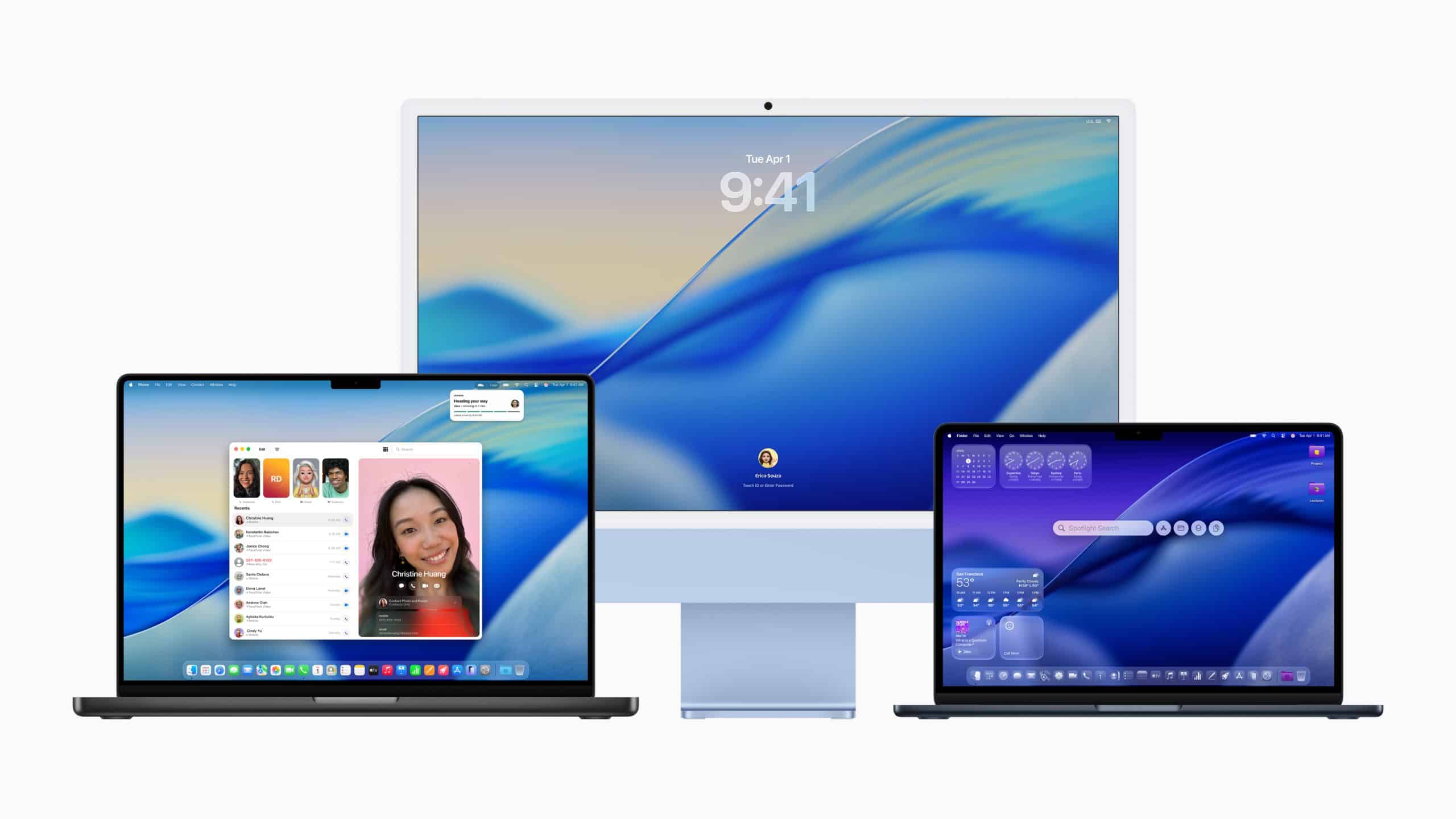
Software longevity is one of the reasons Mac ownership often feels premium after several years. The value of a Mac is not only in the aluminum body, the display, the trackpad, or the chip inside. It is also in how long the software keeps the machine useful. A laptop that remains stable, secure, and productive five or six years after purchase delivers a different kind of value than a machine that feels aged after two upgrade cycles.
That has become one of Apple’s strongest arguments in personal and professional computing. The Mac is built as a combined hardware and software product. Apple controls the chip architecture, operating system, security model, built-in apps, update path, and many of the services that move between devices. That level of control can feel restrictive to people who prefer a more open PC world, but it also gives Apple the ability to tune performance and stability in a way that fragmented ecosystems struggle to match.
For many users, that difference becomes clearer over time. A Mac used for writing, design, research, office work, video calls, file management, music production, software development, or school can stay familiar across years of updates. The interface evolves, but the foundation remains steady. Apps continue to receive support. Security patches continue arriving. Built-in tools like Safari, Mail, Notes, Calendar, Preview, Pages, Numbers, Keynote, Messages, FaceTime, and iCloud Drive keep improving without turning the device into something unrecognizable.
That is the deeper meaning of software longevity. It is not only about how many years a Mac receives updates. It is about how well the Mac keeps doing the work it was bought to do.
macOS Support Adds Value Beyond the Purchase Day
Apple’s own guidance says users should keep their Mac updated to maintain security, stability, and compatibility. That phrasing is important because it captures the three things that matter most after the first year of ownership. Security keeps the machine safe. Stability keeps work predictable. Compatibility keeps apps, websites, and services usable.
A Mac that receives macOS updates for several years gains value through continuity. New system features arrive, but so do bug fixes, browser updates, security patches, and improvements to built-in apps. Safari remains especially important because so much work now happens through web apps. When Safari keeps receiving updates, an older Mac can continue handling banking, publishing tools, email platforms, cloud dashboards, research databases, and business systems more safely.
This is one area where the Mac can feel calmer than many competing PCs. Windows machines vary widely by manufacturer, driver support, firmware updates, bundled utilities, and hardware quality. Some PCs age well. Others become messy after years of updates, manufacturer tools, and compatibility layers. Apple’s narrower hardware range gives macOS a cleaner target. The company does not need to support every possible combination of components from every vendor.
Apple Silicon has strengthened that advantage. Since the M1 transition began, macOS and Apple-designed chips have been developed around the same performance and efficiency goals. Battery life, thermal behavior, app responsiveness, media engines, and Neural Engine features all benefit from that alignment. A MacBook Air with Apple Silicon can remain fast for ordinary work years later because the system was not built around brute force alone. It was built around efficiency.


Stability Matters More Than Raw Speed Over Time
Many people buy a computer by comparing speed. That makes sense on day one, but over several years, stability often becomes more important. A machine that wakes reliably, manages memory well, handles browser tabs without constant fan noise, avoids random driver problems, and keeps battery life reasonable can become more valuable than a machine that once had stronger numbers on a spec sheet.
Software longevity supports that kind of stability. macOS updates usually refine the same system rather than forcing users to rebuild their workflow. A Mac can move from one version of macOS to another while keeping documents, app preferences, iCloud data, passwords, photos, and device continuity intact. That reduces the sense of starting over.
For professional users, that reliability becomes financial. A Mac used in a studio, office, classroom, newsroom, clinic, or small business is not only a device. It is part of the workflow. Downtime costs time. Unstable updates cost patience. Driver conflicts cost productivity. Apple’s controlled environment helps reduce some of those risks, especially for people who do not want to become their own IT department.
This does not mean every macOS update is perfect. No platform avoids bugs. Apple has shipped updates that required fixes, and some users prefer to wait before installing major new releases. But the broader pattern remains strong: macOS gives many Macs a long, usable life, and that adds value to the hardware.
The Complicated Shadow of Planned Obsolescence
Any article about software longevity and Apple has to address the most sensitive accusation the company has faced: planned or programmed obsolescence. Apple has been criticized for decisions that some users believed pushed older devices toward replacement. The most famous case involved iPhone performance management tied to aging batteries. Reuters reported in 2020 that Apple agreed to pay up to $500 million to settle U.S. litigation accusing the company of slowing older iPhones, though Apple denied wrongdoing in the settlement.
Apple’s explanation centered on battery health and unexpected shutdowns. Older lithium-ion batteries can struggle to deliver peak power, and iOS performance management was designed to prevent shutdowns. The controversy came from the lack of clear early communication. Many users felt performance changed without enough transparency, which damaged trust even among loyal customers.
That history matters because longevity depends on trust. A customer needs to believe that updates are meant to protect and improve the device, not quietly push it out of usefulness. Apple learned that lesson publicly. Battery health information, performance management transparency, repair programs, and clearer support documentation became part of the company’s response.
The Mac has not carried the same battery-throttling controversy in the same way, but the broader concern still applies. When Apple drops support for older Macs, changes system requirements, or limits new features to Apple Silicon, some users see the move as forced obsolescence. Sometimes the concern is fair emotionally, especially when older hardware still feels usable. Technically, Apple also has to balance support burden, security needs, performance expectations, and new architecture transitions.
The move from Intel Macs to Apple Silicon is the clearest example. Apple’s newest features increasingly depend on M-series chips, and reports around macOS Tahoe indicate the end of major macOS upgrades for Intel-based Macs, while security updates continue for a period afterward. That can frustrate Intel Mac owners, but it also reflects the reality of a platform transition. Apple is now building macOS around its own silicon, and the deepest features will follow that architecture.

Longevity as Part of the Mac’s Real Cost
A Mac’s purchase price is often higher than many competing PCs, but the better comparison is long-term cost. If a Mac remains stable for six or seven years, keeps strong resale value, receives security updates, and continues running essential apps, the annual cost of ownership looks very different.
That is especially true for personal productivity. A student who uses one Mac through several years of school gains value from consistency. A freelancer who keeps the same MacBook through multiple client cycles avoids replacing tools too often. A small business that standardizes on Macs can benefit from simpler support, longer usable life, and fewer surprise maintenance issues.
Software longevity also supports resale value. A used Mac that still runs a supported or recently supported macOS version is easier to sell than a machine abandoned by updates. Buyers want confidence that the device will remain usable. Apple’s update history, combined with durable hardware and strong brand demand, keeps older Macs relevant in the secondhand market.
That value is not only financial. There is also a comfort in keeping a machine that still works well. People build routines around computers. Keyboard feel, app layout, file organization, shortcuts, display calibration, browser profiles, and work habits become familiar. A long-lasting Mac lets those routines mature instead of being interrupted by constant replacement.
Apple’s Long-Term Advantage Is Integration
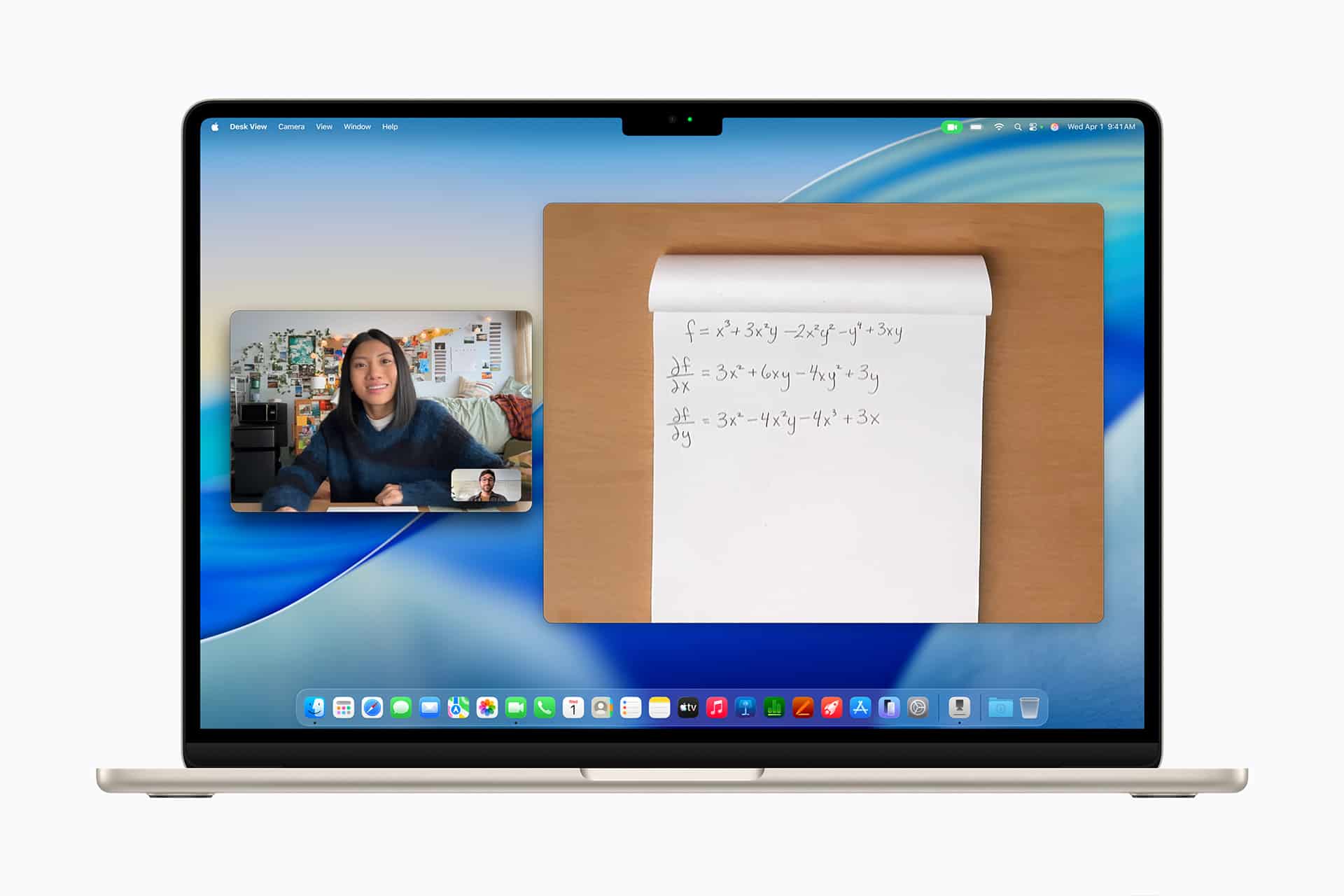
Software longevity is strongest when hardware and software age together. This is where Apple’s model has become more convincing over time. What critics once described as a closed ecosystem now often appears as a stable personal computing environment. The Mac works with iPhone. Apple Watch can unlock the Mac. AirDrop moves files quickly. iCloud syncs documents and photos. Universal Clipboard, Handoff, Sidecar, Continuity Camera, Messages, and FaceTime extend the machine beyond the laptop itself.
That integration helps older Macs remain useful because they are not isolated devices. Even as a Mac ages, it can still participate in the wider Apple system. A user may upgrade the iPhone first, then keep the Mac longer because the two still work together. A newer iPad may extend the workflow. AirPods remain connected. iCloud keeps files current.
The durability of that experience is what separates software longevity from simple update counting. A Mac can remain valuable because the system around it continues to support daily life. The hardware lasts. The software matures. The services keep the device connected to the rest of the user’s work and personal space.
Apple still has to manage the balance carefully. Long support builds loyalty. Sudden cutoffs damage confidence. New features should move forward without making recent devices feel abandoned too quickly. The strongest version of Apple’s strategy is the one where progress and longevity support each other: new Macs move the platform ahead, while older Macs remain stable, secure, and useful long after the first purchase excitement has faded.
