Apple’s Standard Repair Program, often referred to as Self Service Repair, is designed for users who want to repair their own iPhone using the same parts, tools, and documentation available to Apple Authorized Service Providers.
It’s a significant shift in how Apple approaches device longevity, offering more control to users while maintaining quality, safety, and device integrity.
What Is the Standard Repair Program
The Standard Repair Program allows individuals to purchase genuine Apple parts and rent professional-grade repair tools. It also provides official step-by-step repair manuals for supported iPhone models.
The program is intended for users who are comfortable performing technical repairs and want to keep their device running with original components rather than third-party substitutes.
Common repairs supported include:
- iPhone battery replacement
- iPhone display replacement
- Camera replacement
- Speaker and microphone repairs
- Certain button and sensor repairs
Not every component is user-repairable, but the most common wear-and-tear parts are included.
Which iPhone Models Are Supported
Apple gradually expands support as new models are released. Generally, the program supports recent iPhone generations, especially those still under active software support.
Before ordering parts, it’s important to check your exact iPhone model to confirm availability and compatibility.


How to Order iPhone Parts
Ordering parts through the Standard Repair Program follows a structured process to ensure accuracy.
Workflow
Visit Apple Self Service Repair store > Select iPhone model > Choose repair type > Order parts
Parts are shipped directly to your address. Some components require you to return the replaced part to Apple, which helps with recycling and may affect the final cost.
All parts are genuine Apple components, identical to those used in Apple Stores.
Renting Repair Tools
Certain repairs require specialized tools that aren’t commonly available at home. Apple offers a tool rental option so users don’t need to purchase expensive equipment.
Workflow
Select repair > Add tool rental > Receive tool kit
The tool kit is shipped to you and must be returned after the repair window. This ensures repairs are done correctly without forcing users to invest in tools they’ll rarely use.
Using Apple’s Repair Manuals
Apple provides detailed repair manuals that walk you through each step, including safety instructions and calibration requirements.
Workflow
Download repair manual > Follow step-by-step instructions
The manuals cover:
- Required tools
- Safety warnings
- Disassembly order
- Component installation
- System calibration after repair
Skipping steps or using incorrect tools can damage the device, so following the guide closely is essential.
Important Calibration After Repair
Some iPhone repairs require system configuration after the physical replacement. Apple provides a calibration process that pairs new parts with the device.
This ensures features like battery health reporting, True Tone, Face ID, and camera performance work as intended.
Workflow
Complete repair > Connect iPhone > Run System Configuration
Without calibration, certain features may not function correctly, even with genuine parts.

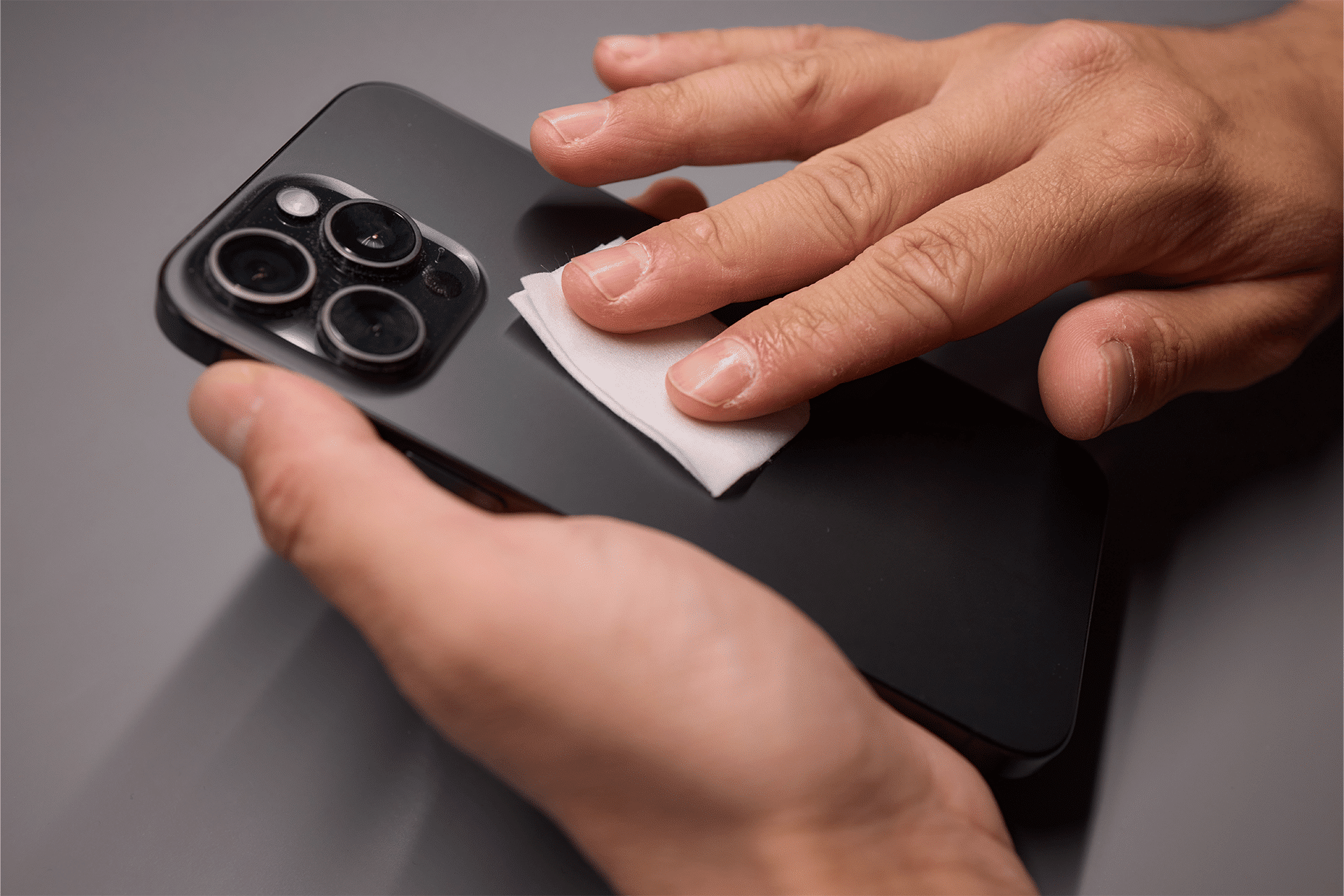
What to Check Before You Start
Before attempting a repair, consider a few key points:
- Make sure your iPhone is backed up to iCloud or a computer.
- Confirm that you’re comfortable working with small components.
- Review the full manual before starting.
- Work in a clean, static-free environment.
If the repair feels overwhelming, professional service may be the safer option.
When the Standard Repair Program Makes Sense
The program is ideal for users who enjoy hands-on work, want full transparency, or live far from an Apple Store or Authorized Service Provider.
It may not be ideal if:
- The device has water damage
- Multiple components are affected
- You’re unsure about technical steps
- Time is more valuable than cost savings
Apple continues to support traditional repair options alongside the Standard Repair Program, so users can choose what fits best.
A New Level of Repair Transparency
The Standard Repair Program reflects Apple’s evolving approach to device ownership. By offering official parts and documentation, Apple gives users more control without compromising quality or safety.
For the right person, fixing your own iPhone can be satisfying, cost-effective, and empowering. With the right preparation, tools, and patience, the Standard Repair Program makes it possible to extend the life of your device on your own terms.