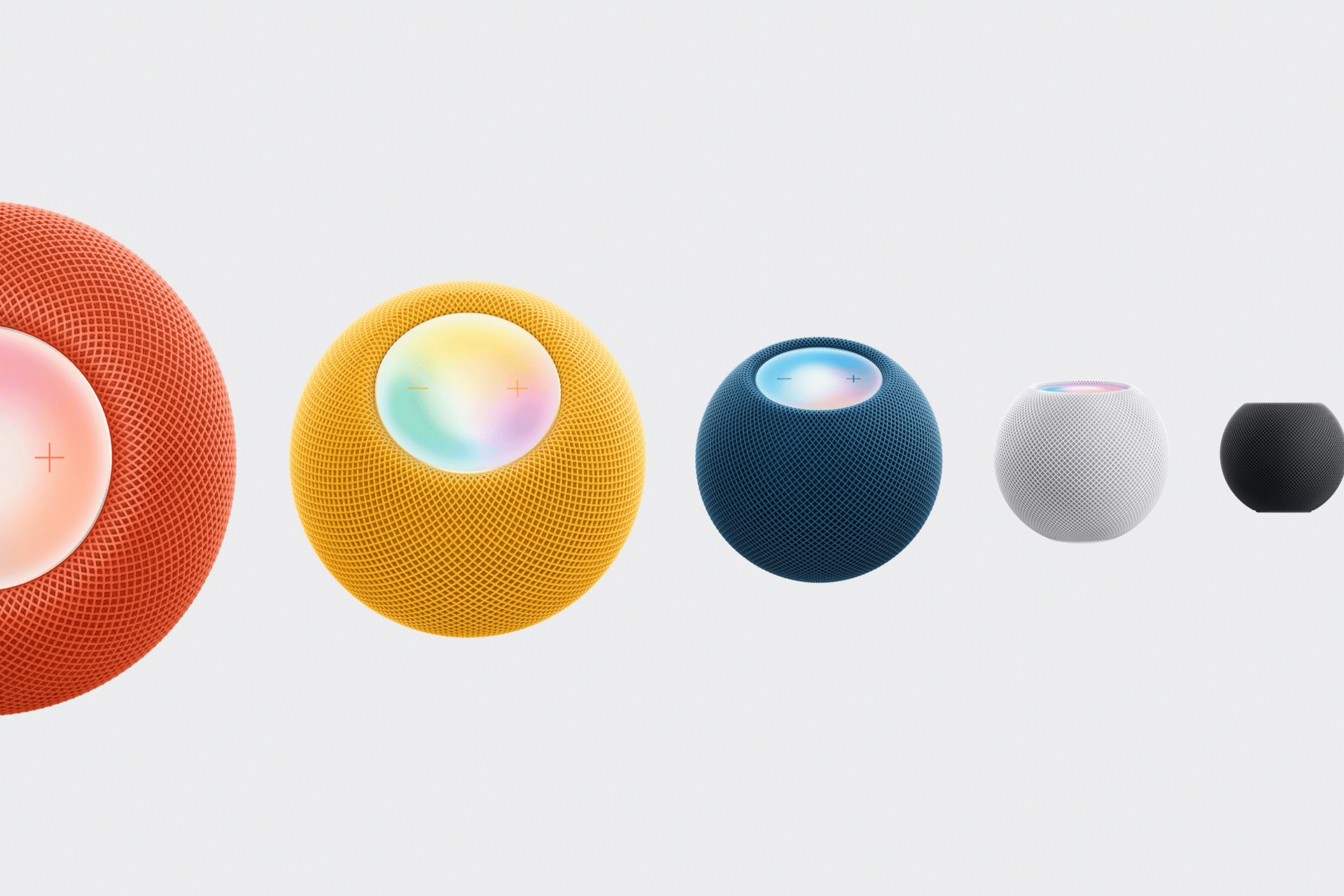
HomePod was designed to fill a room with sound, but pairing two HomePods takes that idea further. When set up as a stereo pair, they work together as left and right channels, creating wider soundstage, clearer separation, and a more powerful listening experience.
Whether placed in a living room for music or paired with Apple TV as a compact home theater system, stereo HomePods bring spatial sound into everyday spaces with minimal setup.

What You Need Before Setting Up
To create a stereo pair, you need two HomePods of the same model. Both must be assigned to the same room in the Home app and connected to the same Apple ID and Wi-Fi network.
Placement matters. Position the HomePods a few feet apart, ideally at ear level, with clear space around them. This allows the speakers to analyze the room and adjust audio automatically.
Workflow
Home app > HomePod settings > Room assignment
How to Create a Stereo Pair
Setting up stereo HomePods takes only a few steps in the Home app.
Open the Home app and press and hold one HomePod.
Tap Settings, then select Create Stereo Pair.
Choose the second HomePod and assign left and right positions.
Confirm and wait while the HomePods calibrate.
Once complete, the two HomePods function as a single stereo system, automatically balancing sound based on placement and room acoustics.
Workflow
Home app > Press and hold HomePod > Settings > Create Stereo Pair

How Stereo HomePods Improve Sound
With two HomePods working together, sound becomes more dimensional. Vocals feel centered, instruments spread naturally across the room, and bass gains depth without distortion.
HomePod’s spatial audio technology analyzes reflections and surfaces, adapting playback in real time. In a stereo setup, this effect becomes more pronounced, especially with Apple Music tracks mixed in Spatial Audio and Dolby Atmos.
The result feels less like sound coming from a speaker and more like sound filling the room.
Using Stereo HomePods With Apple TV
Stereo HomePods can also serve as the default audio output for Apple TV, creating a clean home theater setup without a soundbar or receiver.
Once paired, Apple TV automatically routes audio through the stereo HomePods. Movies and shows mixed in Dolby Atmos gain greater presence, with clearer dialogue and more immersive effects.
This setup works especially well in smaller living rooms or apartments where simplicity and sound quality matter equally.
Workflow
Apple TV > Settings > Video and Audio > Audio Output > HomePod Stereo Pair


Everyday Listening and Control
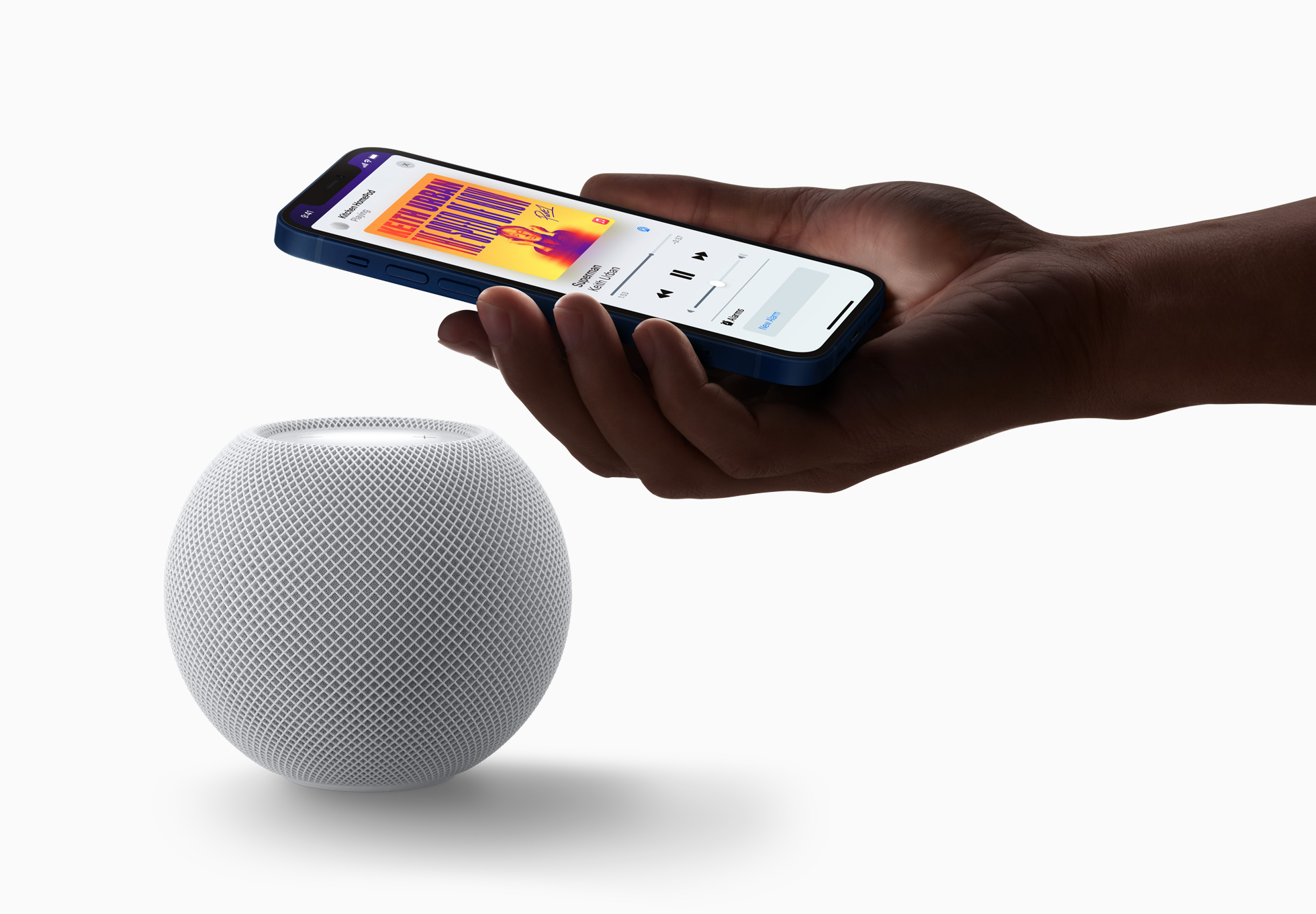
Once configured, stereo HomePods behave like a single speaker system. Music plays in sync, volume adjusts together, and Siri responds from whichever HomePod hears you best.
You can control playback using voice commands, the Home app, Apple Music, or directly from your iPhone. Multiroom audio still works, allowing the stereo pair to join other HomePods throughout the home.
The system stays flexible without adding complexity.
A Simple Upgrade With Big Impact
Pairing two HomePods is one of the easiest ways to elevate home audio without changing how you use your devices. The setup is fast, the sound improvement is immediate, and everything stays integrated inside the Apple ecosystem.
For music lovers and home theater fans alike, stereo HomePods turn a familiar space into something more immersive, without cables, remotes, or complicated gear.