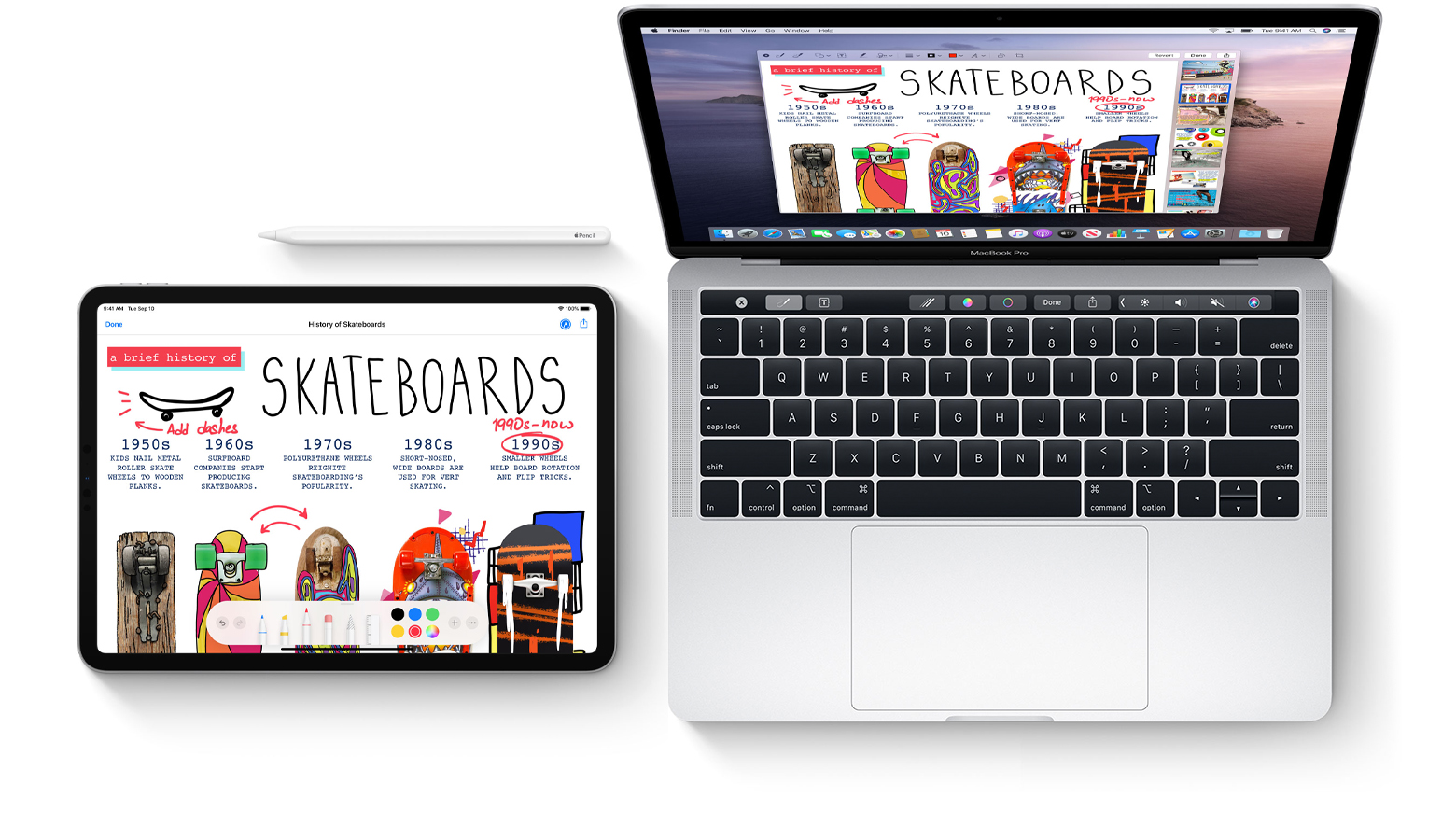
Research rarely happens in one sitting. It builds in layers — articles opened late at night, notes written in margins, arguments drafted and rewritten. A graduate student today does not stay fixed to one desk or one device. The work moves between an iPad filled with highlights, a Mac arranged with writing windows, and iCloud holding everything together in the background.
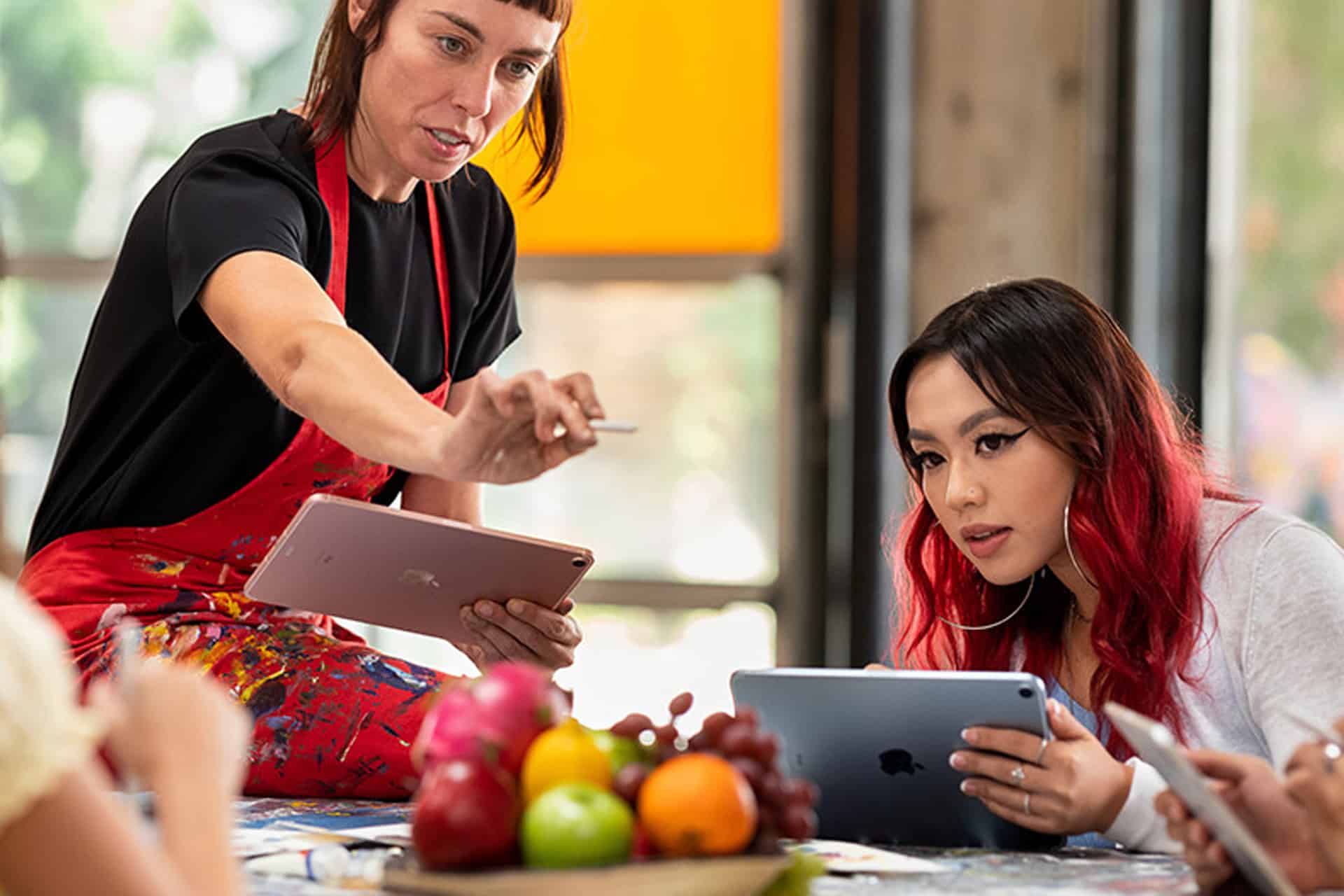
The student research workflow often begins with reading. Academic PDFs downloaded from journals and databases land in Files or a research folder inside iCloud Drive. On iPad, the process becomes physical. Apple Pencil glides across paragraphs, underlining theories, circling citations, scribbling questions along the side. That tactile motion slows the mind in a productive way. Reading becomes active rather than passive.
Those annotations are not trapped on the tablet. Within seconds, they are visible on the Mac. Highlights remain exactly where they were placed. Margin notes sit waiting to be expanded into structured paragraphs. There is no export step. No emailing files to oneself. The document simply appears.


From Annotations to Structured Writing
Writing shifts naturally to the Mac. A larger display makes it easier to manage argument flow. One window holds the annotated PDF; another contains the working draft. Sections move around. Citations are inserted. Paragraphs stretch, shrink, and reorganize.
This transition feels seamless because the research material never needs to be relocated. The file accessed on iPad in the library is the same file opened later on the Mac at home. iCloud synchronization keeps everything aligned without interrupting focus.
Graduate work often requires returning repeatedly to the same source. A highlighted sentence read days earlier becomes the anchor for a new section. Because annotations are preserved across devices, the thread of thought remains intact.
Organizing Research Without Losing Context
Organization evolves alongside the project. Folders in iCloud Drive separate coursework from thesis chapters. Subfolders divide literature review, methodology, and case studies. File names grow more specific as the argument becomes clearer.
The iPad often returns to prominence during seminars and advisor meetings. Notes are typed during discussion. Diagrams are sketched by hand. Sometimes a quick thought is captured in Notes on iPhone between classes. Later, that same note appears automatically on the Mac, ready to be integrated into the draft.
The workflow becomes less about transferring files and more about maintaining intellectual continuity. A comment written during a lecture can become a paragraph in a paper that same evening.

Writing Under Pressure
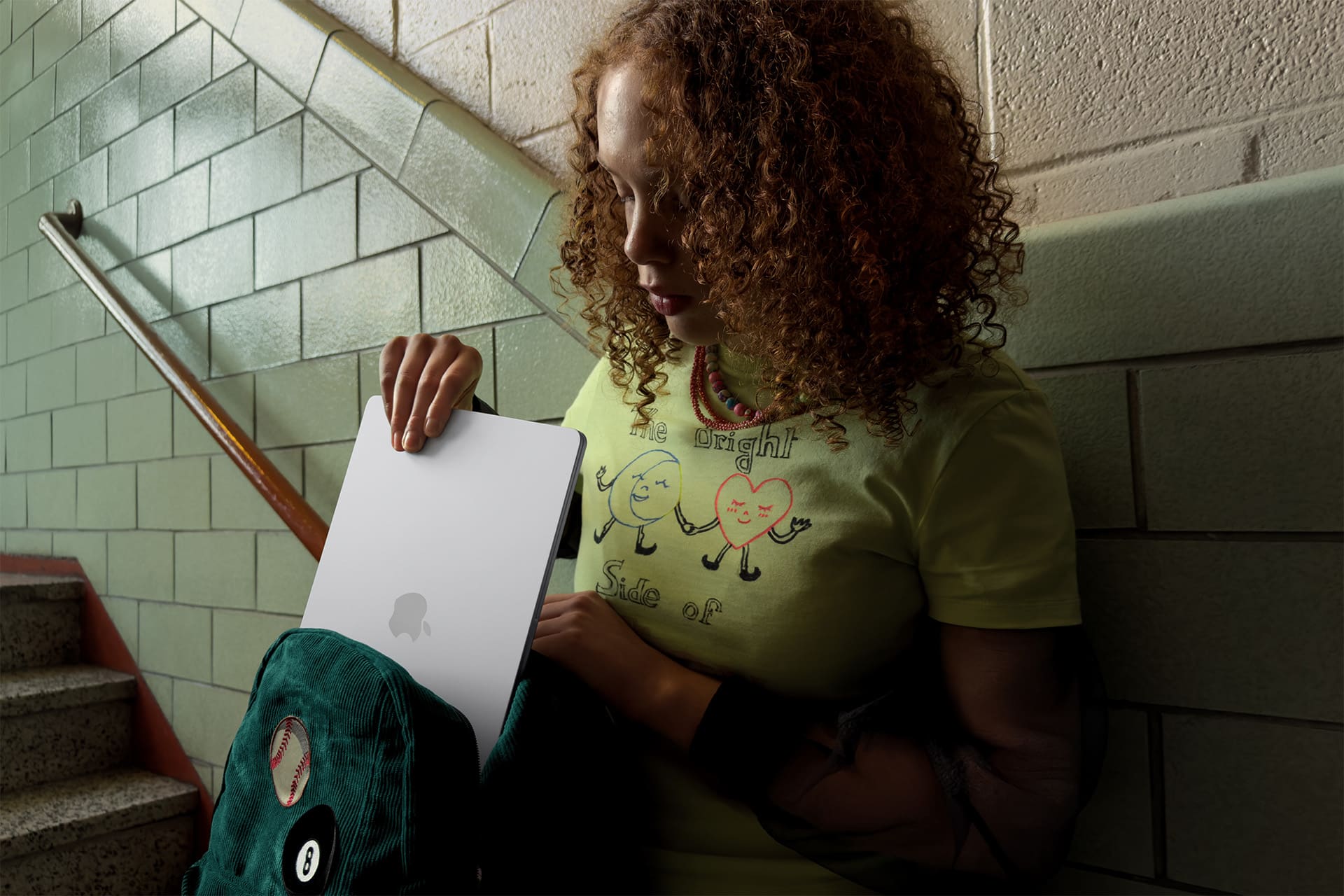
As deadlines approach, the coordination between devices becomes more visible. The Mac handles formatting, references, and final structure. The iPad sits beside it displaying source material. iCloud ensures that if a citation is corrected on one screen, it reflects everywhere else.
Feedback from a professor may arrive while the student is away from their desk. The draft opens on iPhone. Comments are reviewed. Minor edits can be made immediately, or reminders left for deeper revisions later. When the Mac is opened again, the updated file is already waiting.
This continuity reduces small logistical stress. There is no version confusion. No duplicate files named “final_v3.” The Student Research Workflow depends on clarity across devices rather than constant manual management.
The work itself remains demanding. Research still requires careful reading, analytical thinking, and sustained writing. But the tools supporting it no longer interrupt that flow. iPad encourages close engagement with texts. Mac supports structured composition. iCloud preserves the connection between them.
Over months of study, this rhythm becomes familiar. Read deeply. Annotate thoughtfully. Write deliberately. Sync automatically. The screens may change throughout the day, but the project remains unified.
By the time a thesis chapter is submitted or an academic paper finalized, the process has traveled across devices without ever feeling fragmented. The Student Research Workflow reflects that quiet integration — a system where research moves as fluidly as the ideas behind it.