

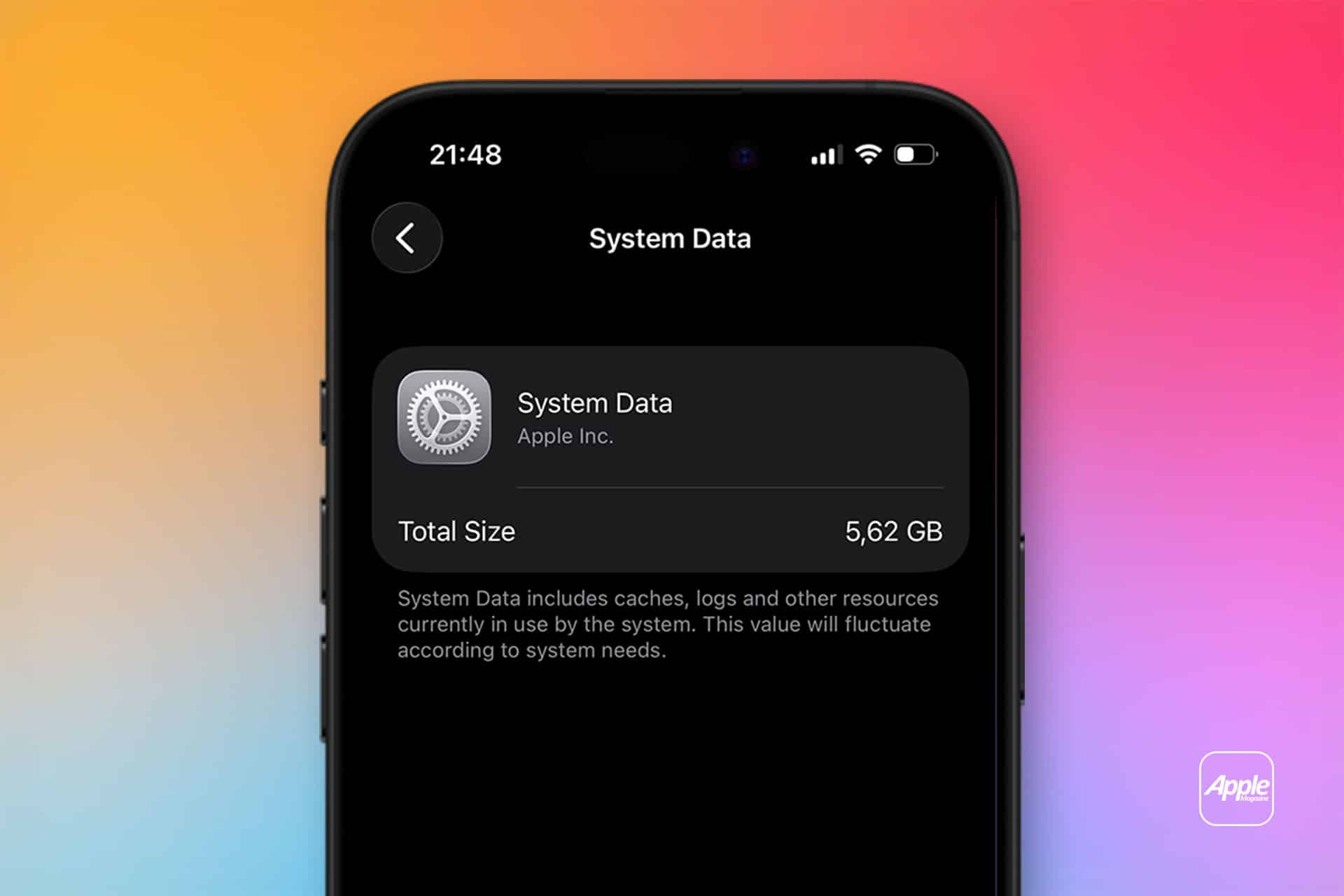
Many iPhone users notice something puzzling inside Settings: storage used by “System Data” or “System Files” grows, or the device briefly displays update activity, even though the iOS version number remains the same. The phone did not move from iOS 18.3 to 18.4, yet something clearly updated.
These background changes are part of how Apple maintains device security and stability without requiring a full operating system upgrade.
Why System Files Update Without a Version Change
iOS is structured in layers. The visible version number reflects major and minor releases, but beneath that, Apple distributes smaller components independently.
These components can include:
- Security definitions
- Malware protection updates
- WebKit patches
- Configuration data
- Carrier settings
- Rapid Security Responses
When Apple identifies a security vulnerability or stability issue, it does not always need to ship an entirely new iOS build. Instead, it can push a smaller package that updates specific system files.
These updates occur automatically when enabled.
Settings > General > Software Update > Automatic Updates
Within this section, two options typically appear:
- Download iOS Updates
- Install Security Responses & System Files
The second option controls background security and system-level patches that may not change the visible iOS number.


Rapid Security Responses Explained
Rapid Security Responses (RSR) were introduced to address urgent vulnerabilities without waiting for a full iOS release cycle. These updates target specific components of the operating system, such as Safari’s WebKit engine or core system frameworks.
When a Rapid Security Response is installed, the device may display a modified version number — for example, iOS 18.3 (a) — but it does not represent a full OS upgrade.
The installation process is typically brief. In some cases, it does not require a complete system reinstall. If needed, Apple allows users to remove a Rapid Security Response separately from the main iOS version.
Settings > General > About > iOS Version
If a Rapid Security Response is installed, it will appear here with an additional letter. This structure allows Apple to respond to threats quickly while minimizing disruption.
Full iOS Updates vs. System File Updates
A full iOS update replaces broader portions of the operating system. It may introduce:
- New features
- Interface changes
- Expanded APIs
- Performance adjustments
- Broader security patches
These updates change the version number and typically require more storage space and longer installation times.
System File updates and Rapid Security Responses, by contrast, are narrower in scope. They target vulnerabilities or stability improvements without altering the user interface or feature set.
From a stability perspective, smaller updates reduce risk. Instead of modifying large portions of the system, Apple can patch specific components while leaving the rest untouched.
How This Affects Device Stability
Automatic System File updates strengthen device stability in several ways:
Faster Vulnerability Patching
Exploits discovered in browsers or messaging frameworks can be corrected without waiting for the next major iOS release.
Reduced Fragmentation
Because updates install automatically when enabled, most devices remain aligned on the same security baseline.
Minimal Disruption
Smaller updates reduce the chance of introducing unrelated bugs that sometimes accompany larger OS upgrades.

Some users notice temporary changes in storage usage under System Data. This reflects downloaded update packages and temporary installation files. In most cases, storage normalizes after system cleanup processes complete.
Why Apple Uses This Layered Update Model
Modern mobile operating systems face continuous security testing from researchers and threat actors. Waiting for large quarterly updates would leave longer exposure windows.
Apple’s layered update approach separates:
- Feature development cycles
- Security response cycles
- Configuration data adjustments
This separation allows Apple to maintain device protection while preserving performance consistency.
For users, it means that seeing System Files update without a visible version change is expected behavior. The absence of a new version number does not mean the system is static.
Background updates operate silently when enabled, reinforcing protection and reliability behind the scenes.
On iPhone, stability is not maintained only through visible upgrades. It is supported continuously through System File updates, Rapid Security Responses, and periodic full iOS releases that work together to keep the operating system secure and consistent.