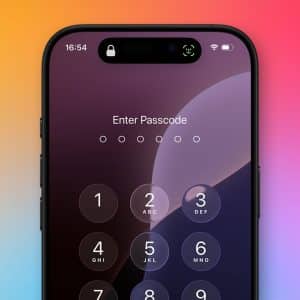
Protect your personal data with the right iPhone password setup, understand why it matters for security, and follow practical steps to create, manage, and update your passcode the right way.
Keep your Apple Account secure by updating your trusted phone number when you get a new line, ensuring you never lose access to iCloud, iMessage, and your devices.
Protect your iPhone photos with Face ID using Apple’s built-in privacy tools to lock, hide, and secure personal images inside the Photos app and iCloud.
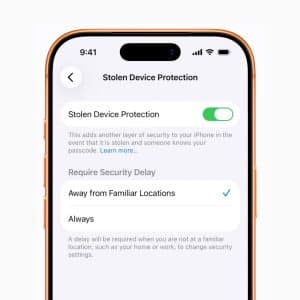
Apple’s Stolen iPhone Protection adds an extra layer of security that helps protect your accounts, Apple ID, and personal data when your iPhone is taken.
The Sploitlight vulnerability targeted macOS’s Transparency, Consent, and Control (TCC) framework, designed to restrict app access to sensitive data without user permission. Spotlight relies on small plugins, called importers, to…
iPadOS provides granular control over what apps can access, from your camera to your location. In Settings > Privacy & Security, you’ll find a list of data categories like Photos,…