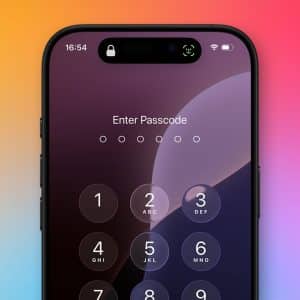
Protect your personal data with the right iPhone password setup, understand why it matters for security, and follow practical steps to create, manage, and update your passcode the right way.
Protect your iPhone photos with Face ID using Apple’s built-in privacy tools to lock, hide, and secure personal images inside the Photos app and iCloud.
To begin, ensure your iPhone is connected to a reliable Wi-Fi network to avoid data charges or interruptions. Open the Settings app, tap your name at the top, then navigate…
Why Lock Your Photos? Protecting your personal data is more important than ever. Photos often contain sensitive information that you wouldn’t want others to access. Locking recently deleted and hidden…