


TestFlight search has arrived with version 4.3, addressing a basic organizational problem for people who regularly test pre-release software. The app now provides a dedicated search field for finding a beta instead of requiring users to scroll through every current and previously tested title.
The addition is modest compared with the infrastructure behind TestFlight, but it changes how the service works for its most active participants. Developers, journalists, designers and enthusiastic testers can accumulate dozens of invitations across productivity tools, games, social networks and experimental utilities.
Some betas receive weekly builds, while others remain inactive for months before returning with a new version. Without search, locating one specific title could become slower as the collection expanded.
Version 4.3 is available through the App Store and also includes stability improvements, performance enhancements and bug fixes. Apple has not announced any accompanying change to build duration, tester limits or the feedback process.
TestFlight Search Replaces Manual Scrolling
The new search control appears along the bottom of the TestFlight interface on iPhone. On Mac, it is positioned at the top of the sidebar, matching the larger desktop layout.
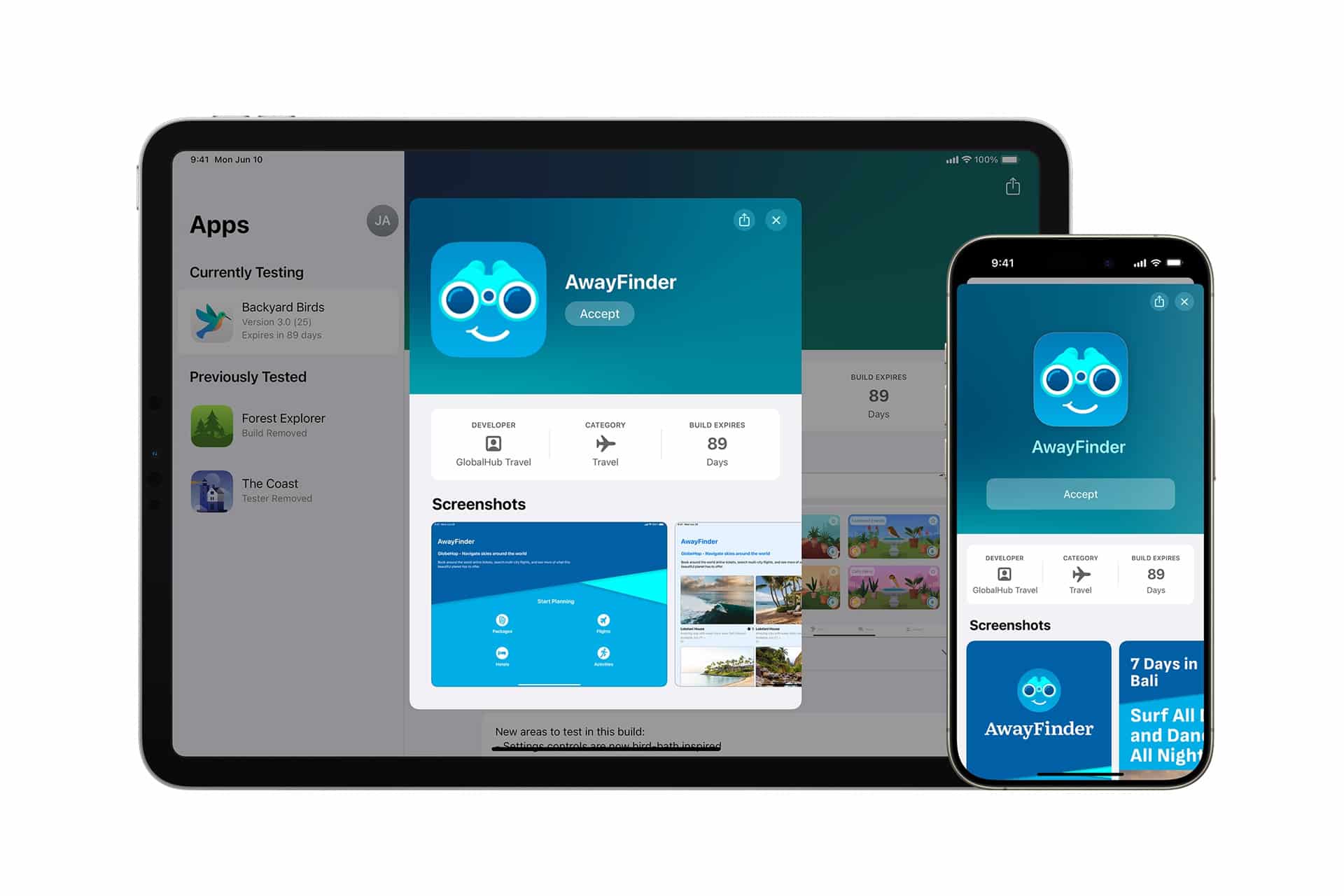
Entering an app name filters the available collection, giving users direct access to the relevant beta page. From there, they can install the latest build, inspect the developer instructions, provide feedback or stop testing the app.
Search becomes particularly useful when beta titles have similar icons or when an experimental product changes its branding during development. TestFlight libraries are organized around participation rather than a conventional folder system, so users previously had few ways to reduce a crowded view.
The feature also avoids relying on the Home Screen to locate a beta. A tester may have deleted the installed app while retaining access to its TestFlight program, or the current build may have expired before a replacement became available. Searching inside TestFlight exposes the testing record rather than only software currently installed on the device.
Apple allows each build to remain available for up to 90 days. When that period ends, the developer must distribute a newer build for testing to continue. Users participating in many programs can therefore have a mixture of active releases, expired versions and titles awaiting another update.
A searchable library makes those different stages easier to navigate without changing how developers distribute their software.

Large Beta Collections Are Becoming More Common
TestFlight supports beta apps and App Clips across iPhone, iPad, Mac, Apple TV, Apple Vision Pro and Apple Watch. A tester can use available builds on as many as 30 devices, depending on the platforms included by the developer.
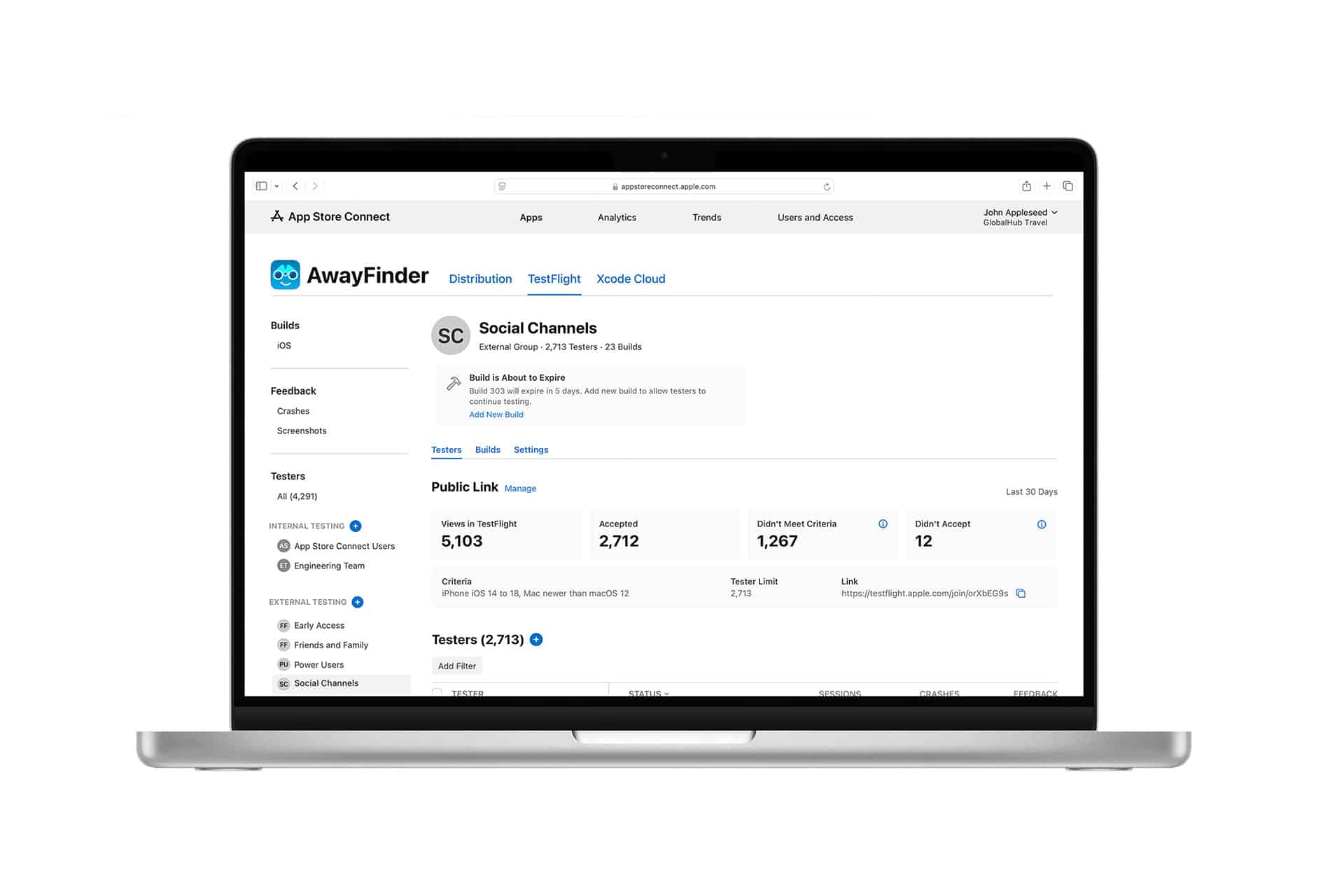
Developers can invite up to 100 internal participants through their App Store Connect team. Public and email-based external programs can include as many as 10,000 testers after the necessary beta review.
Public links have made joining programs considerably easier. A developer can place a link on a website, social network or community page without collecting every participant email address beforehand. Optional criteria can restrict enrollment by device type or operating-system version.
That accessibility also allows an individual library to grow quickly. A person may join a public beta to test one feature, retain access after deleting the app and later accept several more invitations. Until version 4.3, the TestFlight interface treated a small personal collection and a large professional testing library in much the same way.
Search recognizes that some people use the app as an ongoing software workspace rather than an occasional installer.
The improvement is also useful during major platform beta periods. Developers frequently release overlapping updates while preparing apps for new versions of iOS, iPadOS, macOS, watchOS, tvOS and visionOS. Testers may need to move repeatedly among several products to confirm compatibility or reproduce bugs.
Finding each app directly reduces a small delay that otherwise repeats throughout the testing process.
Search Does Not Change Beta Availability
The new field can locate a TestFlight listing, but it cannot restore access that the developer has removed or extend an expired build.
A beta may disappear from active testing when its developer closes a public link, reaches the external tester limit, removes a participant or ends the program. Builds also become unavailable after their 90-day testing period unless a replacement is issued.
TestFlight normally presents the latest available build on an app page. Developers can make earlier versions or separate build groups accessible when they need testers to compare behavior across releases.
Installing a beta version replaces the public App Store edition already present on the device. TestFlight marks beta software with an orange dot beside the app name, helping distinguish it from a normal store installation.
Search offers a quicker route to these controls but leaves the underlying testing rules untouched. It also does not introduce categories, favorites, custom folders or sorting options, which could provide additional organization for unusually large collections.
Feedback Remains the Main Purpose
TestFlight exists to connect pre-release software with people willing to identify problems before an App Store launch. Search helps users reach the correct app page, where the developer can specify features, workflows or known issues that require attention.
On supported platforms, testers can submit written observations, attach screenshots and add context after a crash. Feedback can include device and operating-system information so the developer can investigate whether a problem is limited to a particular configuration.
Developers receive those reports through App Store Connect. They can examine screenshots, general comments and crash-related details, while crash reports remain downloadable for 120 days.
Version 4.3 does not redesign this exchange, but it shortens the route back to an app after a tester encounters something worth reporting. Someone who notices a recurring issue after closing the beta no longer has to scan a long TestFlight list before reaching its feedback controls.
The search field is available immediately after updating TestFlight from the App Store. On iPhone, it occupies its own position in the lower navigation area, making the new control difficult to miss even for users whose beta collection contains only a handful of apps.