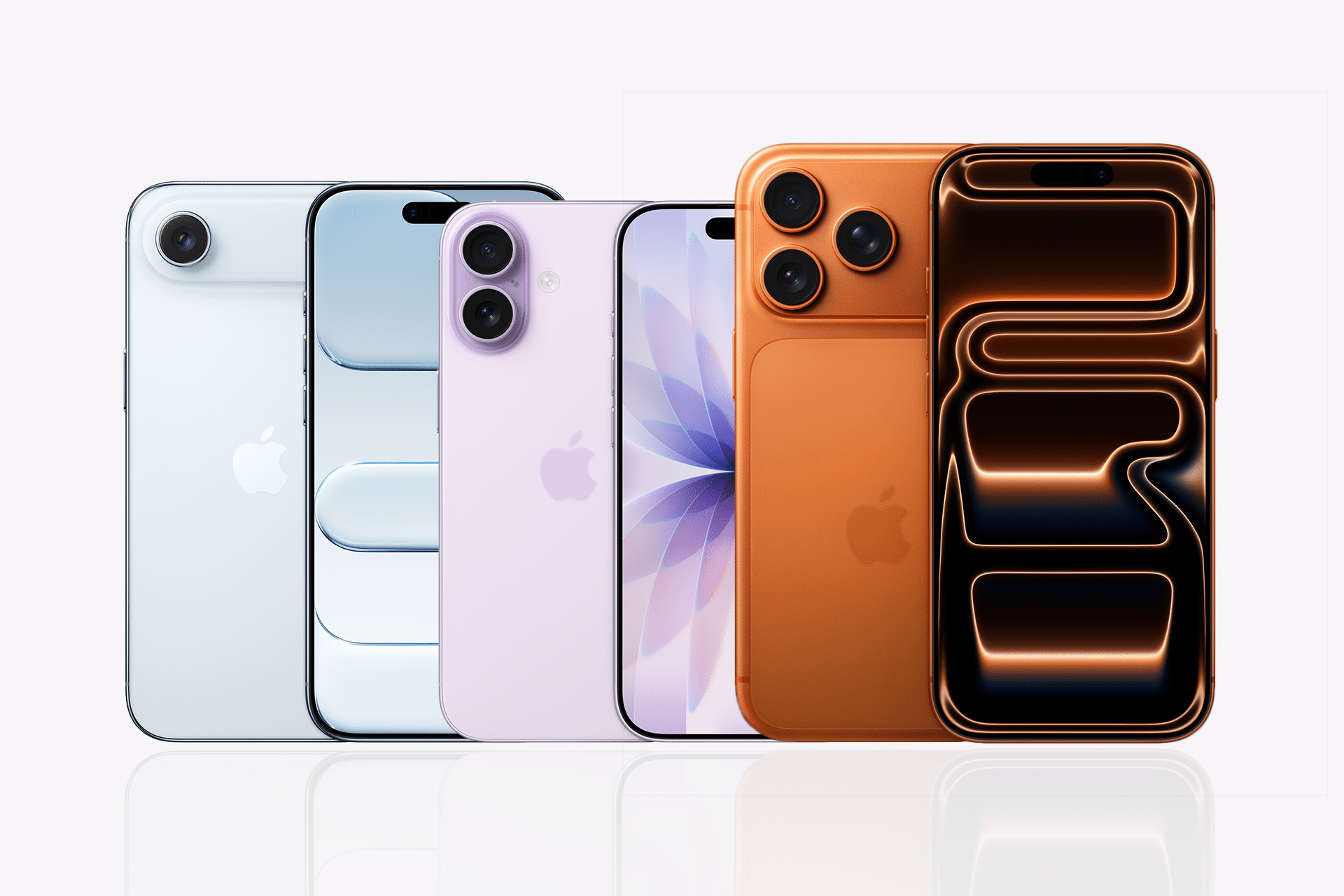
As apps grow and updates become more frequent, relying on physical device labs starts to limit coverage and speed.
To solve this, top App Store developers use real device cloud testing to validate UI, performance, and accessibility across a wide device matrix before release, without owning or managing a device lab. In this article, we will break down how this approach works and what developers do differently to ship stable iOS apps.
What Is Real Device Cloud Testing for iOS?
A real device cloud testing platform for iOS is a solution that gives developers and QA teams the opportunity to test their applications on a wide range of real iPhones without physically owning each device.
The cloud provides access to different iPhone models, iOS versions, and configurations so that developers can accurately test apps across real usage scenarios.
The real device cloud offers an easy and comprehensive way for developers to test how their iPhone apps will perform in real conditions.
The benefits of using it include:
- Strict security and privacy measures to safeguard user data.
- Easy integration with existing CI/CD pipelines and development workflows.
- More cost-effective testing than acquiring and maintaining physical iPhones.
- A variety of pricing models, such as pay-as-you-go and subscriptions.
- Easy scalability and flexibility based on testing needs and budgets.
- Automation for repetitive test scenarios across multiple iPhones.
- Wide device coverage across different iPhone models and iOS versions.
- Instant access to devices without setup.
- Real-world environments for testing, so issues can be identified before release.
Why Do Teams Prefer Real Device Cloud Testing Over Device Labs?
Teams prefer real device cloud testing because it removes many of the limitations that come with managing physical device labs and makes testing more practical at scale.
Here are the main reasons:
- Stay Updated: It is essential to set up a real device cloud testing environment that stays updated with the latest iPhones, iOS versions, and configurations. Real device cloud testing makes this possible by giving access to the newest devices and OS versions. Teams can switch between different setups within seconds and test across multiple scenarios without delay.
- Work from Anywhere: It becomes difficult when team members are required to be present in a physical lab to test devices. Real device cloud testing solves this by providing remote access to iPhones. Teams can collaborate and run tests from anywhere, whether working from home or managing a busy testing cycle.
- Get the Latest Updates: When a required feature or setup is missing on a physical device, teams need to wait until it becomes available. With real device cloud testing, updates and configurations are available instantly, so testing can continue without interruptions.
- Flawless Communication: There is no need to rely on long email threads or delayed responses to track issues. Teams can log bugs instantly and share them through tools like Jira and Slack, which keeps communication clear and quick.
- Parallel Testing: Real device cloud testing supports large-scale testing where multiple iPhones can be tested at the same time. This helps teams speed up testing cycles and handle complex test scenarios efficiently.

Major Challenges With In-House Device Labs
What aspects of managing and maintaining an in-house device lab are the hardest to handle?
- Device Coverage Gaps: Purchasing every relevant iPhone model across every supported iOS version is prohibitively expensive. Most in-house labs end up with a small selection of devices that leaves significant coverage gaps, particularly on older hardware that a meaningful portion of the user base still uses.
- Maintenance Overhead: Physical devices need to be charged, updated, reset between test runs, and replaced when they fail. This maintenance burden falls on QA or DevOps teams that have more valuable work to do, and it grows proportionally with the number of devices in the lab.
- Scalability Limits: Running tests in parallel on an in-house lab requires enough physical devices to support simultaneous test execution. Most labs do not have that capacity, which means tests run sequentially and test cycles take far longer than they should.
- Outdated Hardware: New iPhone models release annually. In-house labs rarely keep pace with new hardware, which means teams are frequently shipping apps without validating them on the latest devices that a growing portion of their users will be running.
- Limited Remote Access: Physical device labs are tied to a physical location. Remote teams, contractors, or developers working outside the office cannot access them, which creates bottlenecks and inconsistencies in how testing is conducted across the team.
- Flaky Test Environments: Devices in shared labs accumulate state over time, leftover data, cached files, and configuration changes from previous test runs, which introduces inconsistency and makes test results harder to trust.
What Features Should a Real Device Cloud Provide?
To do its job well, a real device cloud platform should possess the following characteristics.
- Broad Device and iOS Version Coverage: The platform should provide access to a wide range of iPhone models across multiple iOS versions, including both current and legacy hardware, to cover the real-world device distribution of the app’s user base.
- Parallel Test Execution: Running tests simultaneously across multiple devices is what makes scale testing practical. Without parallel execution, the time savings of cloud testing are significantly reduced.
- CI/CD Integration: The platform should integrate with the team’s existing CI/CD tools, triggering tests automatically on every build without requiring manual intervention.
- Automated and Manual Testing Support: Both automated test suite execution and live manual testing sessions on real devices should be supported, so teams can handle both regression testing and exploratory testing on the same platform.
- Accessibility Testing Integration: The platform should support accessibility testing tools that validate WCAG and Apple HIG compliance on real devices, not just in simulated environments.
- Network Condition Simulation: The ability to throttle network speed, simulate high latency, and test offline behavior on real devices is essential for validating how the app performs under the varied network conditions real users experience.


How Is Performance Tested Across Multiple iOS Devices?
Here are the key metrics used to measure performance across iOS devices:
- CPU and Memory Usage: Real device cloud platforms capture CPU and memory consumption during test runs across different devices. This reveals whether the app has memory leaks, excessive CPU usage under load, or performance degradation on older hardware with less RAM and processing capacity.
- App Launch Time: Launch time is one of the most user-visible performance metrics on iOS. Testing launch time across multiple device generations on a real device cloud gives teams a clear picture of where the app is acceptable and where it is losing users before the first screen even loads.
- Frame Rate and Rendering Performance: Animations, transitions, and scroll performance need to be validated on real hardware. Simulators do not replicate GPU behavior accurately, which means frame rate issues on older devices are frequently missed until real device testing reveals them.
- Network Performance Under Varied Conditions: Real device cloud platforms allow teams to simulate different network conditions, including throttled speeds and high-latency environments, across real devices. This validates how the app handles slow connections, timeouts, and offline states, which are conditions that affect a significant portion of real-world users.
- Battery and Thermal Impact: On real devices, sustained CPU or GPU usage causes thermal throttling, which reduces performance in ways that simulators cannot replicate. Real device testing under load reveals whether the app causes excessive battery drain or triggers thermal throttling that degrades the user experience.
How to Test iOS Apps on a Real Device?
When teams need to test apps on real iPhones at scale, they rely on real device cloud platforms instead of managing physical device labs. Top App Store teams use these platforms to run tests across multiple iPhone models, iOS versions, and real usage conditions without setup delays.
Platforms like TestMu AI (Formerly LambdaTest) support this by giving access to real iPhones on the cloud, where teams can test apps across devices, run automated scripts, and debug issues in real time. Built for scale, it provides a full-stack testing environment with access to 10K+ real devices and 3,000+ browsers, which helps teams handle mobile device testing at scale without managing physical infrastructure.
Here are some key features that support testing on real iPhones at scale:
- Real iPhone testing on the cloud: Access a wide range of iPhone models, including both latest and legacy devices, directly from the browser.
- Parallel testing at scale: Run tests across multiple iPhones at the same time to speed up test cycles.
- Automation support: Execute automated tests using frameworks like Appium and XCUITest.
- Instant app upload and testing: Upload app builds and start testing without setup delays.
- Cross-version testing: Test apps across different iOS versions to match real user environments.
- Real-time debugging tools: Use screenshots, videos, and logs to identify and fix issues quickly.
What Are the Best Practices for Testing on Real iPhones at Scale?
Here are the practices to follow:
- Define Your Device Matrix Before Every Release: Identify which iPhone models and iOS versions represent the majority of your user base and confirm that your test suite covers all of them. Update this matrix with every major iOS release and every significant shift in your analytics data.
- Prioritize Real Devices for Critical Flows: Use real device cloud testing for the flows that carry the highest user impact, checkout, login, onboarding, and core navigation, where a failure has the most direct consequence on retention and revenue.
- Run Tests in Parallel to Cut Cycle Time: Configure your test suite to run across multiple real devices simultaneously rather than sequentially. Parallel execution is what makes it practical to test broad device coverage within a sprint cycle rather than treating it as a release-gate activity.
- Integrate Testing Into CI/CD From the Start: Every code push should trigger an automated test run on real devices. Catching device-specific failures at the point of introduction is significantly faster and cheaper than finding them in a pre-release regression cycle.
- Validate Accessibility on Real Devices Every Sprint: Accessibility behavior on real hardware differs from simulator behavior in ways that matter. Running accessibility checks on real iPhones during every sprint instead of waiting for a compliance audit prevents accessibility issues from building up across the release cycle.
- Use Test Recordings for Faster Debugging: Real device cloud platforms capture video recordings of every test session. Reviewing these recordings when a test fails is significantly faster than trying to reproduce a device-specific failure locally, particularly for failures that only appear on specific hardware or iOS versions.
- Maintain a Clean Device State Between Runs: Configure test runs to reset device state between sessions so accumulated data, cached files, and leftover configurations from previous runs do not introduce test flakiness. Consistent device state is what makes test results trustworthy across runs.
To Sum It Up
In my opinion, the difference comes down to how teams approach testing at scale. Managing a limited set of physical devices makes it difficult to cover all real user scenarios, and gaps in testing often go unnoticed until after release.
If you are using real devices, it is better to use real device cloud testing because it simplifies the entire testing process and removes the effort of managing physical devices. It gives access to multiple iPhone models and iOS versions, where UI, performance, and accessibility can be validated under real conditions.