

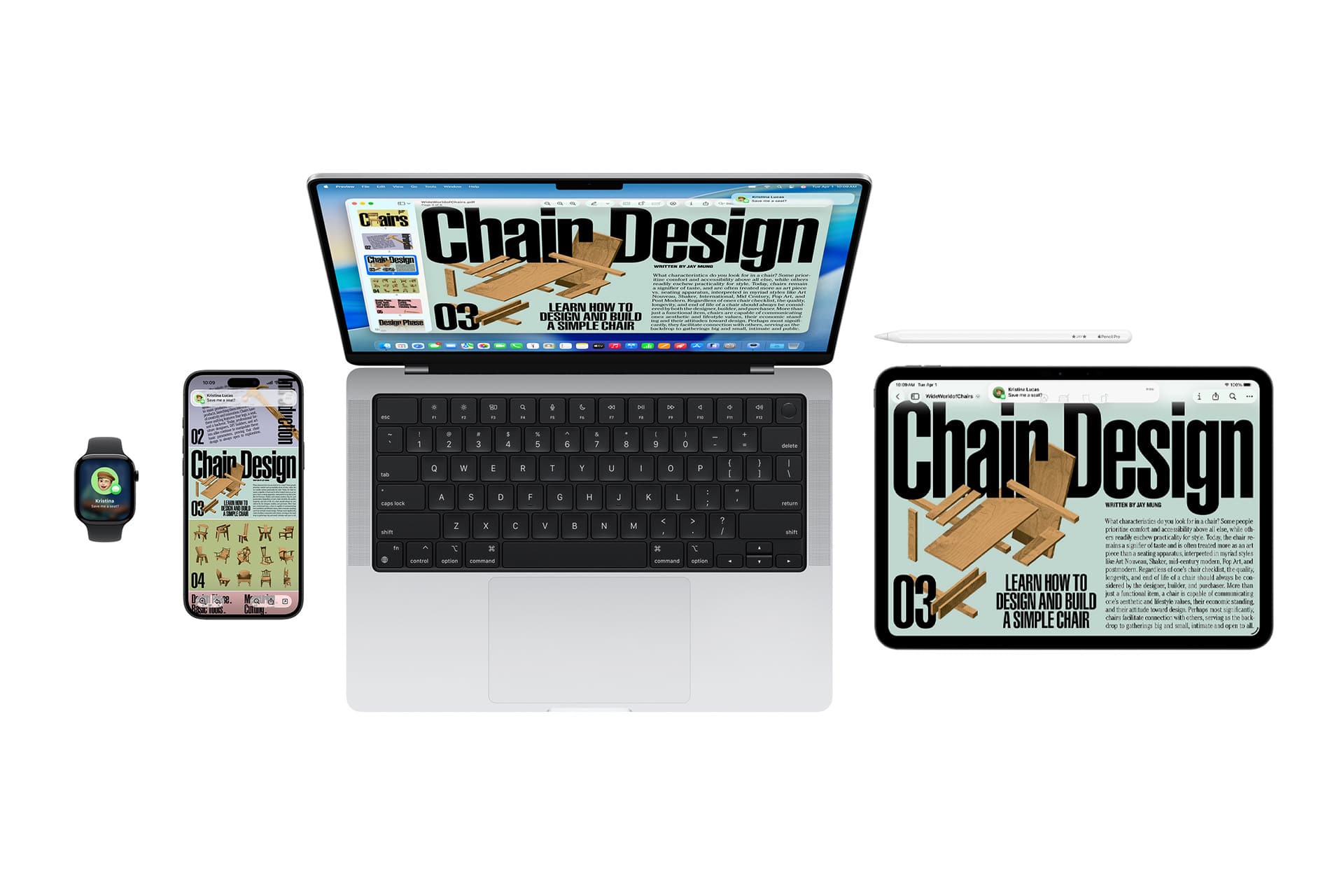
Universal Clipboard timing depends on Apple’s Continuity framework. It allows users to copy text, images, and small files on one Apple device and paste them onto another nearby device signed in with the same Apple ID.
The feature does not rely on a traditional cloud sync process. Instead, it uses a combination of Bluetooth, Wi-Fi, and iCloud authentication to securely transmit clipboard data between devices in proximity.
When everything aligns — connectivity, account status, software version — transfer appears instantaneous.
How Universal Clipboard Works
Universal Clipboard timing relies on these system requirements:
- Devices signed in to the same Apple ID
- Bluetooth enabled
- Wi-Fi enabled
- Handoff activated
- Devices within proximity
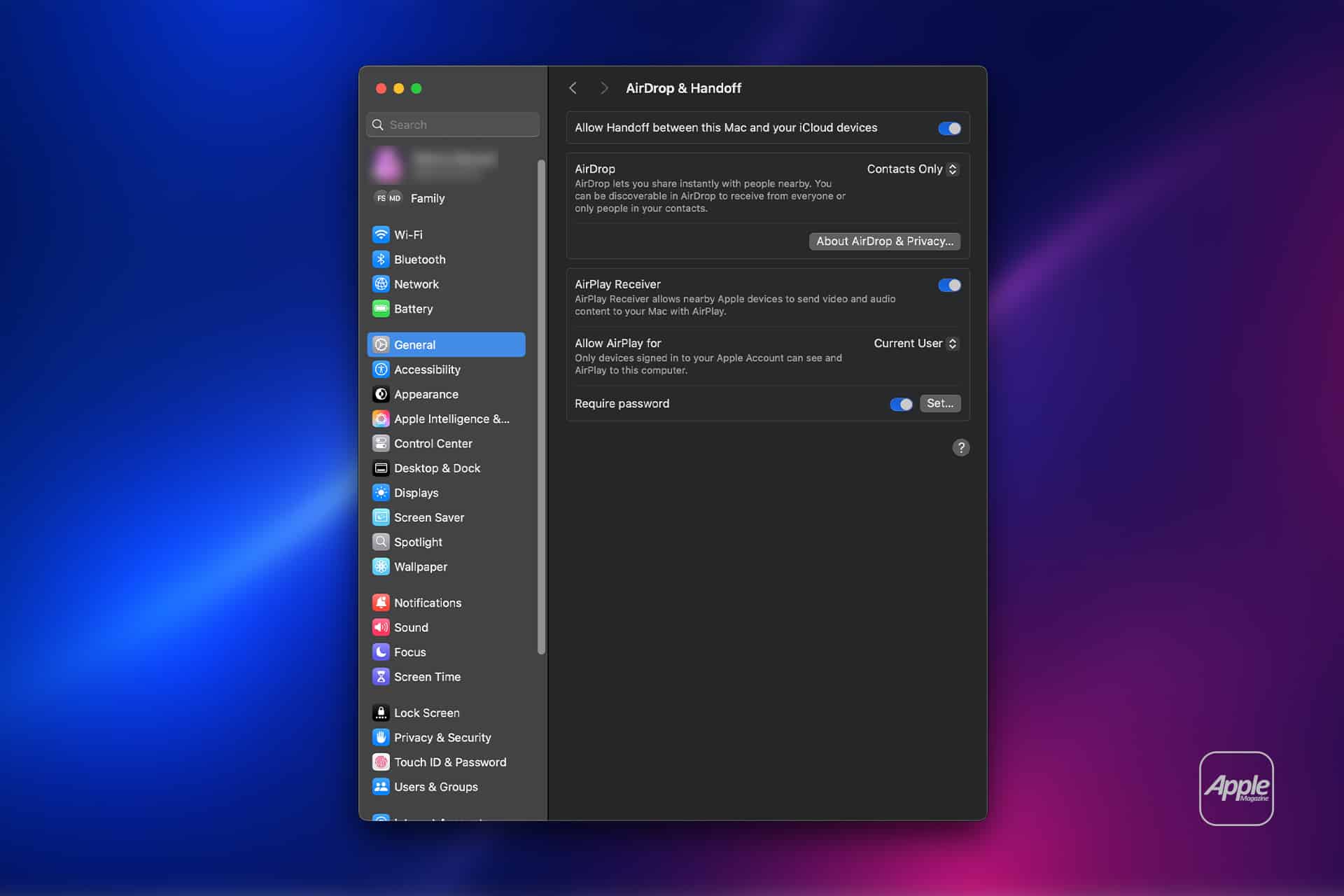
Handoff must be enabled on each device.
On iPhone or iPad:
Settings > General > AirPlay & Handoff > Handoff
On Mac:
System Settings > General > AirDrop & Handoff > Allow Handoff
When you copy content, it is temporarily encrypted and broadcast locally through Continuity protocols. The receiving device checks for recent clipboard updates and makes them available for paste within a limited time window.

Why Timing Delays Happen
Universal Clipboard timing issues often result from subtle connectivity disruptions rather than major system failures.
Bluetooth instability can interrupt device discovery. Wi-Fi signal fluctuations may delay authentication. If devices are technically connected but switching between networks, transfer speed may vary.
Timing can also be affected by power-saving states. If a Mac is asleep or an iPhone screen is off for an extended period, wake cycles may introduce brief delays before synchronization completes.
Another factor is clipboard expiration. Universal Clipboard content is only available for a short time. If too much time passes after copying, the receiving device may not recognize the content as recent.
Software Version Compatibility
Universal Clipboard timing depends on compatible system versions. Apple periodically refines Continuity performance through iOS and macOS updates.
Devices running significantly older software may experience slower handshake processes. Keeping systems updated ensures continuity services remain aligned.
To Check for Updates
On iPhone or iPad:
Settings > General > Software Update
On Mac:
System Settings > General > Software Update
Apple occasionally improves background communication efficiency in incremental releases.

Network Interference
Universal Clipboard timing can degrade on congested networks. Although clipboard data transfer is small, initial device authentication may rely on network validation.
Public Wi-Fi environments with restrictive firewall settings can interfere with Continuity services. If clipboard fails consistently on a specific network, testing on a private network can help isolate the issue.
Airplane mode toggling can also reset wireless connections.
On iPhone:
Settings > Airplane Mode > Turn On > Wait a few seconds > Turn Off
This refreshes Bluetooth and Wi-Fi radios simultaneously.
Bluetooth Reset and Reliability
Bluetooth plays a central role in proximity detection. If Universal Clipboard timing feels inconsistent, toggling Bluetooth may restore responsiveness.
Settings > Bluetooth > Turn Off > Turn On
On Mac:
System Settings > Bluetooth > Disable > Enable
Persistent instability may require removing and re-adding paired devices such as AirPods that could be interfering with Bluetooth bandwidth allocation.
Apple ID Authentication
Universal Clipboard timing depends on consistent Apple ID authentication across devices. If one device has recently required password re-entry or two-factor verification, background services may temporarily pause.
Confirm Apple ID Status
On iPhone:
Settings > [Your Name]
On Mac:
System Settings > [Your Name]
Ensure both devices show active, synchronized sessions without alerts requesting verification.
Device Proximity and Sleep State
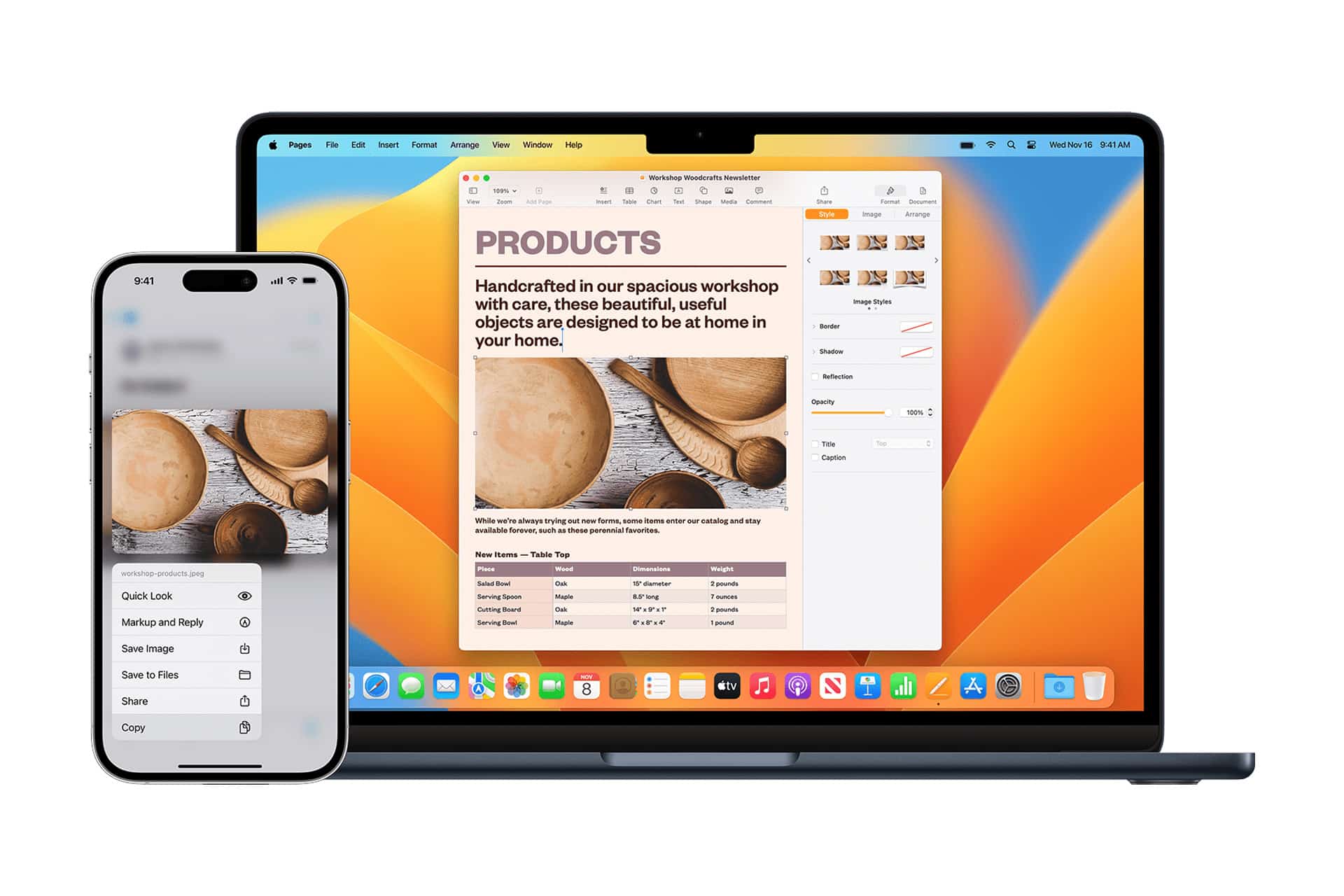
Universal Clipboard timing is proximity-based. Devices must be physically near each other. If one device is in a different room or partially obstructed by walls, handshake detection can slow.
Additionally, if a Mac is deeply asleep rather than in light standby, it may take a few seconds to reinitialize wireless services after waking.
Improving Reliability
Universal Clipboard timing improves when:
- Devices remain updated
- Wi-Fi and Bluetooth remain stable
- Handoff stays enabled
- Apple ID sessions remain active
- Devices remain within close range
Maintaining consistent wireless connectivity reduces handshake renegotiation delays.
Universal Clipboard timing is not cloud-based instant sync but a localized Continuity exchange dependent on wireless coordination and authentication alignment.
When network stability, proximity, and software versions align, transfer feels seamless. When small interruptions occur, delays emerge.
Understanding these background mechanics helps restore reliability and maintain smooth copy-and-paste workflows across Apple devices.