

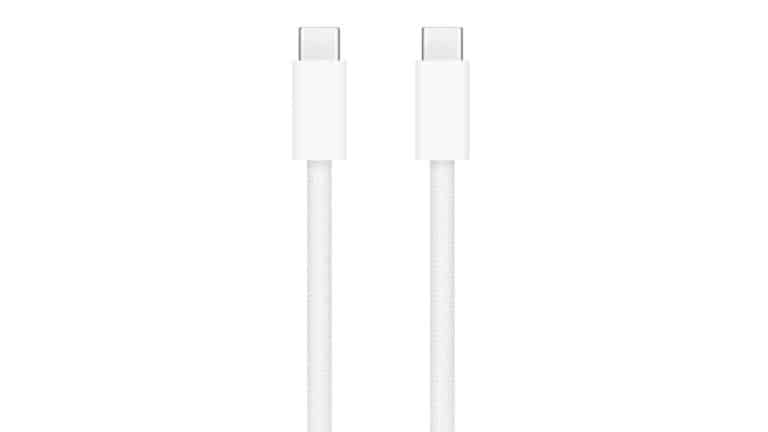
USB-C braided cables have become one of the most useful travel accessories for anyone carrying an iPhone, iPad, MacBook, AirPods, power bank, camera, portable battery, or handheld gaming device. A cable is easy to overlook until it frays, bends near the connector, stops charging in a hotel room, or disappears into the bottom of a travel bag. A stronger braided or woven design does not make a cable indestructible, but it can make daily charging feel more dependable.
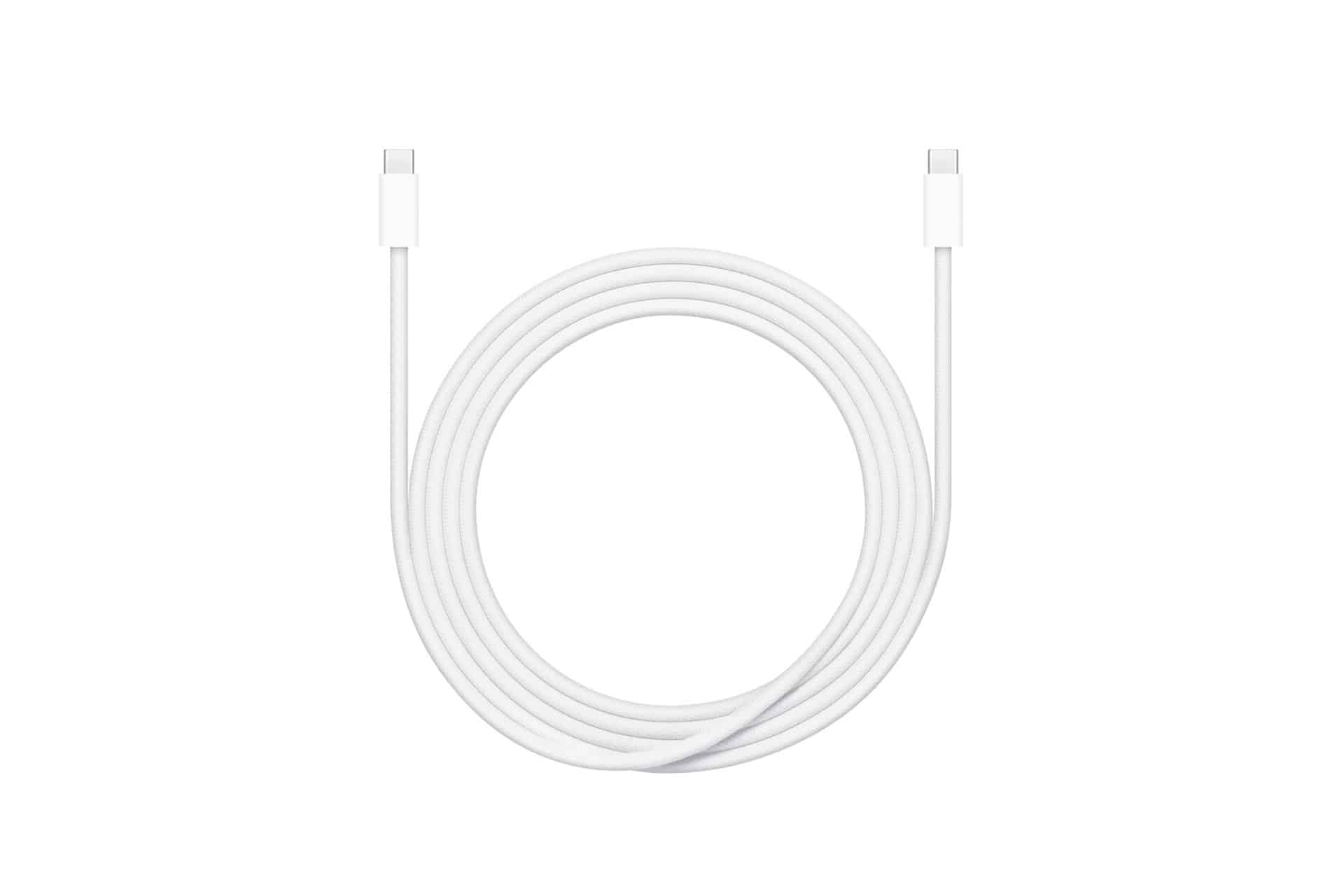
Apple’s current 240W USB-C Charge Cable is a good example of where the category has gone. The 2-meter cable uses a woven design, has USB-C connectors on both ends, supports charging up to 240 watts, and transfers data at USB 2 rates. That means it is built primarily as a high-power charging cable for USB-C devices, including MacBook, iPad, iPhone, and other compatible accessories, rather than as a high-speed data cable for large file transfers. Apple sells USB-C power adapters separately, so the final charging speed still depends on the adapter and the device being charged.
For travelers, that distinction matters. The best cable for charging is not always the best cable for moving video files. A braided USB-C cable may be durable, long, and powerful enough for charging a MacBook Pro, but still limited to USB 2 data speeds. Apple’s support page for iPhone USB-C notes that iPhone 15 Pro, iPhone 16 Pro, and iPhone 17 Pro models support USB 3.2 Gen 2 speeds up to 10Gb/s when used with an optional USB 3 cable. A standard charge cable that transfers at USB 2 rates will not unlock that faster transfer speed.
That does not make a braided charge cable less useful. It simply defines its role. For a travel bag, a strong USB-C charging cable is the cable that keeps devices powered in airports, hotels, cars, cafés, classrooms, and work trips. A separate high-speed USB-C, USB4, or Thunderbolt cable may be needed for large photo libraries, ProRes video, external SSDs, and fast device transfers.
Braided Cables Make Daily Charging Less Fragile
USB-C braided cables are popular because travel is rough on accessories. A cable may be wrapped around a power adapter, shoved into a backpack pocket, bent behind a nightstand, pulled across a tray table, or used while a phone is charging in bed. Over time, the weakest points are usually near the connectors, where bending and pulling put stress on the cable jacket.
A braided or woven exterior helps by adding a tougher outer layer. It can resist surface wear better than a soft plastic jacket and usually feels less likely to kink. That makes the cable better suited to repeated packing and unpacking. It also makes the cable easier to identify by touch inside a bag, especially when several cords are tangled together.
Durability still depends on the whole cable, not only the fabric. A good travel cable also needs sturdy connector housings, proper strain relief, reliable internal wiring, and safe power delivery support. A braided exterior on a cheap cable does not automatically make it a good cable. The best option is a cable that clearly states its charging wattage, data speed, length, and compatibility.
Apple’s woven 240W USB-C Charge Cable is useful because it makes the charging role clear. Apple says it supports up to 240W and transfers data at USB 2 rates. That is enough power headroom for USB-C iPhone, iPad, and MacBook charging when paired with the right adapter, while also handling basic syncing and low-speed data needs. It is not positioned as a Thunderbolt cable or high-speed external storage cable.
The 2-meter length is also practical. A short cable is cleaner for a desk, but travel often requires extra reach. Hotel outlets may be behind beds. Airport outlets may be under seats. A café outlet may be on the wall behind a table. A 2-meter cable gives more flexibility without needing an extension cord.
The tradeoff is packing size. A longer braided cable takes more room than a short one and can become messy if it is not wrapped properly. A small cable tie, magnetic strap, or pouch can make a big difference. The goal is to protect the cable from tight bends and keep the connector ends from being crushed under heavier items.

Charging Power and Data Speed Are Different
USB-C braided cables can be confusing because the connector shape does not reveal what the cable can actually do. Two cables can look almost identical and behave very differently. One may support 240W charging but only USB 2 data. Another may support 10Gb/s data but lower charging power. A Thunderbolt cable may support both high-speed data and strong charging, but usually costs more and may be shorter.
This is why the label matters. Charging wattage tells users how much power the cable can safely carry when paired with a compatible charger and device. Data rate tells users how fast files can move through the cable. A travel cable should be chosen by the job it needs to perform.
For charging, wattage is the priority. Apple’s 240W cable has enough headroom for a wide range of USB-C devices, including high-power MacBook charging. That does not mean every device will charge at 240W. An iPhone will draw far less. An iPad will draw what it supports. A MacBook will charge based on its model and power adapter. The cable simply allows the connection to support up to that ceiling.
For data transfers, speed is the priority. USB 2 is fine for basic syncing, small files, and charging accessories, but it is not ideal for moving large video projects or external SSD files. Pro iPhone models with USB 3 support need an optional USB 3 cable to reach up to 10Gb/s transfer speeds, according to Apple’s iPhone USB-C guide. That means travelers who shoot ProRes video or move big files from iPhone to Mac should pack a second cable built for faster data.
Thunderbolt cables are another category. They are better for external displays, docks, fast SSDs, and high-speed device transfers, but they are not always the cable most people want to throw into a daily travel pouch. They can be more expensive, less flexible, and unnecessary for simple charging. A braided charge cable and a separate Thunderbolt or USB4 cable often make a better two-cable setup than trying to make one cable do everything.
The same logic applies to power banks. A braided USB-C cable can be excellent for connecting a phone or iPad to a power bank, but the power bank, cable, and device all decide the final speed. A 240W cable will not make a small power bank charge a MacBook at full speed if the power bank cannot output that much power.
For travel, the safest rule is simple. Use a durable braided USB-C cable for everyday charging. Use a clearly rated high-speed data cable for external storage or large file transfers. Do not assume the woven look means high-speed data.
A Better Cable Setup for Travel
USB-C braided cables are most useful when they are part of a simple travel kit. One long cable can handle hotel rooms, airport seating, and desk charging. One shorter cable can handle power banks, in-flight charging, or a compact pouch. A high-speed USB-C, USB4, or Thunderbolt cable can be added only when the trip involves external drives, video files, or professional gear.
A good travel kit should also match the charger. A 240W cable is useful, but the power adapter decides how much power is available. A 30W adapter is enough for many iPhone and iPad needs. A 35W dual USB-C adapter can handle two smaller devices more flexibly. A 70W, 96W, or 140W adapter makes more sense for MacBook travel, depending on the model. The cable and charger should be chosen together.
Cable length should match the situation. A 2-meter braided cable is excellent for hotel and desk use. A 1-meter cable is cleaner for a backpack, car, or power bank. Very long cables can be helpful, but they can also create clutter and may be more likely to snag. Travelers who pack light may prefer one 2-meter cable and one short backup.
The backup matters. A single cable is a single failure point. For a weekend trip, one good braided USB-C cable may be enough. For school travel, work trips, international flights, or family travel, carrying a second cable is smarter. USB-C has made this easier because one cable type can charge many newer devices, but that also means losing the cable can affect everything at once.
A small organizer helps more than most people expect. A cable pouch can keep cords away from keys, coins, adapters, pens, and sharp edges. It also prevents connectors from being bent at the bottom of a bag. Braided cables are tougher than ordinary plastic cables, but they still last longer when wrapped gently instead of folded tightly.
Travelers should also avoid charging cables with visible damage. Fraying, exposed wiring, loose connectors, bent tips, unusual heat, or intermittent charging are signs to replace the cable. A worn cable is not worth saving if it will be used overnight, in a hotel, or with expensive devices. Durable does not mean permanent.
The best travel setup is boring in the best way. The cable charges the phone. The MacBook gets power. The iPad syncs. The power bank works. Nothing feels loose, slow, or fragile. That reliability is the real value of a good braided USB-C cable.

When a Braided Cable Is Not Enough
USB-C braided cables solve durability and charging convenience, but they do not solve every connection problem. A traveler who needs to connect a MacBook to an external display, high-speed SSD, dock, capture device, or camera storage setup may need a higher-spec cable. The woven outer jacket does not decide whether the cable supports USB 3, USB4, Thunderbolt 4, Thunderbolt 5, DisplayPort video, or high-speed external storage.
This is the most common mistake. A buyer sees a strong braided USB-C cable and assumes it is the best cable for everything. Apple’s own 240W cable proves why that is not true. It supports very high charging power but transfers data at USB 2 rates. That is perfect for charging, but limited for professional transfer work.
For iPhone users, the same rule applies. Standard USB-C iPhone models can use many USB-C cables for charging and basic data. Pro models that support faster USB 3 transfers need the right cable to benefit from those speeds. A creator recording large video files should not depend only on the charge cable that came in the box or a generic braided charging cable.
For Mac users, external displays are another reason to check specs. Studio Display, Pro Display XDR, USB-C monitors, and Thunderbolt docks all need cables that support the required display and data standards. A charge cable may physically fit and still fail to carry video. A dedicated Thunderbolt cable is usually the safer choice for displays and docks.
For families, students, and everyday travelers, this may not matter much. Most daily travel use is charging. An iPhone, iPad, AirPods case, power bank, Kindle, camera, or controller usually needs power more than high-speed data. In that case, a durable braided USB-C cable is exactly the right accessory.
For professionals, the cable pouch should be divided by role. Charging cables for power. High-speed cables for storage and displays. Short cables for power banks. Longer cables for hotels and desks. Labeling or color-coding can prevent mistakes, especially when cables look similar.
The USB-C shift has made travel simpler because fewer connector types are needed. But USB-C has also made cable quality more important because the same shape can hide very different capabilities. Braided cables are a strong upgrade for durability, especially for bags and travel days, but the smartest buyers still check the numbers printed on the product page. Charging wattage, data speed, length, and certification matter more than the connector alone.