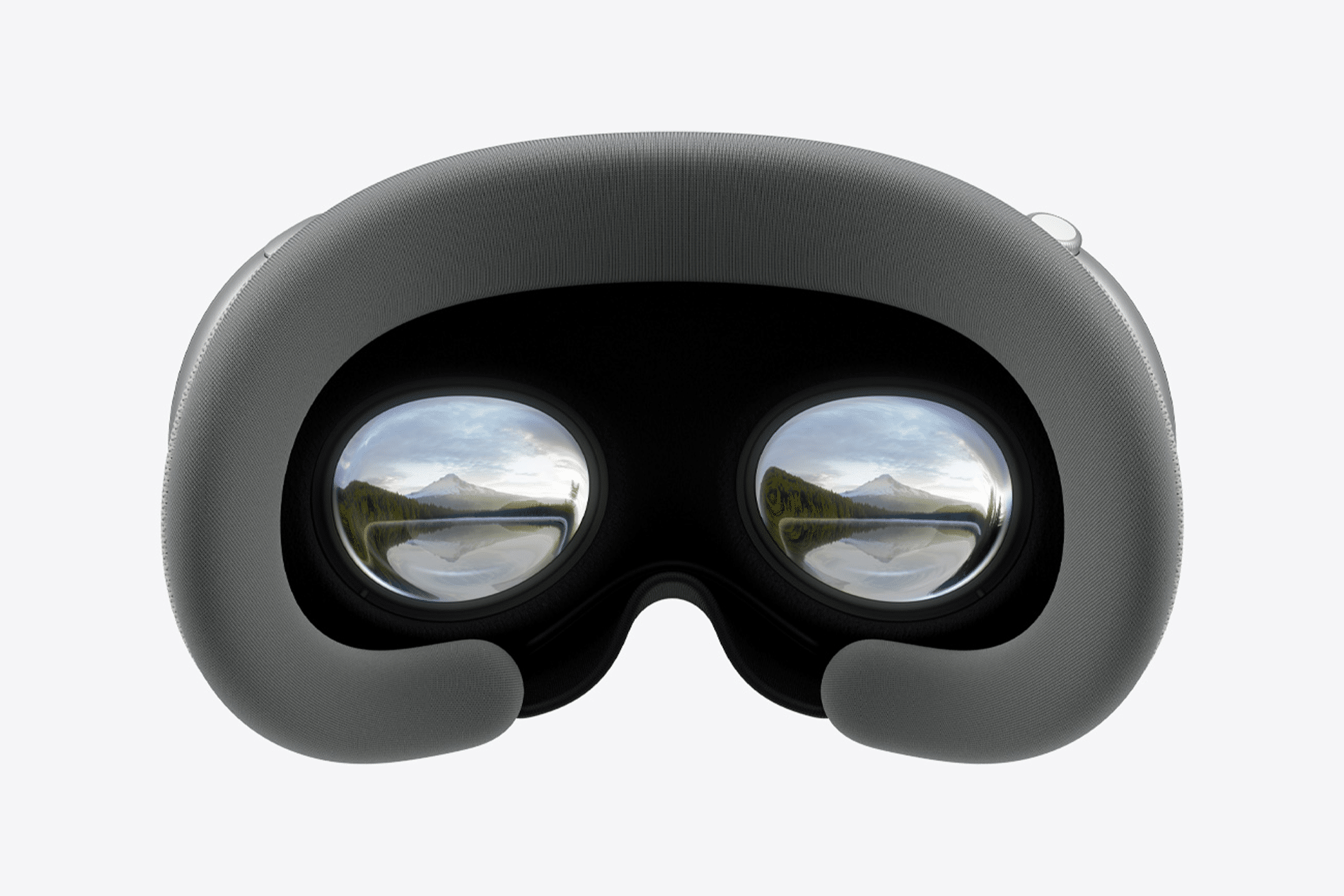
The Vision Pro app will soon become available on iPad, broadening the spatial computing experience across Apple’s hardware ecosystem. The expansion, expected later this year, allows users to preview, manage, and collaborate on VisionOS projects directly from iPadOS.
The update introduces cross-device synchronization between the iPad and Vision Pro, bridging creative and professional workflows. Users will be able to open spatial scenes, arrange 3D assets, and review captured environments without removing the headset.
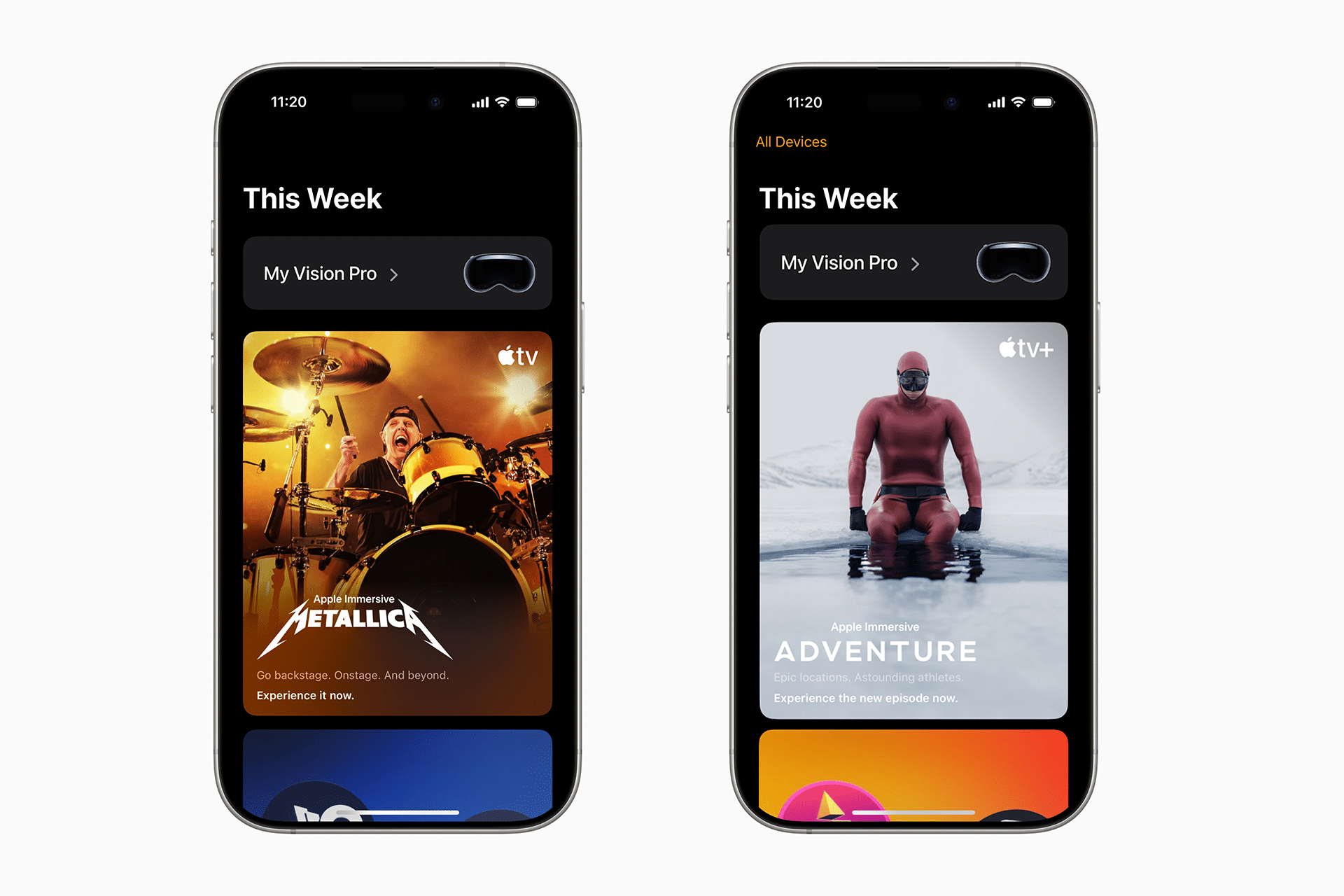
Integration Between Vision Pro and iPad
The Vision Pro app for iPad extends Apple’s spatial interface beyond mixed reality, offering a control layer for editing and managing VisionOS environments. Developers and designers can adjust lighting, scene layout, and depth mapping using multitouch gestures, effectively turning the iPad into a companion tool for the headset.
Apple is also testing seamless project transfer through AirDrop and iCloud Drive, allowing VisionOS files to be shared instantly between devices. The system will automatically synchronize scene metadata, camera paths, and LiDAR data to preserve consistency between spatial and 2D workspaces.
The integration takes advantage of the M5 chip’s graphics capabilities, especially on the latest iPad Pro models. When connected to Vision Pro, the iPad can serve as an external controller for rendering previews or as a live display for collaborative sessions.

Expanding Spatial Computing Across Platforms
By bringing the Vision Pro app to iPad, Apple is extending the reach of its spatial computing tools to a broader audience of creators and professionals. The move positions iPadOS as both a design surface and an accessibility bridge for those who may not use Vision Pro full-time.
For developers, the new setup provides a simpler way to test applications for VisionOS without needing a headset. Apple has reportedly optimized the interface to run smoothly with touch controls, stylus input, and keyboard navigation.
Industry analysts see the expansion as part of Apple’s strategy to strengthen continuity across devices. With iPadOS gaining Vision Pro integration, users can expect deeper links between creative apps such as Final Cut Pro, Logic Pro, and Reality Composer.
Future Development and Market Outlook
The Vision Pro app’s migration to iPad signals Apple’s intent to make spatial computing a core layer of its software ecosystem. As iPad hardware becomes more capable, the boundaries between augmented reality, desktop computing, and mobile workflows continue to blur.
Developers anticipate that Apple will expand these features further in 2026, potentially adding live shared sessions, where Vision Pro and iPad users collaborate in the same virtual workspace. This kind of interoperability could accelerate adoption among professionals who see value in spatial tools but still rely heavily on traditional screens for daily work.