

The adoption of Vision Pro has led to emerging patterns in how people integrate the headset into daily tasks, revealing a range of hyper-specific use cases that operate outside of Apple’s general marketing focus. These routines come from professionals who handle specialized workflows, students building structured study environments and individuals who rely on Vision Pro for repetitive tasks that benefit from stable spatial layouts. The device’s flexibility allows users to anchor windows, control immersion levels and create focused environments designed around highly particular needs.
Many of these use cases rely on features buried inside visionOS menus or require techniques that users discover through experimentation. They show how spatial computing functions best when designed around routines that depend on layered windows, real-world anchoring or persistent spatial screens that enhance concentration.

Spatial Study Hubs for Dense Reading
Some users create multi-window reading hubs that remain anchored in a fixed part of a room. They position a document directly ahead, a reference window to one side and a summarization or note-taking screen nearby. These anchored setups stay in place even after the user leaves the room and returns later in the day.
Settings > Apps > Multitasking > Window Anchoring
Users adjusting opacity inside immersive environments refine reading spaces to soften background elements without replacing the physical room entirely.
Control Center > Environments > Immersion Level
This setup is used heavily by law students, medical students and researchers handling high-volume reading assignments.
Detailed Product-Design Review Spaces
Designers conducting early-stage product review sessions have adopted Vision Pro as a fixed review environment. They create persistent clusters of CAD previews, PDF spec sheets and video references arranged around a virtual table.
Settings > Accessibility > Pointer Control > Window Edge Assist
These setups allow precise comparison between files without interrupting the overall layout. Some designers identify that pinning a window at waist level provides better long-term visibility than shoulder-height placement, reducing neck movement during long review periods.
Spatial Dashboards for Finance and Market Monitoring
Financial analysts have begun using Vision Pro as a morning briefing environment. They anchor a live chart window, a news feed and a watchlist screen in the same physical positions each day, turning the headset into a consistent monitoring dashboard. Because windows can remain in fixed spatial locations, the workspace becomes a repeatable daily routine.
Settings > Apps > Multitasking > Proximity Adjustment
This environment allows analysts to track multiple live data streams without managing traditional multi-monitor setups.
Photography Sorting and Curation Routines
Photographers working through large photo collections use Vision Pro’s wide field of view to create stages of review. They place “select,” “reject” and “edit later” windows across the room and drag images into each category. The spatial layout mirrors a physical studio workflow and reduces the need to switch between tabs or desktops.
Some users also adjust motion sensitivity settings to keep the interface stable while moving between windows with their hands.
Settings > Accessibility > Motion > Reduce Spatial Motion
These workflows are emerging especially among users who manage high-volume shooting sessions.
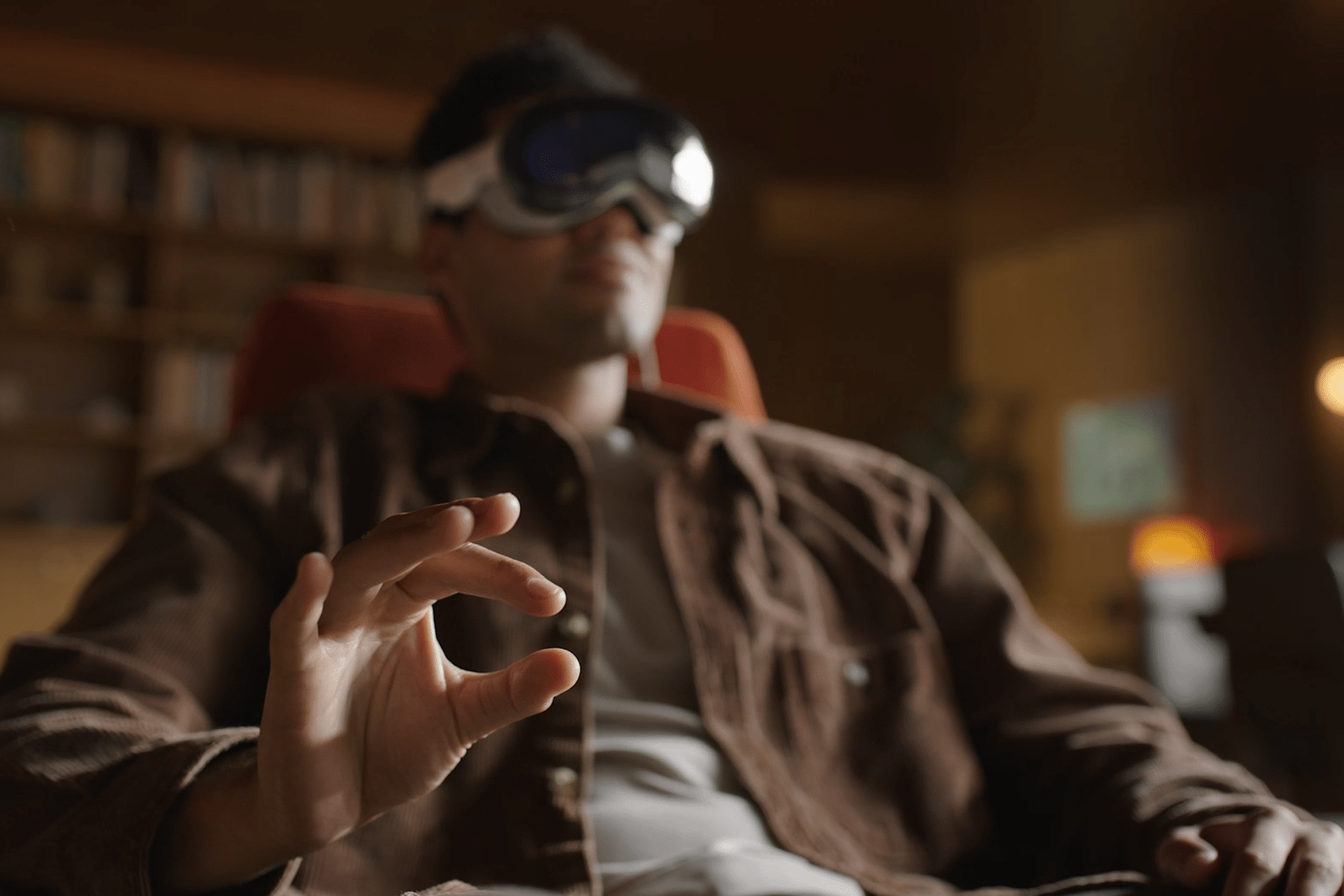
Deep-Focus Writing and Coding Environments
Writers and coders have found that Vision Pro supports distraction-free workflows through anchored single-app setups combined with reduced-notification displays.
Settings > Notifications > Compact Banners
Anchoring a full-size text editor directly ahead and placing a single supporting window—such as a terminal or reference document—on the periphery helps maintain concentration. Users with this setup often work in rooms with minimal physical interruptions, using spatial windows to reduce context-switching.
Immersive Research for Mapping and Visualization
Researchers in geography, environmental studies and urban planning increasingly use Vision Pro to view layered map data or visualize spatial structures. They place 3D map windows around a physical table, allowing side-by-side comparisons of terrain, zoning grids or environmental overlays.
Adjustments to depth intensity flatten some views for easier reading.
Settings > Accessibility > Depth Control
This approach is not widely advertised but is becoming prominent among users working with large-scale spatial data.
Home Organization and Routine Planning
Some users employ Vision Pro for structured household routines by placing persistent windows containing reminders, calendars or task lists in specific parts of the home. A weekly planner might stay anchored in a kitchen corner, while a shopping list window remains fixed near a pantry area. This keeps tasks visible without requiring constant device interaction.
Settings > Control Center > Customize Controls
These setups are particularly common among users who perform routine-based household management.
As more people explore visionOS, these hyper-specific use cases highlight how spatial computing adapts to structured routines. They show that the device becomes most effective when users build custom environments that remain consistent over time, supporting tasks that benefit from persistent layouts and minimal distraction.


