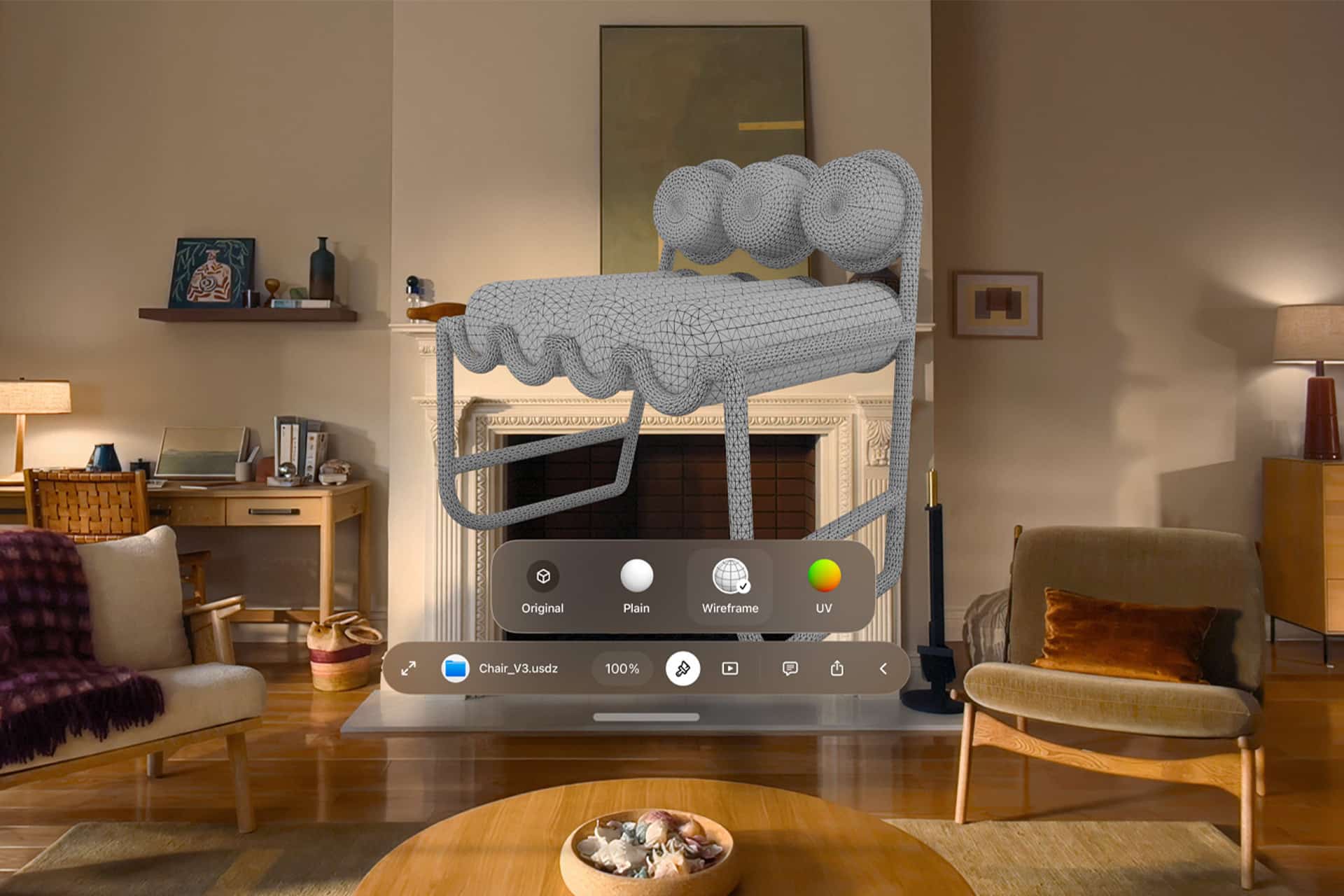
visionOS 27 gives Apple Vision Pro a more focused spatial computing update, bringing Siri AI, panoramic photo environments, curved windows, faster Wi-Fi performance, smaller widgets, expanded notifications, and a redesigned Control Center to Apple’s headset platform.
Apple’s WWDC26 presentation kept Vision Pro inside the wider software story rather than treating it as a separate product reset. The update does not attempt to reinvent visionOS, but it adds several features that directly address how people use spatial computing: asking for help in a visual environment, turning personal media into immersive spaces, managing windows more comfortably, and moving faster through core controls.
The most notable addition is Siri AI. Apple’s rebuilt assistant is coming to Vision Pro with a more conversational experience, a dedicated app, and a stronger ability to interact with physical and digital surroundings. Unlike iPhone and iPad in the European Union, where the new Siri rollout is delayed because of Digital Markets Act concerns, the Vision Pro version is expected to launch in the EU without the same initial restriction.

visionOS 27 Brings Siri AI Into Spatial Computing
Siri AI may be the most consequential visionOS 27 feature because voice has a natural role in spatial computing. Vision Pro already relies on eyes, hands, and voice as its main input methods, and a richer Siri gives Apple a better way to help users move through apps, environments, windows, and on-screen content without relying only on gestures or menus.
The new Siri AI experience is designed to handle richer conversations, more natural voice responses, and context-aware requests. On Vision Pro, that can mean more than asking a question or setting a timer. A spatial assistant can help with what the user is looking at, what apps are open, and what digital objects are placed in the room.
Apple’s dedicated Siri app also fits Vision Pro well because longer AI conversations need a visible place. On a headset, that app can become a floating conversational space, letting users ask questions, continue a thread, review answers, and connect Siri to broader Apple Intelligence features.
This gives Vision Pro a clearer AI identity. The headset is still Apple’s most ambitious spatial platform, but Siri AI gives it a more direct way to explain why intelligence matters in 3D space. Instead of only layering apps around the user, visionOS can give the user an assistant that understands the space those apps occupy.
Panoramic Photos Become Immersive Environments
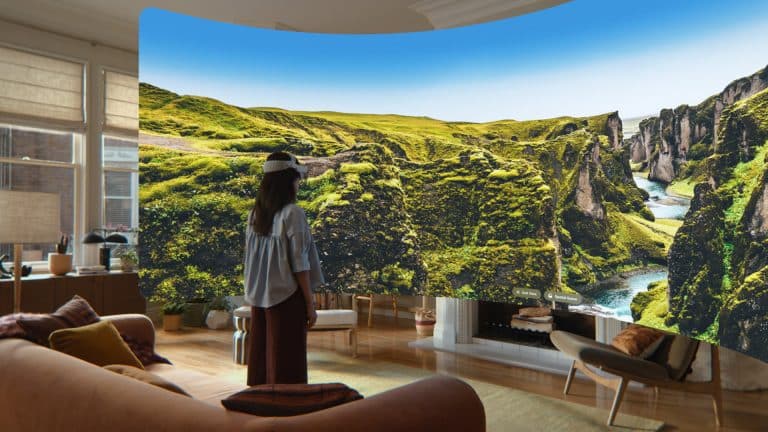
visionOS 27 also adds panoramic photo support as immersive environments, turning wide personal images into spatial backdrops. This is one of the more emotionally direct Vision Pro upgrades because it uses photos users may already have instead of asking them to download a new environment or app.
Panoramas are a natural match for Vision Pro. A standard photo can float in space, but a panoramic image can surround the user and create a stronger sense of place. Travel shots, landscapes, city views, beaches, mountain scenes, parks, stadiums, and family locations can become immersive spaces instead of flat images on a wall.
This feature also makes Apple’s photo ecosystem feel more connected to Vision Pro. iPhone remains the device most people use to capture images, while Vision Pro becomes a place to experience those images differently. That device-to-device relationship is exactly where Apple tends to be strongest.
The feature may also make older photo libraries feel new again. Users who have years of panoramic images sitting in Photos may finally have a reason to revisit them through Vision Pro.
Curved Windows Make Spatial Work More Comfortable
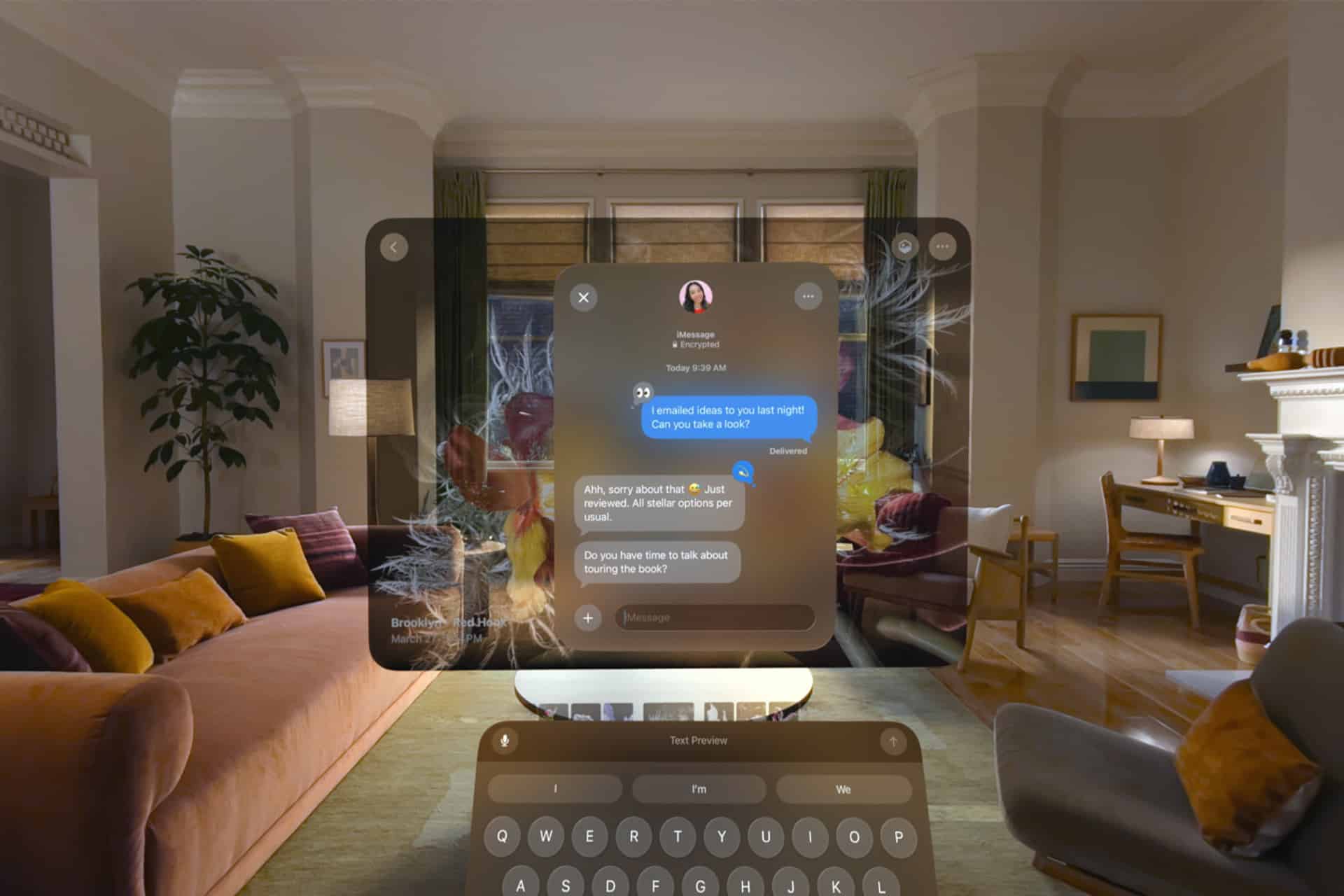
Curved window support is another major visionOS 27 improvement. Apple is introducing curved windows for select apps, creating more immersive, monitor-like displays that wrap gently around the user’s field of view. Safari, Freeform, and Apple TV Multiview are among the first apps expected to support the new format.
The idea is practical. Vision Pro’s infinite canvas is powerful, but flat windows in space can sometimes feel like floating iPad screens. Curved windows give Apple another layout option for apps that benefit from a wider, more enveloping surface.
Safari can use this for broader browsing and research. Freeform can use it for brainstorming and visual planning. Apple TV Multiview can use it to make multiple streams feel more natural in a spatial setting. The same idea could eventually support productivity apps, dashboards, creative tools, and collaborative spaces.
The success of curved windows will depend on comfort. A curved display can feel more immersive, but it has to remain readable and easy to position. Apple’s job is to make the feature feel like a better workspace, not a novelty.
Control Center Gets a Spatial Redesign
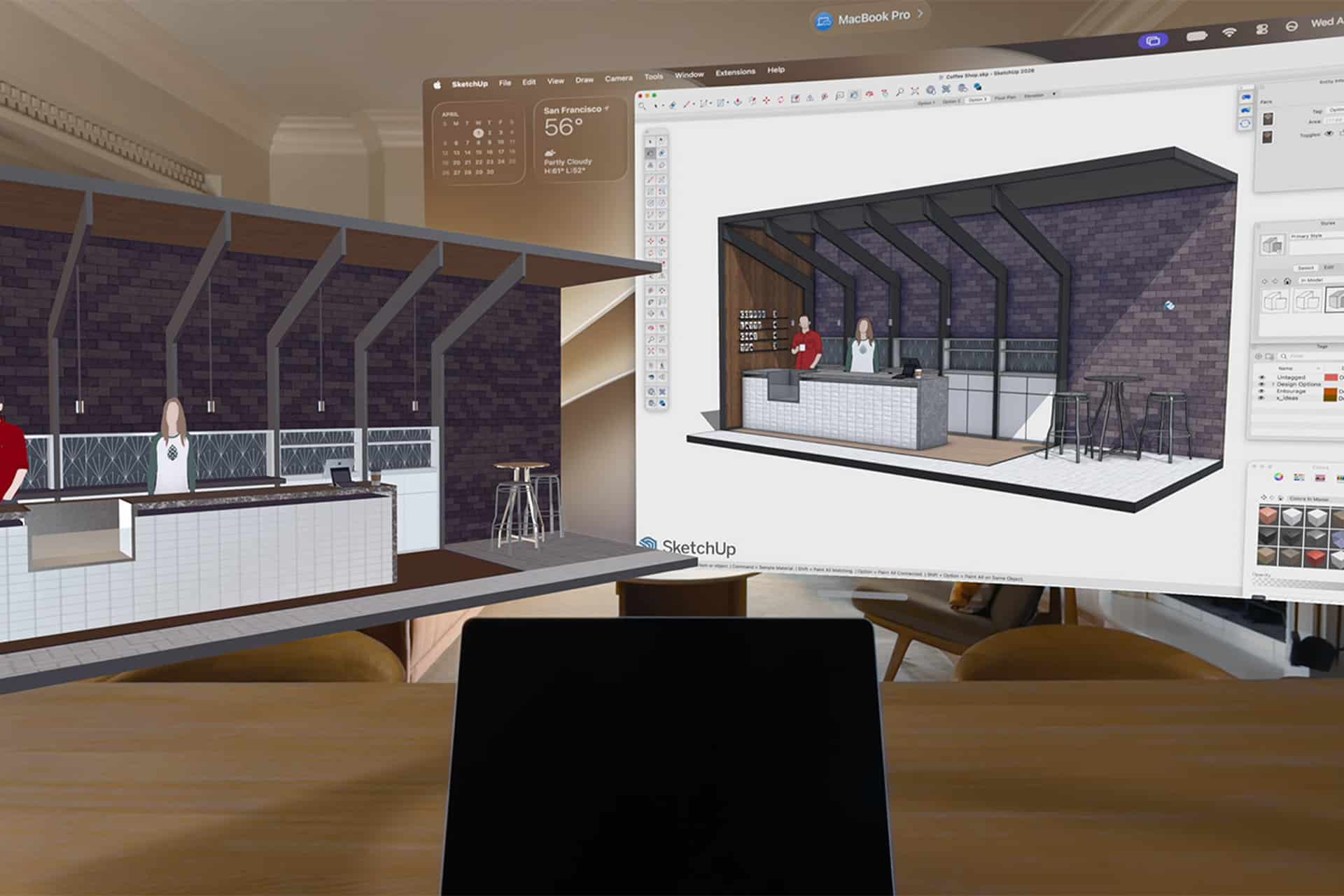
visionOS 27 also redesigns Control Center with three distinct sections: notifications and playback, core controls, and environments. That structure gives Vision Pro a cleaner way to handle quick system actions while keeping the spatial interface organized.
This matters because Vision Pro users need fast access to settings without breaking immersion. Audio, brightness, environments, connectivity, playback, notifications, and system controls all need to be close enough to reach, but not so intrusive that they crowd the user’s space.
The redesigned Control Center appears to give visionOS a clearer hierarchy. Notifications and media controls are grouped separately from core system tools, while environments get their own area. That makes sense because environments are more central to Vision Pro than they are to any other Apple platform. Changing the surroundings is part of how the device works, not only a visual preference.
A cleaner Control Center also helps new users. Vision Pro still asks people to learn a different interaction model from iPhone or Mac. Better organization can make the headset feel easier to understand.
Notifications Become Easier to Expand
Apple is also improving notifications in visionOS 27 by allowing users to expand them simply by looking at them. That fits Vision Pro’s eye-driven interaction model and reduces the need for extra gestures when a notification needs more detail.
This is a small feature, but it shows how Apple is still refining spatial input. Vision Pro works best when the interface responds naturally to attention. If the user looks at something, the system can understand that interest and offer the next layer of information.
Notifications are delicate in spatial computing because they can interrupt the user’s field of view. A glance-based expansion model can make them feel lighter. The notification can remain compact until the user looks at it with intent, then expand when more detail is needed.
That kind of behavior is more spatially aware than a standard banner copied from iPhone or Mac.
Faster Wi-Fi and Smaller Widgets Improve Daily Use
visionOS 27 also includes Wi-Fi improvements, with reports pointing to speeds up to three times faster. That could make a meaningful difference for Vision Pro because the headset depends heavily on streaming, cloud services, downloads, video calls, remote work, and high-bandwidth media.
Faster Wi-Fi can improve app downloads, Apple TV playback, cloud photo access, remote Mac workflows, collaboration, and enterprise use. Vision Pro is a device where network performance can shape the entire experience, especially when large media files, immersive content, or remote displays are involved.
Apple is also adding an extra-small widget size. Spatial widgets were already a major part of visionOS, letting users place glanceable information in their environment. A smaller size gives users more flexibility to keep information visible without filling the room with large panels.
That may make widgets feel more practical. A small weather tile, calendar item, battery indicator, reminder, or sports score can stay nearby without turning the user’s space into a dashboard.
visionOS 27 Keeps Vision Pro Moving Forward
visionOS 27 is not a dramatic reinvention of Apple Vision Pro, but it gives the platform a smarter and more practical update. Siri AI makes the headset more conversational. Panoramic environments make personal photos more immersive. Curved windows give apps a better spatial shape. Control Center becomes more organized. Notifications respond more naturally to attention. Faster Wi-Fi and smaller widgets improve daily use.
The update also shows Apple continuing to treat Vision Pro as part of the full ecosystem. The headset gains Apple Intelligence, connects with personal photo libraries, supports Apple TV experiences, works with Safari and Freeform, and benefits from the same AI and design direction moving across Apple platforms.
Vision Pro still needs more apps, more reasons to use it daily, and eventually a more accessible hardware path. visionOS 27 does not solve all of that. It does make the platform feel more capable and more mature, especially in areas that only spatial computing can handle well.
Apple’s next challenge is turning these improvements into habits. If Siri AI becomes useful in space, if curved windows make work more comfortable, and if personal media feels richer inside the headset, visionOS 27 can help Vision Pro feel less like a showcase device and more like a platform that keeps earning its place.