

App development is a highly dynamic space that never stays the same. New features, OS updates, and design changes keep coming during the development cycle. Consequently, developers often update code on the go and adjust their approach based on new requirements and system behaviour.
Yet, the app’s interface should remain visually consistent, no matter how many updates or changes take place. How can you know that these changes have not affected the UI? Visual regression testing is what helps you catch those issues early.
What Is Visual Regression Testing?
Visual regression testing is a type of regression testing that continues to evolve with modern testing needs. In regression testing, an application is checked to ensure that a new code change does not break existing functionality, which maintains a reliable experience. Visual regression testing specifically focuses on verifying the appearance and usability of the UI after a code change, which plays a key role in keeping the interface consistent.
In other words, visual regression testing, also known as visual testing or UI testing, focuses on validating the appearance of all visual elements a user interacts with or sees. It helps teams analyze and ensure that UI elements remain visually correct across updates. These visual checks include the location, brightness, contrast, and color of buttons, menus, components, text, and more, which enhances the overall user experience and supports effective UI validation.
What Are the Benefits of Visual Regression Testing in iOS?
Below, you can read about the core advantages that directly impact the final quality of your iOS app. Here are some benefits worth knowing.
Early Bug Detection
With continuous updates being pushed out, visual regression testing in iOS gives teams the ability to spot problematic areas and visual inconsistencies at the start. When bugs are caught early in the development cycle, teams can cut down on unnecessary fixes and get the product out on schedule.
Catching What Functional Tests Miss
Functional tests check whether components behave correctly, but they do not check how they appear. A checkout button might still respond when tapped, but if it gets pushed off-screen on smaller devices, users will not see it at all. Visual regression testing in iOS fills this important gap, making sure both functionality and usability stay intact across all screen sizes.
Reducing Manual QA Workload
Manually reviewing the UI after each deployment is not only time-consuming but also prone to human error, particularly on large and complex applications. Automated visual checks free up the QA team to focus on higher-value tasks, while still covering every important screen and component across the board.
Minimizing Costly Production Issues
Catching visual defects before they reach end users saves both time and resources. When bugs slip into production, the cost of fixing them multiplies, affecting development hours, user trust, and brand reputation. Visual regression testing in iOS helps catch issues at the right stage before they turn into larger, more damaging problems down the line.

Faster Feedback Cycles
Although numerous testing methods exist, visual regression tests can be automated with ease. This gives iOS development teams the ability to get rapid feedback, complete shorter cycles, and push out releases with greater surety and speed.
Continuous UI Monitoring
Since visual regression testing in iOS takes into account multiple aspects of the interface, it can cover the entire application by running a set of consistent tests repeatedly over time, where outcomes should remain unchanged. For each build, this helps validate new screens and makes sure the entire application continues to behave correctly and the visual consistency holds throughout.
Safe Code Modifications
Development teams can make updates with more confidence, regardless of their scope, since visual regression testing in iOS checks for any impact on the UI. When changes affect existing elements, tests flag those areas quickly, so teams can stay focused on building new features without missing unintended issues.
Reduced Visual Errors
The focus on frequent release cycles in iOS development naturally narrows the room for mistakes. Each stage of the release includes a series of visual checks to keep the product stable and free of interface defects. This greatly raises the overall quality and consistency of the application.
Better User Experience
With visual regression testing in iOS, teams make sure that updates won’t unexpectedly disrupt the interface and that changes improve the application without bringing in new issues. As a result, they can ship a polished and intuitive product that achieves a positive user experience and raises overall user satisfaction.
How Can Minor OS Updates Affect App Design?
Understanding iOS version adoption is crucial for app developers because it directly impacts compatibility, feature planning, and user experience.
Broken Design Without Any Code Change
Security patches, bug fixes, and feature updates can drop at any time, and apps can break because of a seemingly minor update that changed how the OS handles permissions or storage. This means that even when a development team touches nothing in their own codebase, the app’s interface and behavior can still shift in ways that disappoint users the moment an update reaches their devices.
Outdated Icons and Design Components
For Android apps, many icons and design cards can start to feel old if they are not refreshed with each new OS release. The same applies to iOS, where minor version updates can make previously sharp UI elements look mismatched or out of sync with the refreshed system aesthetic across the app.
Performance Degradation After Updates
After an OS update, a mobile application may not perform as expected. Data transfer can slow down, and some features may not work properly. These changes are not always obvious at first, but they affect how the interface responds, making the app feel slow, unresponsive, or visually inconsistent compared to what users experienced earlier.
Design Guideline Changes
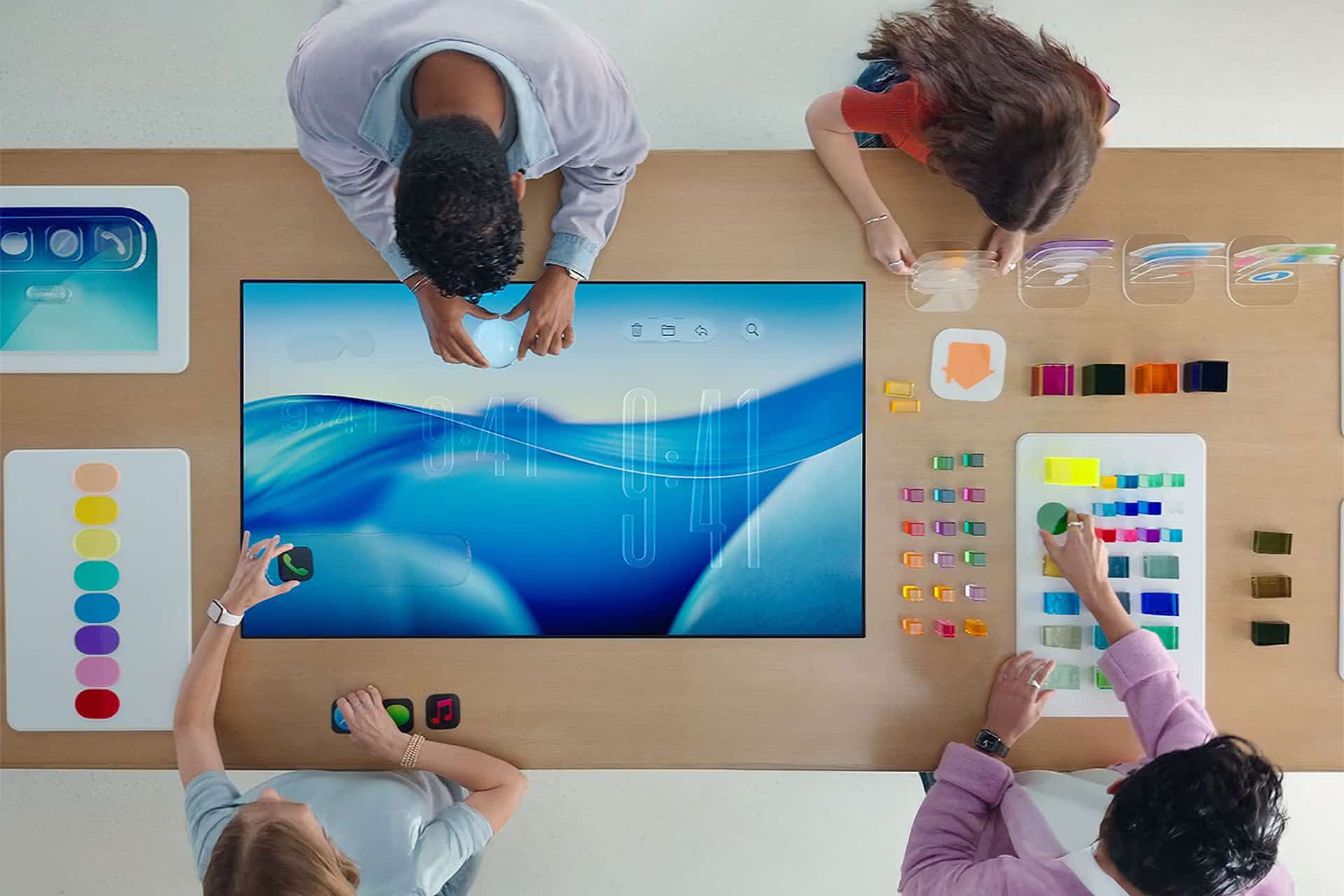
It happens that the platform company changes its guidelines, as Apple did when moving to iOS 7, when skeuomorphic design was replaced by flat icons and translucency. Minor OS updates can carry similar shifts in visual direction, pushing apps that have not been updated to look noticeably out of place against the refreshed system aesthetic.
UI and UX Updates Become Necessary
Some updates focus on UX and UI, and these are needed when users struggle to find things, onboarding is confusing, or the design feels outdated. UX improvements are not about visual polish but about reducing friction and cognitive load. Minor OS updates often trigger this need by shifting system behaviors that directly affect how users interact with on-screen elements.
How to Detect Visual Regressions Automatically?
In my experience working with visual testing, one of the most common pain points I have come across is catching visual bugs that functional tests simply miss. A button shifts two pixels, a font changes weight, a modal overlaps content, and none of your existing test scripts flag it.
In such cases, you can use tools like SmartUI by TestMu AI (Formerly LambdaTest). It is built to catch these pixel-level differences that human eyes and traditional automation often overlook. What stands out is that it compares screenshots across builds automatically, without requiring manual visual checks at every step.
SmartUI works by taking baseline screenshots of your UI and then comparing them against screenshots captured in subsequent builds.
Here is how it works:
- Supports major browsers and real devices so teams can check UI consistency across different environments without extra setup.
- Lets you select specific areas or DOM elements to ignore dynamic content and avoid false positives in test results.
- Focuses only on the structure and placement of elements across devices and screen sizes, which is useful for responsive and localization testing.
- Captures baseline images and compares them with new builds to detect layout shifts, styling mismatches, and font changes automatically.
- Works with multiple testing frameworks such as Storybook, Playwright, and Puppeteer for visual testing.
- Connects with Git, build pipelines, and automation workflows so visual testing becomes part of your release process.
- Provides CLI support and integrations like Figma to compare design mockups directly with actual application screens.
- Lets teams annotate screenshots, mark regions, and share visual test reports for faster reviews.
What Are the Best Practices of Visual Regression Testing?
Below are some simple practices to keep in mind when running visual regression checks or when using visual regression testing tools in general.
Keep Changes Simple
Your UI comparison tools should point out the significant bugs and show where visual changes appear. This makes it easier for developers and testers to apply updates without extra effort.
Reuse Test Steps
A right UI comparison tool should store actions and allow them to be reused. Teams should be able to run the same steps in multiple tests with only small edits. This reduces time spent recreating checks from zero.
Reduce the Need for Heavy Scripting
Tools that give ready-to-run test cases or reusable UI objects can reduce coding mistakes and shorten testing cycles. Automation should not depend on deep coding skills for every new check.
Connect Visual Regression Testing with Existing CI Tools
Your visual regression tests should run in the same pipelines you already use. When a build runs, visual checks should run as well. This makes sure the user interface is reviewed at the same stage as other tests.
Make Reports Simple and Clear
Reports should show all relevant information in a way that is simple to understand. Screenshots, videos, diff images, and error notes should all be available so teams can review results without confusion.
Use Reusable Strategies
Testers reuse steps and approaches when dealing with similar screens or components. Automation should do the same. A trainable system can learn from past test cases and make faster decisions on what passes and fails.
Conclusion
With frequent app updates and constant OS changes, even small UI shifts can go unnoticed and affect user experience. Teams move fast and push changes regularly, but every update brings the risk of breaking the app’s design without realizing it.
With visual regression testing, teams can catch these issues early by checking how the UI looks after every change. It helps confirm that layouts, elements, and styles remain consistent across builds.
If you want to avoid unexpected UI issues and keep your app design stable across updates, adding visual regression testing to your process is a smart step.
